What is error handling in automation?
Updated · By Robert Breen
Error handling is planning what an automation should do when a step fails: stop, retry, take a different path or alert someone. It turns silent failures into problems you hear about and can fix before customers notice.
Why it matters for a small business
Every automation fails sometimes. An API key gets revoked, Google asks you to reconnect, a customer types something odd, a service is down for a minute. Without error handling the workflow just stops, and you find out a week later that nobody got their job list. With it, you get an alert, a retry or a polite fallback.
Good error handling has two audiences. For you: a notification naming the failed step and the error. For the customer: a message that says what to do next, instead of a spinner or a false "Thanks". Both cost little to set up compared with one lost lead.
In a real lesson: Build an AI Service Request Form for Your HVAC Company
The HVAC service request form lesson handles failure on both sides for Cedar Ridge Heating & Air, a made-up company. In Lovable, the prompt says that if the webhook request fails, the form shows "Something went wrong. Please call the office." A homeowner with no heat gets a next step, not a dead end.
In n8n, the Webhook node's Respond setting is changed to Using 'Respond to Webhook' Node, so the form only hears "success" after the AI Agent has sorted the job, logged it in the Leads sheet and emailed the confirmation. If the agent breaks partway, the form gets an error and shows the call-the-office message, instead of confirming a request nobody saved.
For reading errors inside n8n, the AI Email Responder builds in a failure to practice on: a red memory node whose message points straight at the setting to fix.
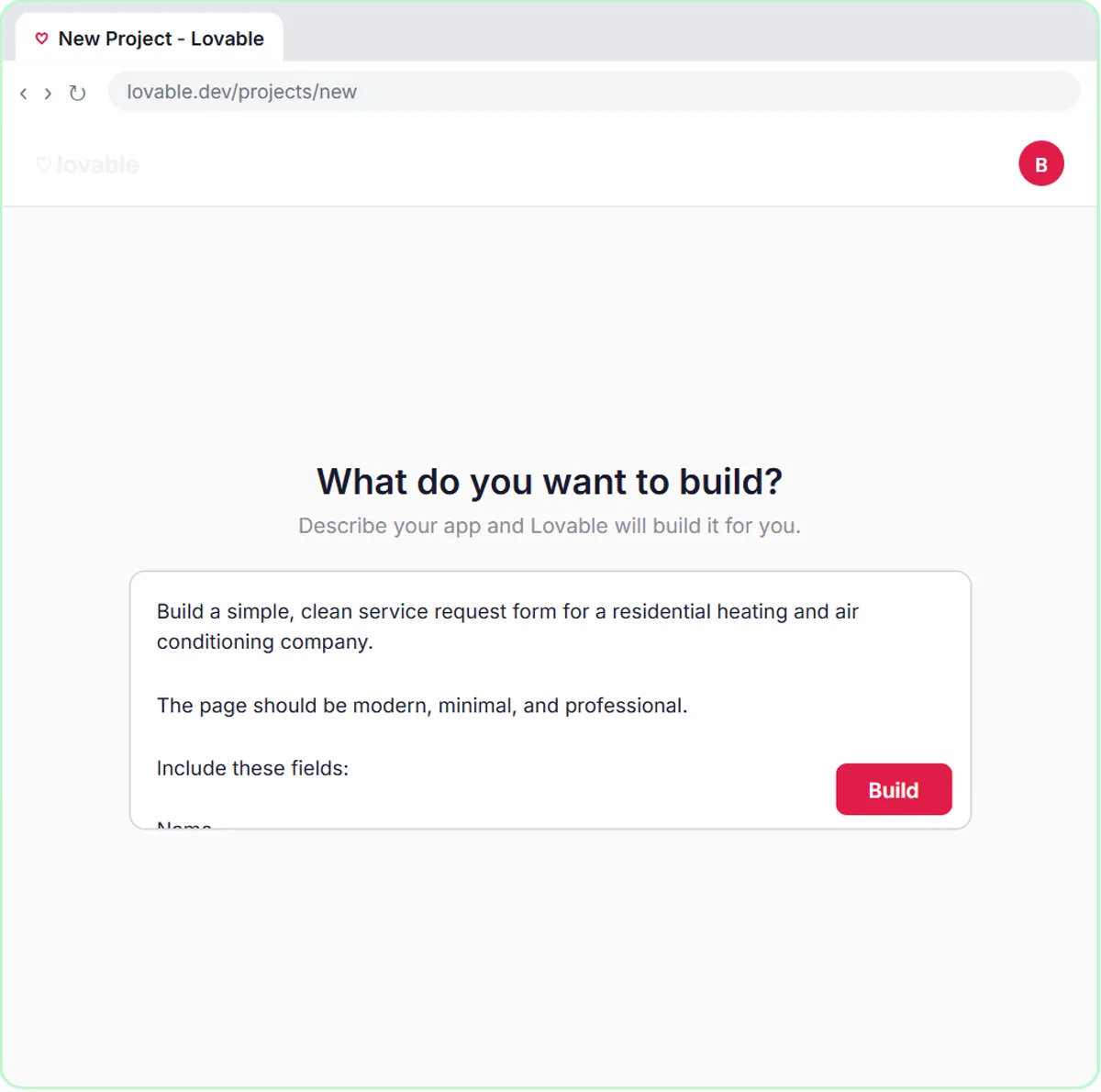
Try this lesson free or read the step-by-step guide.
Common confusions
Error handling vs testing
Testing catches the problems you can predict before launch. Error handling covers the ones you can't, after launch.
Retry vs error workflow
A retry (Retry On Fail in a node's settings) runs the same step again, which suits brief outages. An error workflow, started by n8n's Error Trigger node and chosen in a workflow's settings, runs when a whole run fails, which suits alerting you.
Continuing on error vs handling it
Setting a step to continue when it fails keeps the workflow moving. If nothing then checks the failed items, you've only made the failure silent.
Tips
- Build one error workflow that emails or messages you, and attach it to every published workflow.
- Read the red node's message before changing anything; it usually names the problem.
- Give customer-facing error messages a next step, like a phone number.
Related terms
Where you use it: free lessons
- Build an AI Service Request Form for Your HVAC Company (Lovable and n8n, 15 min)
- AI Email Responder: Draft Gmail Replies Automatically with n8n (n8n, 12 min)
- Lovable + n8n: Build a Web App with an AI Backend (Lovable and n8n, 15 min)
Prompt templates that use it
Frequently asked questions
- How do I get alerted when an n8n workflow fails?
- Create a workflow that starts with the Error Trigger node and sends you an email or message, then pick it as the error workflow in each workflow's settings.
- What should a form show if the backend fails?
- A short, friendly message with a next step, like the HVAC lesson's "Please call the office", so the customer isn't left guessing.
- Should I retry every failed step?
- Retry calls to outside services that may be briefly unavailable. Be careful retrying steps that could duplicate work, like sending the same email twice.