5 Steps to Find, Import and Run an n8n Template
A visual guide: find an n8n template, import it, connect your own Google Sheets and Gmail accounts, make it yours and run a test.
Slide 1 of 7 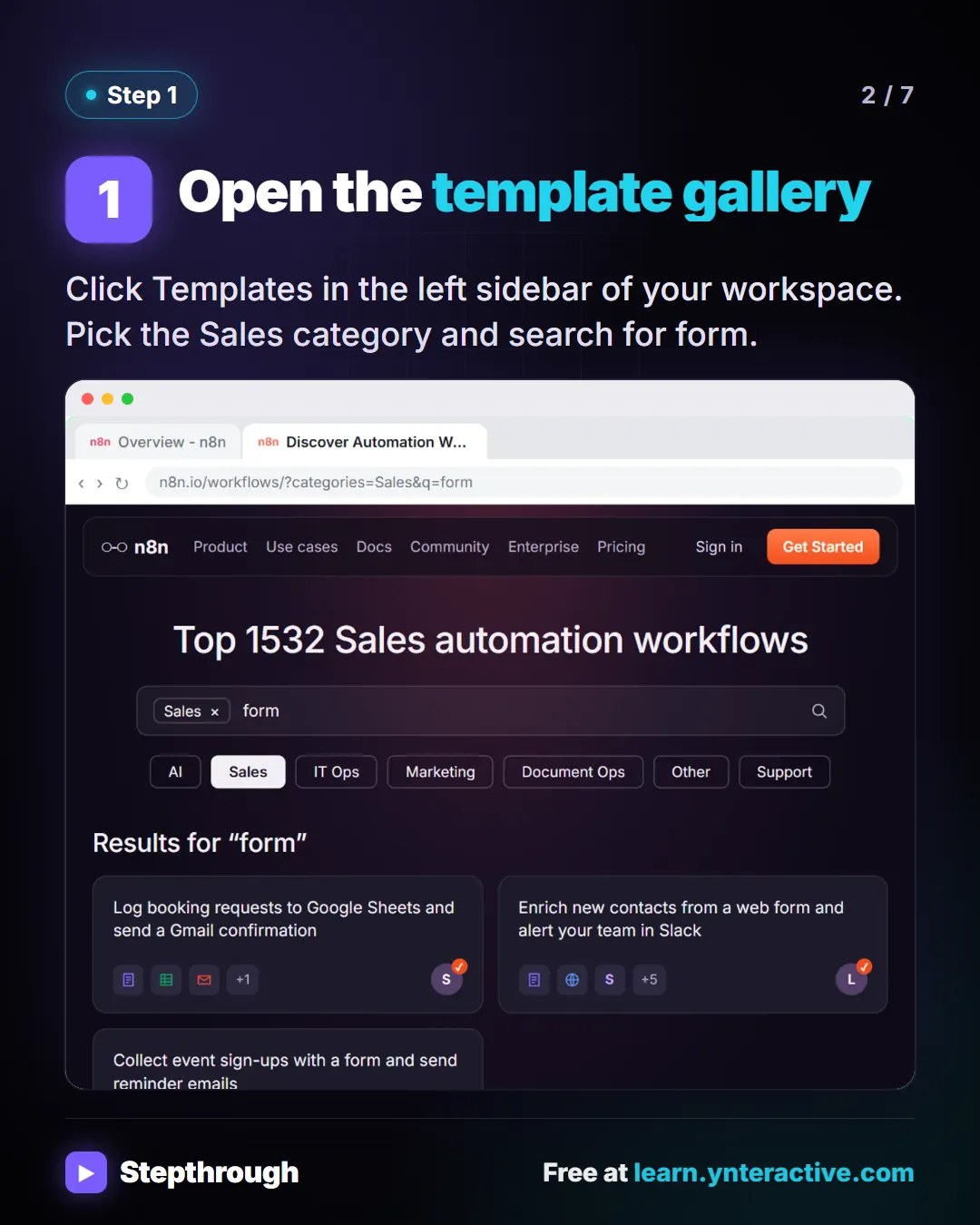
Slide 2 of 7 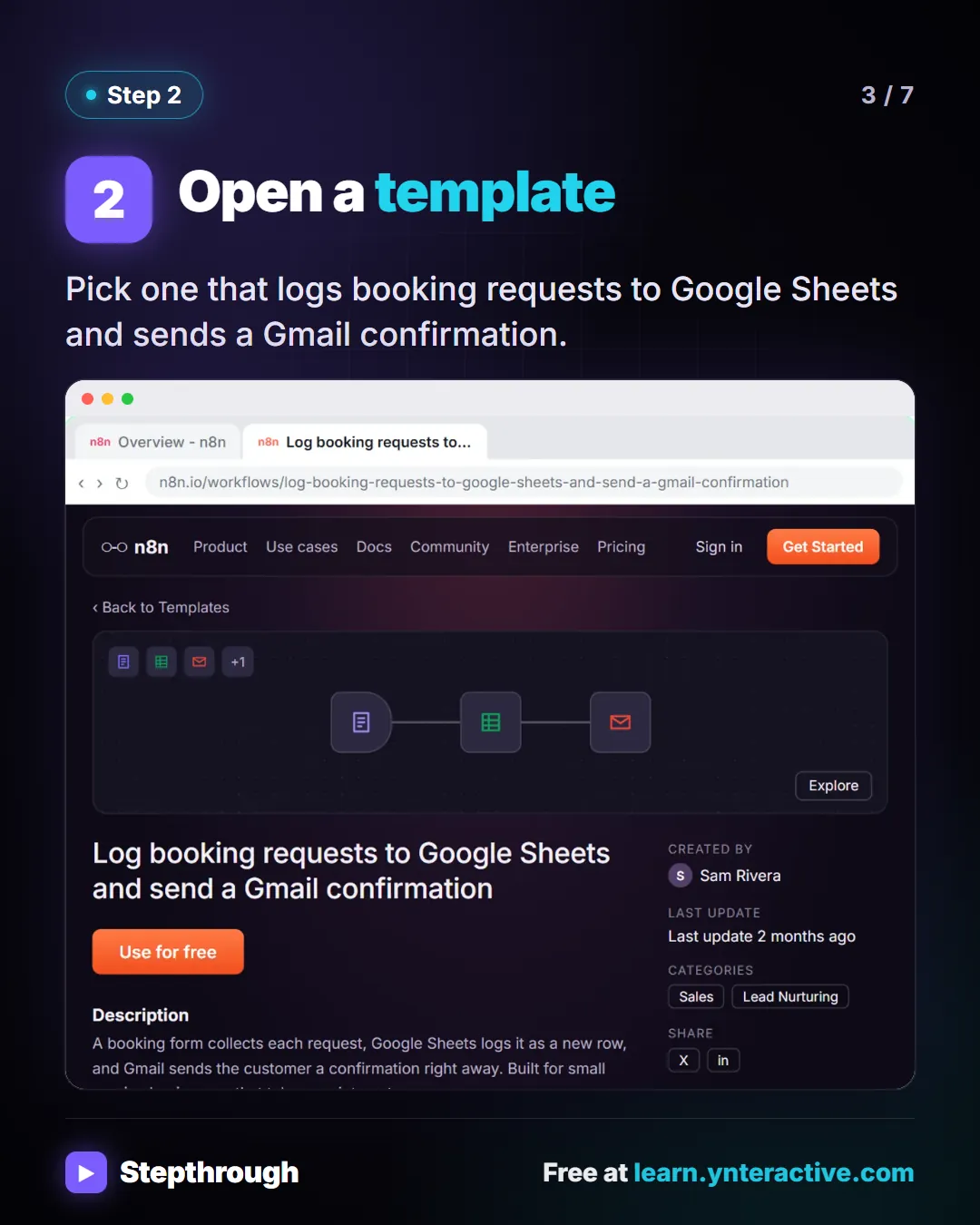
Slide 3 of 7 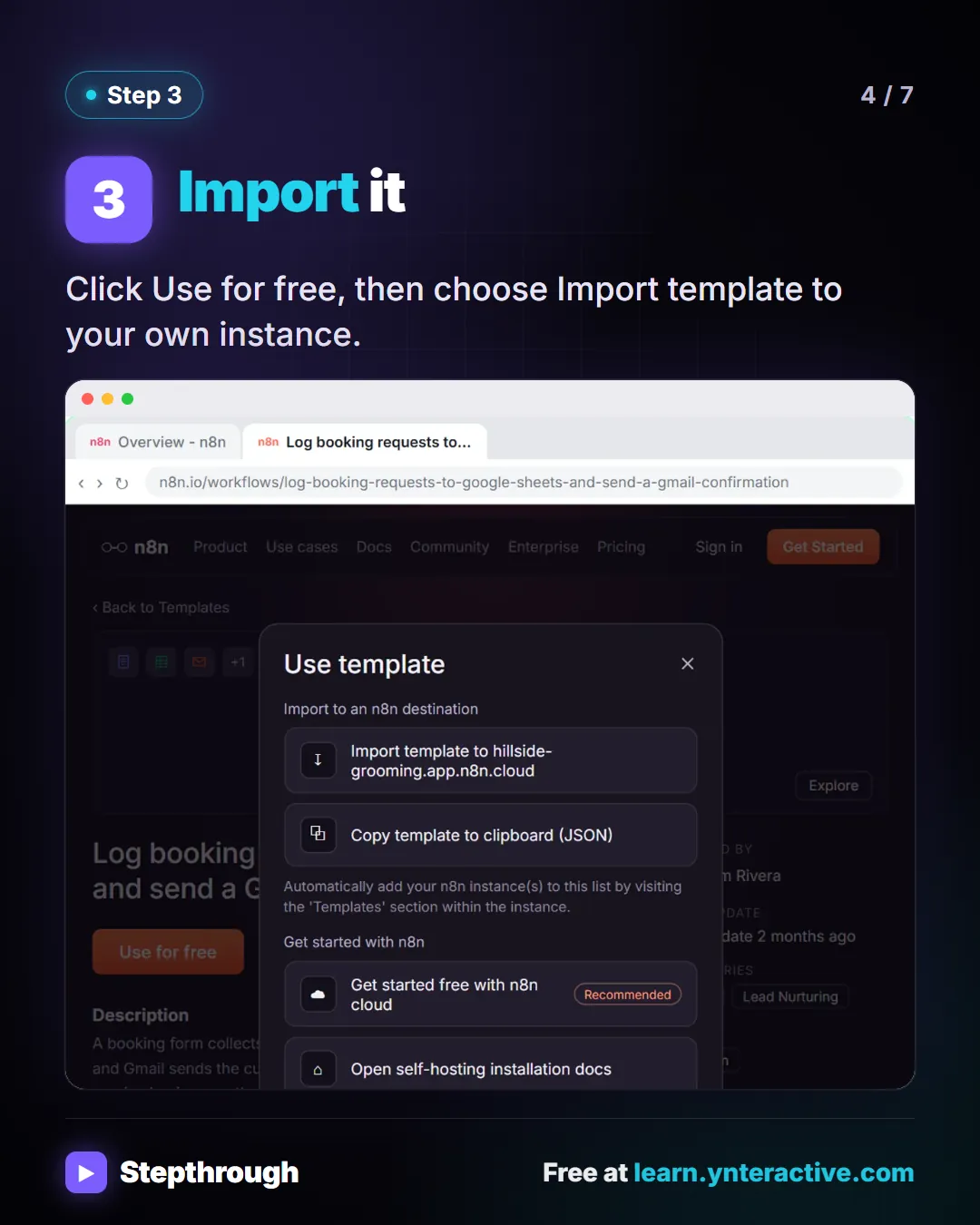
Slide 4 of 7 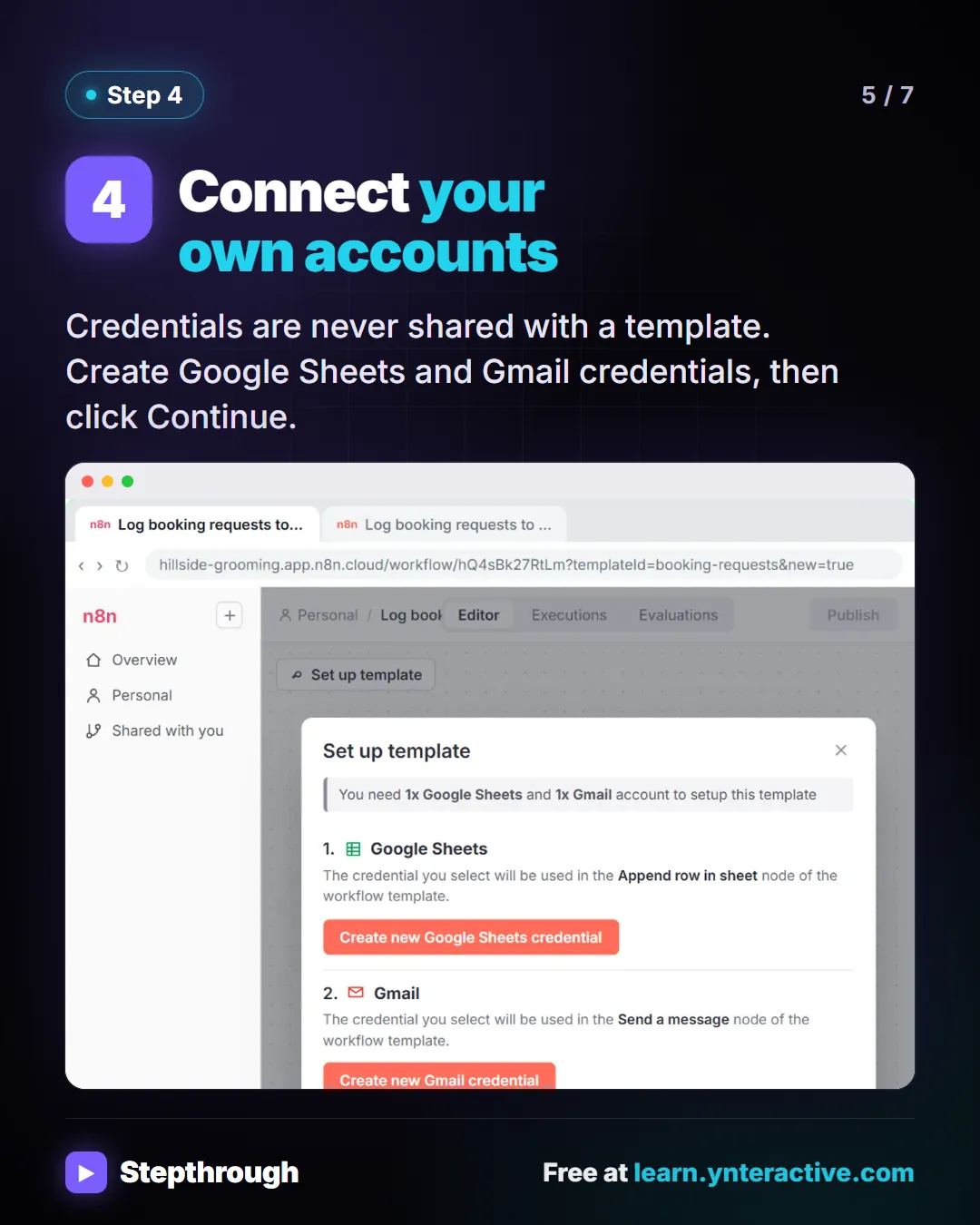
Slide 5 of 7 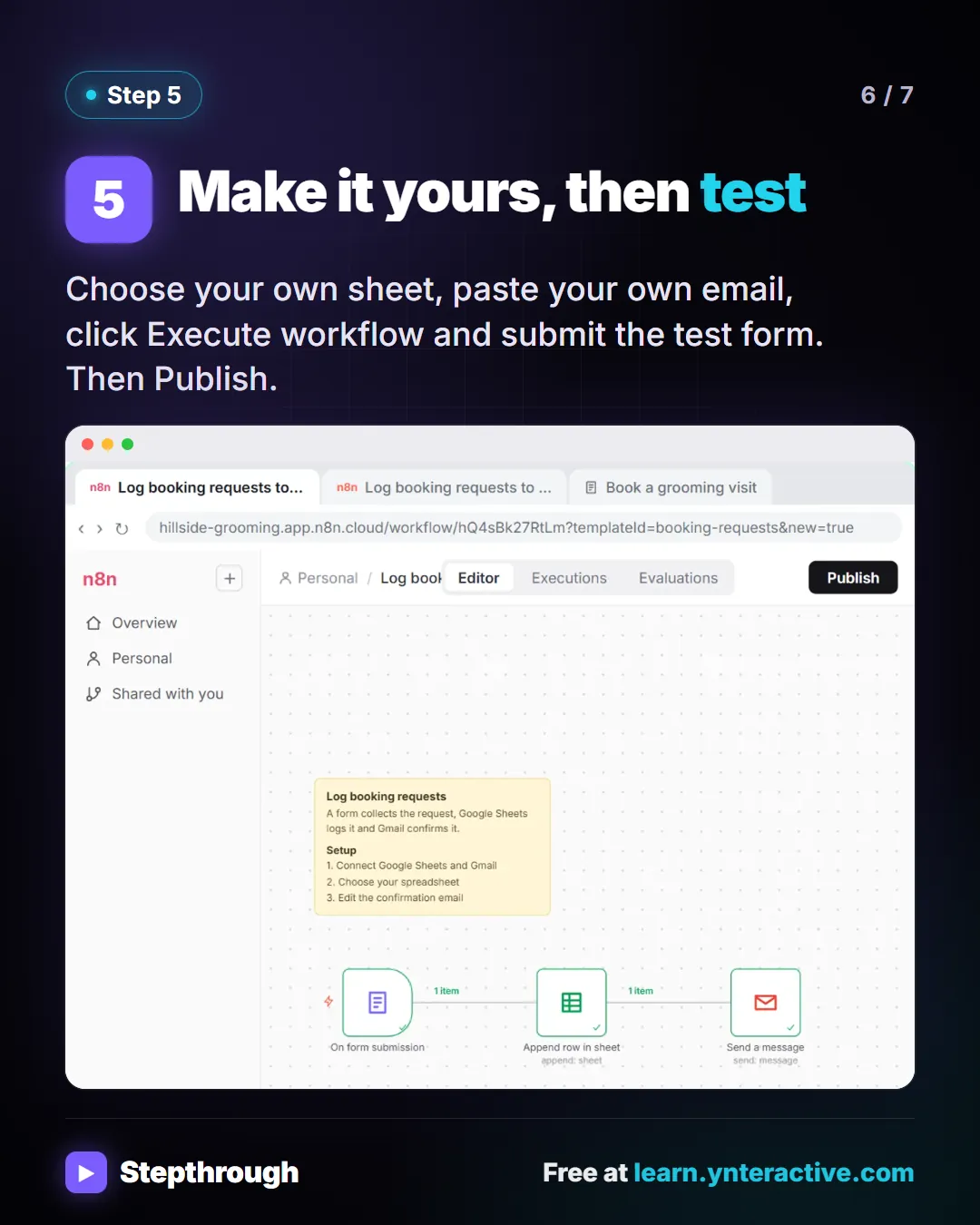
Slide 6 of 7 
Slide 7 of 7
The guide in text
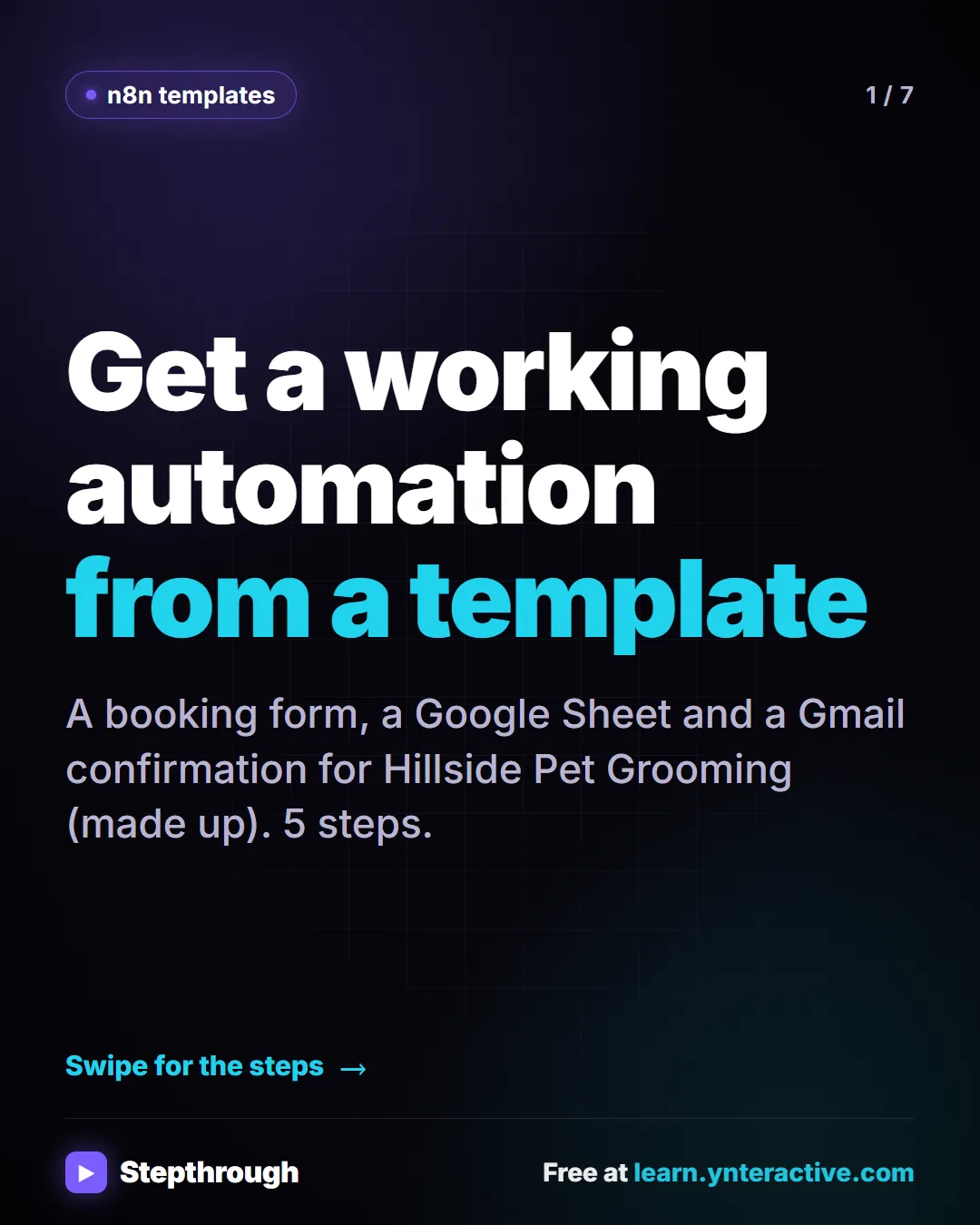
A booking form, a Google Sheet and a Gmail confirmation for Hillside Pet Grooming (made up). 5 steps.
Step by step
Open the template gallery
Click Templates in the left sidebar of your workspace. Pick the Sales category and search for form.
Open a template
Pick one that logs booking requests to Google Sheets and sends a Gmail confirmation.
Import it
Click Use for free, then choose Import template to your own instance.
Connect your own accounts
Credentials are never shared with a template. Create Google Sheets and Gmail credentials, then click Continue.
Make it yours, then test
Choose your own sheet, paste your own email, click Execute workflow and submit the test form. Then Publish.
Businesses and people in the examples are made up (Hillside Pet Grooming is a made-up business). The steps, screens and wording come from the free lesson and the Stepthrough glossary and prompt library.
Do it yourself, free
Find and Use n8n Templates. Skip the blank canvas. Find a ready-made workflow in the n8n template gallery, import it into your workspace, connect Google Sheets and Gmail, test it with a real form entry and publish it. You do every step yourself in a practice copy of n8n, it checks your work as you go, and “Do it for me” finishes any step you get stuck on. Free, and nothing touches your real accounts.
Start the free lessonRelated terms
Plain-English definitions, each with an example from a free lesson.
Related prompts
- Automation candidates prompt: Rank your repetitive tasks by which to automate first, using only your own counts and minutes, with a first workflow sketched…
- Customer intake form questions prompt: Design the questions for a booking or intake form: only what you need to do the job, each with a field type, help text and a…
- Appointment reschedule reply prompt: A ChatGPT prompt for replying to a reschedule request with only your real open slots, the right weekday for every date and no…
- Missed appointment follow-up prompt: Reach out after a customer misses an appointment: no blame, your real fee policy stated once, two open times to rebook, and an…
From the blog
 AI Training for Employees: A Free Plan for Small Teams
AI training for employees on a small-business budget: one rule set, three shared ChatGPT lessons, then role-based picks, all free in practice copies.
Oct 1, 2026 6 min read
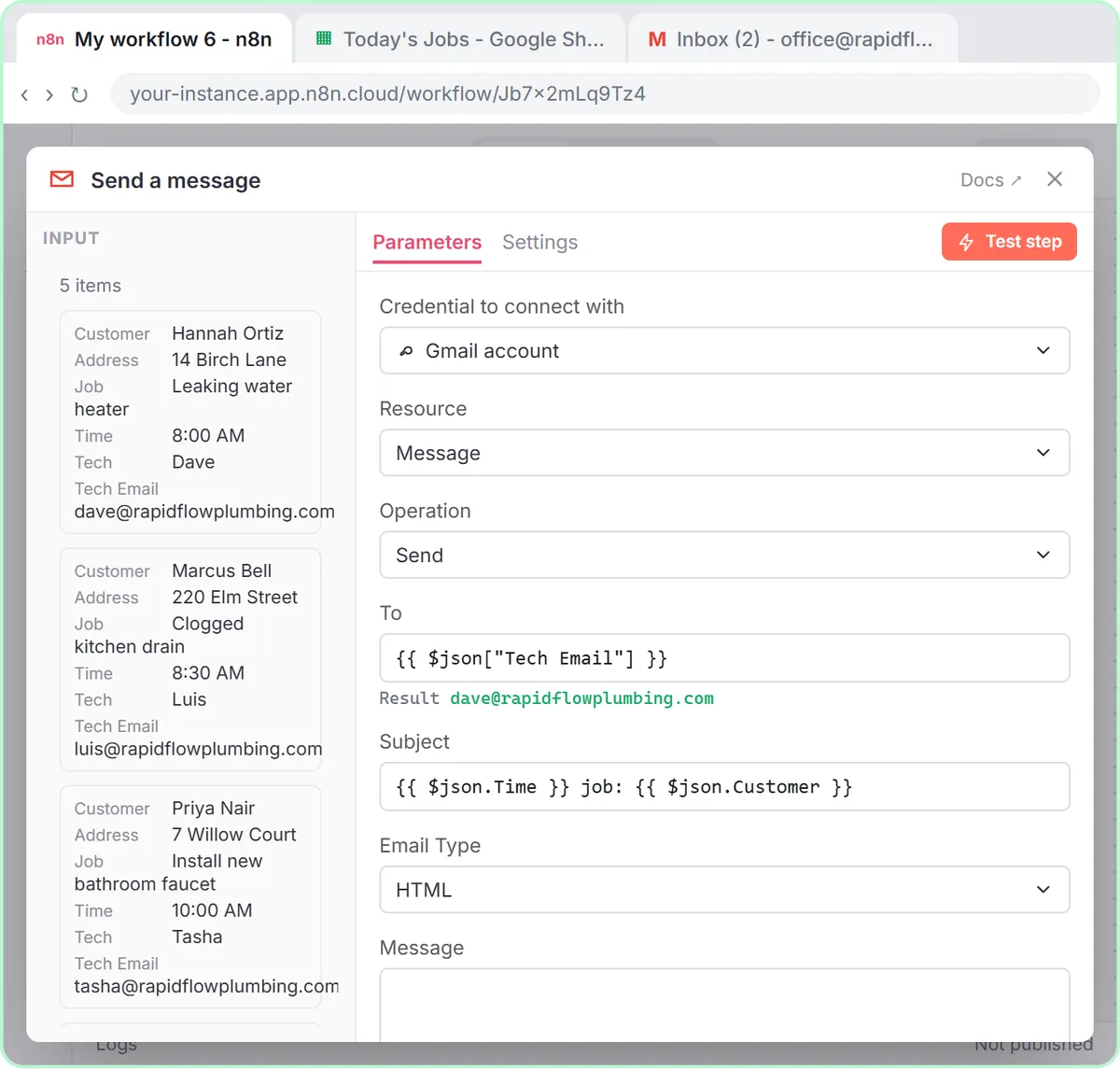 Mail Merge from Google Sheets to Gmail with n8n
Mail merge from Google Sheets to Gmail with n8n: one personalized email per row, with a filter, safe test sends and the settings that matter.
Oct 1, 2026 6 min read
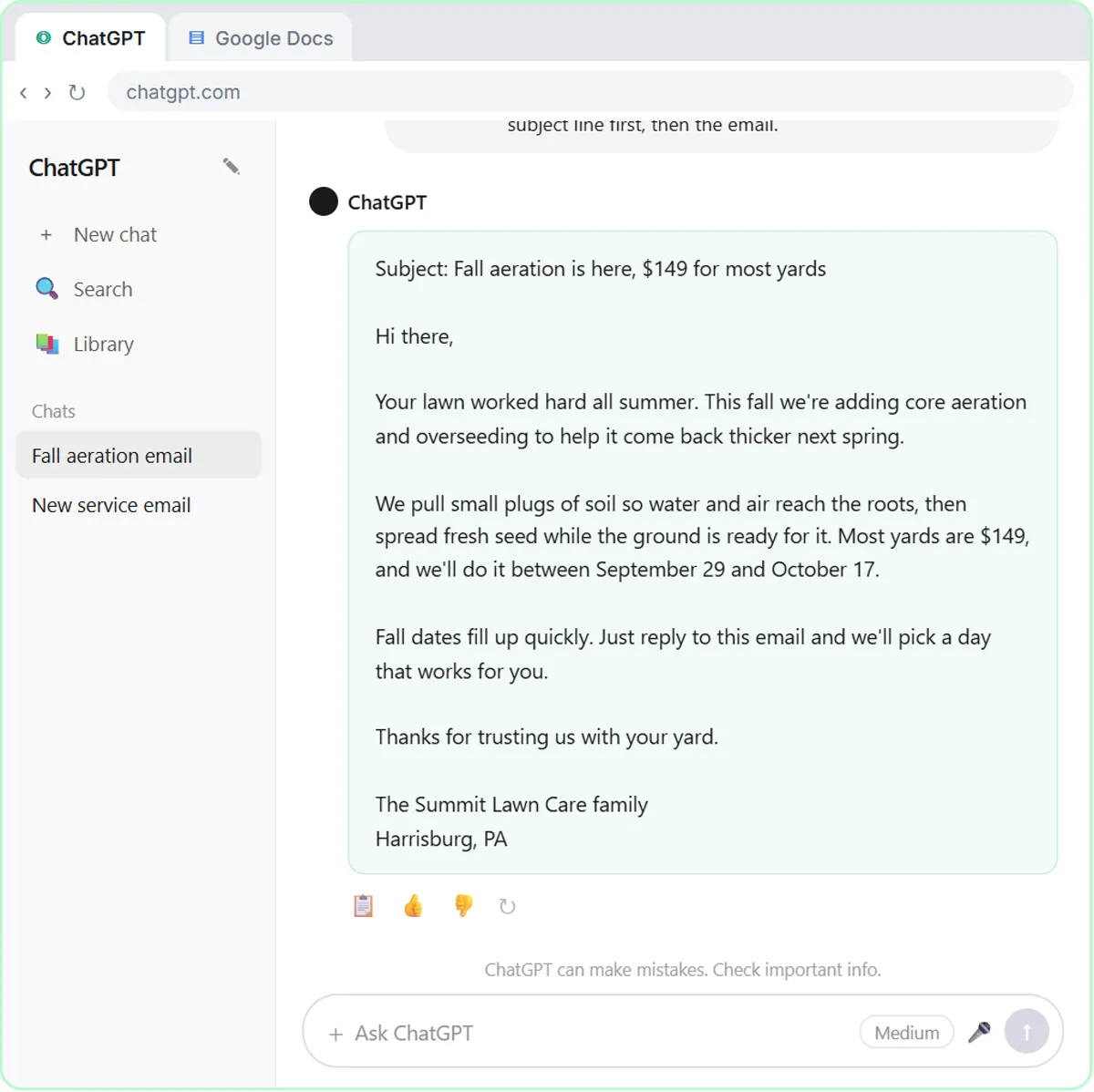 AI for Lawn Care Businesses: 3 Off-Season Projects
AI for lawn care and landscaping owners: three off-season projects, from ChatGPT customer emails to morning crew job emails and an online estimate form.
Oct 1, 2026 6 min read
More visual guides
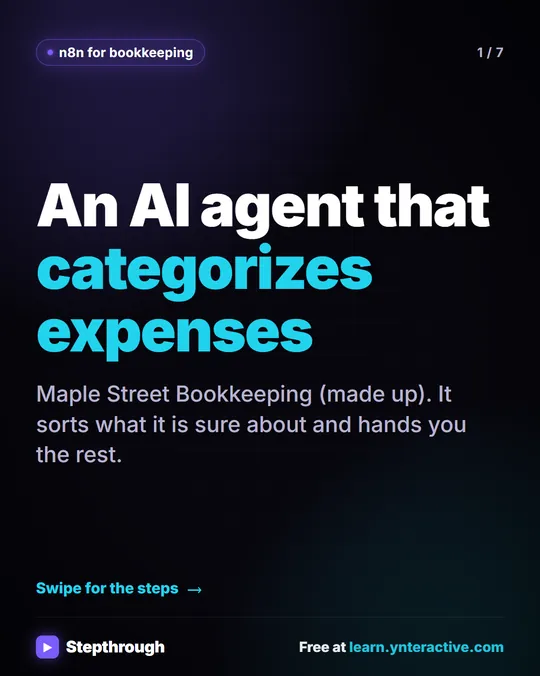 5 Steps to an AI Agent That Categorizes Business Expenses
A visual guide: an n8n agent sorts expenses into a fixed list of categories, flags unclear ones as Needs Review and saves them to Google Sheets.
Step-by-step guide 7 slides
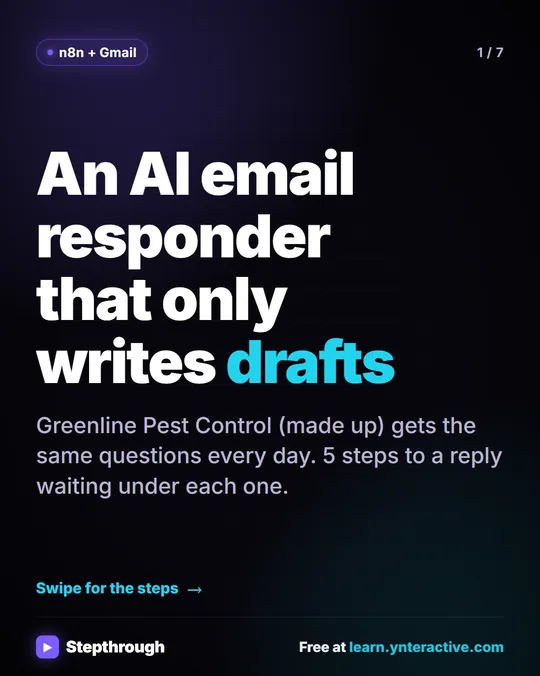 5 Steps to an AI Email Responder That Only Writes Drafts
A visual guide: an n8n agent reads each new Gmail message and saves a reply as a draft in the same thread. You read it and click Send.
Step-by-step guide 7 slides
 5 Steps to an n8n AI Agent That Saves to Google Sheets
A visual guide: build an n8n AI agent that writes social media ideas and saves each one as a Google Sheets row, in 5 steps from the free lesson.
Step-by-step guide 7 slides