Quick answer
The n8n Code node runs JavaScript or Python on your items in the middle of a workflow. Set Mode to Run Once for All Items, read the input ($input.all() in JavaScript, _items in Python) and return a list of items, each with its data under json. Python runs in a sandbox with no imports unless your instance allows them.
Last updated · Last checked
Updated . Built against the tool’s current screens and checked step by step. How we check this lesson
n8n has a ready-made node for most office jobs, and then there is the leftover: a total nobody thought of, a format that is slightly off, a rule with too many exceptions. That is what the Code node is for. In this free n8n Code node tutorial you take a made-up staffing agency's weekly timesheet, total the hours and the invoice amount for each client with eight lines of JavaScript, and then run the same job in Python. You do not need to be a programmer. You need to know where the code goes, the one rule it must follow, and how to read what comes out.
At a glance
| Question | Answer |
|---|---|
| What you build | Use the n8n Code node to do what no ready-made node does: total timesheet hours per client in eight lines of JavaScript, then run the same job in Python. |
| Tools | n8n |
| Time | About 6 minutes, 15 steps in 5 parts |
| Level | Intermediate |
| Cost | Free |
| Ways to learn it | Practice it step by step |
The 5 parts, in short
- Look at the timesheet: Open the timesheet, Read the seven rows.
- Add a Code node: Add a step, Search for Code, Pick Code, Open Mode, and 1 more step.
- Total the hours in JavaScript: Paste the code, Run it.
- The same job in Python: Open Language, Python, Paste the Python, Run it, and 1 more step.
- Run it all: Run the whole workflow.
Start here first: n8n: What Is n8n? Build Your First Workflow (module 1 of n8n Automation Toolkit)
In the course: Part 9 · n8n Automation Toolkit (Module 102 of the full course)
Part of: n8n Jump Start (step 7 of 26). Next up: Get Your Daily Revenue Total by Email, Automatically, using n8n
Part of: n8n Intermediate: Real Business Workflows (step 6 of 20). Next up: n8n + Felo: A Monday Research Brief With a Source for Every Answer
The n8n workflow
The workflow from this lesson with both versions side by side: one Code node in JavaScript and one in Python, fed by the same sample timesheet. It needs no credentials: import it and click Execute workflow.
Download the n8n workflow (JSON)
What goes in and what comes out
Seven timesheet rows go in. Three items come out, one per client, with the hours added up and an invoice amount at $42 an hour. Both the JavaScript and the Python version returned exactly this when run in real n8n.
| client | hours | invoice |
|---|---|---|
| Kessler Logistics | 23.5 | 987 |
| Northgate Dental | 12.5 | 525 |
| Alder & Finch Law | 13 | 546 |
What you will build
A three-node workflow for Brightwell Staffing: a manual trigger, a Sample timesheet node with one week of rows (worker, client, hours) and a Code node. The Code node replaces the Friday pivot table: it adds up the hours for each client and works out the invoice amount.
The sample data lives inside the workflow, so there is nothing to connect. In a real office the first node would read the timesheet from Google Sheets, and the totals would go on to your invoicing app.
The one rule: items in, items out
Every n8n node receives a list of items and passes a list of items on. The Code node is no different, except that you write the middle. In JavaScript you read the input with $input.all(), and each item's data is under item.json. Whatever you return must be a list of items again, each with its data under a key called json. Nearly every Code node error is a broken version of that rule: returning a bare value, or forgetting the json key.
Mode: all items or each item
Mode has two choices. Run Once for All Items runs your code one time and hands it the whole list, which is what a total, a ranking or a summary needs. Run Once for Each Item runs it once per item, which suits a small change to every row, such as splitting a full name. If you are adding things up, you want the first.
Python in n8n: what is different
Switch Language to Python and the rules change a little. The input is in _items when the mode is Run Once for All Items, and in _item when it runs once per item. You still return a list of items with their data under json. The $ helpers from JavaScript are not available.
Python runs in a locked-down sandbox: it cannot reach the internet, and imports are disabled unless whoever runs your n8n allows them. Plain Python, with loops, dictionaries and list comprehensions, is enough for most reshaping jobs. If you need a library or data from the web, fetch it with the HTTP Request node and process the result in code, or use JavaScript.
When not to use code
Reach for a ready-made node first: they are easier for the next person to read. Filter and Edit Fields cover most keep-this, rename-that jobs, If and Switch cover routing, and the Summarize node covers simple totals. Use the Code node when the job needs two or three of those chained awkwardly, or a rule none of them express. And when you do use it, add error alerts, because code is where surprises hide.
Links
- n8n (affiliate link): the workflow tool this lesson teaches. n8n Cloud has a free trial.
- n8n docs: Code node: modes, languages and the built-in helpers.
- n8n docs: built-in methods and variables: what $input, $json and the others give you.
Disclosure: links marked "affiliate link" are partner links. If you sign up through one, Stepthrough may earn a commission at no extra cost to you. The lesson is free either way and does not depend on it.
Try it yourself, free
Reading the steps is a start. Doing them is how it sticks. The interactive module walks you through every click in a practice copy of n8n, checks each step, and never touches your real accounts.
Start “n8n: Run JavaScript or Python in the Code Node (Total Hours by Client)”Step by step: n8n: Run JavaScript or Python in the Code Node (Total Hours by Client)
All 15 steps of the interactive module, in order. In the module you watch each one, then do it yourself in a practice copy that checks your work.
1. Look at the timesheet
- Open the timesheet. Every Friday someone at Brightwell Staffing builds a pivot table to total hours per client before invoicing. You will make one n8n step do it. Click Sample timesheet.
Every Friday, someone at Brightwell Staffing builds a pivot table, to total the hours for each client, before the invoices go out. It takes an hour. You'll make one n8n step do it.
- Read the seven rows. Seven items: worker, client and hours. Three clients, each on more than one row. Close the node.
Seven items. Worker, client and hours. Three clients, and each one is on more than one row. Close the node.
2. Add a Code node
- Add a step. Click the + after Sample timesheet.
- Search for Code. Type Code.
- Pick Code. Click Code. (If your n8n then asks which language, pick Code in JavaScript.)
If your n8n then asks which language, pick JavaScript.
- Open Mode. Two settings sit above the code. Open Mode.
Two settings sit above the code.
- Run Once for All Items. Keep Run Once for All Items: the code runs one time and sees all seven rows, which is what a total needs. The other choice runs it once per row.
Keep Run Once for All Items. The code runs one time, and sees all seven rows. That's what a total needs. The other choice runs it once for each row.
3. Total the hours in JavaScript
- Paste the code. Language says JavaScript. In real n8n you would select the starter code and paste over it. Here, Paste in the the code.
Language says JavaScript. In real n8n, you'd select the starter code, and paste over it.
- Run it. Read it once: it loops over every row, adds the hours to that client's total, then returns one item per client with hours × 42 as the invoice. Click Execute step.
Read it once. It loops over every row. It adds the hours to that client's total. Then it returns one item for each client, with the hours times forty two dollars, as the invoice.
4. The same job in Python
- Open Language. Three items: Kessler Logistics 23.5 hours and $987, Northgate Dental 12.5 and $525, Alder & Finch Law 13 and $546. Now the same job in Python. Open Language.
Three items. Kessler Logistics, twenty three and a half hours. Northgate Dental, twelve and a half. Alder and Finch Law, thirteen. Now the same job, in Python.
- Python. Choose Python.
- Paste the Python. The box now holds Python starter code, and the hint below changed: input comes from _items, and imports are off unless your instance allows them. Paste in the the code.
The box now holds Python starter code, and the hint below it changed. The input comes from underscore items. And imports are off, unless your instance allows them.
- Run it. Same idea, Python spelling. Click Execute step.
Same idea, in Python spelling.
- Close the node. The same three items. Use whichever language you can read; JavaScript has more helpers in n8n. Close the node.
5. Run it all
- Run the whole workflow. Click Execute workflow to run every step from the start.
Frequently asked questions
- Can n8n run a Python script?
- Yes. Add a Code node and set Language to Python. Read the input from _items, return a list of items with their data under json, and keep to plain Python: imports are disabled unless your n8n instance allows them, and the code cannot reach the internet.
- Do I need to know how to code to use the n8n Code node?
- It helps to be able to read a short loop, but you do not need to write one from nothing. Describe the input and the output you want to an AI assistant, paste the code it gives you, run it on test data and check the result by hand.
- Why does my Code node say it must return an array of objects?
- Your code returned something that is not a list of items. Wrap each result as an object with a json key, and return them in a list, as the examples in this lesson do.
- JavaScript or Python: which should I use in n8n?
- JavaScript is n8n's home language: it has the $ helpers, date tools and fewer limits. Use Python when you or your team read it more easily and the job needs no libraries.
- Is this lesson really free?
- Yes. Stepthrough is free, and the practice copy needs no account. To build it for real you need n8n: n8n Cloud has a free trial, and self-hosted n8n is free. This workflow uses no paid apps and no API keys.
More in n8n Automation Toolkit
 n8n: What Is n8n? Build Your First Workflow
What n8n is and how it thinks, then your first workflow: a client inquiry form that catches every request and writes a one-line summary. No code, no accounts to connect.
Free · Live ~8 min Beginner
 How to Do n8n Automation for Beginners: Sort Inquiries and Draft Replies with AI
AI workflow automation for beginners: a form catches each client inquiry, an AI step sorts it and drafts the reply, and an If rule flags the urgent ones. Real n8n, free…
Free · Live ~12 min Beginner
 n8n: Items, JSON and Expressions, Explained by Doing
See how n8n holds data: pin five fake invoices, read them as items, Table and JSON, then write one reminder per invoice and a late fee with drag-and-drop expressions.
Free · Live ~9 min Beginner
 n8n: Run a Workflow on a Schedule (Every Monday at 8am)
Use the n8n Schedule Trigger to run a workflow by itself: every Monday at 8am, a timesheet reminder. Set the interval, test it now, and check the time zone.
Free · Live ~6 min Beginner
 n8n: Send Form Answers Straight to Google Sheets
Build a consultation request form in n8n (required fields, email, dropdown), test it, and add every answer as a new row in Google Sheets. No webhook, no form tool to…
Free · Live ~10 min Beginner
 n8n: Summarize Customer Emails with OpenAI
Your first AI step in n8n: send each customer email to OpenAI with one prompt and get a one-line summary plus the next step. No agent needed, about a cent of API use.
Free · Live ~9 min Beginner
All 28 modules in n8n Automation Toolkit
More n8n tutorials
 How to Create an AI Agent in n8n That Saves Ideas to Google Sheets
Build an AI agent for BrightPath Marketing that generates social media post ideas and saves them to Google Sheets — chat trigger, AI Agent, system prompt, model…
Free · Live ~12 min Intermediate
 How to Build in Lovable: A Web App with an n8n AI Backend
Build a contact form in Lovable and connect it to an n8n workflow — webhook trigger, AI Agent, Google Sheets, Gmail, and a Respond node that ties it all together.
Free · Live ~15 min Advanced
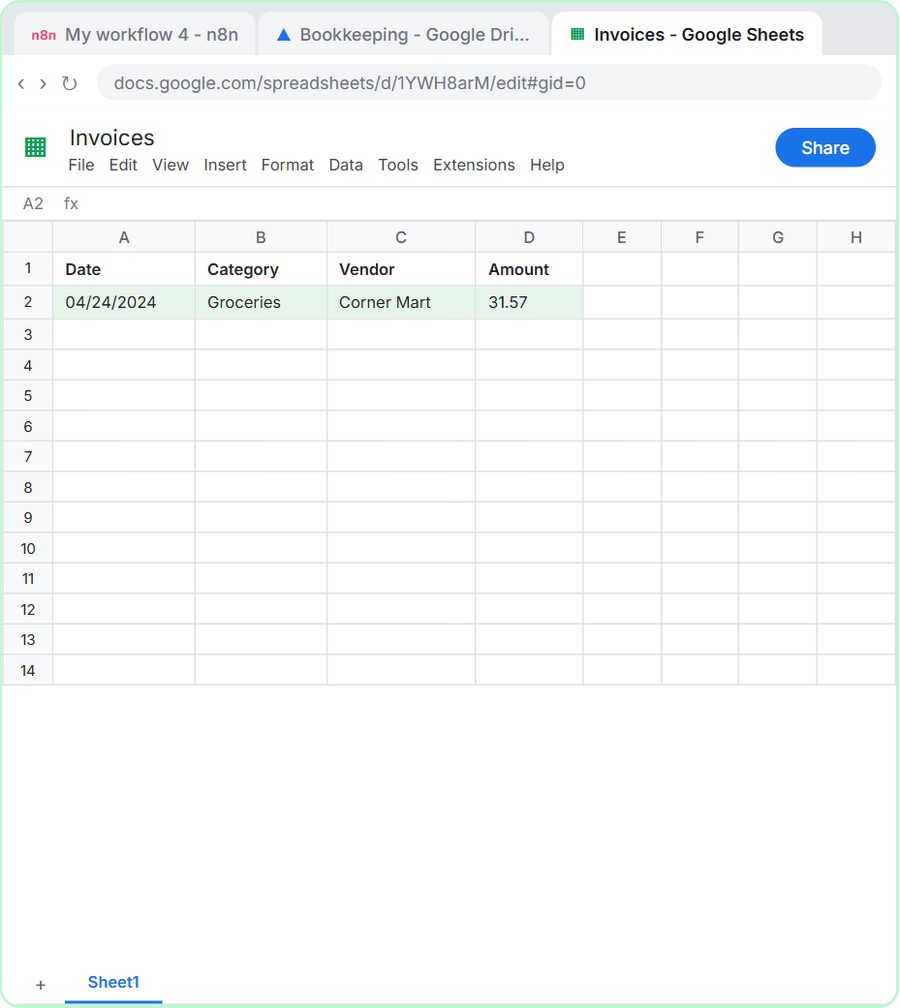 How to Do OCR in n8n: Read Receipt Photos into Google Sheets with AI
Drop a photo of a receipt into an n8n chat. An AI agent reads it, pulls out the date, vendor and amount, picks a category, and adds a row to Google Sheets.
Free · Live ~12 min Intermediate
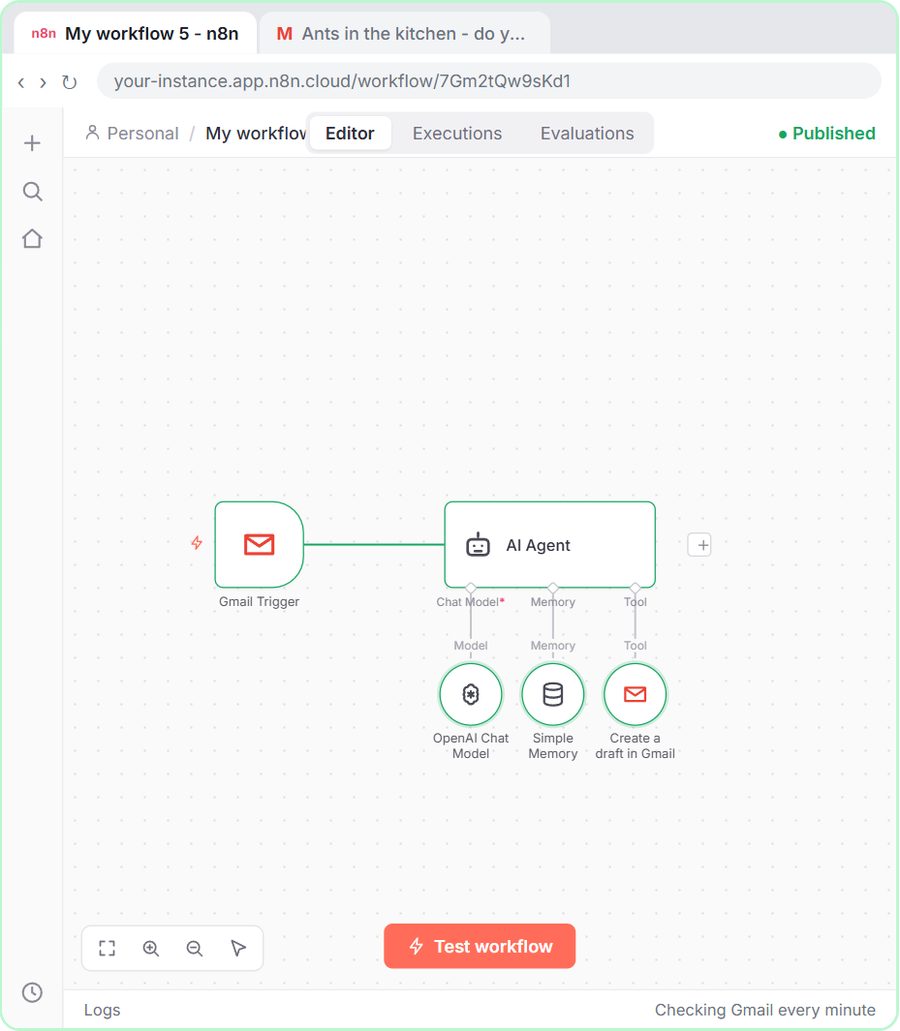 n8n AI Email Responder: Draft Gmail Replies Automatically
Build an n8n agent that watches your Gmail, reads each new customer email, and writes a reply as a draft in the same thread, ready for you to check and send.
Free · Live ~12 min Intermediate
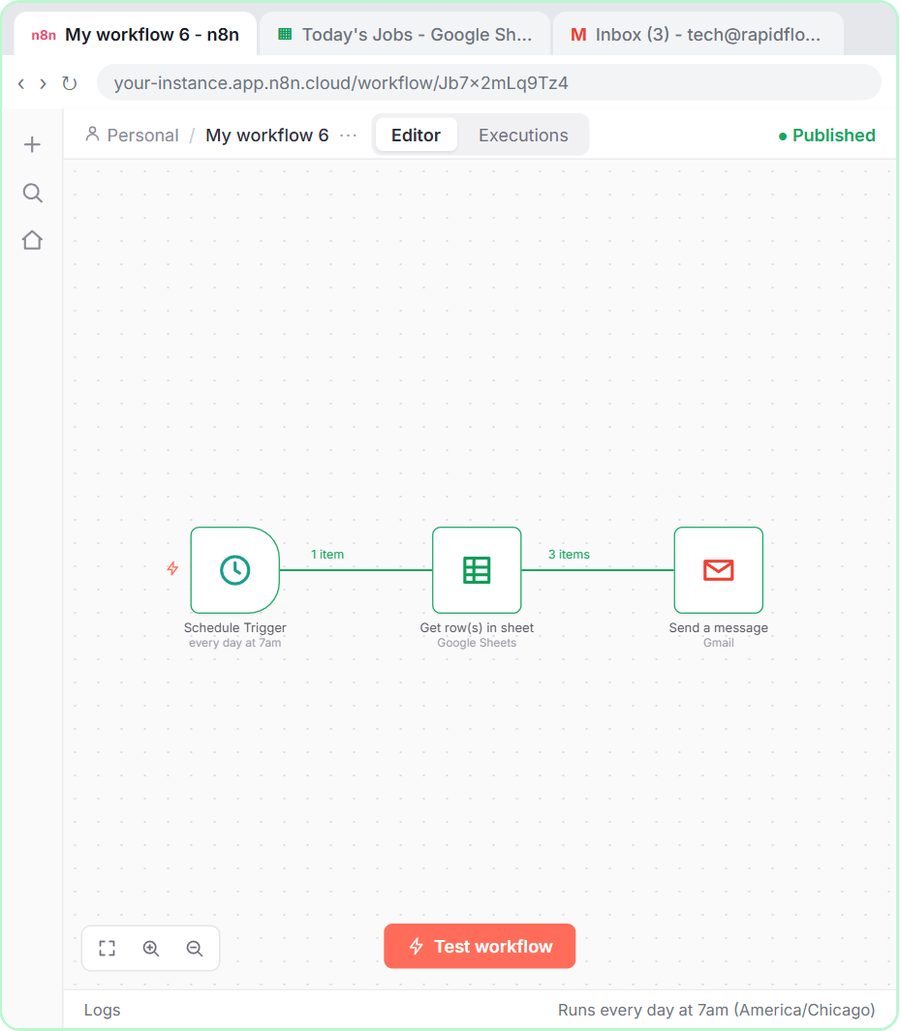 How to Make an n8n Workflow That Emails Each Tech Their Jobs from Sheets
Every morning at 7, n8n reads a plumbing company's jobs sheet, skips anything not assigned yet, and emails each job to the tech it's assigned to — customer, address…
Free · Live ~10 min Intermediate
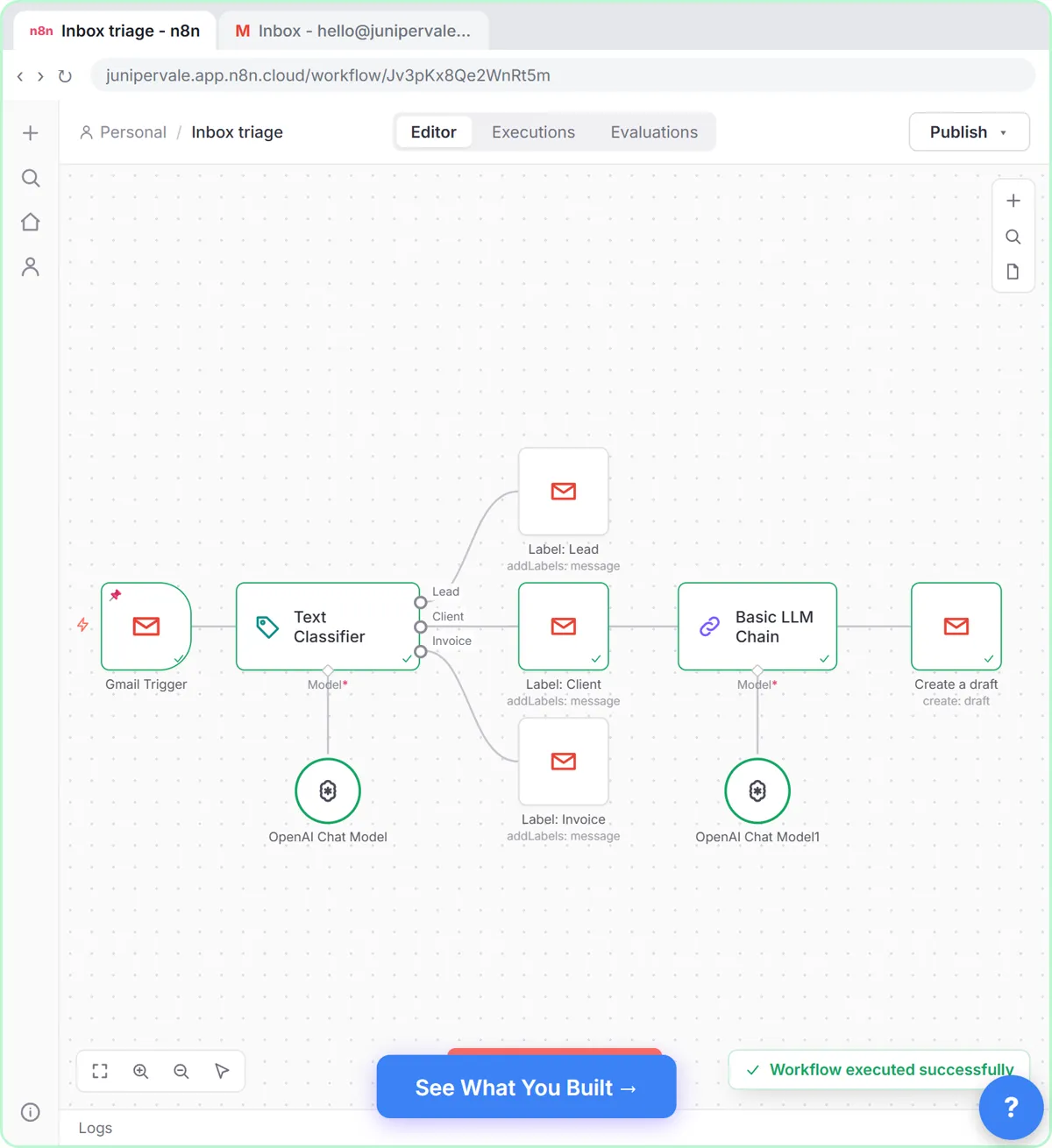 Gmail AI Triage: Auto-Label Every Email and Draft Replies
Build an n8n workflow that reads each new email, sorts it as a lead, a client or an invoice with a Text Classifier, adds the matching Gmail label, and drafts a reply to…
Free · Live ~18 min Advanced
Terms in this lesson
Plain-English definitions, each with an example from a free lesson.