The welcome email is the first thing a new subscriber reads from you, and it arrives when they're most interested: right after they asked for something. A generic "thanks for signing up" wastes that moment. A welcome that answers the question they just told you about doesn't.
What does the lead magnet signup automation do?
The automation has two halves: a Lovable form that collects the signup, and an n8n workflow that handles it. In the lesson:
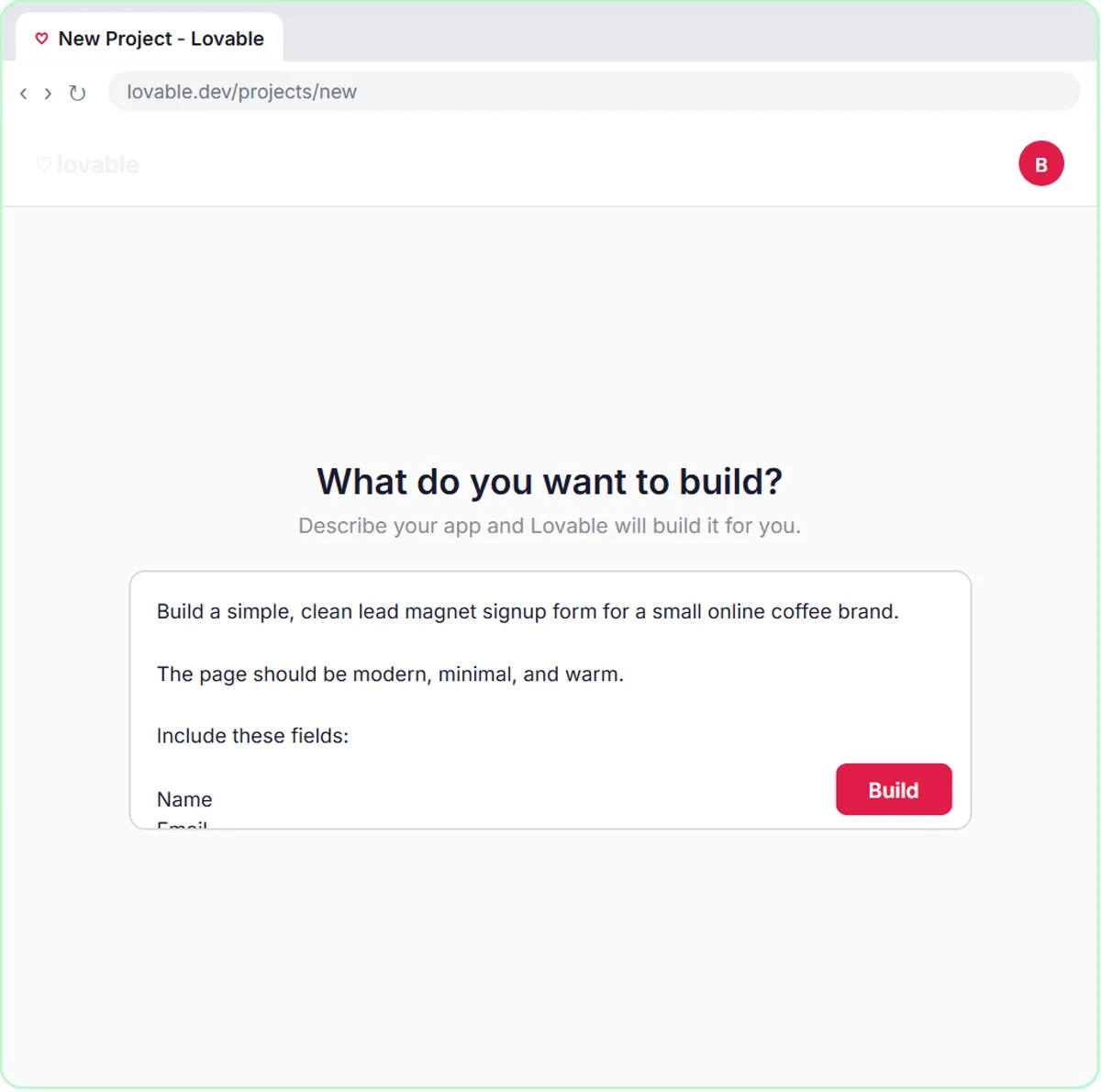
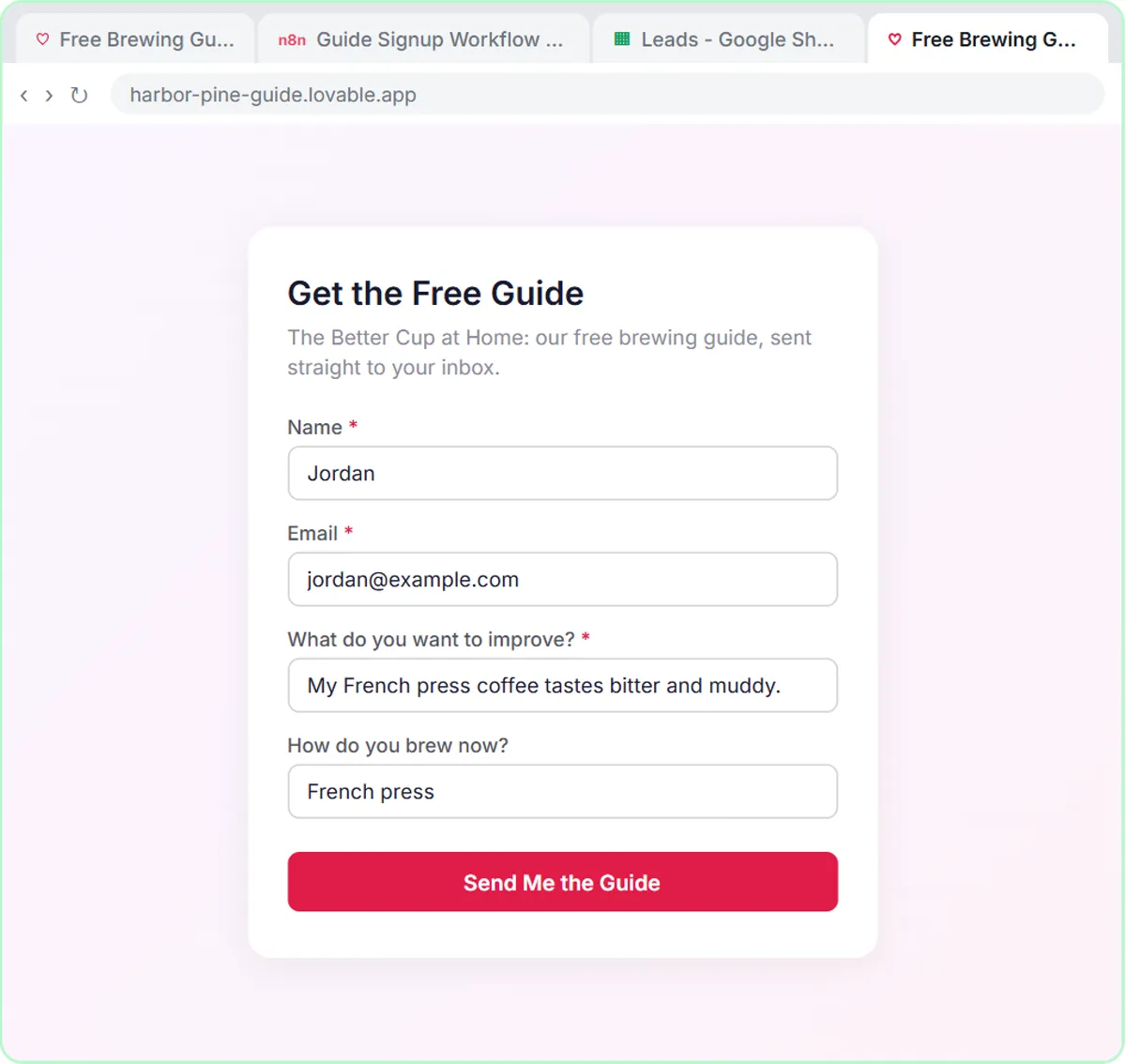
- The form, in Lovable. A "Get the Free Guide" page offers The Better Cup at Home, a free brewing guide. It asks for Name, Email, "What do you want to improve?" and an optional "How do you brew now?"
- The workflow, in n8n. An On webhook call trigger receives the signup. An AI Agent with the OpenAI Chat Model (gpt-5-mini) tags the lead, a Google Sheets Tool saves it to a sheet called Leads, a Gmail Tool sends the welcome, and a Respond to Webhook node tells the form it worked.
When it works, the form shows "Check your inbox! Your free guide is on its way."
Why ask questions on a lead magnet form?
One or two questions at signup tell you what each subscriber cares about, so the very first email can be specific. The Harbor & Pine form keeps it to two, and only one is required.
"What do you want to improve?" is required because the welcome tip depends on it. "How do you brew now?" is optional, because a beginner may not know what to call their setup, and you'd rather have the signup than a perfect answer. The Lovable prompt says it plainly: "Require Name, Email, and What do you want to improve. How do you brew now is optional."
Keep the form short. Every extra field is a reason to close the tab.
How does the AI agent segment each lead?
The agent's system message lists exactly four segments and tells it to pick one: New to Brewing, French Press & Pour-Over, Espresso at Home or Gift Buyer. A short, fixed list keeps the tagging consistent and easy to check.
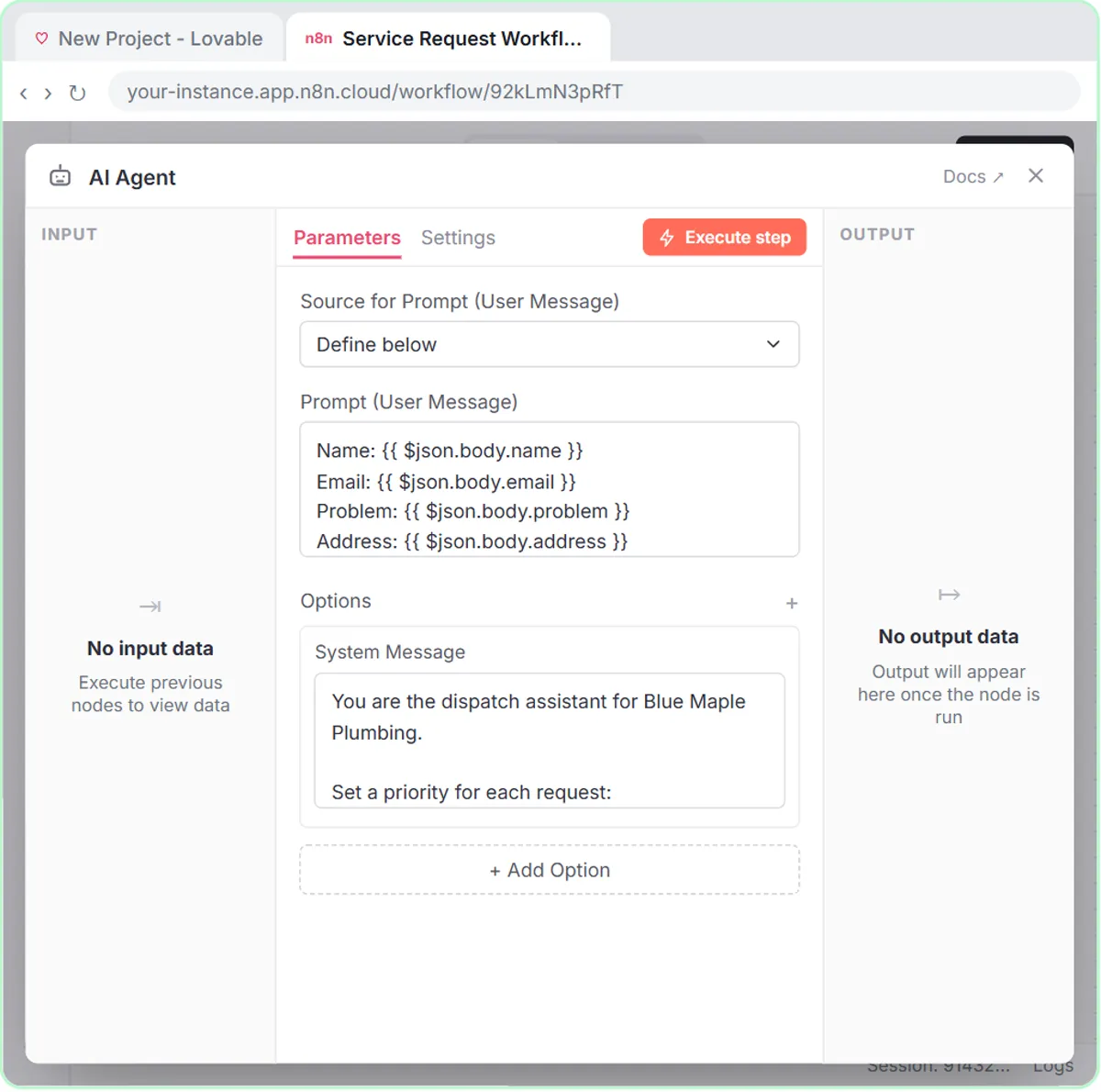
The form sends JSON with the keys name, email, interest and brewMethod, and the agent's prompt template reads them from the webhook body:
Name: {{ $json.body.name }}
Email: {{ $json.body.email }}
Interest: {{ $json.body.interest }}
Brew Method: {{ $json.body.brewMethod }}
The keys must match character for character: brewMethod in the form means $json.body.brewMethod in n8n, capital M included. n8n Expressions for Beginners explains the syntax.
In the lesson's test, Jordan says their French press coffee tastes bitter. The agent tags Jordan as French Press & Pour-Over, saves the row and emails the guide with a French press tip.
What should the welcome email say?
A short, warm welcome, the link to the guide and one tip that fits the segment. The lesson's system message ends with the whole brief:
Use the gmail tool to email the lead a short, warm welcome with a link to The Better Cup at Home guide, plus one tip that fits their segment. No discounts and no health claims.
Each part earns its place:
- Short and warm: they asked for a guide, not a newsletter.
- The link: the thing they signed up for, delivered right away.
- One tip: proof that you read their answer. One, not five.
- No discounts: the agent can't invent an offer you never approved.
- No health claims: coffee and wellness claims are easy for an AI to drift into and hard to take back.
For your own business, replace those last two rules with whatever your AI must never say: prices, guarantees, results, medical or legal claims.
Try it free, step by step
Build a Lead Magnet Signup Form with an AI Welcome Email. Build a "Get the free guide" signup form in Lovable for Harbor & Pine Coffee Roasters and connect it to n8n — the AI agent tags each lead by interest, saves it to Google Sheets and emails a personal… You do every step yourself in a practice copy of Lovable and n8n, it checks your work as you go, and “Do it for me” finishes any step you get stuck on. Free, and nothing touches your real accounts.
Start the free lessonIs the segment saved anywhere?
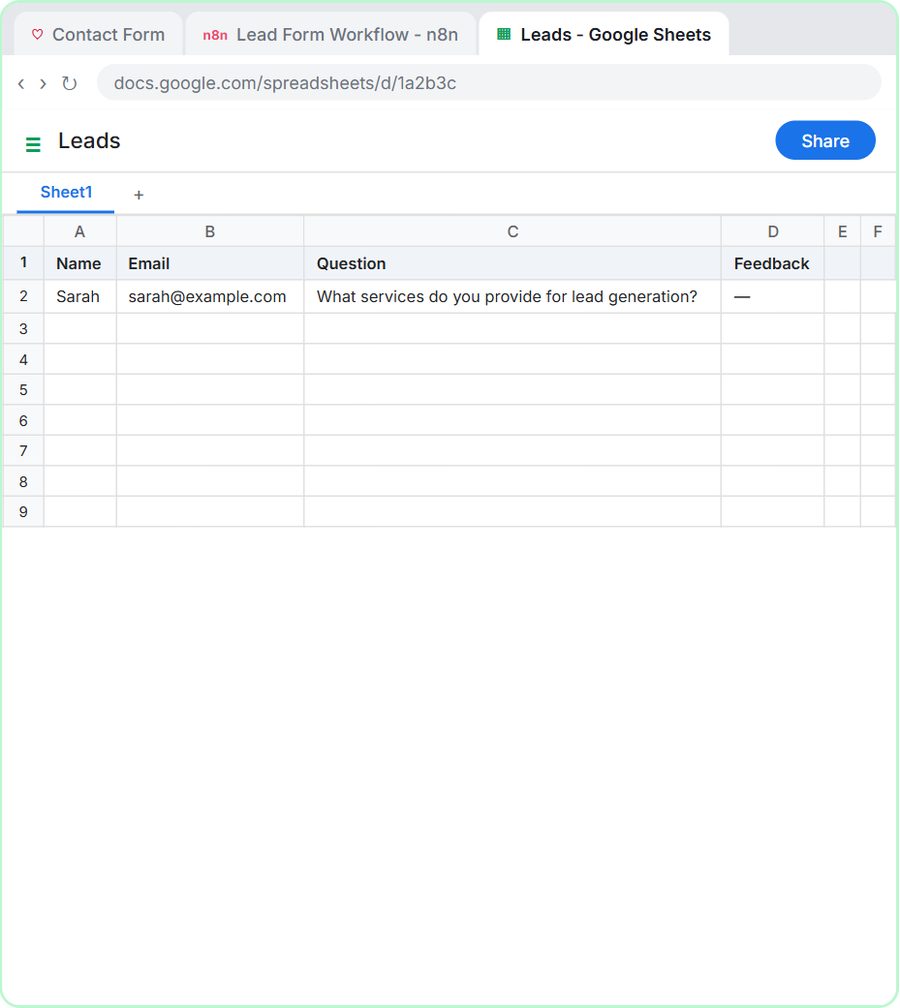
In the lesson, the Leads sheet has four columns (Name, Email, Interest and Brew Method) matching what the form sends, and the segment shapes the tip in the welcome email. If you want to sort or filter leads by segment later, add a Segment column to the sheet and set it to ✦ (defined automatically by the model) in the Google Sheets Tool, like the other columns. Check the first few rows by hand to make sure the agent fills it in the way you expect.
A segment column is what turns a list of emails into a list you can use: send espresso tips to Espresso at Home, and gift ideas in December to Gift Buyer.
How do you build the form and connect it?
Build the form in Lovable from a prompt, build the n8n workflow, publish it and store the Production URL as a Lovable secret. The steps match the general Lovable + n8n lesson, with marketing details swapped in:
- In Lovable, click Start with a prompt, paste the form description and click Build.
- In n8n, start with On webhook call and set Respond to Using 'Respond to Webhook' Node.
- Add the AI Agent, set Source to Define below, paste the template and add the system message.
- Add the OpenAI model, the Google Sheets Tool (pointed at Leads) and the Gmail Tool, then a Respond to Webhook node.
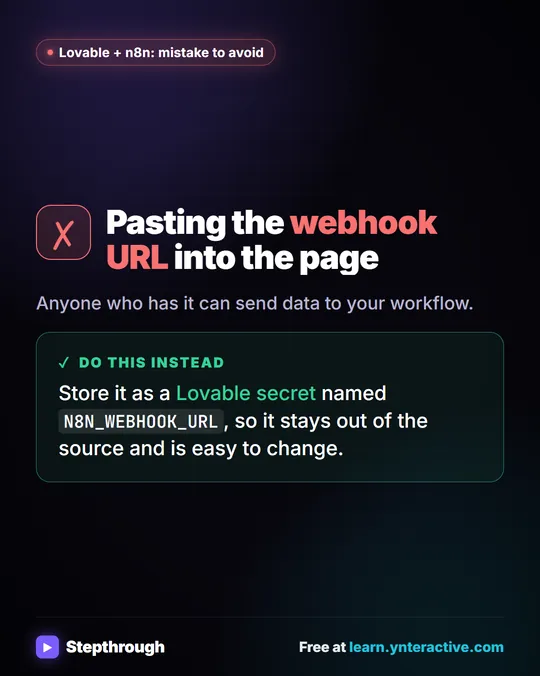
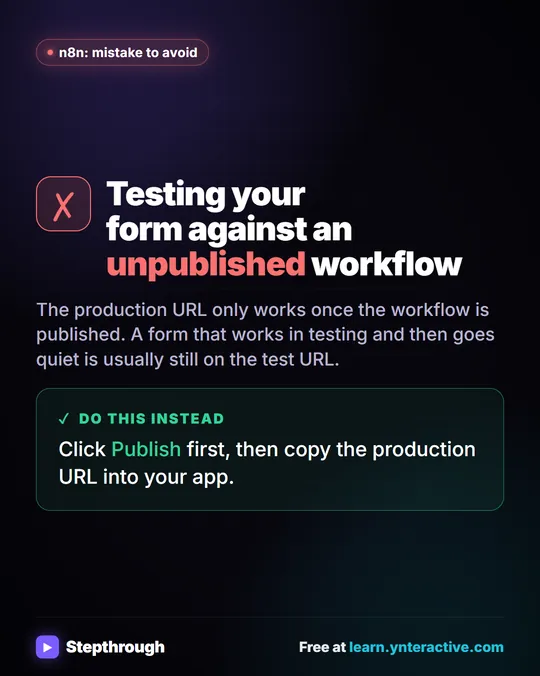
- Click Publish, copy the Production URL, and save it in Lovable as the N8N_WEBHOOK_URL secret.
- Click Preview, fill in a test signup with your own email, and click Send Me the Guide.
Connect a Lovable Form to n8n with a Webhook covers each step in detail.
What should you check before the form goes live?
Test with your own email first, read the welcome as a stranger would, and sort out consent for anything you send later. The Gmail Tool sends the welcome straight to the person who signed up, with no draft step.
- Sign up yourself once per segment, and read each welcome email.
- Check the guide link works and points to the right file.
- Check the sheet for a new row each time.
- Publish both apps. A Lovable app is a preview until you publish it, and the n8n workflow only runs on its own after Publish.
Someone who asked for a guide has asked for the guide. Whether you can keep emailing them afterward depends on what your form says, the rules where you and your subscribers are, and your email provider's terms. In general, say clearly on the form what else they'll get, and include a way to unsubscribe in later marketing emails. This isn't legal advice; check what applies to your business.
What does this cost?
The lessons are free and run in practice copies, so nothing is published or sent. A real build needs Lovable (free and paid plans), n8n (n8n Cloud is paid after a free trial, or self-host it), a Google account, and an OpenAI API key, which is pay-as-you-go and billed separately from ChatGPT plans; the lessons suggest about $10 of credit. To plan what you send after the welcome, see Plan a Campaign Content Calendar with an n8n AI Agent. More lessons are on the marketing hub.
Key takeaways
- A lead magnet welcome email can be sent automatically by an n8n AI agent that reads each signup from a Lovable form.
- The Harbor & Pine agent tags every lead with one of four segments and emails a short welcome, the guide link and one matching tip.
- The form sends JSON keys name, email, interest and brewMethod, and the n8n prompt template must use the same keys.
- The system message rules out discounts and health claims, so the welcome can't promise something the business never approved.
- Test every segment with your own email, and handle consent and unsubscribe for later marketing emails.
Frequently asked questions
- What is a lead magnet?
A lead magnet is something free, like a guide, checklist or recipe card, that people get in exchange for their email address. In the lesson, it's a brewing guide called The Better Cup at Home.
- Does the AI write a different welcome email for every lead?
Yes. The agent writes each welcome from the person's answers, with one tip that fits their segment. The system message keeps it short and rules out discounts and health claims.
- Do I need an email marketing platform for this?
Not for the welcome email: the lesson sends it through Gmail. For ongoing newsletters to a large list, an email marketing platform with unsubscribe handling is usually the better tool.
- Is Harbor & Pine Coffee Roasters a real company?
No. Harbor & Pine Coffee Roasters, its guide and its test signup are made-up examples used in the lesson.