What Is a Webhook? A Visual Guide
A visual guide to webhooks: a web address that waits for another app to send it data, shown in a real Lovable + n8n lesson, with tips to use it safely.
Slide 1 of 4 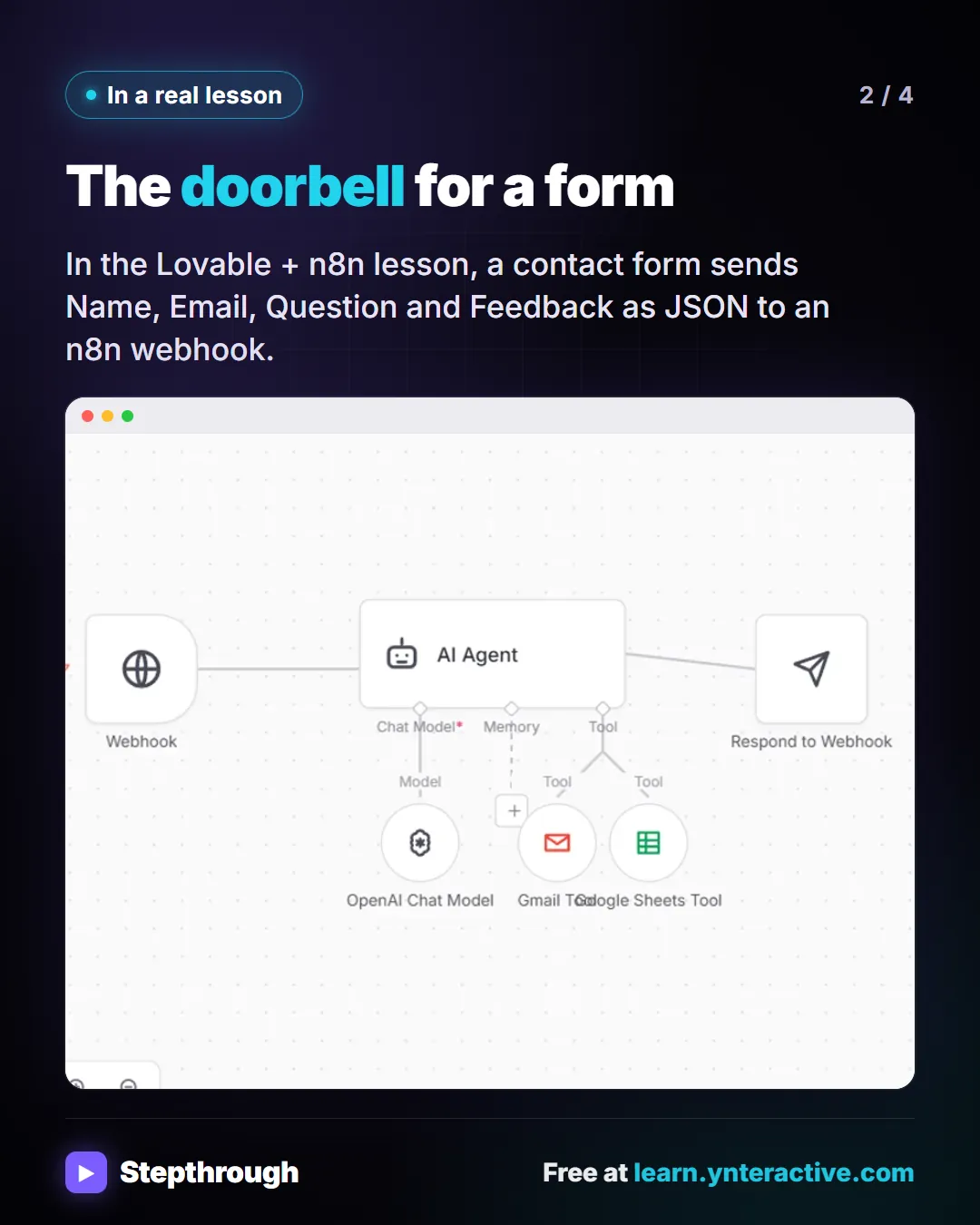
Slide 2 of 4 
Slide 3 of 4 
Slide 4 of 4
The guide in text
Webhook: A web address that waits for another app to send it data. When a form is submitted, the details go to the URL right away, and the workflow behind it starts.
The doorbell for a form
In the Lovable + n8n lesson, a contact form sends Name, Email, Question and Feedback as JSON to an n8n webhook.
Use webhooks safely
- Treat a webhook URL like a password. Store it as a secret.
- A form that should only say thanks after the work is done needs a Respond to Webhook node.
- Test with one real submission and check every place it should land.
The full definition: What is a webhook? in the AI glossary, with an example from a free lesson, common confusions and tips.
Businesses and people in the examples are made up. The steps, screens and wording come from the free lesson and the Stepthrough glossary and prompt library.
Do it yourself, free
Lovable + n8n: Build a Web App with an AI Backend. Build a contact form in Lovable and connect it to an n8n workflow — webhook trigger, AI Agent, Google Sheets, Gmail, and a Respond node that ties it all together. You do every step yourself in a practice copy of Lovable and n8n, it checks your work as you go, and “Do it for me” finishes any step you get stuck on. Free, and nothing touches your real accounts.
Start the free lessonRelated terms
Plain-English definitions, each with an example from a free lesson.
Related prompts
- Lovable web form prompt: Write a Lovable prompt for a web form that posts to n8n: fields, validation, button states, a thank-you message, and a webhook…
- AI agent system message prompt: Draft the system message for an n8n AI Agent: who it is, what it knows, its rules and how it writes, including a rule never to…
- AI agent test messages prompt: Test an AI agent before launch with realistic messages: normal requests, borderline cases, missing details and tricky ones, each…
- Customer intake form questions prompt: Design the questions for a booking or intake form: only what you need to do the job, each with a field type, help text and a…
From the blog
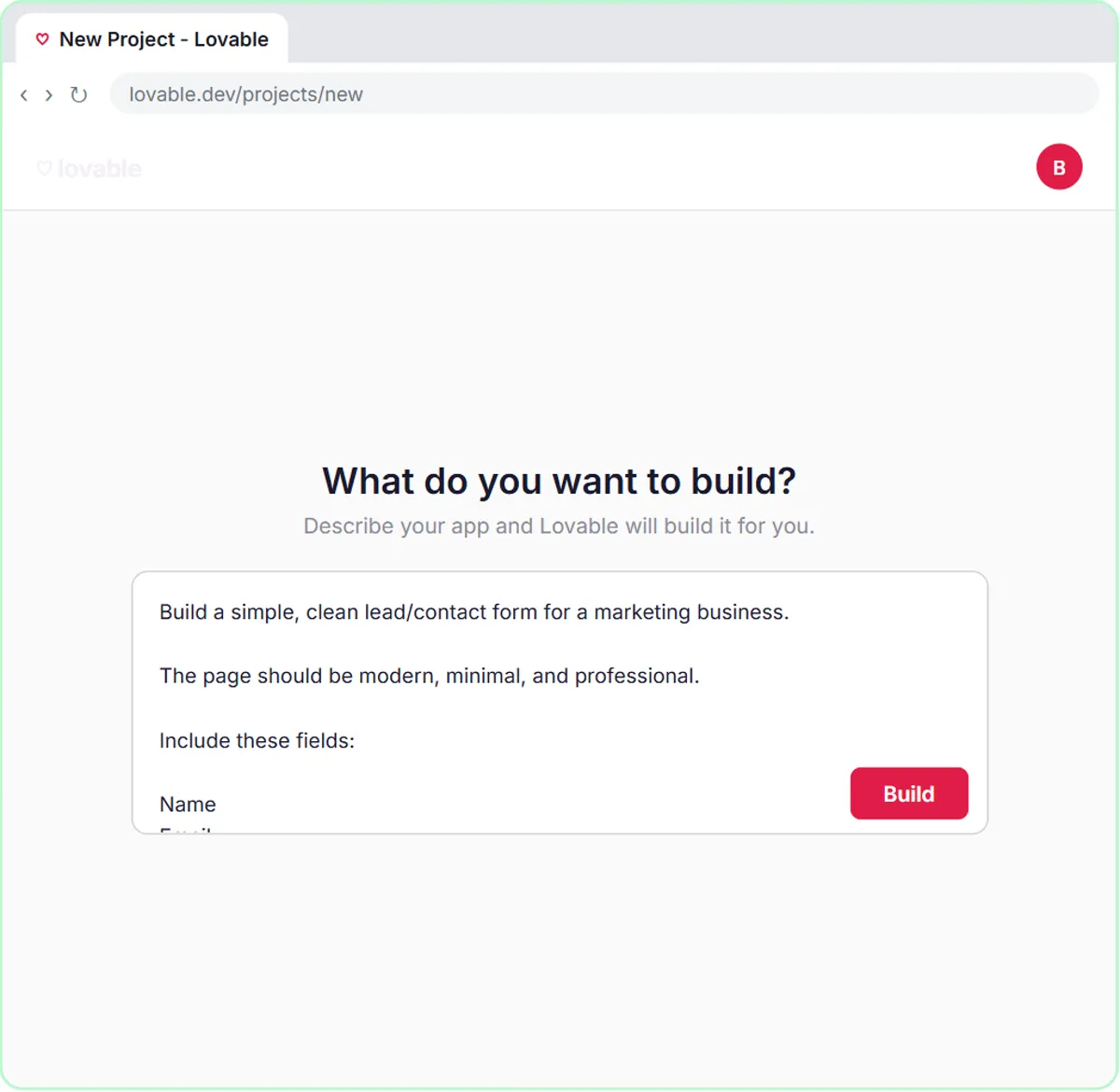 What Is Lovable? Build a Web Form from a Written Prompt
What is Lovable? A plain guide to the tool that builds web apps from a written prompt: how it works, what it's good for, what it costs and where n8n fits.
Oct 1, 2026 6 min read
 n8n Triggers Explained: Which One Starts Your Workflow?
n8n triggers explained: schedule, Gmail, chat, webhook and form triggers, how to test each one, and how the trigger changes your AI Agent's prompt.
Oct 1, 2026 7 min read
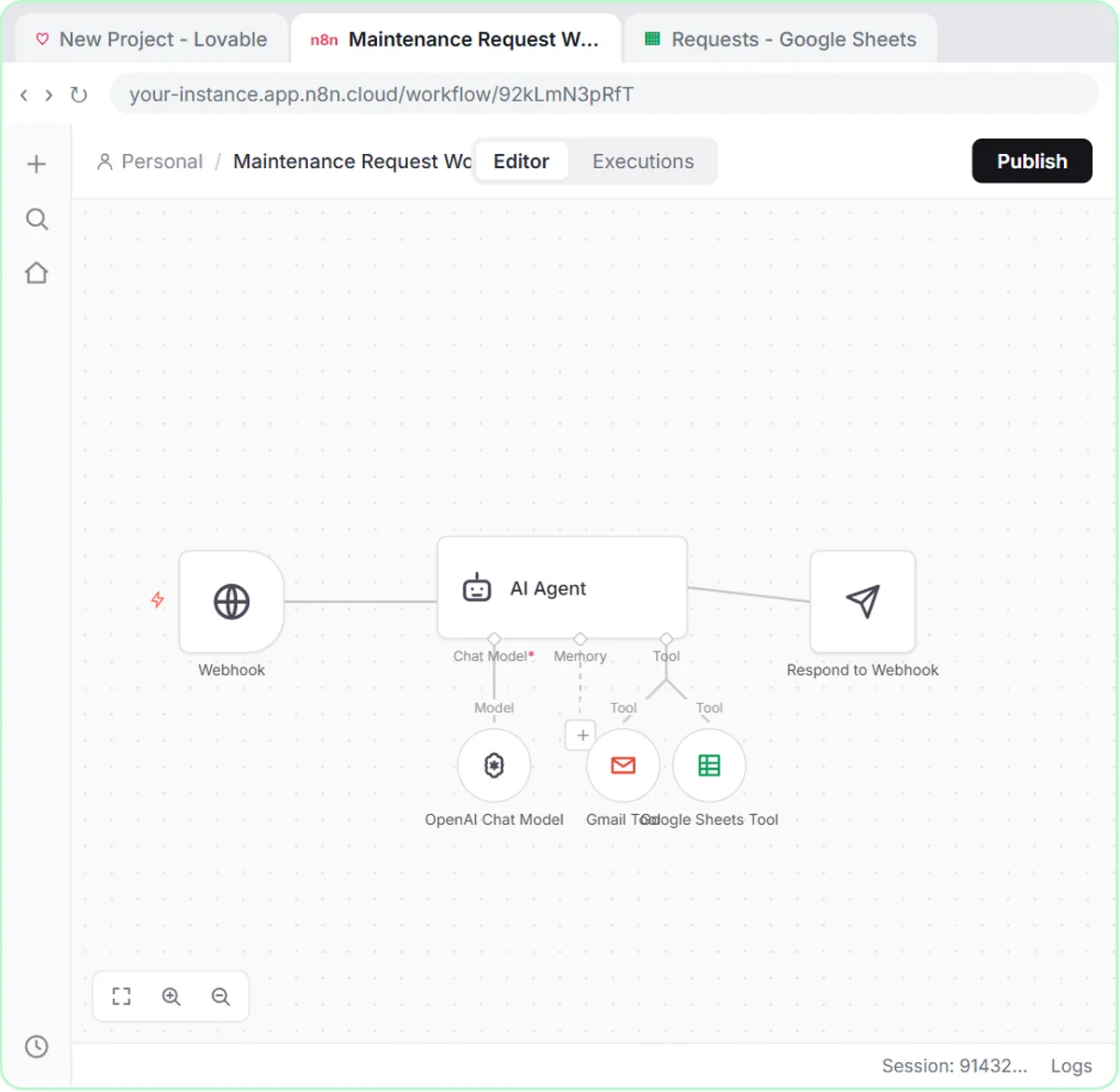 n8n Webhook Test URL vs Production URL, Explained
n8n webhook test URL vs production URL: why a form works while you test, then stops live, and the fixes for Publish, Respond and $json.body.
Oct 1, 2026 6 min read
More visual guides
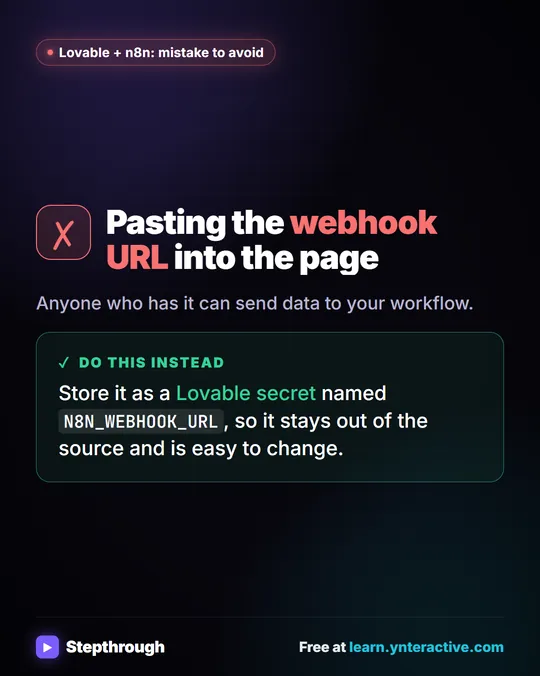 Mistake to Avoid: Pasting a Webhook URL into Your Page
A visual tip: don't paste your n8n webhook URL into the page. Store it as a Lovable secret so it stays out of the source and is easy to change.
Mistake to avoid One graphic
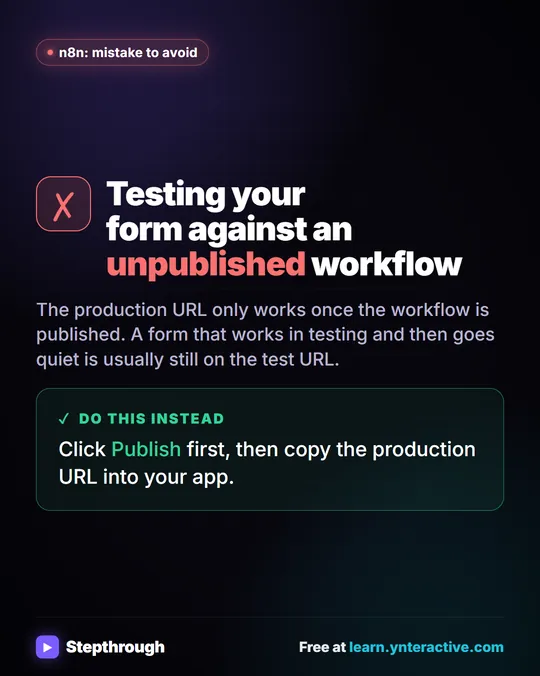 Mistake to Avoid: Testing an Unpublished n8n Workflow
A visual tip: an n8n production webhook URL only works once the workflow is published. Publish first, then copy the URL into your app.
Mistake to avoid One graphic
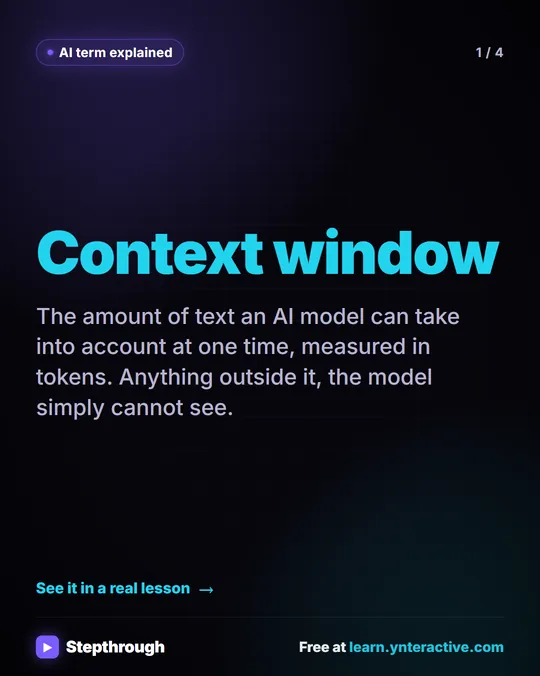 What Is a Context Window? A Visual Guide
A visual guide to the context window: how much text an AI model can see at once, shown with a real ChatGPT meeting summary lesson.
AI term explained 4 slides