5 Steps to Build a Shareable Price Calculator in Claude
A visual guide to Claude artifacts: ask for a price calculator, try it, check the math, ask for one change and share it by link. Five steps from a free lesson.

Slide 1 of 7 
Slide 2 of 7 
Slide 3 of 7 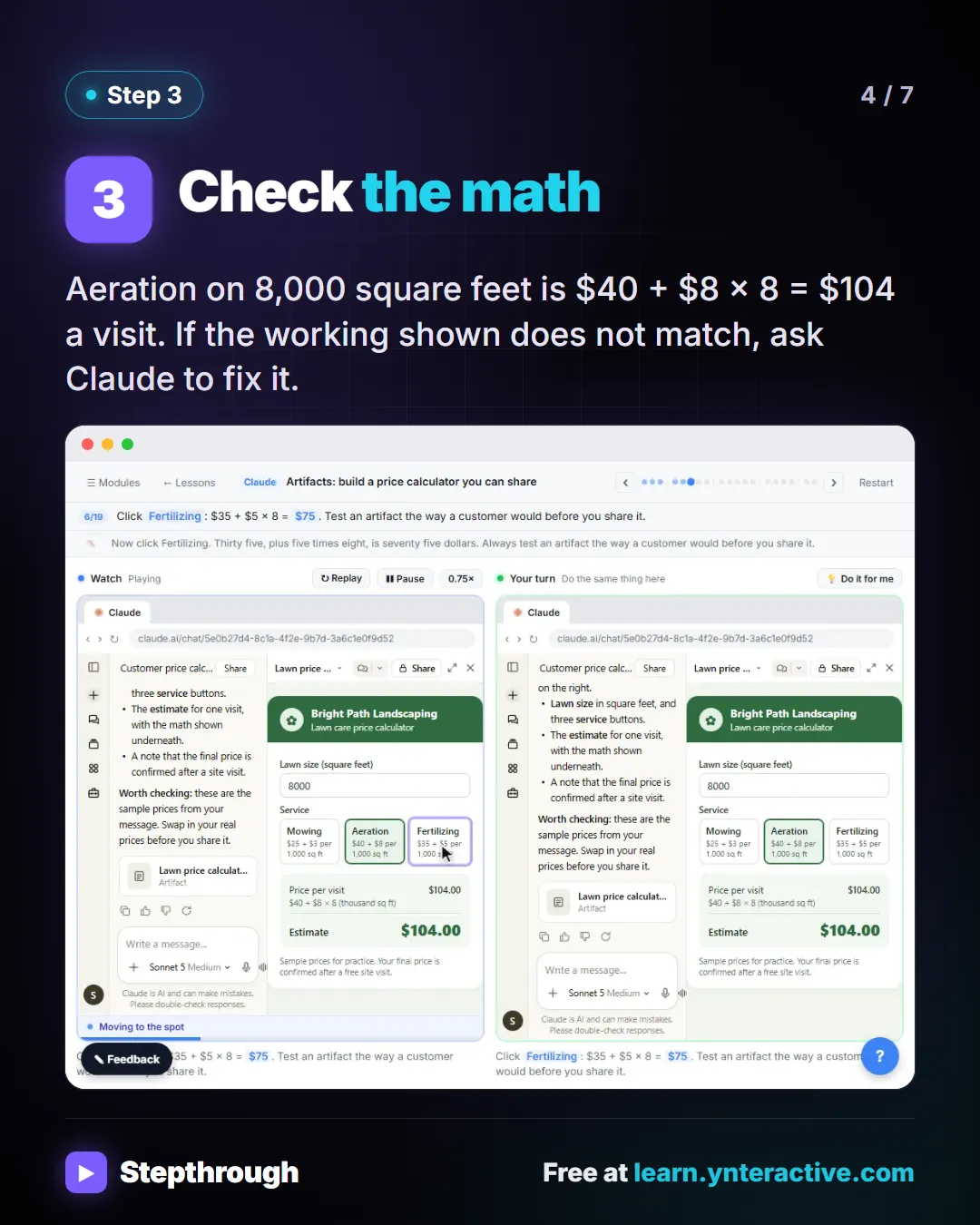
Slide 4 of 7 
Slide 5 of 7 
Slide 6 of 7 
Slide 7 of 7
The guide in text
Bright Path Landscaping (made up) asks Claude for a lawn price calculator. 5 steps.
Step by step
Describe the tool
Say who it is for, what customers enter, the prices to use, and that it must show how the price is worked out.
Try it in the panel
The calculator opens beside the chat. Enter an 8,000 square foot lawn and click Aeration and Fertilizing.
Check the math
Aeration on 8,000 square feet is $40 + $8 × 8 = $104 a visit. If the working shown does not match, ask Claude to fix it.
Ask for one change
In the same chat, add a Number of visits box and 10% off at 10 visits or more. 26 weekly mows come to $1,146.60.
Share it with a link
Click Share, change who has access, then Copy link. Open it in a private window first to see what a customer sees.
The full definition: What are Artifacts in Claude? in the AI glossary, with an example from a free lesson, common confusions and tips.
Businesses and people in the examples are made up (Bright Path Landscaping is a made-up business). The steps, screens and wording come from the free lesson and the Stepthrough glossary and prompt library.
Do it yourself, free
Claude Artifacts: Build a Price Calculator You Can Try, Change and Share. Have Claude build an interactive lawn price calculator, try it in the artifact panel, ask for a change, and share it with a link. You do every step yourself in a practice copy of Claude, it checks your work as you go, and “Do it for me” finishes any step you get stuck on. Free, and nothing touches your real accounts.
Start the free lessonRelated terms
Plain-English definitions, each with an example from a free lesson.
Related prompts
- Messy export to workbook prompt: A copy-ready prompt that tells Claude exactly how to clean a messy CSV export into an Excel workbook with a data tab, a formula…
More visual guides
 5 Steps to a Claude Skill for Your Weekly Report
A visual guide: Claude's skill creator interviews you, drafts a weekly report skill, tests it on real notes, saves it and uses it.
Step-by-step guide 7 slides
 5 Steps to Connect Claude to Drive, Gmail and Calendar
A visual guide: connect Google Drive, Gmail and Calendar to Claude, switch them on in a chat and ask about your own files, email and week.
Step-by-step guide 7 slides
 ChatGPT Data Controls for Client Data in 5 Steps
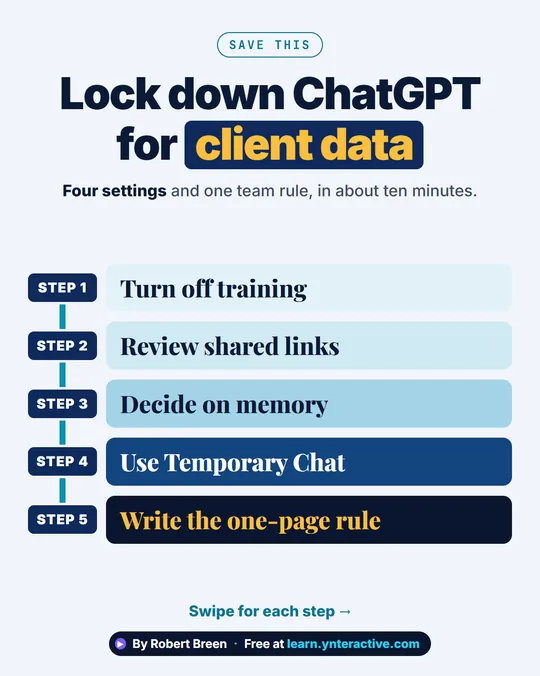
A step-ladder guide: turn off training, review shared links, decide on memory, use Temporary Chat and write the one-page rule, in 5 steps.
Step-by-step guide 7 slides