5 Steps to Connect Claude to Drive, Gmail and Calendar
A visual guide: connect Google Drive, Gmail and Calendar to Claude, switch them on in a chat and ask about your own files, email and week.
Slide 1 of 7 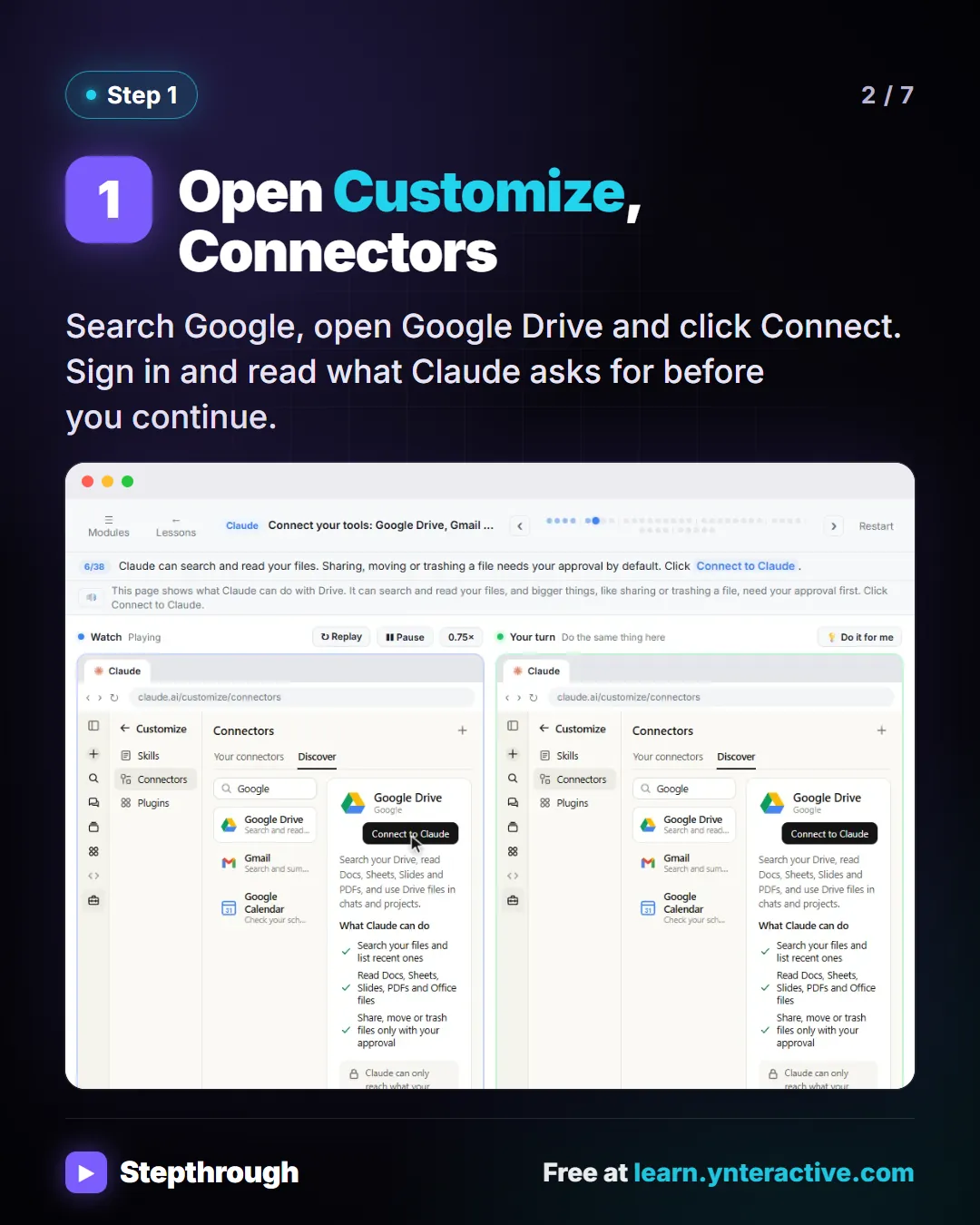
Slide 2 of 7 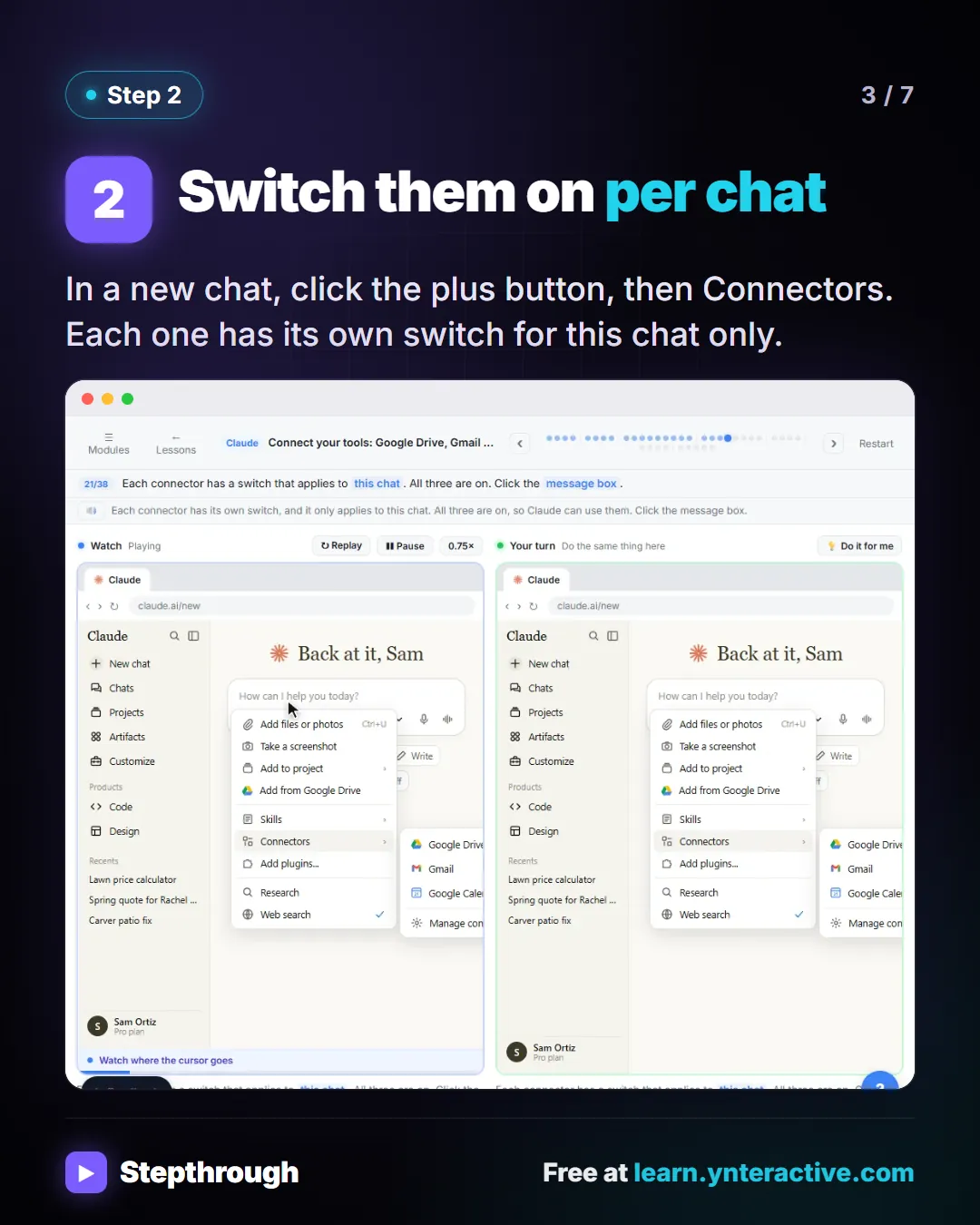
Slide 3 of 7 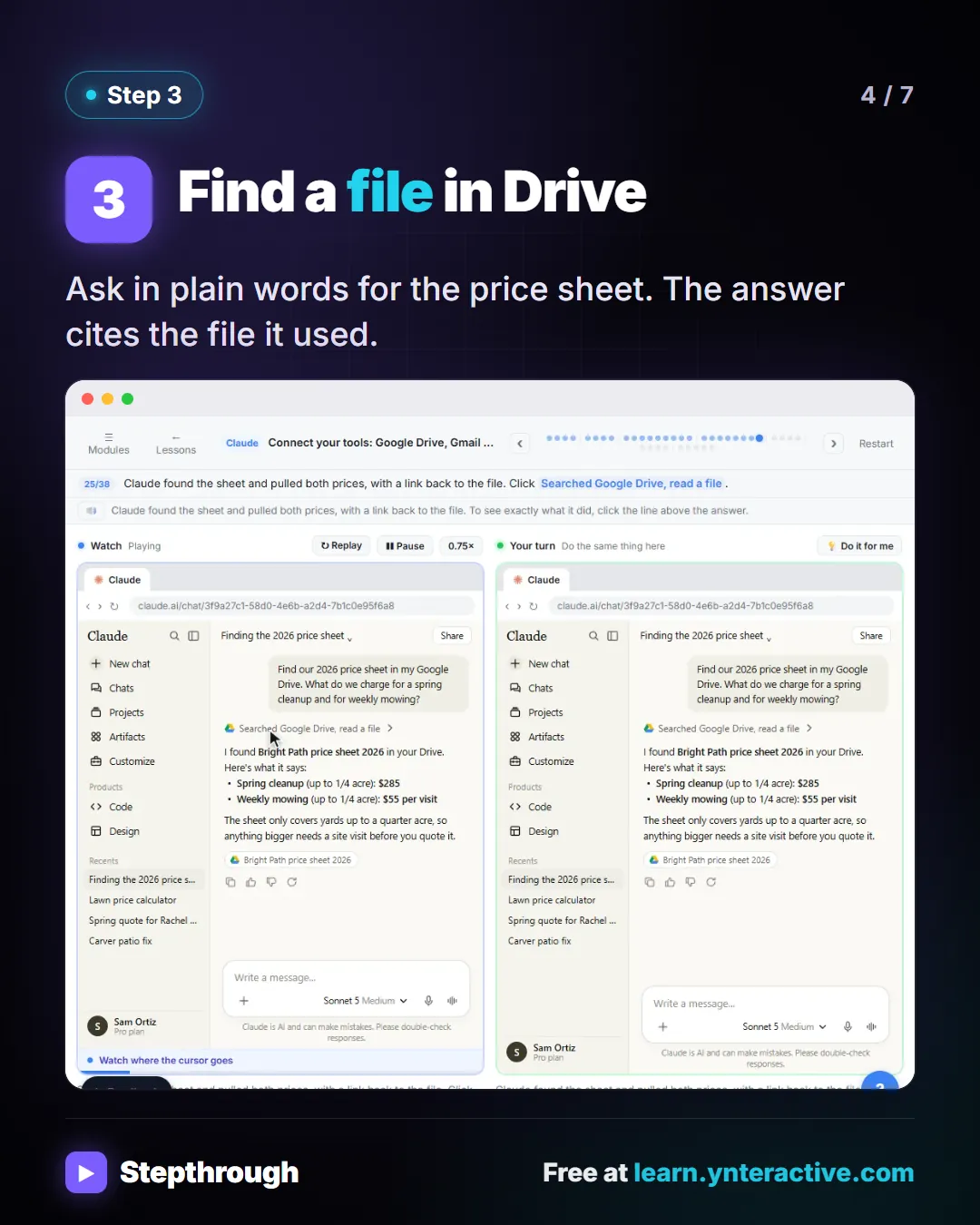
Slide 4 of 7 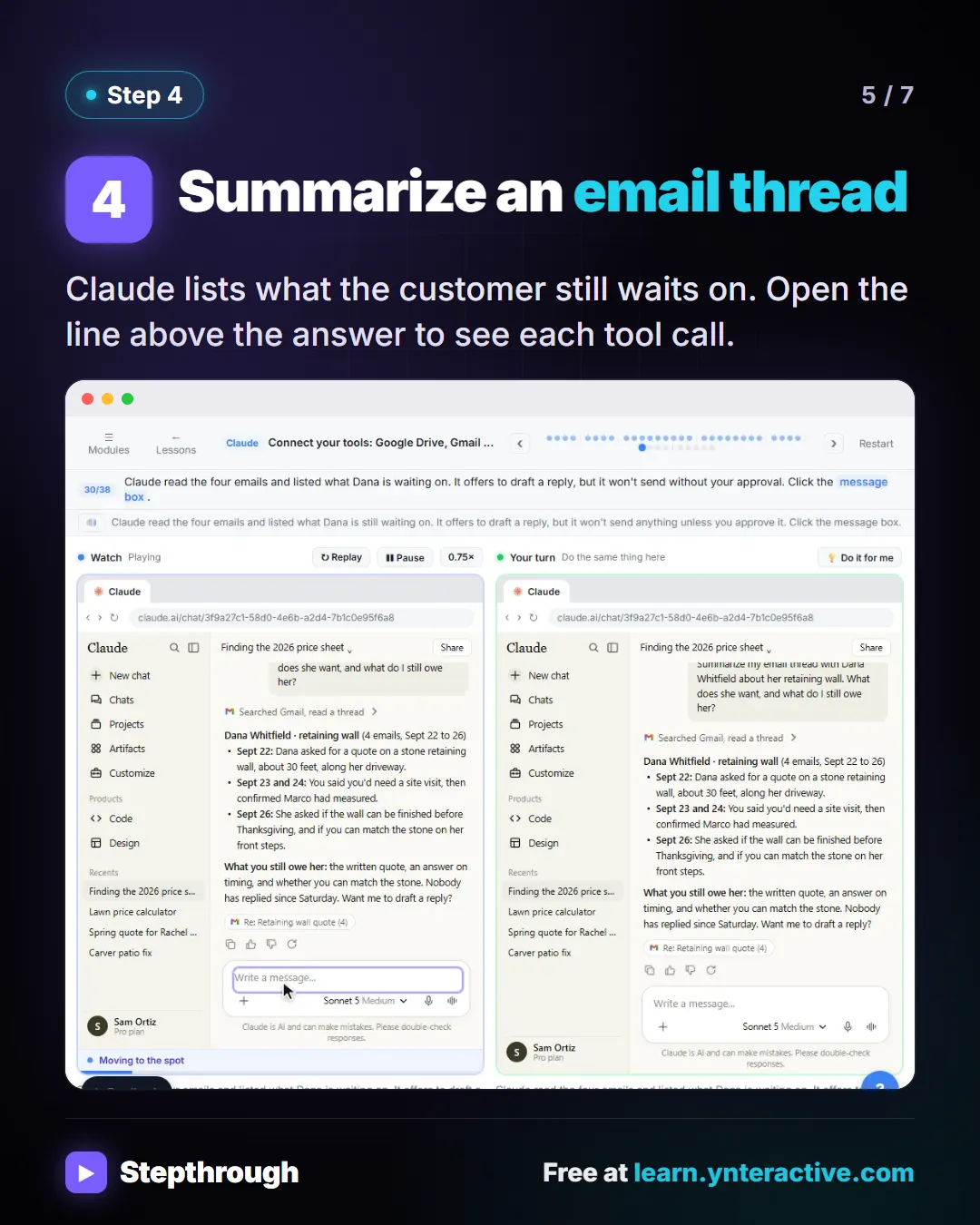
Slide 5 of 7 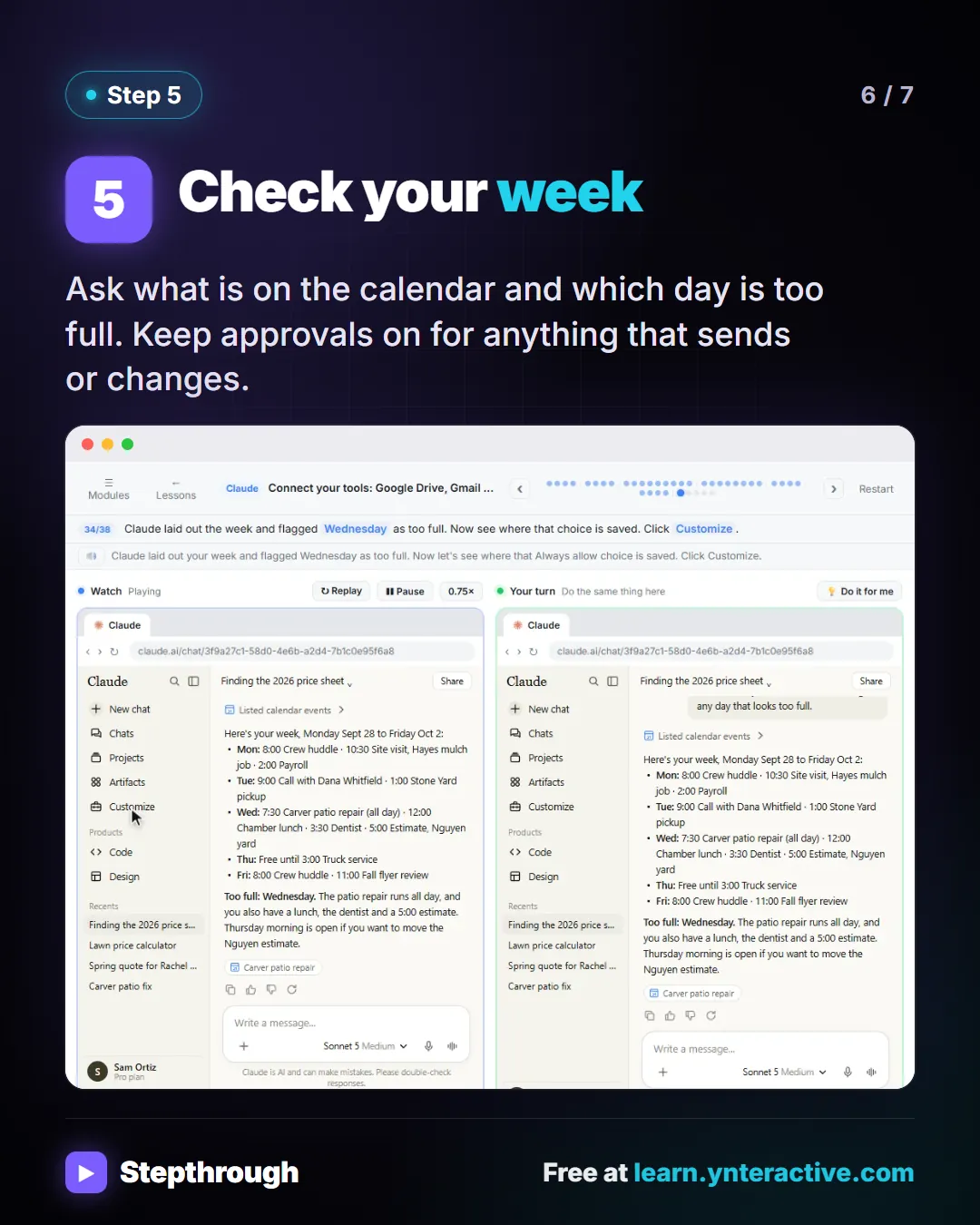
Slide 6 of 7 
Slide 7 of 7
The guide in text
Bright Path Landscaping (made up) connects Drive, Gmail and Calendar once. 5 steps.
Step by step
Open Customize, Connectors
Search Google, open Google Drive and click Connect. Sign in and read what Claude asks for before you continue.
Switch them on per chat
In a new chat, click the plus button, then Connectors. Each one has its own switch for this chat only.
Find a file in Drive
Ask in plain words for the price sheet. The answer cites the file it used.
Summarize an email thread
Claude lists what the customer still waits on. Open the line above the answer to see each tool call.
Check your week
Ask what is on the calendar and which day is too full. Keep approvals on for anything that sends or changes.
Businesses and people in the examples are made up (Bright Path Landscaping is a made-up business). The steps, screens and wording come from the free lesson and the Stepthrough glossary and prompt library.
Do it yourself, free
Connect Claude to Google Drive, Gmail and Google Calendar. Connect Google Drive, Gmail and Google Calendar to Claude, then find your price sheet, summarize a customer's email thread and check your week, approving each tool as Claude asks. You do every step yourself in a practice copy of Claude, it checks your work as you go, and “Do it for me” finishes any step you get stuck on. Free, and nothing touches your real accounts.
Start the free lessonRelated terms
Plain-English definitions, each with an example from a free lesson.
More visual guides
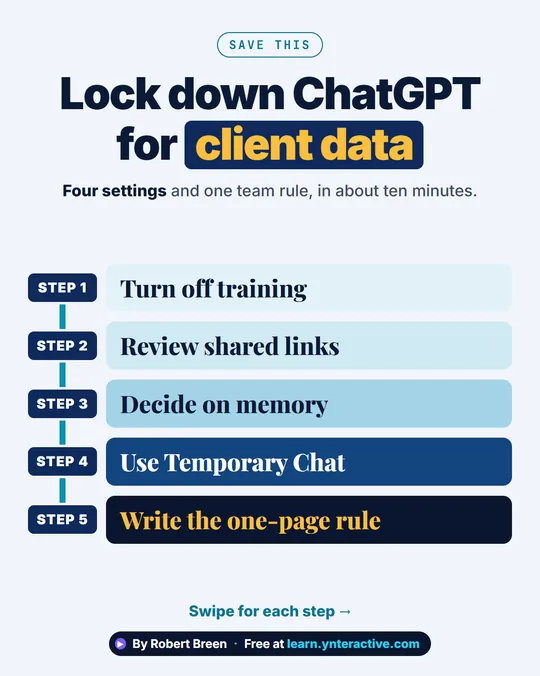 ChatGPT Data Controls for Client Data in 5 Steps
A step-ladder guide: turn off training, review shared links, decide on memory, use Temporary Chat and write the one-page rule, in 5 steps.
Step-by-step guide 7 slides
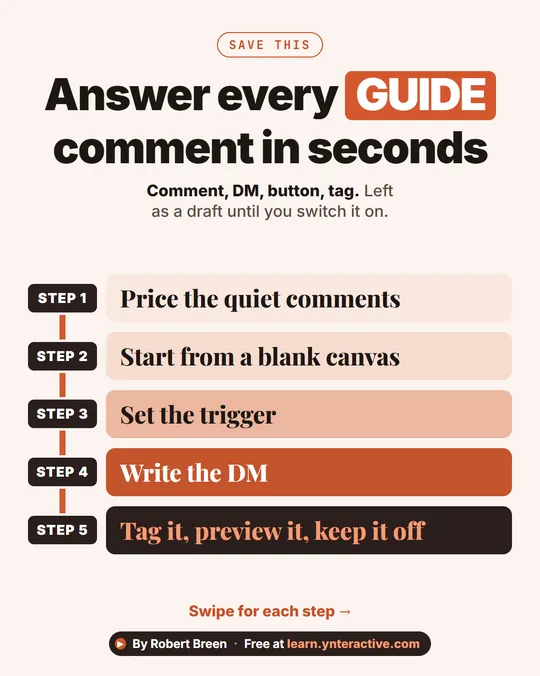 Instagram Comment to DM with Manychat in 5 Steps
A step-ladder guide: turn Instagram GUIDE comments into a DM with a booking button and a tag using Manychat, left as a draft, in 5 steps.
Step-by-step guide 7 slides
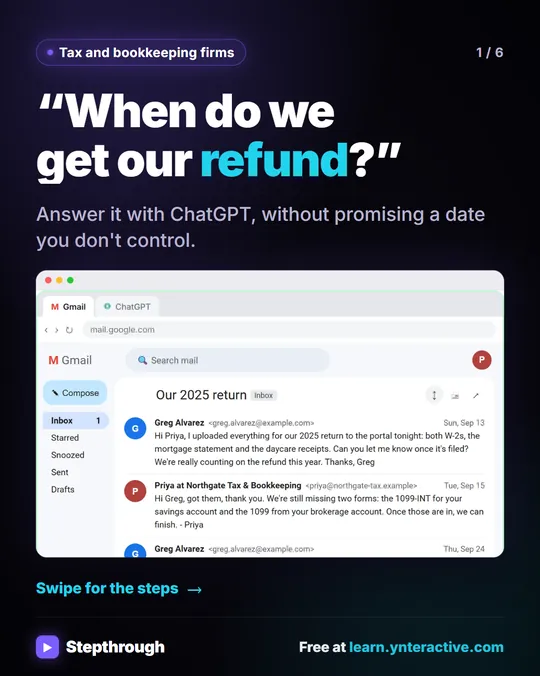 Answer "where's my refund?" emails with ChatGPT
Every tax season the same email lands: "When do we get our refund?" In this lesson the client's return isn't even filed yet.
Step-by-step guide 6 slides