Instagram Comment to DM with Manychat in 5 Steps
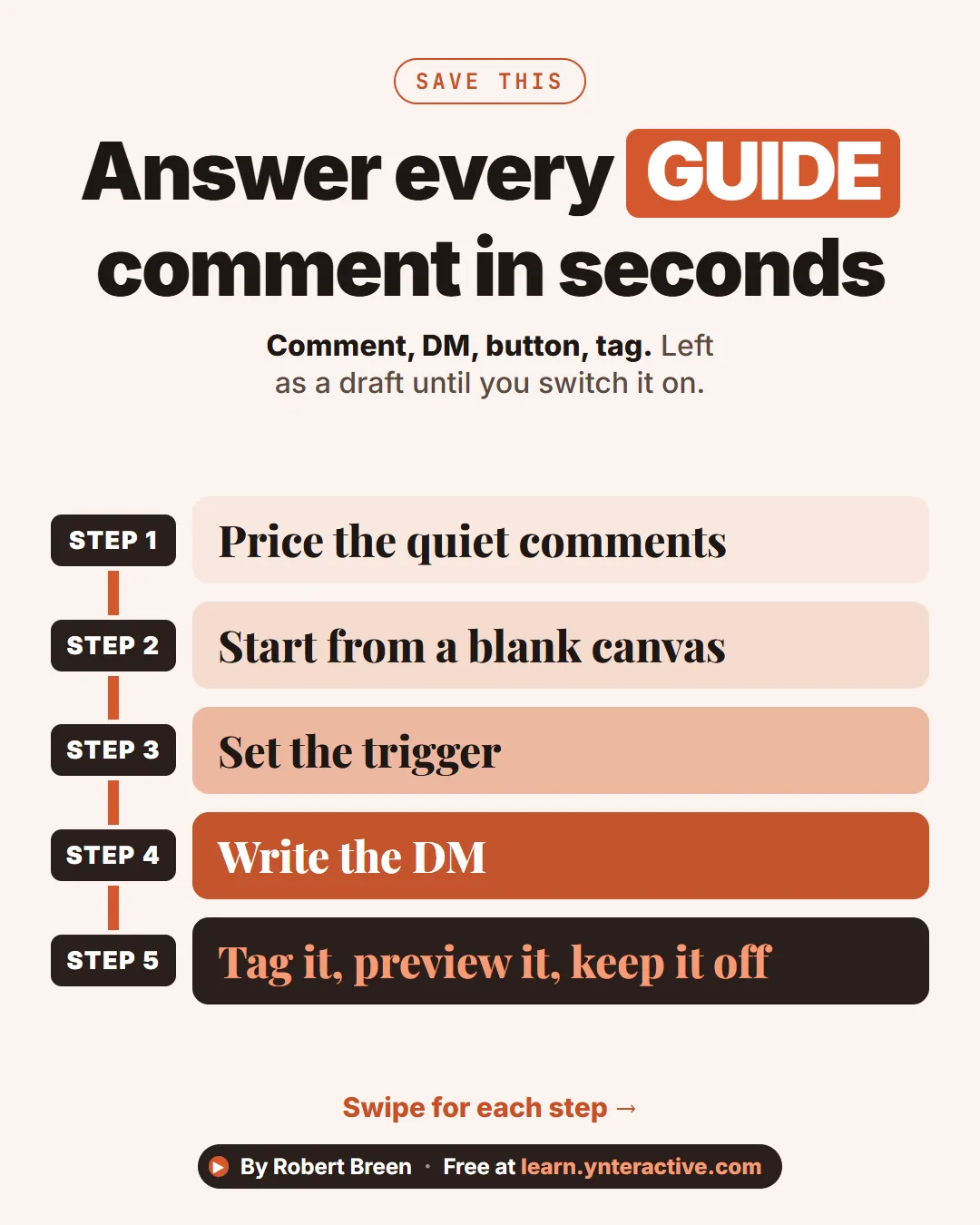
A step-ladder guide: turn Instagram GUIDE comments into a DM with a booking button and a tag using Manychat, left as a draft, in 5 steps.
Slide 1 of 7 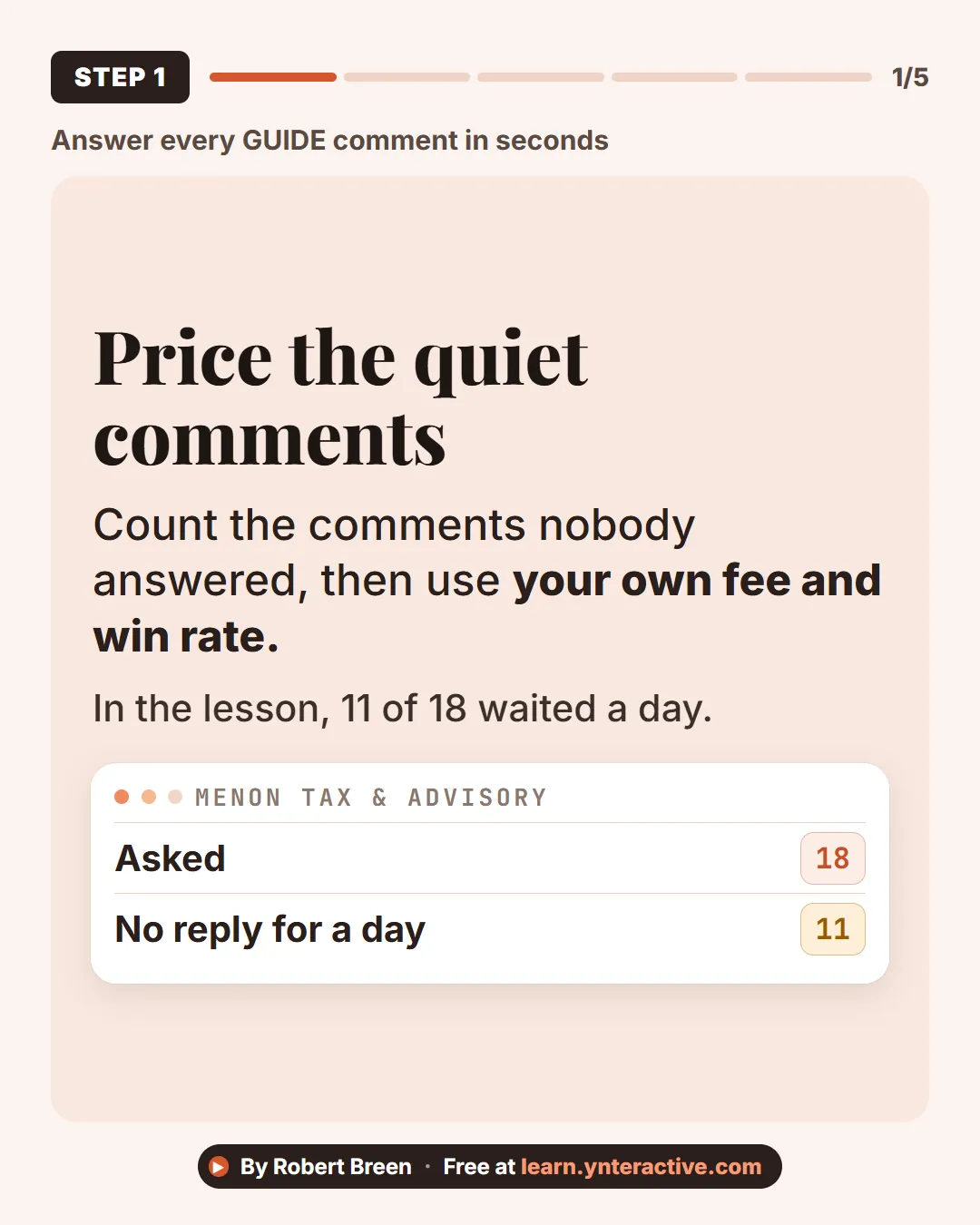
Slide 2 of 7 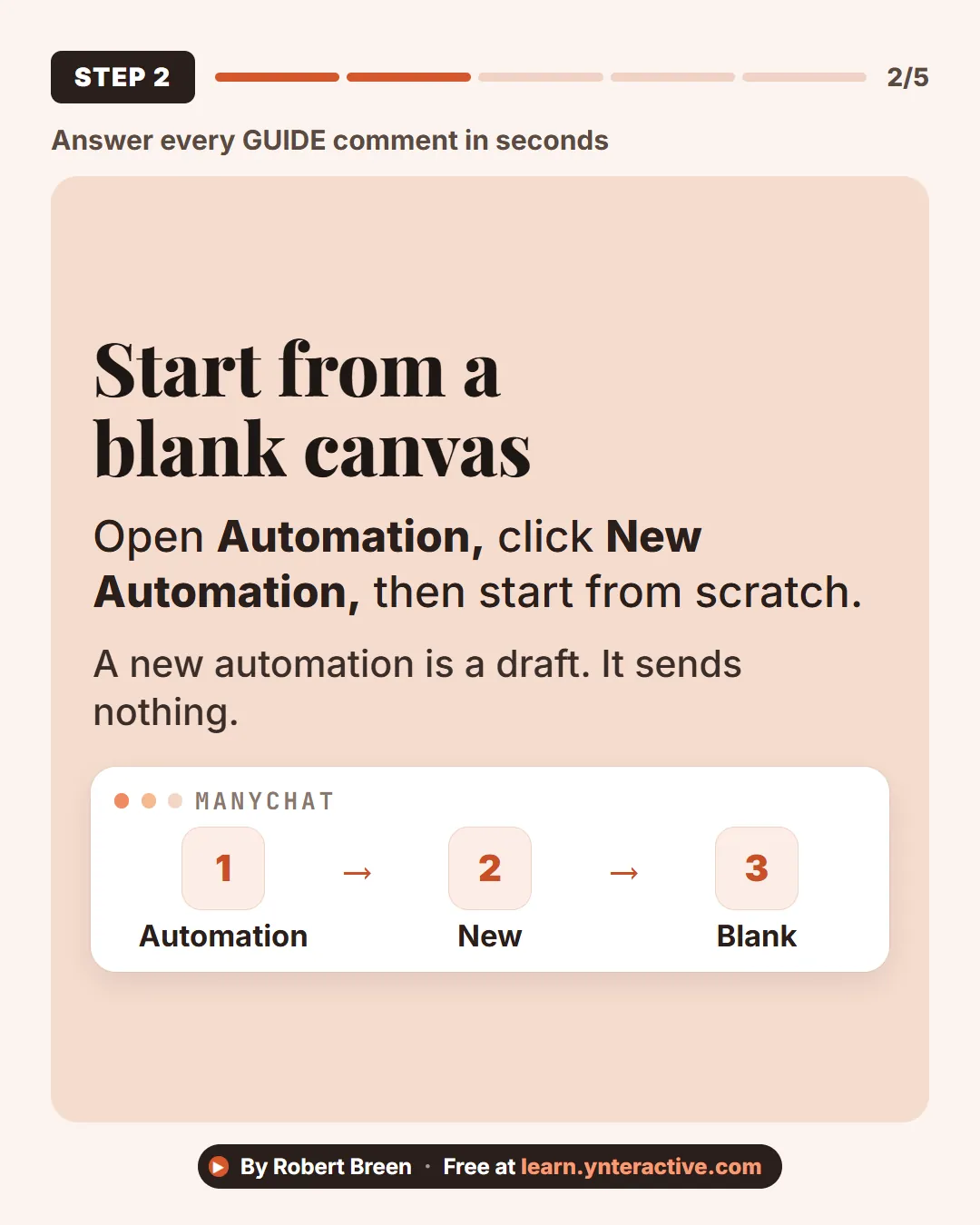
Slide 3 of 7 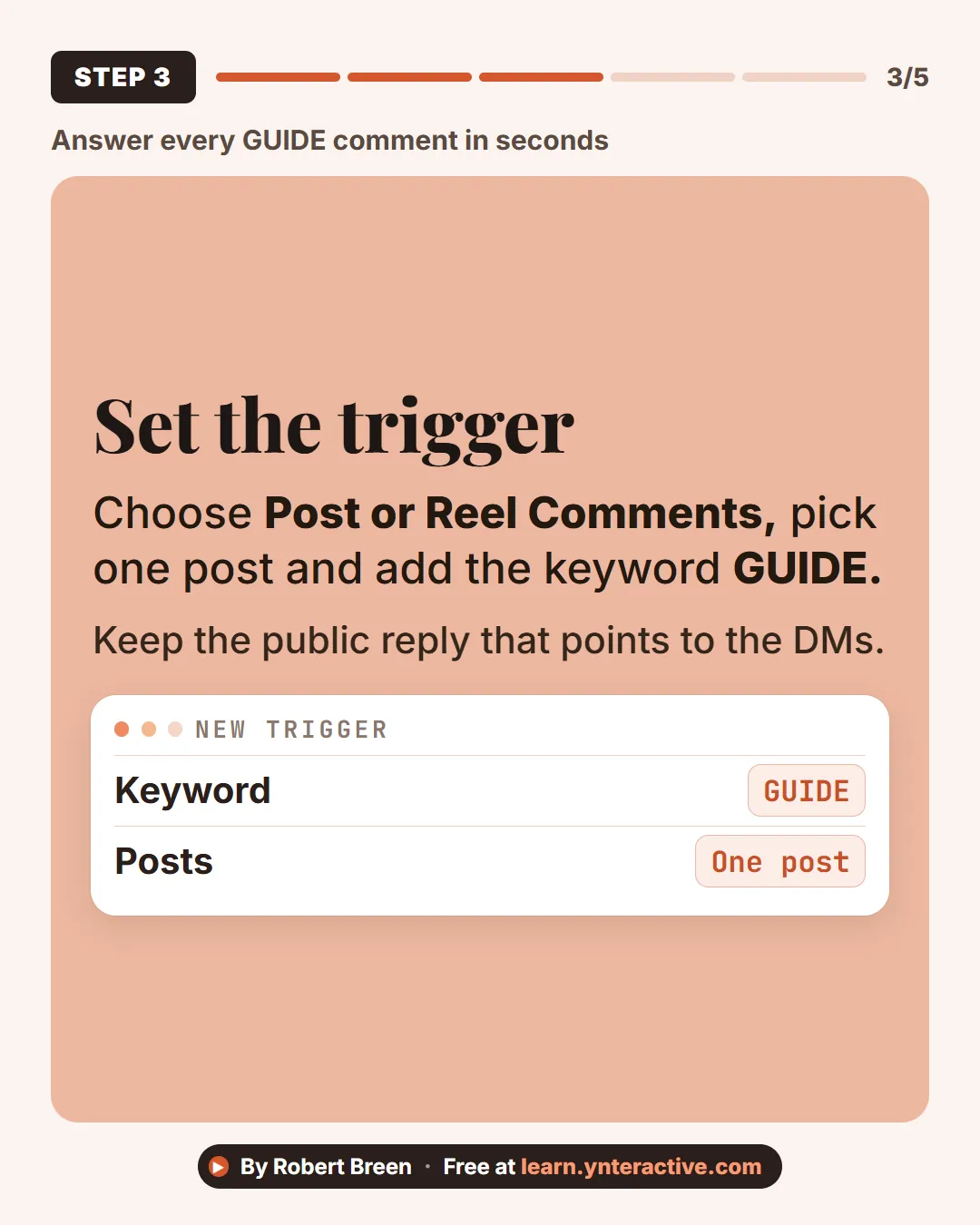
Slide 4 of 7 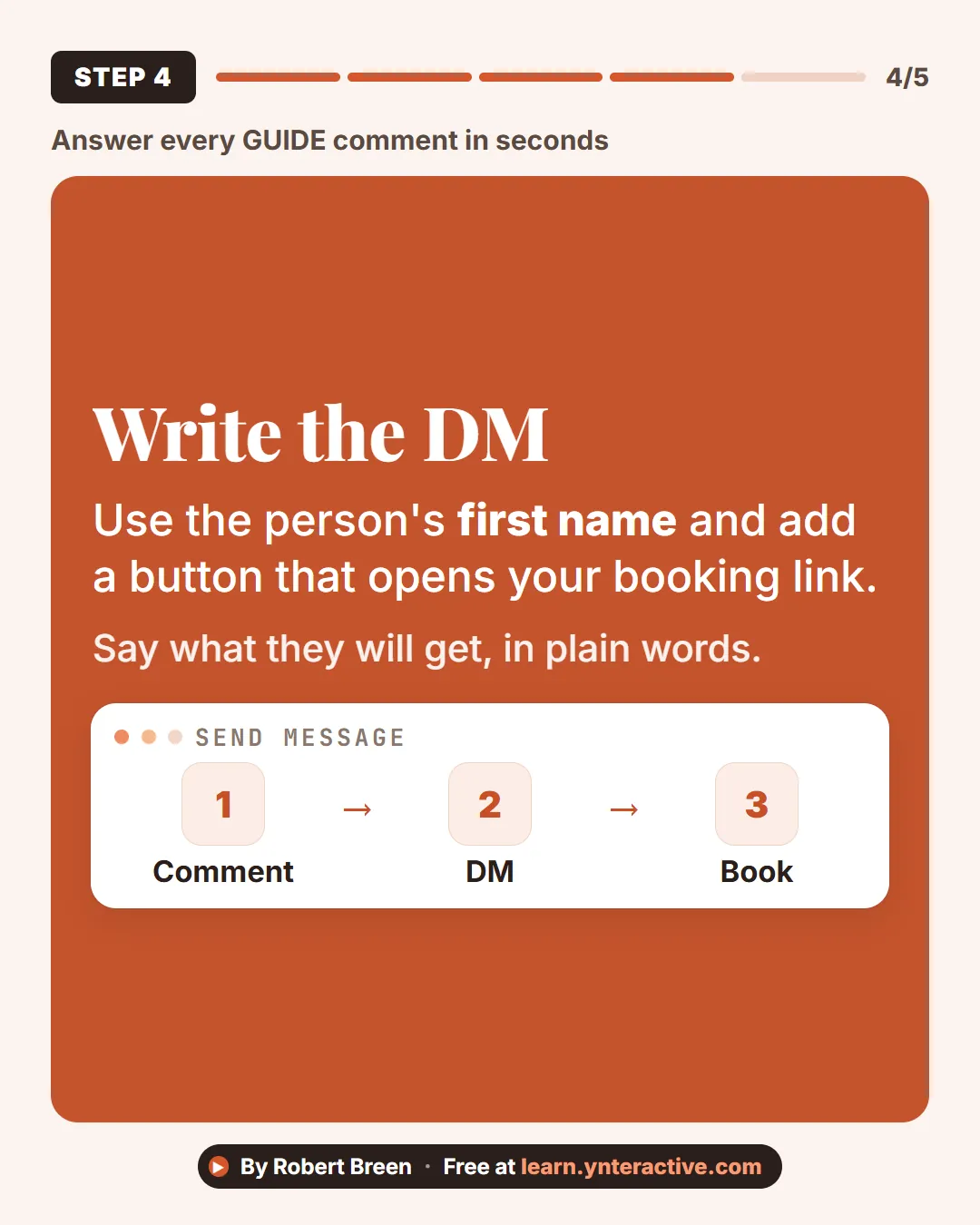
Slide 5 of 7 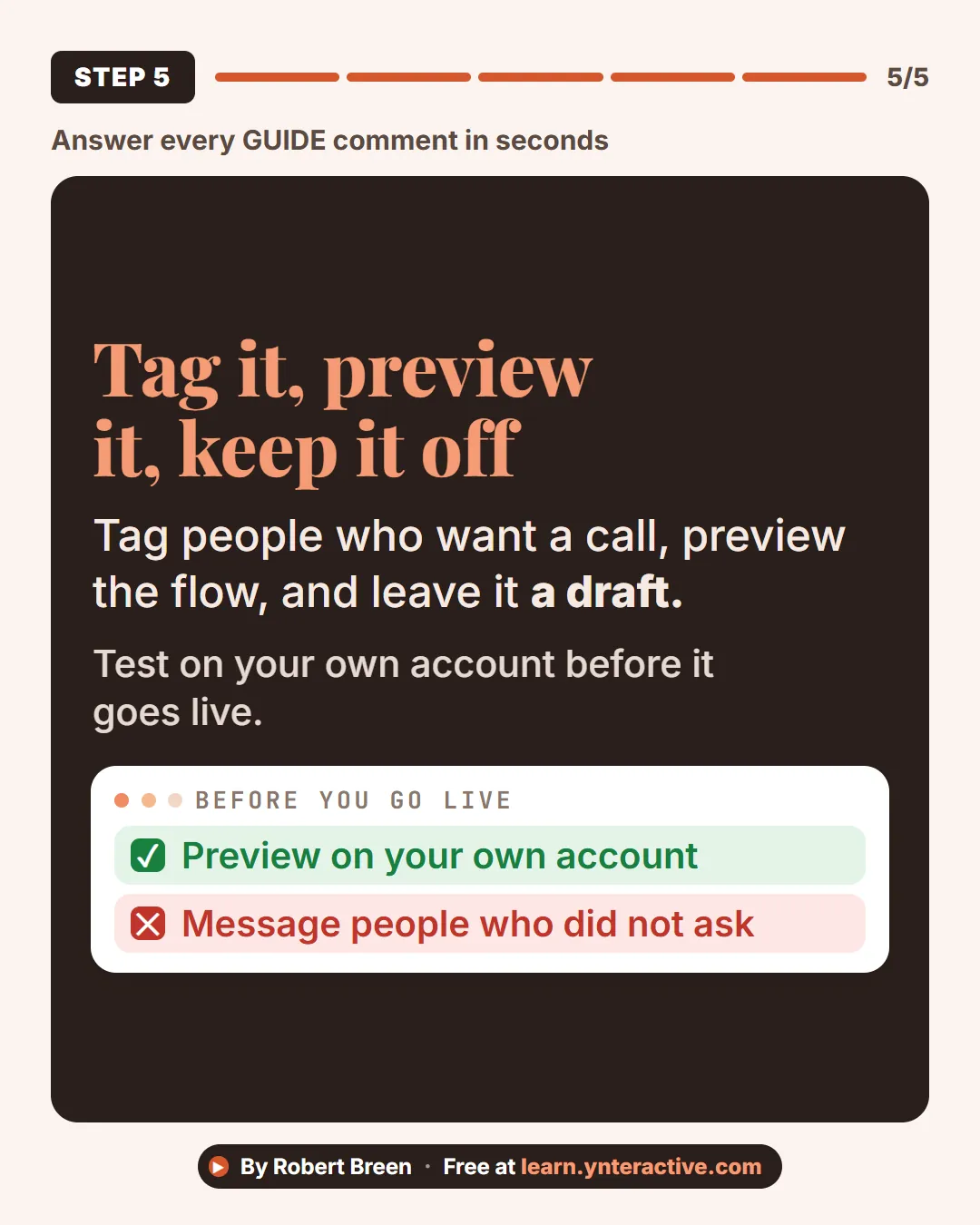
Slide 6 of 7 
Slide 7 of 7
The guide in text
Comment, DM, button, tag. Left as a draft until you switch it on.
Step by step
Price the quiet comments
Count the comments nobody answered, then use your own fee and win rate. In the lesson, 11 of 18 waited a day.
Start from a blank canvas
Open Automation, click New Automation, then start from scratch. A new automation is a draft. It sends nothing.
Set the trigger
Choose Post or Reel Comments, pick one post and add the keyword GUIDE. Keep the public reply that points to the DMs.
Write the DM
Use the person's first name and add a button that opens your booking link. Say what they will get, in plain words.
Tag it, preview it, keep it off
Tag people who want a call, preview the flow, and leave it a draft. Test on your own account before it goes live.
Businesses and people in the examples are made up (Menon Tax & Advisory is a made-up business). The steps, screens and wording come from the free lesson and the Stepthrough glossary and prompt library.
Do it yourself, free
Turn Instagram Comments into Booked Consultations using Manychat. Price what unanswered Instagram comments cost a small firm, then build a Manychat automation: someone comments GUIDE, gets a direct message with a booking button and a checklist button, and is… You do every step yourself in a practice copy of Manychat, it checks your work as you go, and “Do it for me” finishes any step you get stuck on. Free, and nothing touches your real accounts.
Start the free lessonRelated terms
Plain-English definitions, each with an example from a free lesson.
More visual guides
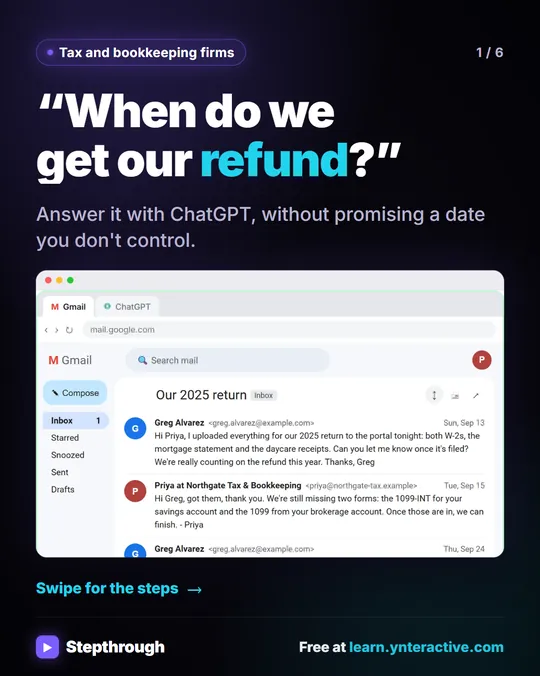 Answer "where's my refund?" emails with ChatGPT
Every tax season the same email lands: "When do we get our refund?" In this lesson the client's return isn't even filed yet.
Step-by-step guide 6 slides
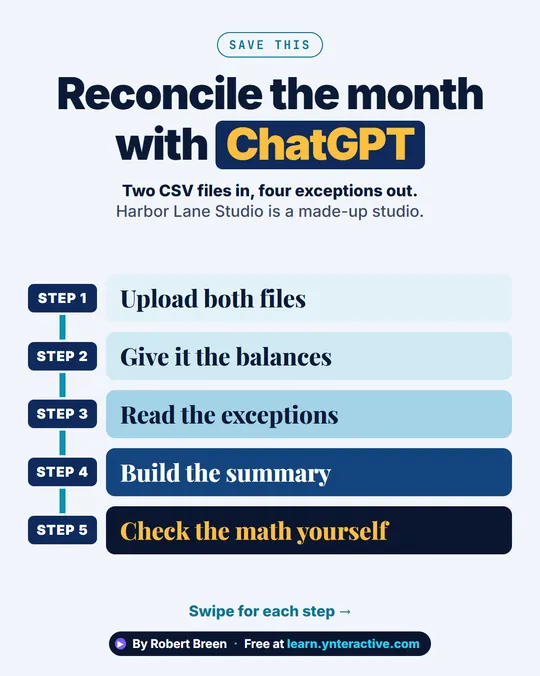 Bank Reconciliation with ChatGPT in 5 Steps
A step-ladder guide: upload a bank CSV and a ledger CSV to ChatGPT, list the exceptions, and check the math yourself, in 5 steps.
Step-by-step guide 7 slides
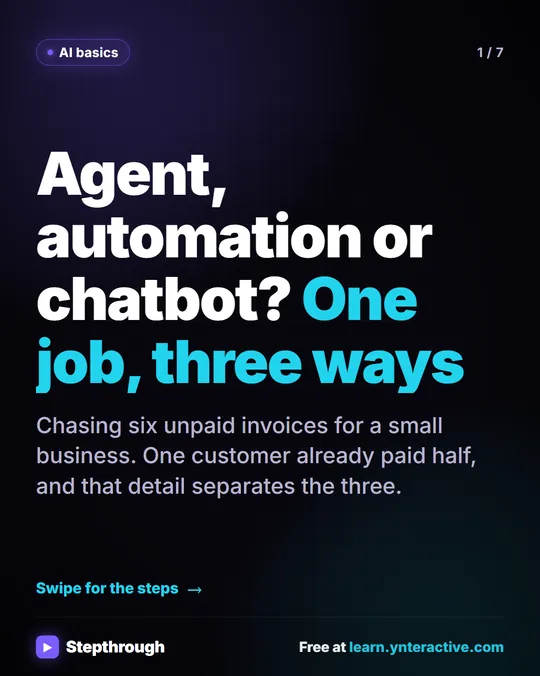 AI Agent vs Automation vs Chatbot: One Job, Three Ways
A visual guide to the difference between a chatbot, an automation and an AI agent, shown by chasing six unpaid invoices three ways in one free lesson.
Step-by-step guide 7 slides