Bank Reconciliation with ChatGPT in 5 Steps
A step-ladder guide: upload a bank CSV and a ledger CSV to ChatGPT, list the exceptions, and check the math yourself, in 5 steps.
Slide 1 of 7 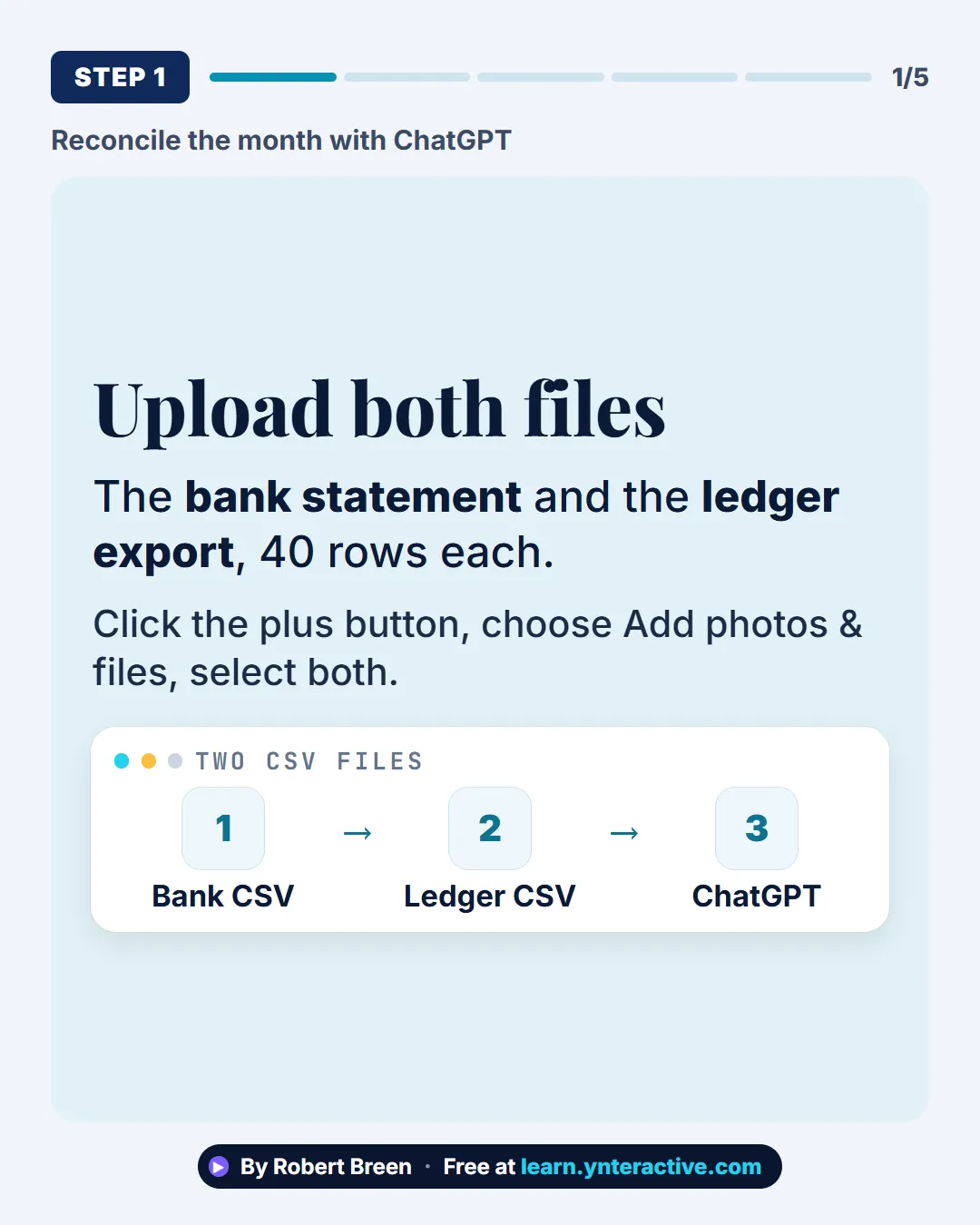
Slide 2 of 7 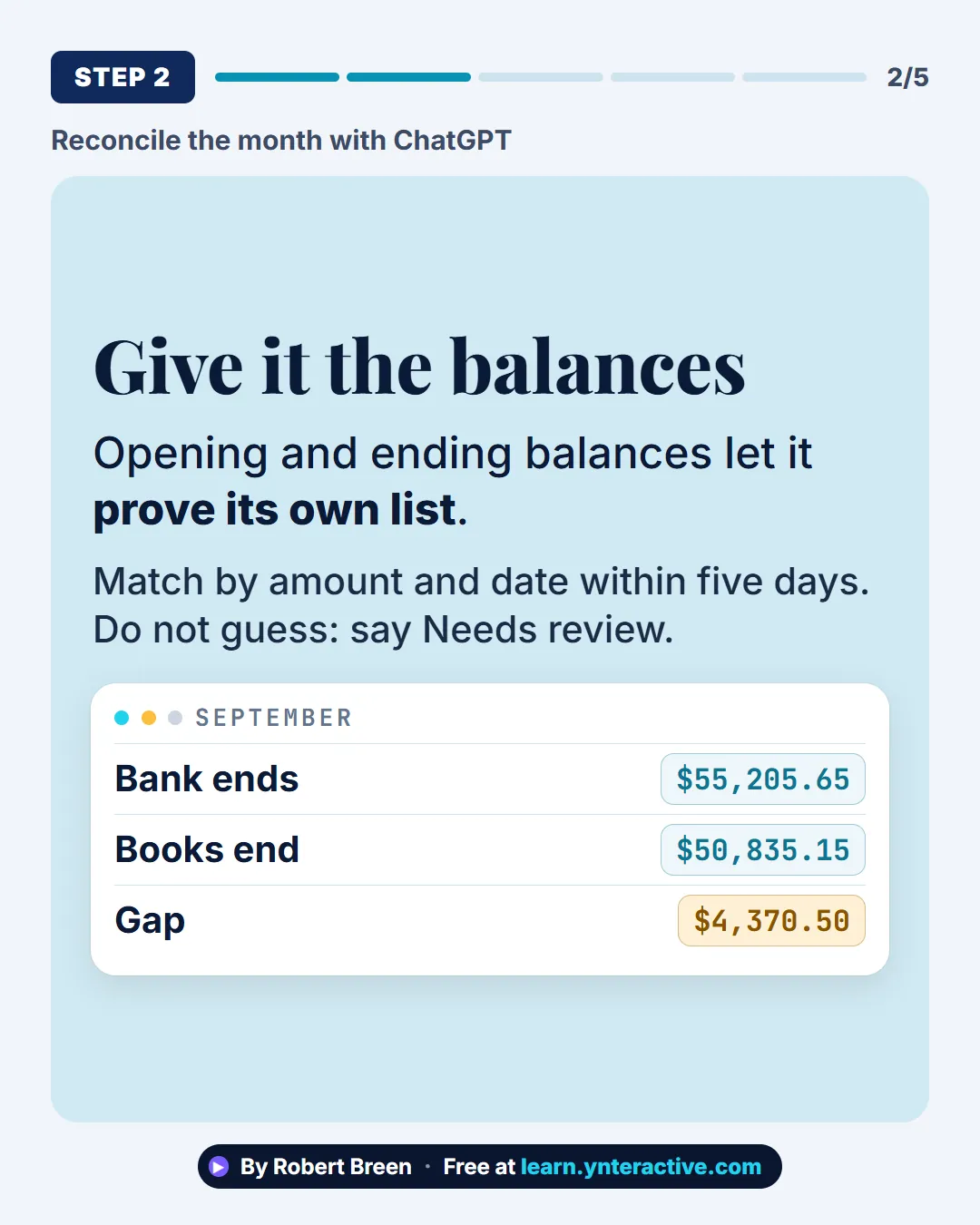
Slide 3 of 7 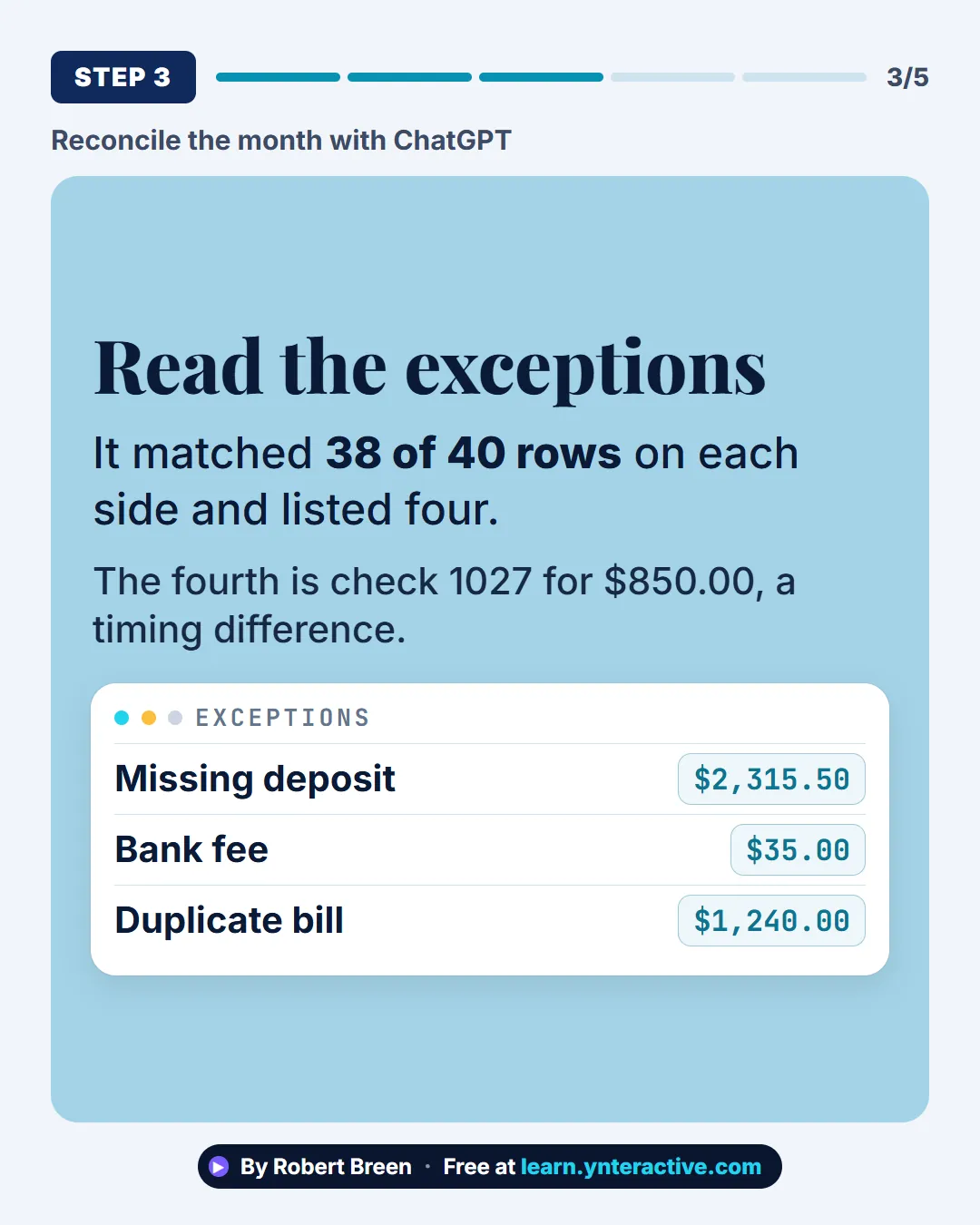
Slide 4 of 7 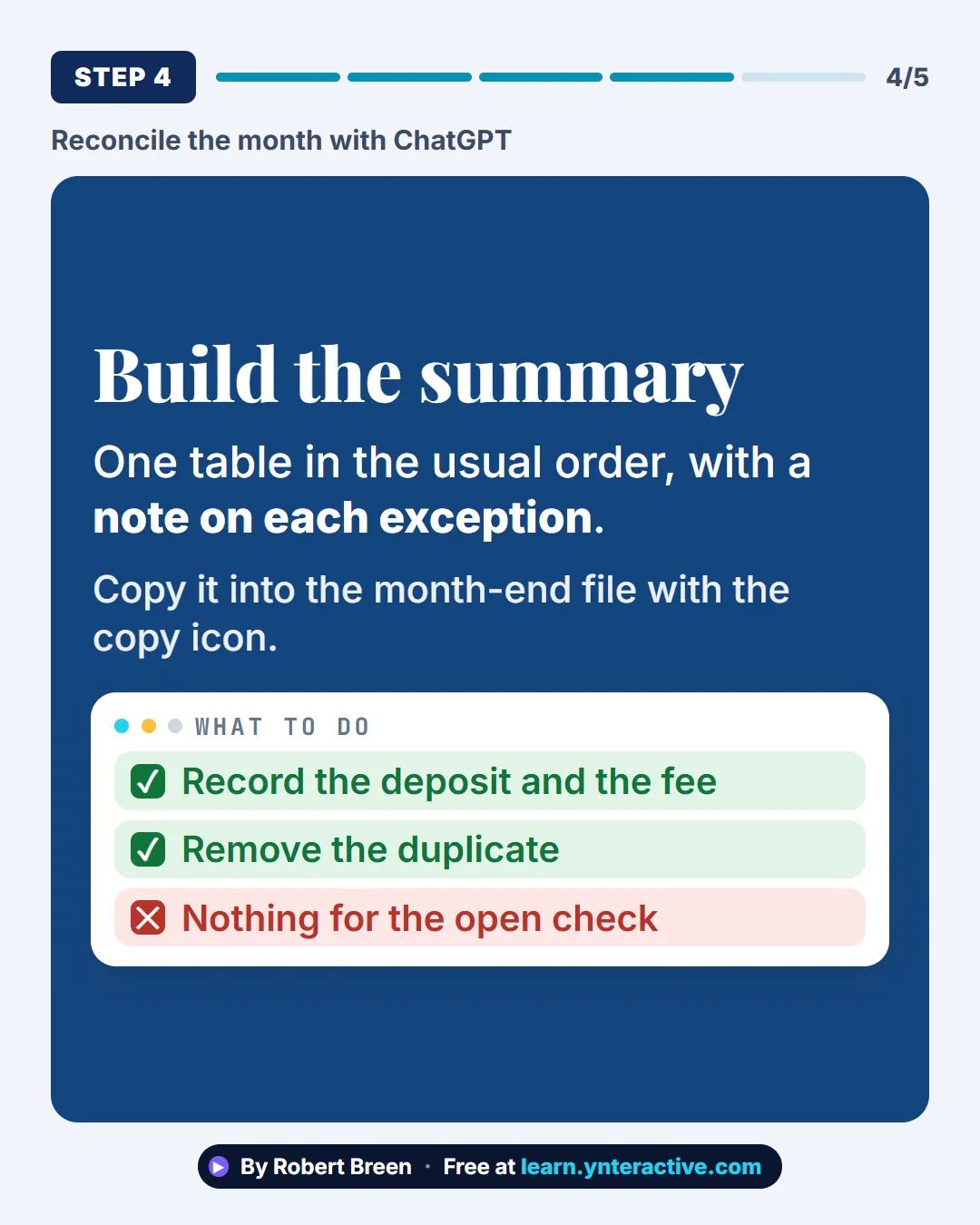
Slide 5 of 7 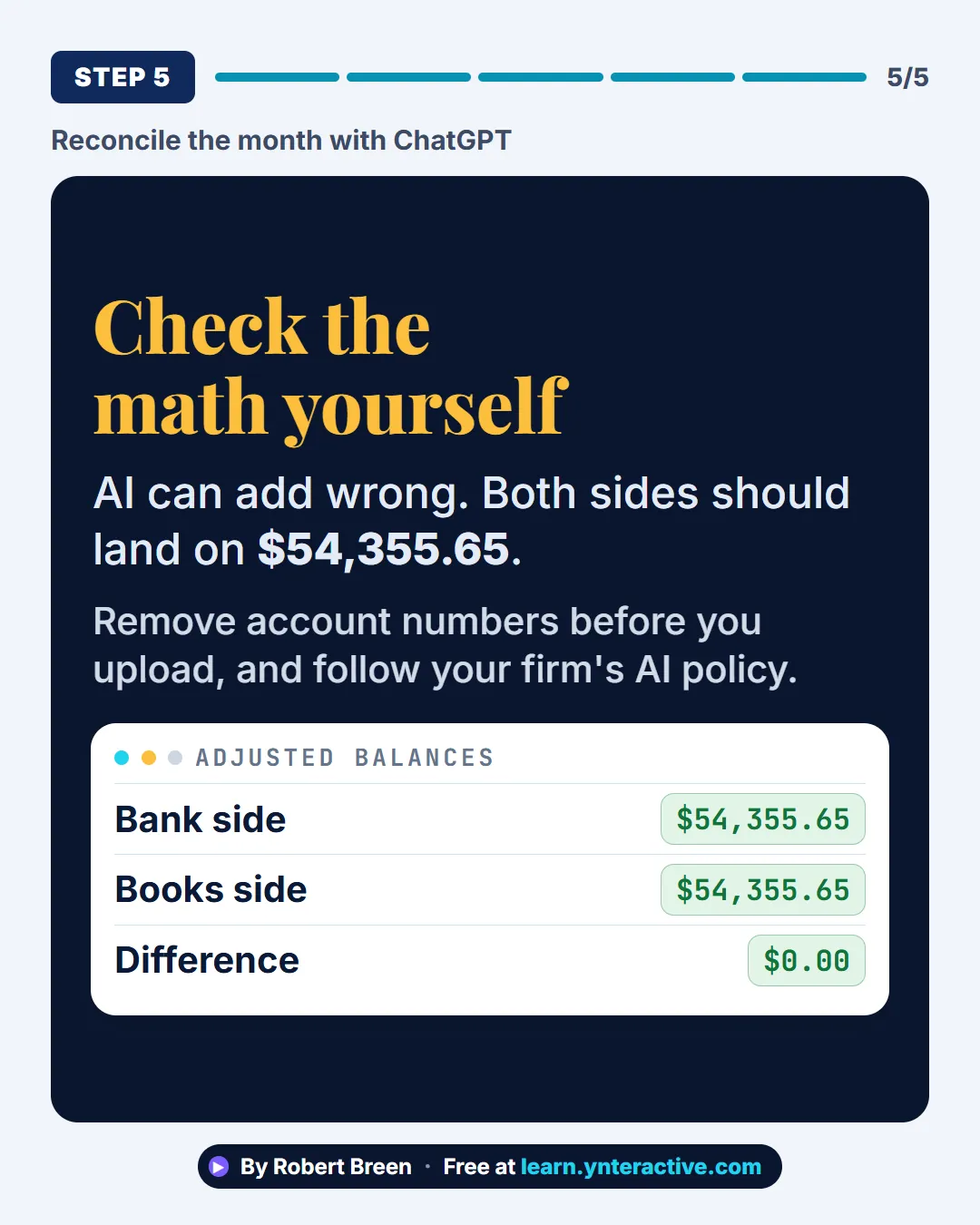
Slide 6 of 7 
Slide 7 of 7
The guide in text
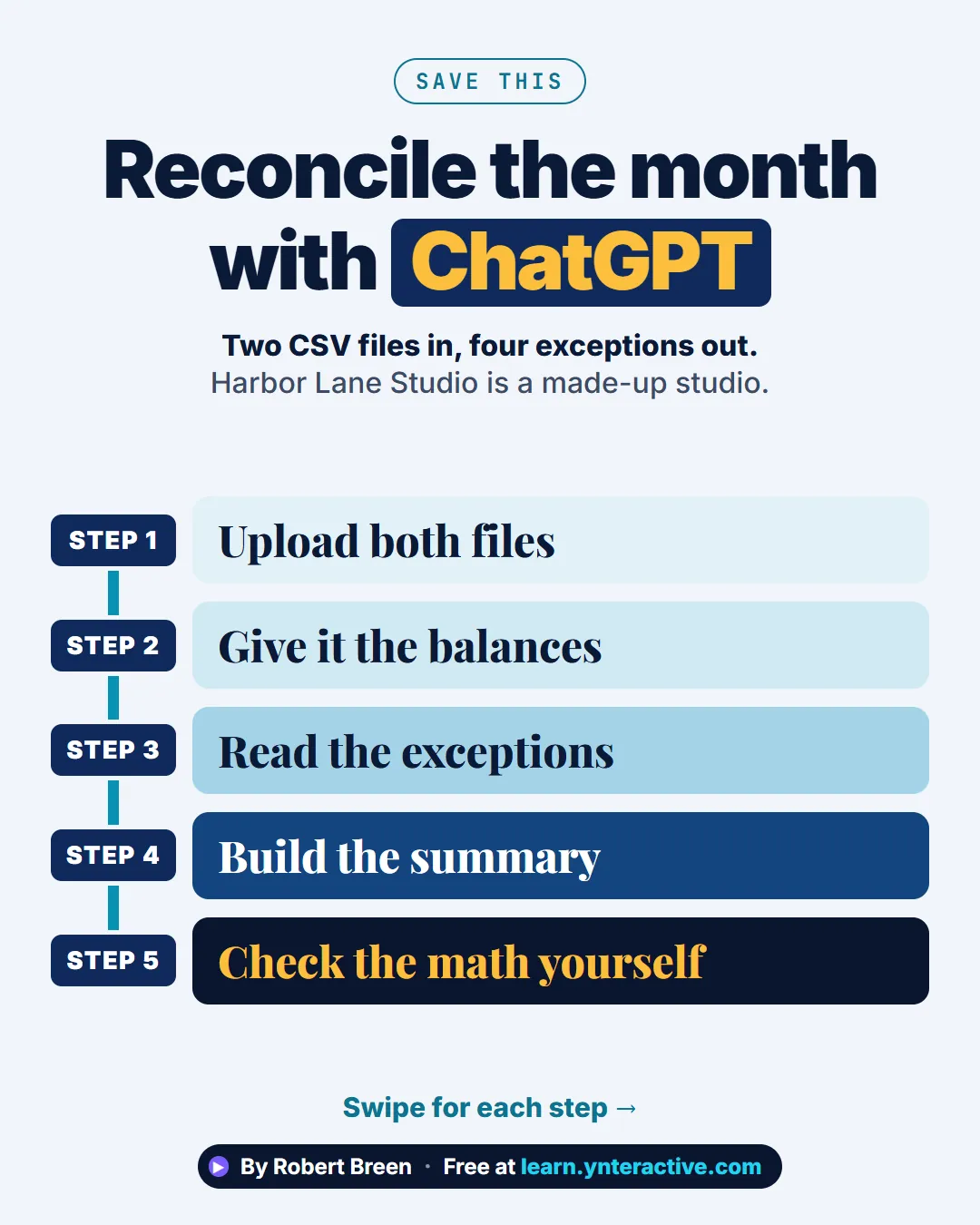
Two CSV files in, four exceptions out. Harbor Lane Studio is a made-up studio.
Step by step
Upload both files
The bank statement and the ledger export, 40 rows each. Click the plus button, choose Add photos & files, select both.
Give it the balances
Opening and ending balances let it prove its own list. Match by amount and date within five days. Do not guess: say Needs review.
Read the exceptions
It matched 38 of 40 rows on each side and listed four. The fourth is check 1027 for $850.00, a timing difference.
Build the summary
One table in the usual order, with a note on each exception. Copy it into the month-end file with the copy icon.
Check the math yourself
AI can add wrong. Both sides should land on $54,355.65. Remove account numbers before you upload, and follow your firm's AI policy.
Businesses and people in the examples are made up (Harbor Lane Studio is a made-up business). The steps, screens and wording come from the free lesson and the Stepthrough glossary and prompt library.
Do it yourself, free
Month-End Bank Reconciliation with ChatGPT: 20 Minutes, Not 3 Hours. Upload the bank statement and the books, let ChatGPT match every row and list the exceptions, then check the answer and paste a reconciliation summary into the month-end file. You do every step yourself in a practice copy of ChatGPT, it checks your work as you go, and “Do it for me” finishes any step you get stuck on. Free, and nothing touches your real accounts.
Start the free lessonRelated terms
Plain-English definitions, each with an example from a free lesson.
From the blog

More visual guides
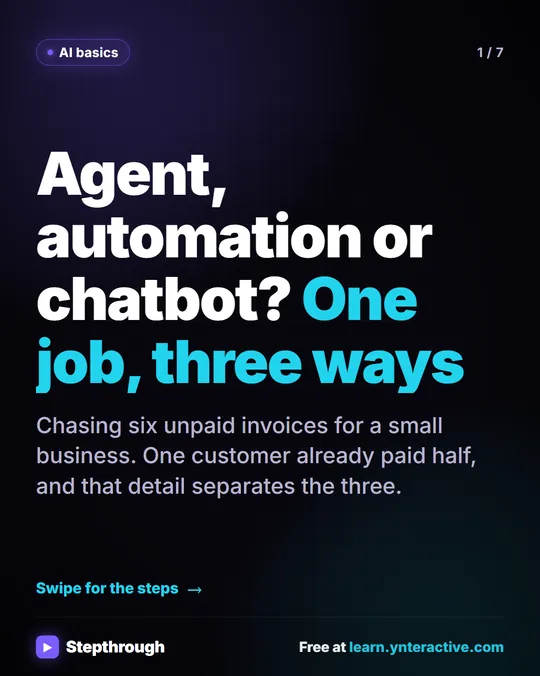 AI Agent vs Automation vs Chatbot: One Job, Three Ways
A visual guide to the difference between a chatbot, an automation and an AI agent, shown by chasing six unpaid invoices three ways in one free lesson.
Step-by-step guide 7 slides
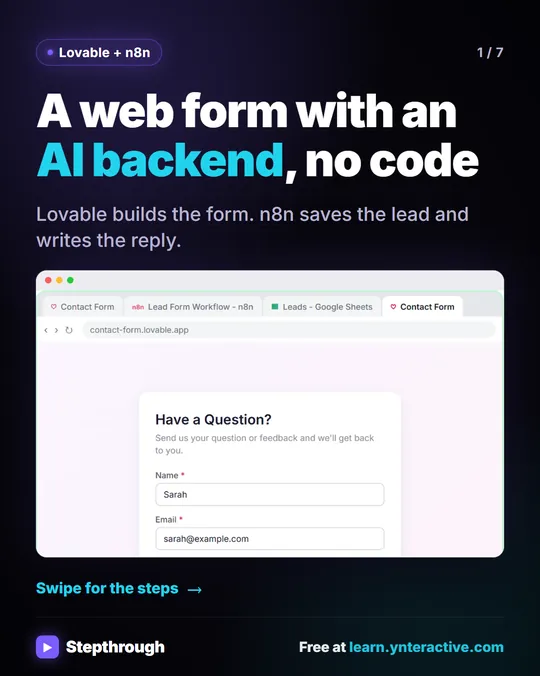 Build a web form with an AI backend, no code
Most website forms just land in an inbox and wait. This one does the work. You describe the form in Lovable, and it builds it.
Step-by-step guide 7 slides
 ChatGPT vs Claude vs Gemini vs Copilot: One Task, Compared
A visual guide to the same office task in ChatGPT, Claude, Gemini and Copilot: what each one added, what to check, and how to pick the one for work.
Step-by-step guide 8 slides