The system message is where most of an agent's quality comes from. The model, memory and tools stay the same from build to build; the system message is what makes one agent a pest control receptionist and another a purchasing assistant.
What is the system message in an n8n AI Agent?
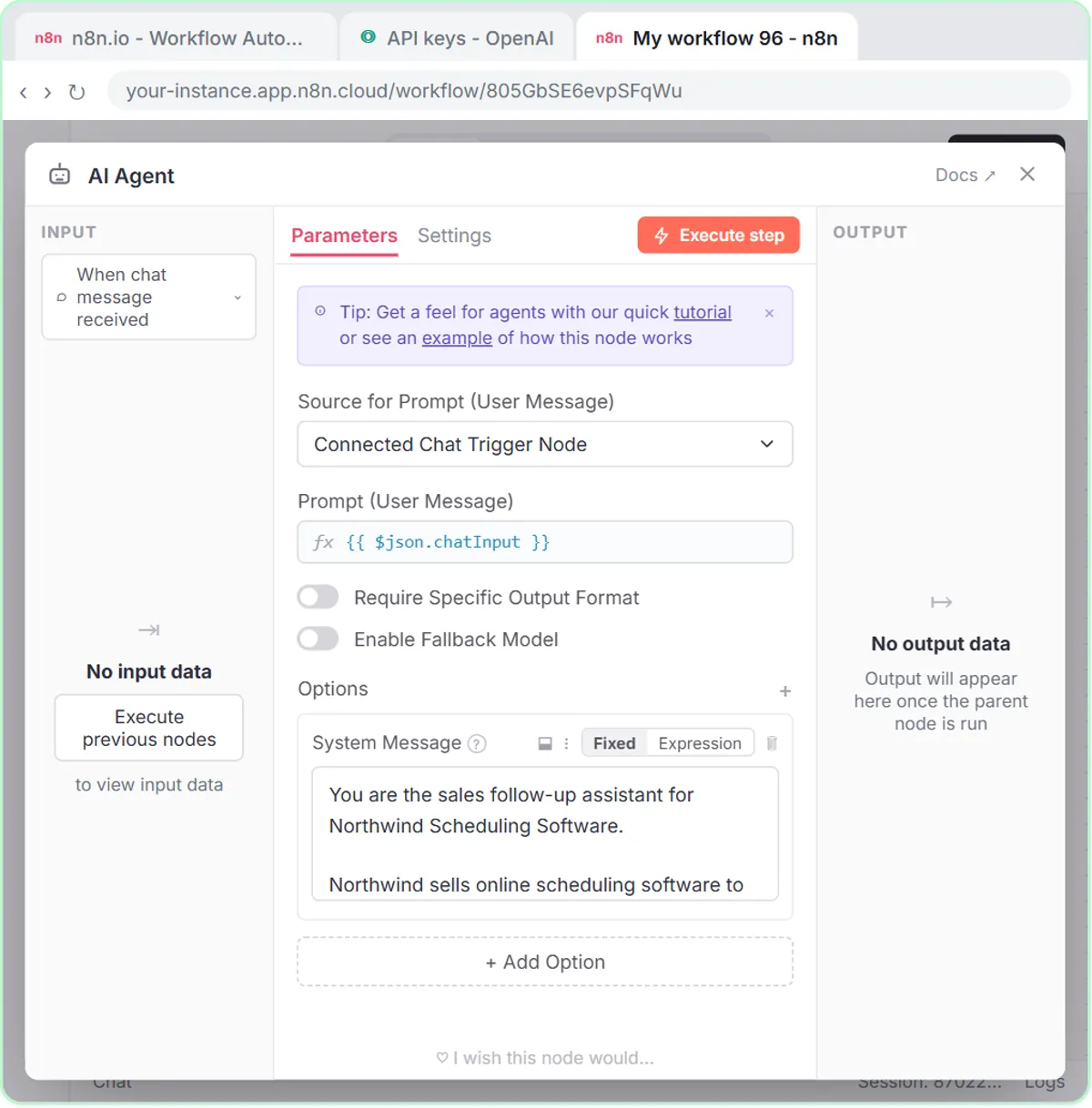
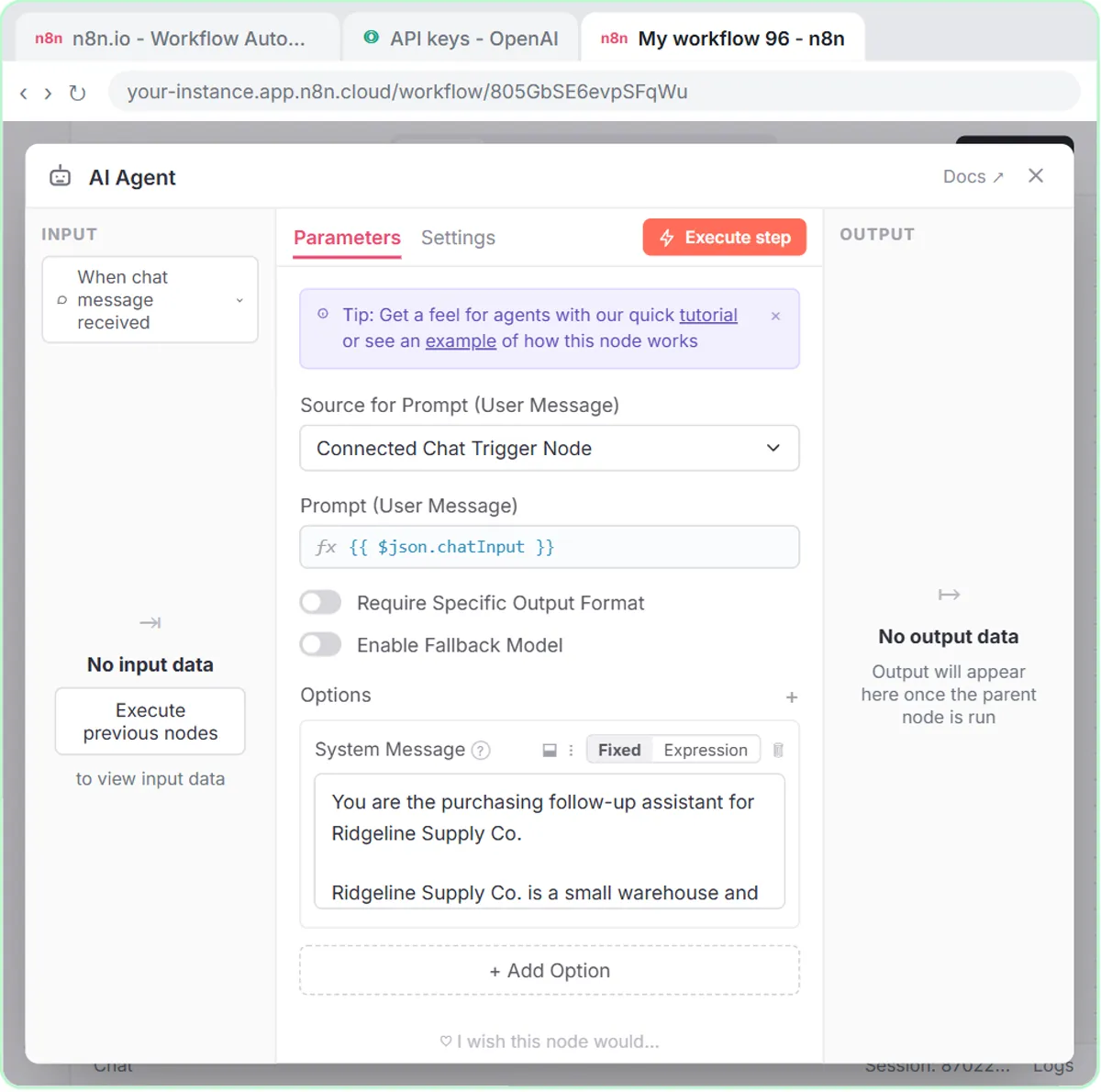
The system message is the AI Agent's standing instruction: it applies to every message, email or form submission the agent handles. You add it in the AI Agent node under Options:
- Double-click the AI Agent node.
- Click Add Option.
- Choose System Message and paste your text.
The lessons describe it as the thing the agent reads before every single request. If a fact or rule should apply every time, it belongs here.
What is the difference between the system message and the prompt?
The system message stays the same for every run; the prompt is the new input each run. With a chat trigger, the prompt is whatever you type in the chat. With an email or form, you write the prompt yourself.
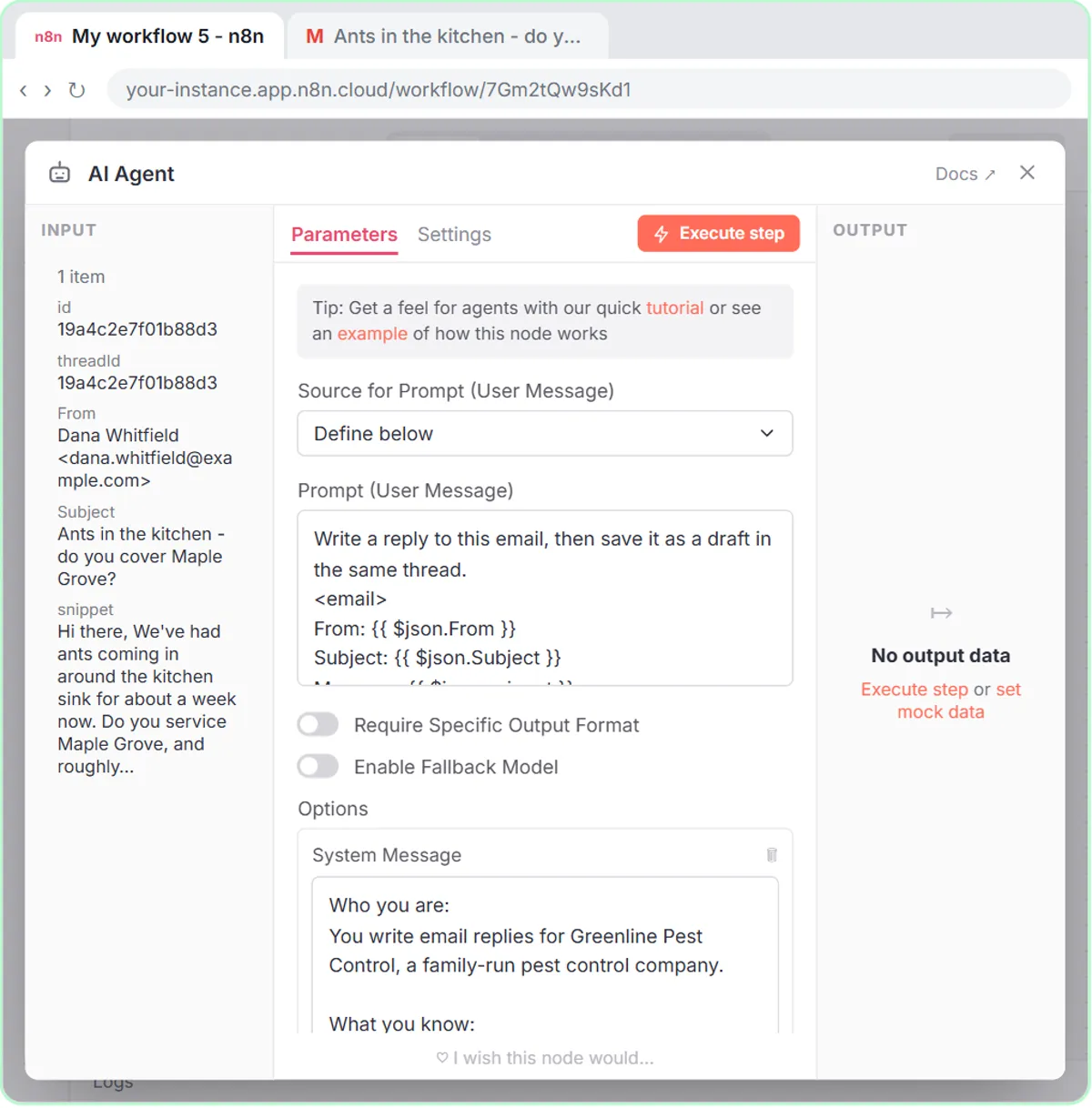
In the email responder, the agent's default expects a chat message, but the input is an email. So the lesson changes Source for Prompt to Define below and pastes a prompt that pulls in fields with expressions:
Write a reply to this email, then save it as a draft in the same thread.
<email>
From: {{ $json.From }}
Subject: {{ $json.Subject }}
Message: {{ $json.snippet }}
</email>
A simple way to decide where something goes: if it changes every time (this customer, this email, this form), it goes in the prompt. If it's true every time (your prices, your rules, your tone), it goes in the system message.
What are the four parts of a good system message?
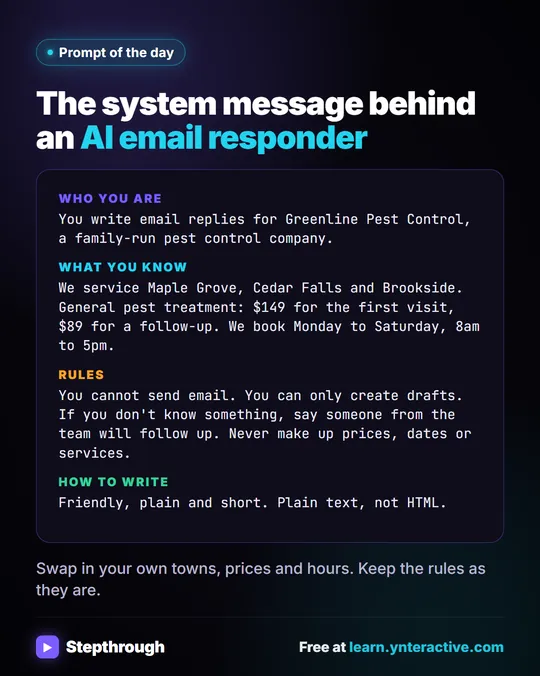
The email responder's system message uses four labeled parts, and the pattern works for almost any agent:
- Who you are: "You write email replies for Greenline Pest Control, a family-run pest control company."
- What you know: the service areas, the prices, the booking hours and how to book.
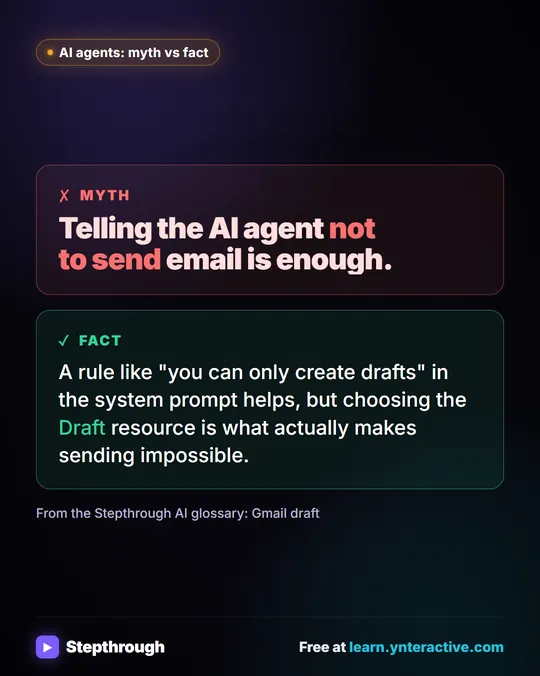
- Rules: "You cannot send email. You can only create drafts." And: "If you don't know something, say someone from the team will follow up. Never make up prices, dates or services."
- How to write: "Friendly, plain and short. Plain text, not HTML." It signs off as "The Greenline team."
Greenline Pest Control is made up. AI Email Replies Without Auto-Sending walks through that whole build.
Where should prices, service areas and hours go?
Put business facts in a "What you know" list in the system message, one fact per line. The agent can only quote what's written there, which is what keeps it from guessing.
Two habits keep that list useful:
- Write facts the way you'd say them to a customer. "General pest treatment (ants, spiders, roaches): $149 for the first visit, $89 for a follow-up" is clear to a person and to the model.
- Pair the list with a fallback rule. The "someone from the team will follow up" line tells the agent what to do with a question the list doesn't cover.
When a price changes or you add a town, edit that one line, and every future reply follows.
Try it free, step by step
n8n AI Email Responder: Draft Gmail Replies Automatically. Build an n8n agent that watches your Gmail, reads each new customer email, and writes a reply as a draft in the same thread, ready for you to check and send. You do every step yourself in a practice copy of n8n, it checks your work as you go, and “Do it for me” finishes any step you get stuck on. Free, and nothing touches your real accounts.
Start the free lessonHow do you make the output match your Google Sheet?
List the exact fields you want back, using the same names as your sheet's column headers. When the agent saves with the Google Sheets Tool, matching names make it obvious which value goes in which column.
The AI Deal Follow-Up Agent, built for the made-up Northwind Scheduling Software, asks for:
For each deal, return:
- Prospect
- Company
- Stage
- Follow-up Message
- Next Step
Those are also the five headers in its Deal Follow-Ups sheet. The AI Vendor Follow-Up Agent for the made-up Ridgeline Supply Co. returns Vendor, Order, Issue, Follow-up Message and Due Date, which match its Vendor Follow-Ups sheet.
How do you tell the agent when to use a tool?
Name the tool and the moment to use it in one plain sentence. Both follow-up agents include:
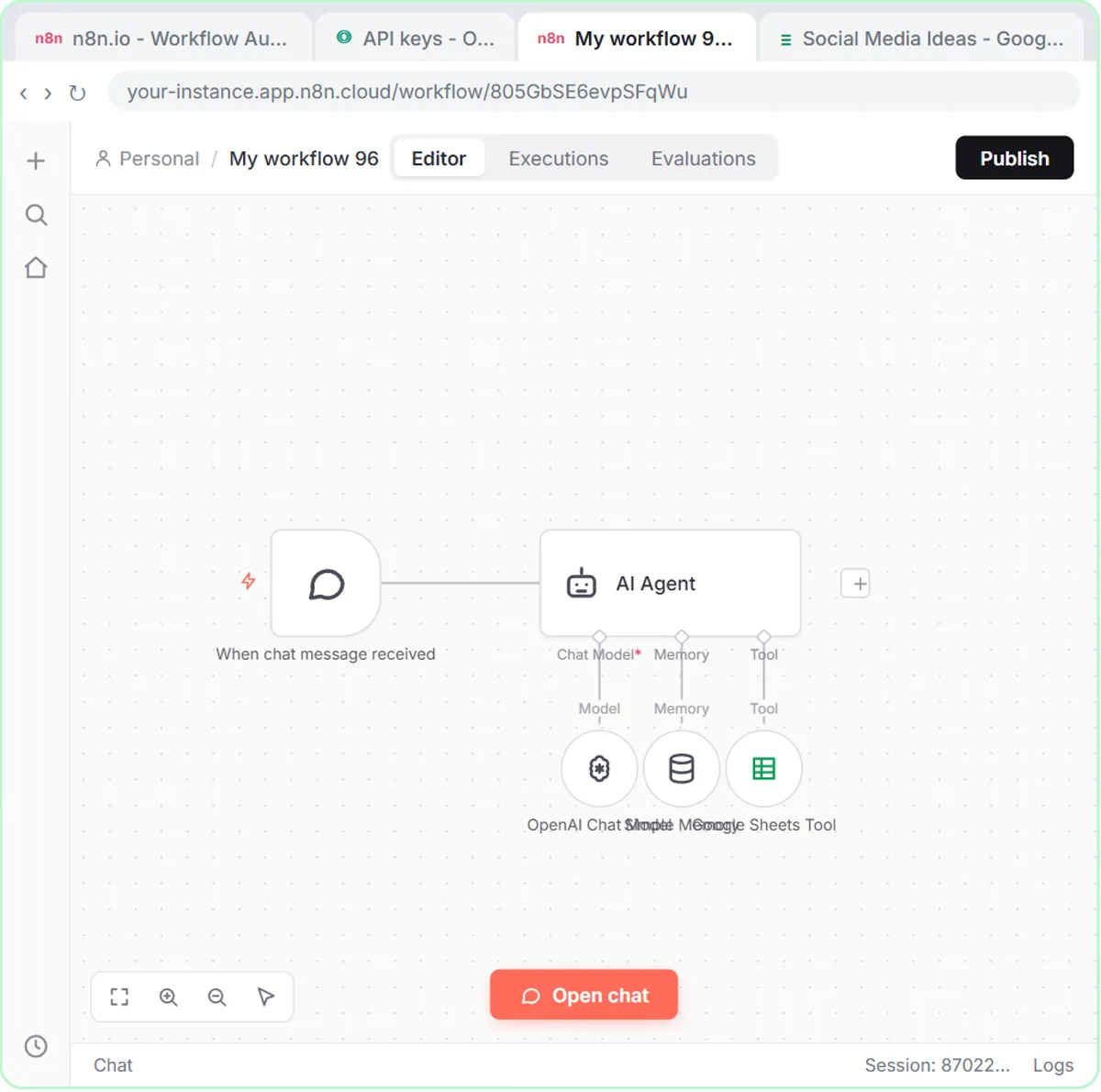
When the user asks you to save the follow-ups, use the Google Sheets tool to store each one.
That line is why the agent shows you the follow-ups first and only writes rows after "Yes, save those follow-ups to the sheet." Agents that should act every time say so directly. The form lessons use "Use the google sheets tool to add the lead to the google sheet," and the receipt agent's whole system message is three short lines ending with "Use the google sheets tool to add the receipt to the sheet."
What rules should a system message include?
Include the few rules that would hurt most if broken, written as plain "do" and "do not" lines. The lessons' rules are short and specific:
- Sales: "Match the message to the stage. Keep each message under 80 words and end with one clear ask." And: "Do not invent prices, discounts or results."
- Operations: "Ask one clear question: a ship date, a tracking number, or a fix," with a reply-by date of 1 business day if late, 2 if pending. And: "Do not threaten to cancel orders or invent penalties. Keep each message under 80 words."
- Email: drafts only, and never make up prices, dates or services.
Each rule names something real the agent could get wrong. Vague rules like "be accurate" or "be professional" give the model nothing to check against.
How long should an n8n system message be?
As short as it can be while still covering who, what it knows, the rules and the output. The receipt extractor needs three lines because the sheet's column names do the rest. The sales and operations agents need more because they write messages to real people.
When an agent keeps making the same mistake, add one specific rule for it. When it keeps handing off the same question, add that answer to "What you know." Then test again: Open chat for chat agents, Execute workflow for the email responder.
All three lessons are free and run in practice copies. A real build needs n8n (n8n Cloud is paid after a free trial, or self-host it) and an OpenAI API key, which is pay-as-you-go and billed separately from ChatGPT plans; the lessons suggest about $10 of credit. New to agents? Start with n8n AI Agent Tutorial: Build Your First Agent, and find more builds on the n8n tool page.
If you want an agent's instructions written and tested against your own emails or data, an n8n consultant can do it with you.
Key takeaways
- An n8n AI Agent system message is the standing instruction the agent reads before every request, added under Options with Add Option and System Message.
- A strong system message has four parts: who the agent is, what it knows, the rules, and how to write or what to return.
- Facts like prices, service areas and hours go in a "What you know" list, paired with a rule for questions the list doesn't cover.
- Output fields should use the same names as the Google Sheet's column headers, such as Prospect, Company, Stage, Follow-up Message and Next Step.
- The prompt carries what changes each run; with an email or form trigger, set Source for Prompt to Define below and pull fields in with expressions.
Frequently asked questions
- Where do I add a system message in n8n?
Open the AI Agent node, click Add Option and choose System Message. Paste your instructions into that box.
- What's the difference between the system message and the prompt?
The system message stays the same for every run. The prompt is the input for this run, like a chat message or an email pulled in with expressions.
- Why does my agent ignore my Google Sheets tool?
Tell it when to use the tool in one plain sentence, such as "When the user asks you to save the follow-ups, use the Google Sheets tool to store each one."
- How do I stop the agent from making up prices?
List your real prices under "What you know," and add a rule like "Never make up prices, dates or services," plus what to say when it doesn't know.
- Are Greenline, Northwind and Ridgeline real companies?
No. Greenline Pest Control, Northwind Scheduling Software and Ridgeline Supply Co. are made-up examples used in the lessons.