What are Resource and Operation in an n8n node?
Updated · By Robert Breen
In n8n, Resource and Operation are two dropdowns at the top of most app nodes. Resource picks the kind of thing the node works on, such as a message, a draft or a sheet. Operation picks the action, such as send, create, get or append.
Why it matters for a small business
One app node can do many different jobs. The Gmail node can send messages, create drafts, add labels or read threads; the Google Sheets node can read rows, add rows or update them. Resource and Operation are how you choose which job. They are the first settings to check in any node, because everything below them changes with the choice.
They are also a safety control. The difference between "send a message" and "create a draft" is the difference between an AI emailing your customers on its own and an AI leaving a draft for you to approve. When an AI agent uses a node as a tool, the Resource and Operation you pick set the limit on what it can do, whatever the model decides.
In a real lesson: AI Email Responder: Draft Gmail Replies Automatically with n8n
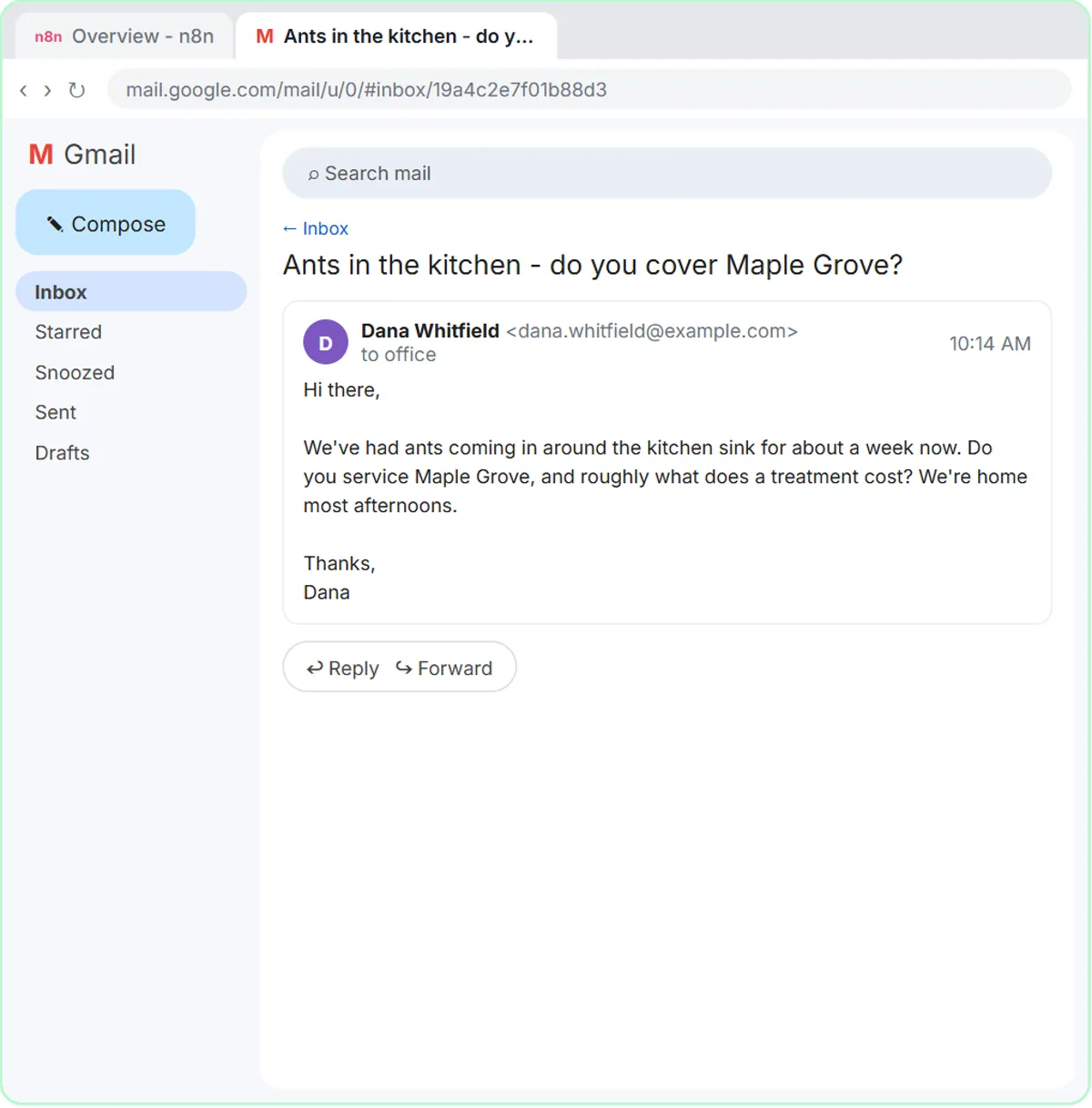
The AI Email Responder lesson builds an agent for Greenline Pest Control, a made-up pest control company, that answers customer emails. When you add the Gmail Tool, it opens with Resource set to Message and the operation set to send. The voice-over is blunt: we do not want an agent sending emails on its own.
So you open the Resource dropdown and choose Draft, and the operation switches to Create. In the voice-over's words, the worst this agent can do now is write a draft you never send. The system message backs this up with a rule: "You cannot send email. You can only create drafts." The node setting is what actually enforces it.
The AI Receipt Extractor shows the same idea with Sheets. Its Google Sheets Tool opens set to Get row(s), which reads. You open Operation and choose Append Row, so every receipt becomes a new row, and the node on the canvas renames itself to match.
Try this lesson free or read the step-by-step guide.
Common confusions
Operation vs prompt instructions
A prompt can ask the AI not to send email, but the model might not follow it. The Operation setting is a hard limit: a node set to create drafts cannot send. Use both, and trust the setting.
Resource vs credential
The credential decides which account the node uses. Resource and Operation decide what it does inside that account.
Tips
- Check Resource and Operation first whenever you add or import a node; the defaults are not always what you want.
- For AI tools, choose the least powerful operation that does the job, like Draft instead of Send.
- Rename the node after changing its operation so the canvas shows what it really does.
Related terms
Where you use it: free lessons
- AI Email Responder: Draft Gmail Replies Automatically with n8n (n8n, 12 min)
- AI Receipt Extractor: Receipts to Google Sheets with n8n (n8n, 12 min)
- Daily Job Alerts: Email Each Tech Their Jobs from Google Sheets with n8n (n8n, 10 min)
Frequently asked questions
- Why does my n8n Gmail node send instead of drafting?
- Its Resource is set to Message with a send operation. Change Resource to Draft and the operation becomes Create, so it only writes drafts.
- Do all n8n nodes have Resource and Operation?
- Most app nodes do, because each app offers several actions. Simpler nodes, like a Filter, have one job and no such dropdowns.