What is retrieval-augmented generation (RAG)?
Updated · By Robert Breen
Retrieval-augmented generation (RAG) is a method where an AI system first looks up relevant information from a chosen source, such as your documents, and then writes its answer using what it found. It lets a model answer from current, specific material instead of only its training.
Why it matters for a small business
A model on its own knows general things up to its knowledge cutoff and nothing about your prices, policies or products. RAG closes that gap by fetching the right passage at the moment of the question. Update the document and the next answer reflects it, with no retraining.
It is also how you make answers checkable. When the AI works from retrieved text, you can ask where an answer came from and compare. For a business, that turns "the AI said so" into "the AI quoted our playbook", which is a much safer basis for a customer email or a staff answer.
In a real lesson: Build a Custom GPT That Writes Sales Follow-Up Emails
The sales follow-up Custom GPT lesson gives you a simple, managed version of RAG without building any of the machinery. You create Sales Follow-Up Writer for Northwind Scheduling Software, a made-up company, and use Upload files to attach Northwind-Sales-Playbook.pdf: who you sell to, the features, the three plans, the follow-up rules and a sample email.
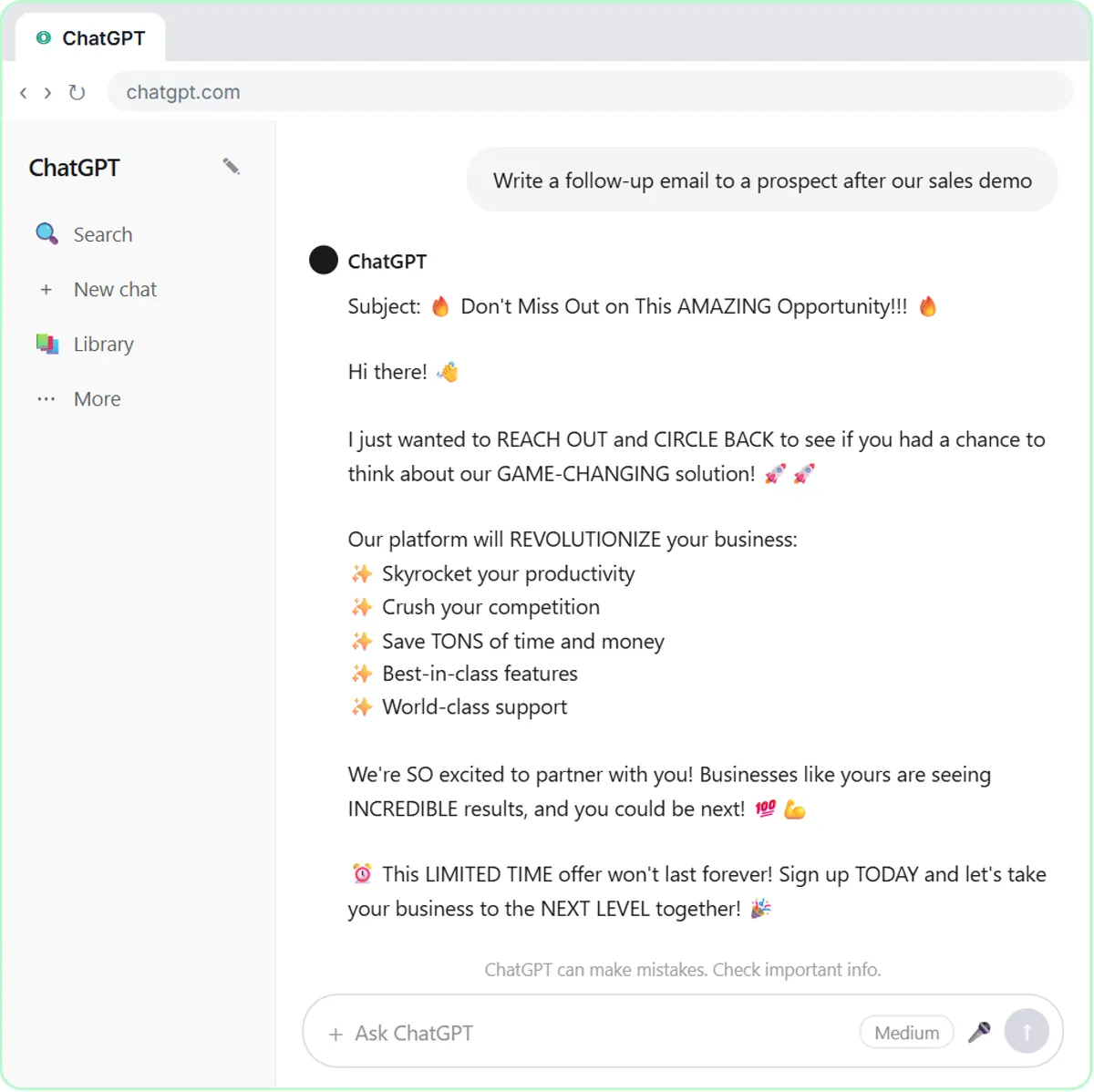
The instructions tie the writing to that file: "Only mention features and prices from the Sales Playbook. Never invent a price or a discount." When you send "Write a follow-up email to a prospect after our sales demo", ChatGPT can draw on the playbook while it writes. That is the retrieval half (finding the relevant part of your document) and the generation half (writing the email) in one tool.
A custom RAG setup does the same thing at larger scale, for example an n8n agent searching a vector store of hundreds of documents. The principle you practice here is the one that matters: point the model at your source and forbid it from going beyond it.
Try this lesson free or read the step-by-step guide.
Common confusions
RAG vs fine-tuning
RAG fetches information at answer time, so changes show up immediately and you can trace the source. Fine-tuning changes the model's behavior through training. Facts belong in RAG; style and format are where fine-tuning helps.
RAG vs pasting facts into the prompt
Pasting a numbered facts list is the manual form of the same idea. RAG automates the lookup, which matters when there is too much material to paste or it lives in many documents.
Tips
- Keep the source documents current; RAG faithfully retrieves outdated text too.
- Tell the model to say when the documents do not cover a question instead of guessing.
- Test with questions whose answers you know are in the documents, and a few that are not.
Related terms
Where you use it: free lessons
- Build a Custom GPT That Writes Sales Follow-Up Emails (ChatGPT, 8 min)
- Build a Custom GPT Plumbing Quote Writer (ChatGPT, 8 min)
Frequently asked questions
- Is a Custom GPT with uploaded files a RAG system?
- Broadly, yes. The GPT draws on your uploaded files when it answers, which is the core RAG idea, though OpenAI manages the retrieval details for you.
- Does RAG stop hallucinations?
- It reduces them by giving the model real material to work from, but the model can still misread or overreach. Instruct it to stay within the sources and check important answers.