What is a Make scenario?
Updated · By Robert Breen
A scenario is what Make (the automation tool formerly called Integromat) calls an automation. It is a chain of modules, each one an action in an app, that starts with a trigger and passes data from one step to the next, running on a schedule or when an event happens.
Why it matters for a small business
If you are comparing automation tools, the vocabulary is the first hurdle. Make says scenario and module, n8n says workflow and node, Zapier says Zap and step. They describe the same thing: something happens, data is fetched or sent, and each step hands its result to the next. Once you see that, skills move between tools and you can pick one on fit, not on jargon.
Scenarios are built on a visual canvas, with modules shown as circles joined by lines. Make adds routers to split one flow into branches and filters on the links between modules so only matching data continues. Getting the order and the filters right is the real work, in any tool.
In a real lesson: Daily Job Alerts: Email Each Tech Their Jobs from Google Sheets with n8n
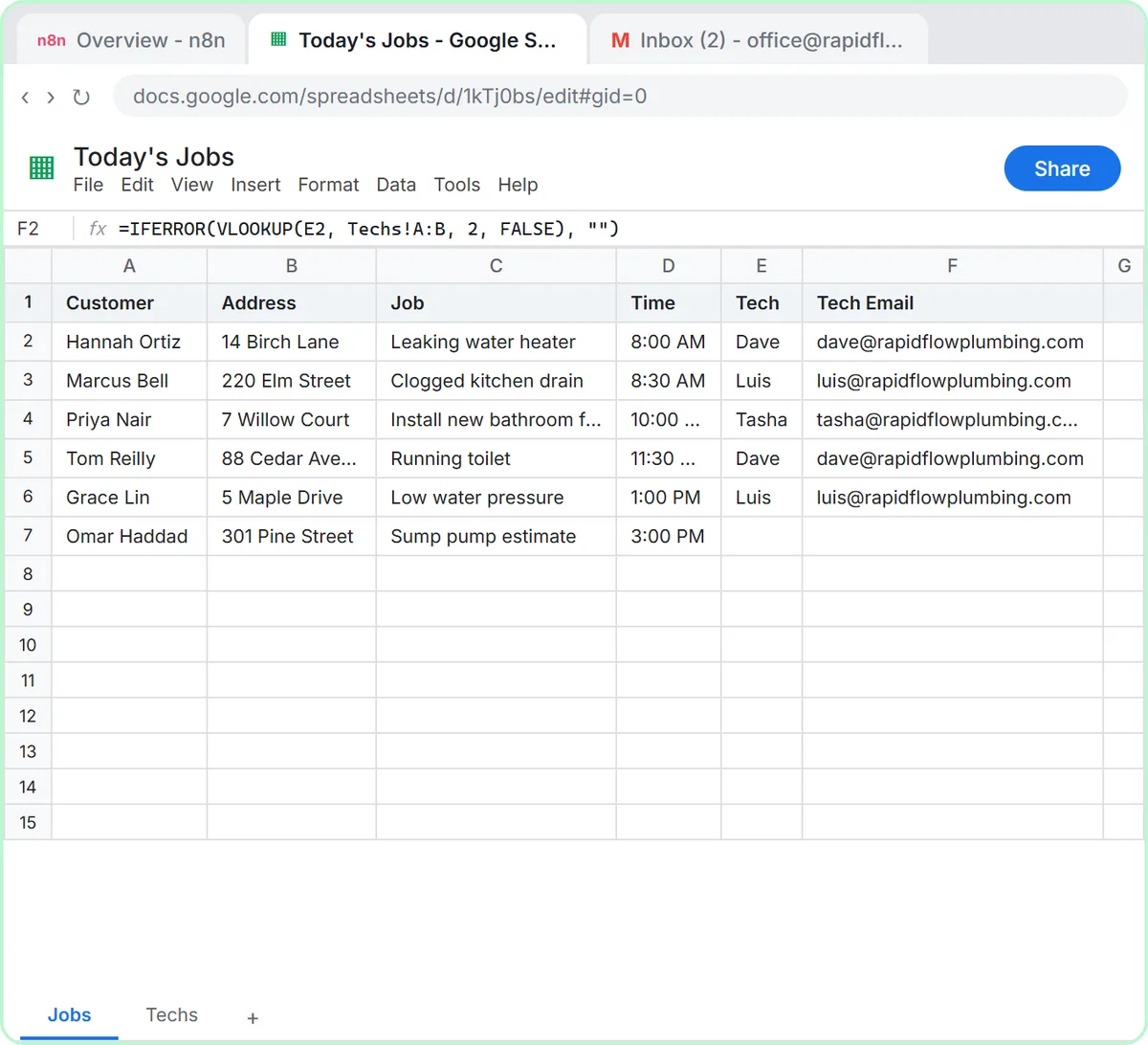
Stepthrough doesn't have a Make lesson yet. The closest practice is the same pattern built in n8n, in the Daily Job Alerts lesson. You work as the office at Rapid Flow Plumbing, a made-up plumbing company, and build a workflow that runs On a schedule at 7am, reads the Today's Jobs sheet with Google Sheets: Get row(s) in sheet, drops unassigned jobs with a Filter set to is not empty on the Tech column, and sends each job with Gmail: Send a message.
In Make, that would be one scenario: a scheduled start, a Google Sheets module to search rows, a filter on the link before the next module, and a Gmail module to send. The expressions you paste in n8n, like {{ $json["Tech Email"] }} in the To field, are what Make calls mapping: dragging a value from an earlier module into a field.
The lesson's test shows the idea that carries over: six rows go in, the Filter passes 5 items, and five emails go out, one per assigned job. Both tools repeat the later steps once for every row.
Try this lesson free or read the step-by-step guide.
Common confusions
Make scenario vs n8n workflow
Same concept, different names and hosting. Make runs in the cloud. n8n can run in the cloud or be self-hosted on your own server. Both have visual canvases, triggers, filters and branching.
Scenario vs Zap
A Zap is Zapier's word for an automation. Zaps are usually laid out as a straight list of steps, while Make scenarios are drawn as a canvas that makes branches easy to see.
Tips
- Write the steps in plain English first: "every morning, get today's jobs, skip unassigned ones, email each tech." That outline works in any tool.
- Check how each tool counts usage before you choose. Plans and limits change, so read the current pricing page rather than a comparison post.
- Run a scenario once by hand with real data before you schedule it.
Related terms
Where to learn more
Frequently asked questions
- Is Make the same as Integromat?
- Yes. Integromat was renamed Make, and scenarios are the same idea under the new name.
- Should I learn Make or n8n?
- The concepts transfer either way. Stepthrough teaches n8n today, and what you learn about triggers, filters and expressions applies directly to Make scenarios.