What is expense categorization?
Updated · By Robert Breen
Expense categorization is labeling each business expense, such as a receipt or card charge, with the right category, like office supplies, software or travel. It is what turns a pile of transactions into books you can report on, budget from and hand to your accountant.
Why it matters for a small business
Uncategorized transactions pile up fast. Every card charge, receipt and transfer needs a home before you can see what you spend or close a month. Done by hand it is slow and inconsistent: the same coffee shop ends up as Meals one month and Office the next.
AI is good at reading a vendor name and description and suggesting a category. Left to itself, though, it invents categories that sound reasonable but don't match your books. The two rules that make it work: give it a fixed list of allowed categories, and give it a way to say "I'm not sure" instead of guessing. A bookkeeper still reviews before anything is posted.
In a real lesson: AI Receipt Extractor: Receipts to Google Sheets with n8n
The AI Receipt Extractor lesson shows the loose version. You build an n8n agent with a three-line system message: "You are a helpful assistant. You will receive a receipt. Extract the date, vendor, and amount. Come up with a category." Then it uses a Google Sheets tool to add a row to the Invoices sheet, with the columns Date, Category, Vendor and Amount. When you drop in a photo of a Corner Mart receipt, the agent files it as Groceries.
"Come up with a category" is fine for learning the build. For real books, compare it with the AI Expense Categorizer Agent lesson for Maple Street Bookkeeping, a made-up firm. There the system prompt says "Use only these categories" and lists Office Supplies, Software & Subscriptions, Meals, Travel, Utilities and Needs Review, and adds: "If an expense could fit more than one category, or the details are unclear, use Needs Review and say why."
The simplest upgrade to the receipt agent is that same change: replace "Come up with a category" with your own list and a Needs Review option.
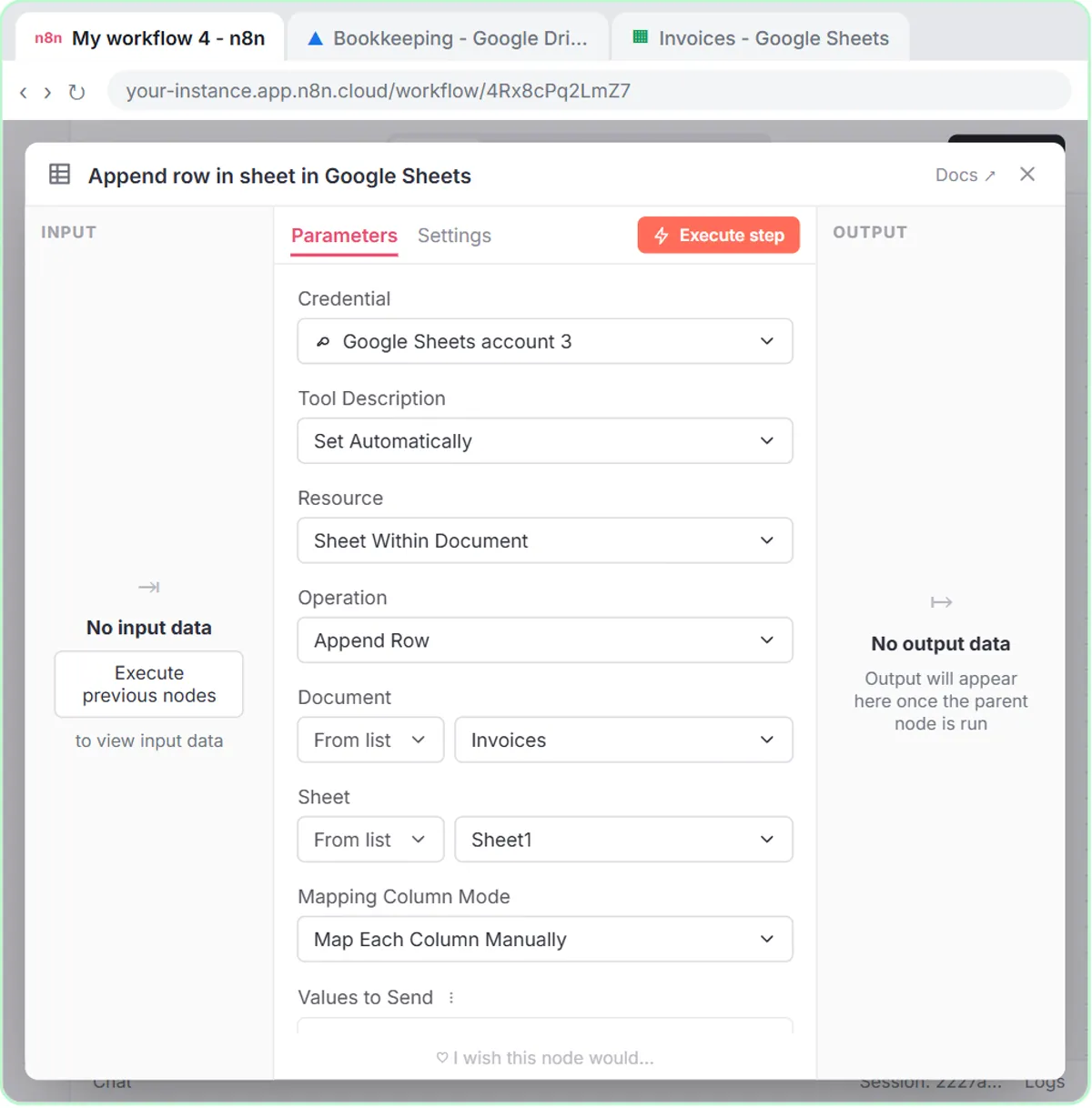
Try this lesson free or read the step-by-step guide.
Common confusions
Categorization vs data extraction
Data extraction pulls facts off the receipt: date, vendor, amount. Categorization is a judgment about what kind of expense it is. Extraction can be checked against the receipt; categorization needs your rules.
Expense category vs account
In accounting software, a category usually maps to an account in your chart of accounts. Keep the AI's list matched to those accounts so its labels can be posted without retyping.
Tips
- Always include a Needs Review category. A forced guess is worse than a flag.
- Ask for a one-line note explaining each choice so the reviewer can check it quickly.
- AI categorizing is bookkeeping help, not tax advice. Ask your accountant how specific items should be treated.
Related terms
Where you use it: free lessons
- AI Receipt Extractor: Receipts to Google Sheets with n8n (n8n, 12 min)
- Build an AI Agent That Categorizes Business Expenses (n8n, 12 min)
More free tutorials
Prompt templates that use it
Visual guides
Expense categorization in a few slides, with the same guide written out as text.
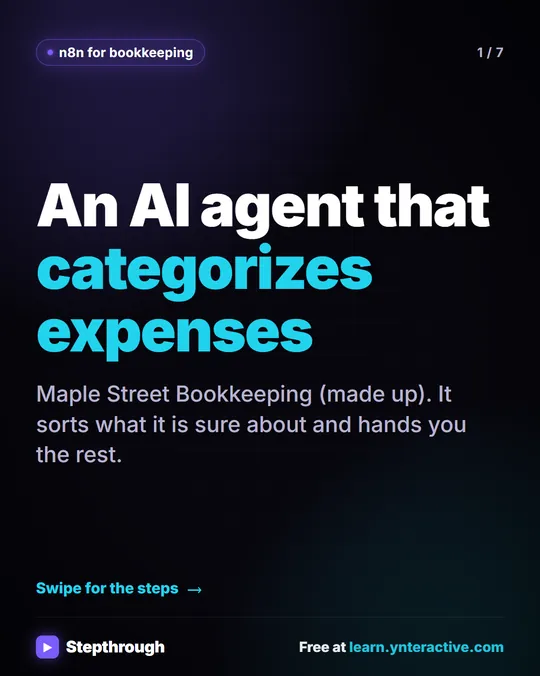 5 Steps to an AI Agent That Categorizes Business Expenses
A visual guide: an n8n agent sorts expenses into a fixed list of categories, flags unclear ones as Needs Review and saves them to Google Sheets.
Step-by-step guide 7 slides
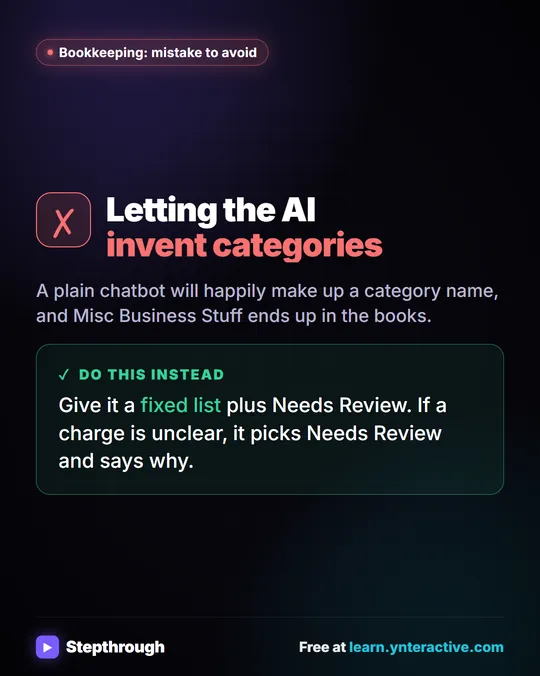 Mistake to Avoid: Letting AI Invent Expense Categories
A visual tip for bookkeepers: give an AI agent a fixed list of categories plus Needs Review, so it never makes up a category name.
Mistake to avoid One graphic
Frequently asked questions
- Can AI categorize my bank transactions?
- It can suggest categories from a list you give it. A person should review them before they are posted to your books.
- Why did the AI make up a category?
- Because it was allowed to. Give it a fixed list and tell it to use Needs Review when nothing fits.