What is an audit trail?
Updated · By Robert Breen
An audit trail is a running record of what happened, when, and based on what, kept so anyone can look back and check. For an automation, it is the log of every item it handled: each receipt read, each request received, each decision the AI made, usually as one row per event in a sheet.
Why it matters for a small business
When work happens automatically, nobody watches each step. That is the point, but it means you need a way to answer questions later: did this customer's request come in, what did the AI decide, which receipt does this amount come from? A log written as the workflow runs answers those in seconds, and it lets an accountant or manager review the work without touching the automation.
An audit trail also makes AI safer to use. If every decision lands in a sheet, you can scan for odd ones, spot a rule that needs tightening and fix mistakes before they spread. n8n keeps its own history of runs too, but a business-friendly log in Google Sheets is the version the rest of the team will actually read.
In a real lesson: AI Receipt Extractor: Receipts to Google Sheets with n8n
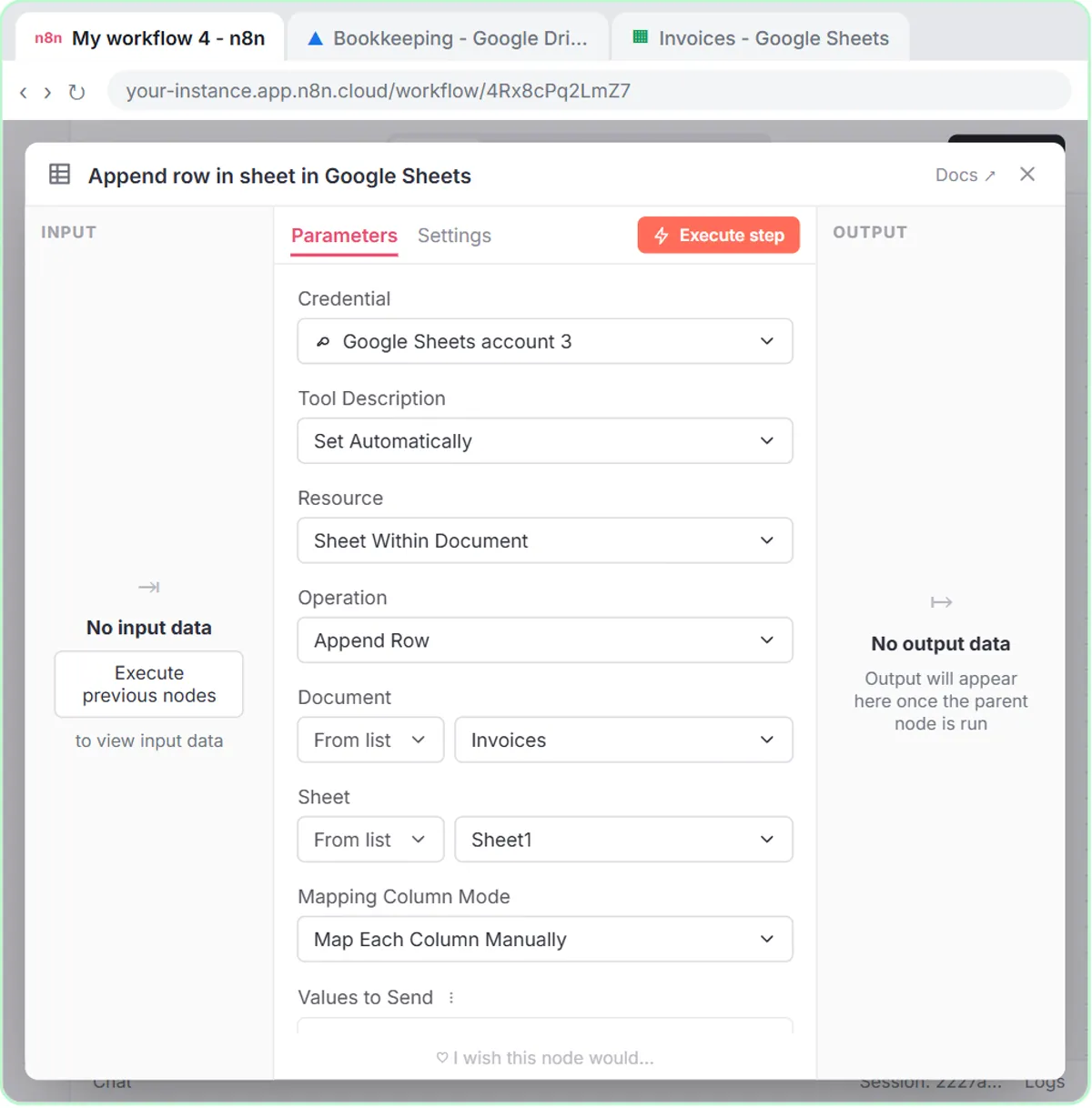
In the AI Receipt Extractor lesson, every receipt photo you drop into the n8n chat becomes a row in a sheet called Invoices, with Date, Category, Vendor and Amount columns. You create that sheet inside a Bookkeeping folder in Google Drive, and the voice-over explains why: the folder is shared with an accountant, so keeping the sheet there means they see every receipt as it lands.
When you send receipt.png, the agent writes the date, Groceries, Corner Mart and $31.57. Before trusting it, the lesson has you click the receipt in your chat and compare it with the new row, and they match. That check works because the record exists.
The pattern repeats across the lessons. The Lovable form workflows log every submission to a sheet before the confirmation goes out, and the AI Customer Follow-Up Agent saves each message with a Status column set to "Ready to send".
Try this lesson free or read the step-by-step guide.
Common confusions
Audit trail vs n8n executions
n8n's execution list records each run for whoever maintains the workflow. An audit trail is the business record of what was handled and decided, kept where the team can read it.
Audit trail vs backup
A backup is a copy for recovery. An audit trail is a history for checking. A sheet log is not a backup of your source documents; keep the receipts too.
Tips
- Add a timestamp column so every row says when it was logged.
- Log the AI's decision (status, priority, category) in its own column, not just in the email it sends.
- Limit who can edit the log; a record anyone can change is weak evidence.
- Ask your accountant what records they need you to keep, and for how long.
Related terms
Where you use it: free lessons
- AI Receipt Extractor: Receipts to Google Sheets with n8n (n8n, 12 min)
- Build an AI Customer Follow-Up Agent for Plumbers (n8n, 12 min)
- Build an Expense Reimbursement Form With AI Policy Checks (Lovable and n8n, 15 min)
Frequently asked questions
- Is a Google Sheet a good audit trail?
- For a small business, often yes: it's easy to share and read. Add timestamps, restrict editing, and keep the original documents, like receipts, alongside it.
- What should an automation log?
- What came in, when, what the AI or rules decided, and what was sent. If a decision affects a customer or money, it should be in the log.