What is triage in a business workflow?
Updated · By Robert Breen
Triage is sorting incoming requests by how urgent they are, so the most serious get handled first and the rest wait their turn in order. In business workflows, AI triage means an AI reads each new request and assigns a priority level, and often a team, from rules you write.
Why it matters for a small business
When every request lands in the same inbox, a burst pipe and a dripping faucet look the same until someone reads them. The cost of slow triage is real: water damage, a stopped loading dock, an unhappy customer who waited behind routine work. Fast, consistent sorting is often worth more than fast replies.
AI is good at triage when the levels are concrete. "Urgent issues" means nothing to a model. "Active leak, burst pipe, sewage backup, or no water" is something it can match against. The second half is what happens next: the priority should change who is told and what the customer hears, not just fill a column.
In a real lesson: Build an AI Emergency Request Form for Your Plumbing Company
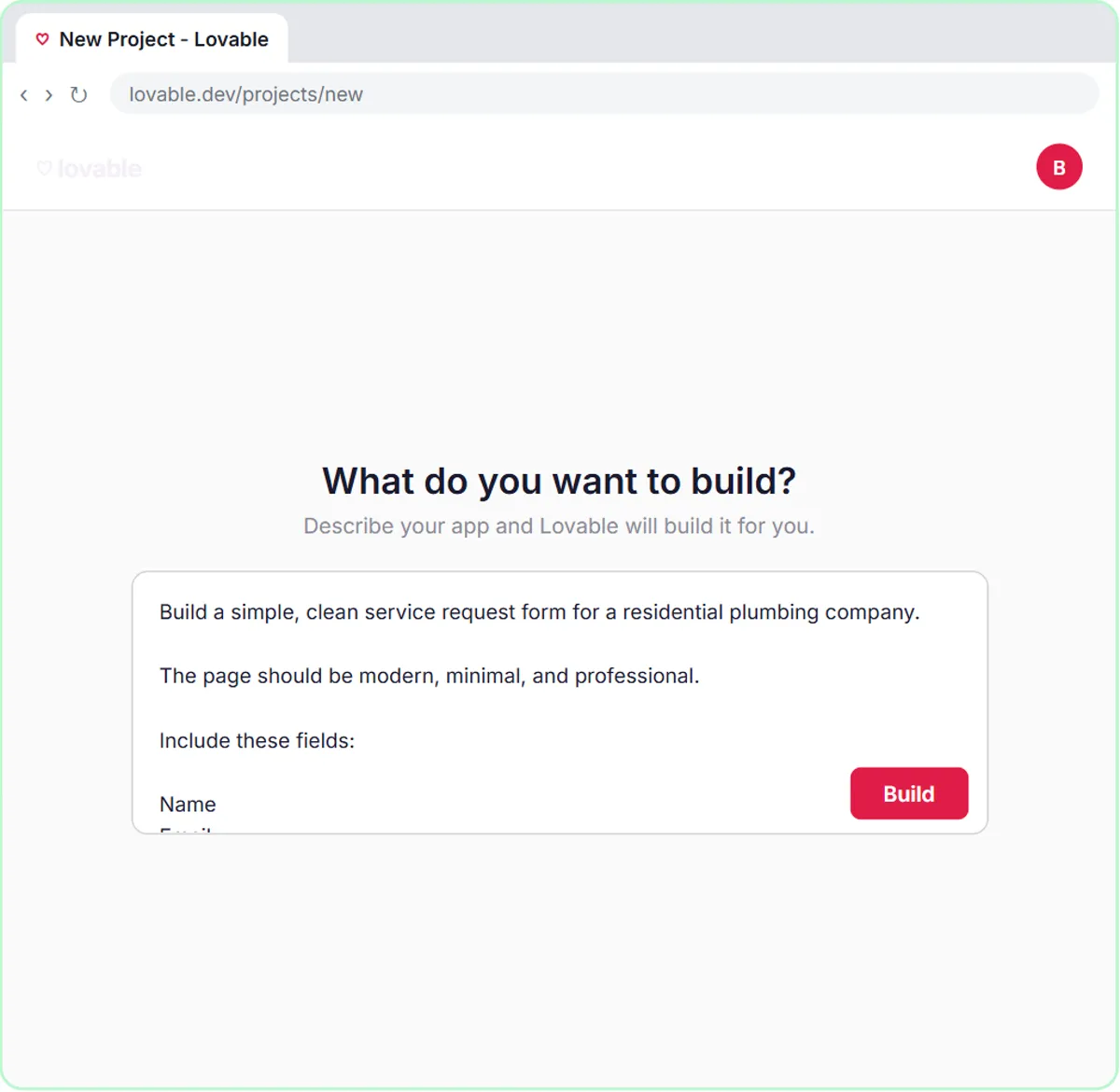
In the AI Emergency Request Form lesson, you build a service-request form for Blue Maple Plumbing, a made-up plumbing company, with Name, Email, What's the problem? and Service address, and connect it to an n8n AI Agent. Its system message defines three levels: "Emergency - active leak, burst pipe, sewage backup, or no water. Same-day - no hot water, a clogged main drain, or a sump pump that won't run. Scheduled - everything else."
The priority changes the reply. The agent emails the customer a confirmation with the priority and next steps, and "For emergencies, tell them how to shut off their main water valve." In the test, a burst pipe is marked Emergency, saved to the Service Requests sheet and answered with shutoff steps through Gmail.
The Maintenance and IT Request Form lesson applies the same idea inside a business: Ridgeline Supply Co.'s agent sets Urgent ("safety risk, or it stops shipping or receiving"), This week or Backlog, and assigns Facilities, IT or Equipment. A stuck dock door with trucks waiting comes out Urgent for Facilities.
Try this lesson free or read the step-by-step guide.
Common confusions
Triage vs classification
Text classification sorts by type (repair, install). Triage sorts by urgency. Many forms do both: the operations lesson sets a priority and a team.
AI triage vs AI receptionist
An AI receptionist handles the whole front-desk conversation. Triage is one decision inside it: how urgent is this?
Tips
- Define each level with real examples from past requests.
- Make the top level page a person, not just a row in a sheet.
- Review the AI's priorities weekly at first, and move examples between levels where it got them wrong.
Related terms
Where you use it: free lessons
- Build an AI Emergency Request Form for Your Plumbing Company (Lovable and n8n, 15 min)
- Build an AI Maintenance and IT Request Form (Lovable and n8n, 15 min)
- Build an AI Service Request Form for Your HVAC Company (Lovable and n8n, 15 min)
More free tutorials
Prompt templates that use it
Frequently asked questions
- Can AI triage emergency calls?
- It can sort requests that come in through a form or message using your rules, and flag emergencies for a person. Life-safety situations should always go to emergency services and a human.
- How many priority levels should I use?
- Three is usually enough. Both lessons use three, each with clear examples.