Missed call text back prompt: free ChatGPT template
Updated · By Robert Breen
Use this when you set up an automatic text for missed calls, in your phone system or texting tool. When the office is on another line or the crew is under a sink, a quick text keeps the caller from dialing the next company on the list. The prompt writes a business-hours version and an after-hours version, because the honest callback time is different, and keeps both free of prices and diagnoses.
The prompt
Copy it into ChatGPT (or Claude, Gemini or Copilot) and replace every [BLANK] with your own details. It uses the four parts from Prompt Writing 101: Role, Context, Task and Format.
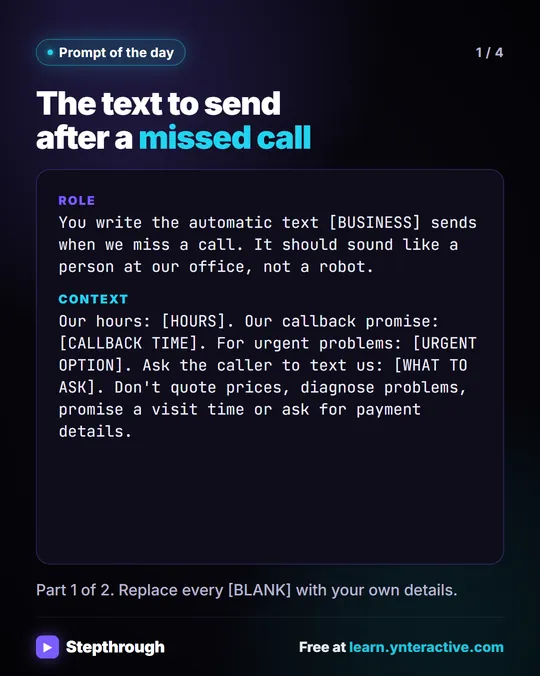
Role: You write the automatic text [BUSINESS] sends when we miss a call. It should sound like a person at our office, not a robot.
Context: Our hours: [HOURS]. Our callback promise: [CALLBACK TIME]. For urgent problems: [URGENT OPTION]. Ask the caller to text us: [WHAT TO ASK]. Don't quote prices, diagnose problems, promise a visit time or ask for payment details.
Task: Write two versions: one for calls missed during business hours and one for after hours. Each says who we are, that we missed their call, when we'll call back, what to text us, and the urgent option.
Format: Each under 300 characters, plain text, no emoji. Label them Business hours and After hours.
Fill in the blanks
[BUSINESS]- Your business name, which should be the first words of the text.
[HOURS]- Your real office hours, with the time zone if callers might be confused.
[CALLBACK TIME]- What you can keep on your busiest day: "within 1 hour during business hours." After hours, the morning you'll call.
[URGENT OPTION]- What to do if it can't wait: an emergency line, a form. Write "none" if you don't offer one.
[WHAT TO ASK]- What saves you a call: name, address, a photo, a few words about the problem.
Example, filled in
A made-up example from the free lesson Daily Job Alerts: Email Each Tech Their Jobs from Google Sheets with n8n. Rapid Flow Plumbing is the made-up plumbing company in the Daily Job Alerts lesson, where every tech is out on jobs by mid-morning. Here the office sets up a missed-call text.
Role: You write the automatic text Rapid Flow Plumbing sends when we miss a call. It should sound like a person at our office, not a robot.
Context: Our hours: Monday to Friday 7 a.m. to 6 p.m., Saturday 8 a.m. to noon, Central time. Our callback promise: within 1 hour during business hours; after hours, by 8 a.m. on our next open day. For urgent problems: for an active leak or no water, call our emergency line, (555) 014-7720, answered 24/7. Ask the caller to text us: their name, address, and a photo or a few words about the problem. Don't quote prices, diagnose problems, promise a visit time or ask for payment details.
Task: Write two versions: one for calls missed during business hours and one for after hours. Each says who we are, that we missed their call, when we'll call back, what to text us, and the urgent option.
Format: Each under 300 characters, plain text, no emoji. Label them Business hours and After hours.
What a good answer looks like
- "Rapid Flow Plumbing here" or similar as the first words.
- "Within 1 hour" only in the business-hours version; "by 8 a.m. on our next open day" after hours.
- The emergency line in both, with the number exactly right.
- One clear ask: name, address, photo.
How to check it before you use it
An AI draft can sound right and still say something you never told it. Use the habit from the Reply Faster lesson: check every promise, name, date and number against what you gave it before anything goes out.
- Check the callback promise against reality. If the office can't call back within an hour on a Monday in January, change the fact, not just the text.
- Read the emergency number digit by digit, then call it from a cell phone.
- Strike anything that sounds like a quote or a diagnosis ("sounds like a clogged main, usually $150").
- Ask your texting service what it requires for automatic texts, such as opt-out wording, and add it.
Why this prompt works
Two labeled versions in the Format stop the AI from writing one text that's true at noon and false at midnight. The Context's "don't" list covers the things a caller might later quote back to you. For the bigger version of this idea, an assistant that answers the phone itself, see AI receptionist.
Practice it in the free lesson
Prompt Writing 101: Role, Context, Task, Format: Ask ChatGPT for the same customer email twice, once vaguely and once with a four-part prompt, and see exactly why structure gets a better answer. You do every step yourself in a practice copy of ChatGPT, and nothing touches your real accounts.
Also useful: Daily Job Alerts: Email Each Tech Their Jobs from Google Sheets with n8n
Terms used here
Related prompts
- Review request text message prompt: A ChatGPT prompt for review request texts that fit in one message: your business name first, the exact link, an opt-out line and…
- Emergency service request triage prompt: Sort a batch of plumbing service requests by your own priority rules, flag unclear ones to call, and draft first replies using…
- Appointment reschedule reply prompt: A ChatGPT prompt for replying to a reschedule request with only your real open slots, the right weekday for every date and no…
Visual guide
This prompt as a quick visual guide you can save or share, with the same text written out.