Build an AI Estimate Writer for Your HVAC Company
Ask plain ChatGPT to write an AC install estimate and you get emojis, a made-up guarantee and no price. In this free lesson you build an HVAC estimate writer for Cedar Ridge Heating & Air: a Custom GPT that knows the company's services, prices and warranty, and writes estimates a homeowner can read and approve.
What you will build: an AI estimate writer for HVAC
You start by asking ordinary ChatGPT one bare question: write an estimate description for a new AC install for my HVAC company. The answer is the kind of thing you could never send. It shouts about ultimate comfort, promises lower energy bills, and pushes a limited time offer you never made. There is no price, no warranty and no scope.
Then you build a Custom GPT called HVAC Estimate Writer. You give it written rules and a Services & Pricing document, and ask the exact same question again. This time it writes a real estimate: a central AC replacement up to 3 tons, a matched 15.2 SEER2 system with a one-line explanation of what SEER2 means, a list of what is included, a starting price of $7,900 confirmed at a free in-home visit, the warranty, how long the job takes, and one next step.
Who this is for
This lesson is for owners and office managers at small residential HVAC companies. You are the person who takes a tech's notes from the truck, turns 'replace condenser, reuse lineset, 3 ton' into something a homeowner understands, and then answers the same questions on the phone. You do not need any AI experience. If you can copy and paste, you can do this.
Step by step: what you do in the lesson
- Ask ChatGPT: paste the bare estimate prompt, send it, and read the generic reply.
- Explore GPTs: open More in the sidebar, click GPTs, then + Create to open the GPT builder.
- Name your GPT: call it HVAC Estimate Writer.
- Add instructions: paste the estimate rules for Cedar Ridge Heating & Air. They set the tone, the layout, the pricing rules and what the company does and does not do.
- Upload knowledge: open Google Drive, preview Cedar-Ridge-Services-Pricing.pdf, scroll through it and click Select to attach it.
- Test your GPT: paste the same prompt word for word into the preview and compare the result.
What goes into the instructions and the price sheet
The instructions read like a brief for a new office hire. Sound like an honest tech at the kitchen table, not a salesperson. Explain terms like SEER2, AFUE, line set and heat pump in a few words. No emojis, no all caps, and none of the pressure words: act now, limited time, don't wait. Every estimate opens with a one-line summary, then a 'What's included' list covering work, parts, permit and cleanup, then price, warranty and time, then one next step. Under 200 words.
The content rules matter most. Only use prices from the pricing document and never invent one. If the notes are missing the system size or brand, say 'starting at' and confirm at the free in-home visit. Never promise dollar savings on the energy bill. Never mention rebates or tax credits unless they are in the job notes. Never knock the customer's current brand.
The Services & Pricing PDF holds the numbers: a $99 diagnostic visit waived if the repair is approved, a $149 after-hours trip fee, $129 furnace and AC tune-ups, the $219 a year Comfort Club plan, install starting prices for AC, heat pumps and 96% AFUE furnaces, and the warranty terms.
Why it works
Plain ChatGPT knows nothing about your company, so it fills the gap with generic marketing copy. A Custom GPT carries your rules and your price sheet into every chat, so you stop re-explaining the business each time. The rules also block the mistakes that cause callbacks and disputes, like promising savings or quoting a number that is not on your sheet.
Common HVAC estimate mistakes this avoids
Most estimate trouble in HVAC is not about the equipment. It is about what the homeowner thought they were getting. A few lines in the rules cover the usual problems.
- Promised savings. 'Cut your bill in half' becomes a complaint the first hot month. The GPT may say a higher SEER2 rating uses less electricity, and nothing more.
- Rebates you cannot stand behind. Programs change. The GPT only mentions a rebate or tax credit when your tech put it in the notes.
- Missing scope. The 'What's included' list names the permit, startup test, haul-away and cleanup, so nobody asks later why the old unit is still in the yard.
- Guessed prices. When system size or access is unknown, the estimate says 'starting at' and points to the free in-home visit instead of inventing a number.
- Jargon. Terms like AFUE and line set get a short plain explanation, which cuts down on 'what does this mean?' calls to the office.
How to use this in your HVAC business
Swap in your own price list, warranty terms and a couple of estimates you are proud of. Then paste your tech's job notes and let the GPT draft the customer-facing description while you check the numbers. It helps most when the phones are busiest: the first heat wave, when every no-cool call wants a replacement quote the same day, and the first cold snap, when furnace quotes pile up. The same GPT can draft tune-up descriptions or explain the maintenance plan in plain words. You still review every estimate before it goes out.
Frequently asked questions
- Can ChatGPT write HVAC estimates with my real prices?
- Yes, if you give it your price list. In this lesson the Custom GPT is told to only use prices from the uploaded Services & Pricing document and to say 'starting at' when details are missing. You should still check every number before sending.
- Is this lesson free?
- Yes, Stepthrough is completely free. To build the GPT for real you need your own ChatGPT account, and creating Custom GPTs may require a paid ChatGPT plan. Check OpenAI's current plans.
- Do I need to know anything about AI to follow along?
- No. The lesson is 16 short steps and about 8 minutes. The long instructions and the pricing document are pasted or attached for you.
- How does the interactive lesson work?
- Each step is shown to you first on the left (Watch). Then you do it yourself in a practice copy on the right (Your turn), and every click is checked. If you get stuck, press Do it for me. It is a practice copy, so no real accounts are touched.
- Will the GPT promise energy savings or rebates?
- Not with these instructions. They forbid promising dollar savings and forbid mentioning rebates or tax credits unless they appear in the job notes.
More in AI Automation for HVAC
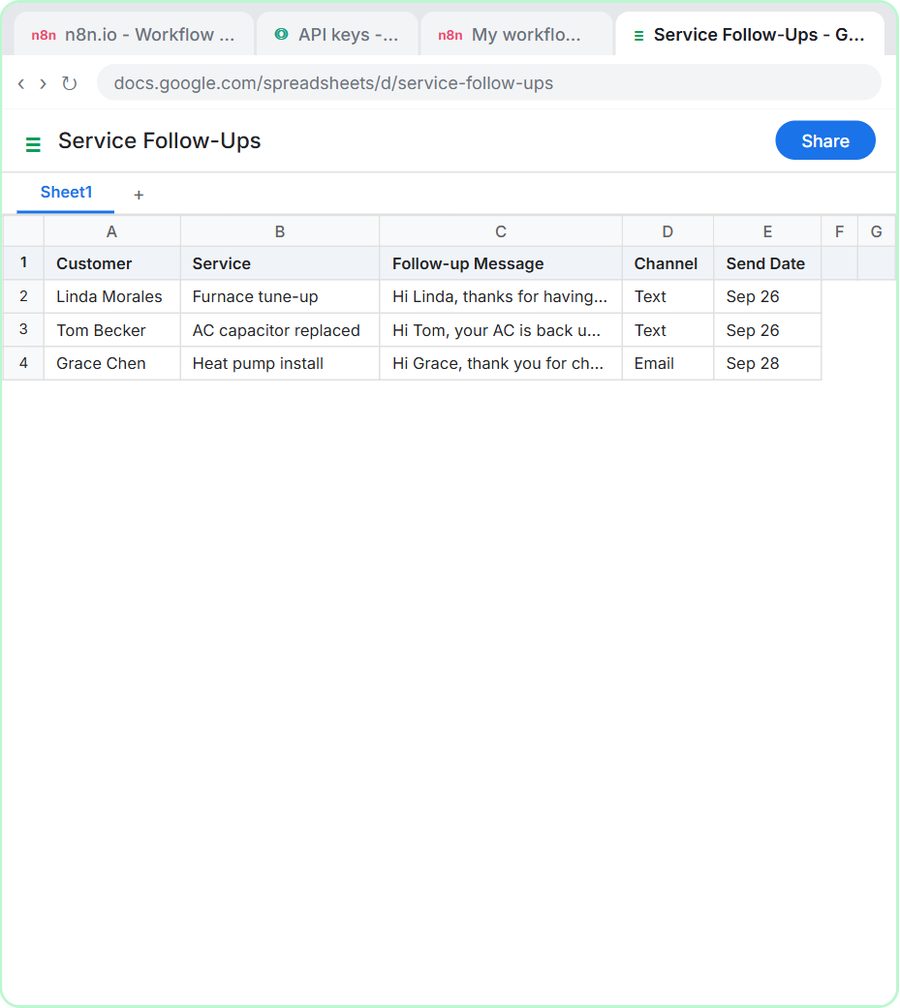 Build an AI Follow-Up Agent for HVAC Service Calls
Build an n8n AI agent that writes follow-up texts and emails after every HVAC service call and saves them to Google Sheets. Free, step by step, no code.
Free · Live
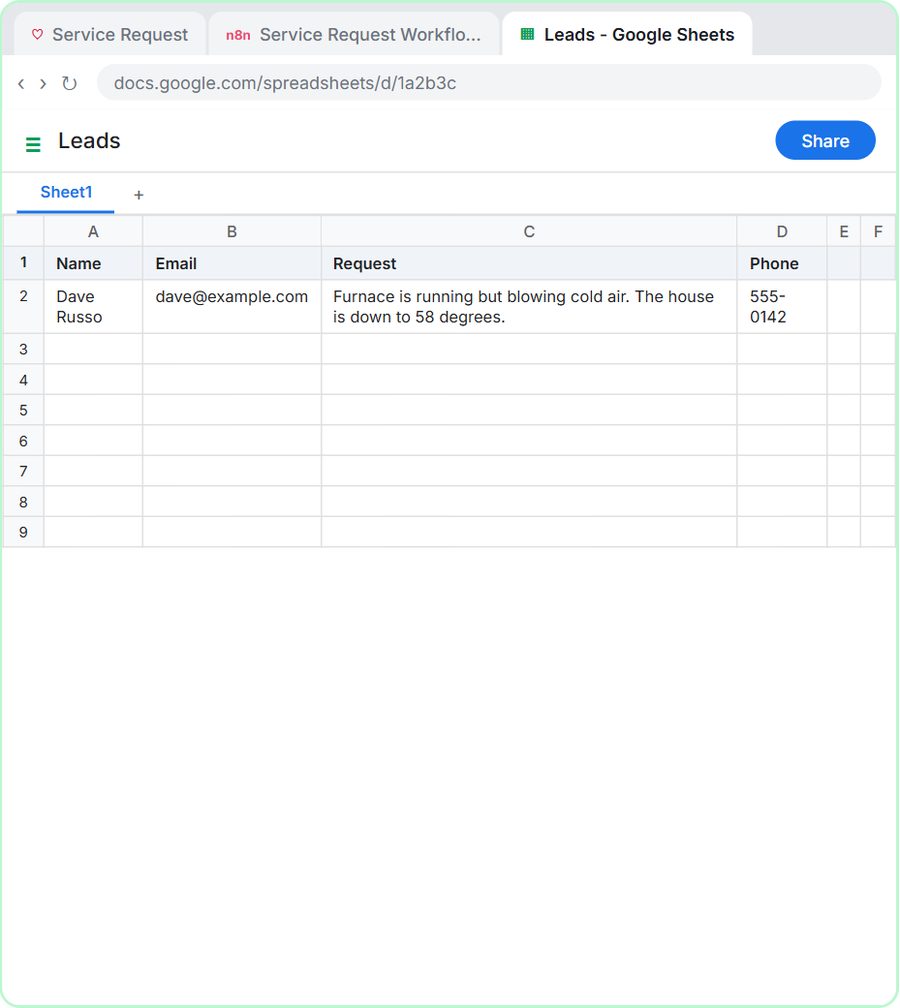 Build an AI Service Request Form for Your HVAC Company
Build an HVAC service request form that sorts each job into repair, maintenance, install or emergency, logs the lead and emails a reply. Free, step by step.
Free · Live