This guide is for admins, coordinators, assistants, account managers and anyone at a desk who has barely used AI for work. It shows what the course covers, how hands-on practice differs from a video course, and where to go next for your role. I'm Robert Breen, and I build Stepthrough; tool details are as of October 2026.
What does the free AI at Work course cover?
The course starts with safety, then the everyday writing jobs, then a few ideas you'll hear about at work. Every module is a short, free lesson with a made-up business:
| Module | What you practice | Tool | Time |
|---|---|---|---|
| Start Here: How Stepthrough Works | How the watch-then-do lessons work | Stepthrough | 2 min |
| Use AI at Work Without Leaking Client Data | Replace private details with placeholders before you paste | ChatGPT | 7 min |
| ChatGPT: Keep Client Data Safe | Set data controls, memory and Temporary Chat | ChatGPT | 10 min |
| Clear Client Data Out of ChatGPT | Delete a chat and clear memory | ChatGPT | 10 min |
| Roll Out a Team AI Policy in One Afternoon | A one-page policy, announcement and quiz | Claude | 10 min |
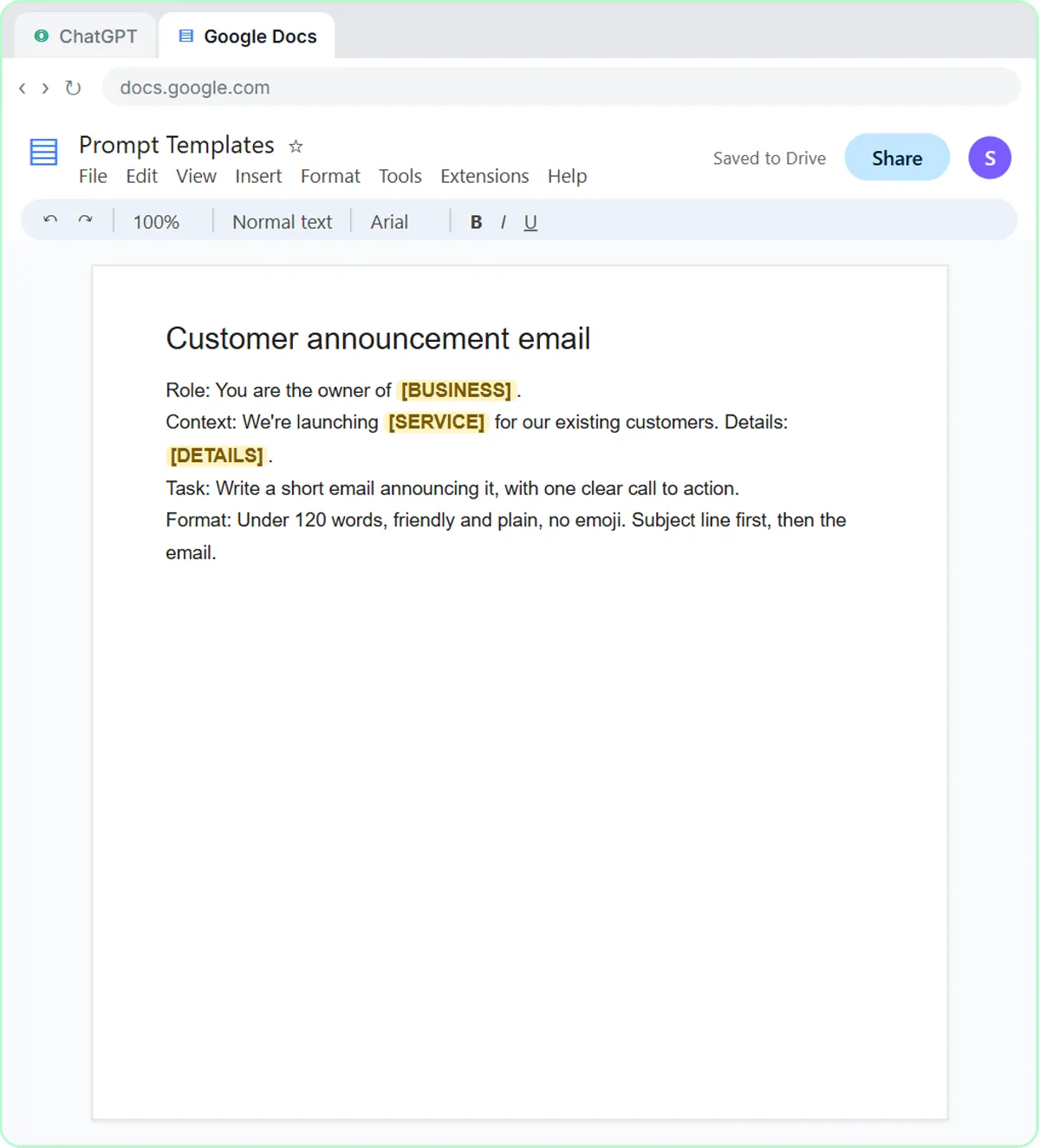
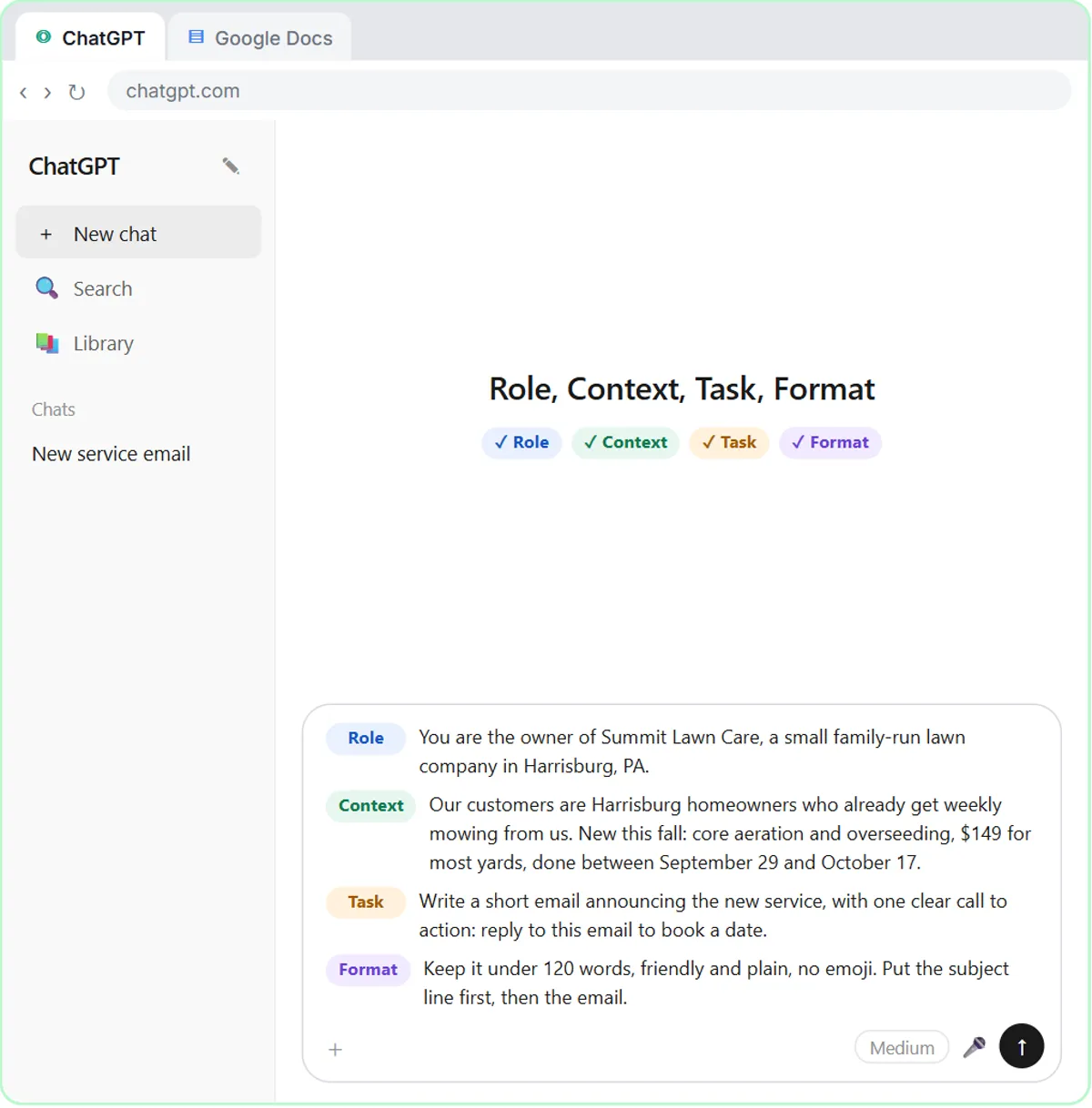
| Prompt Writing 101 | Ask in four parts: role, context, task, format | ChatGPT | 8 min |
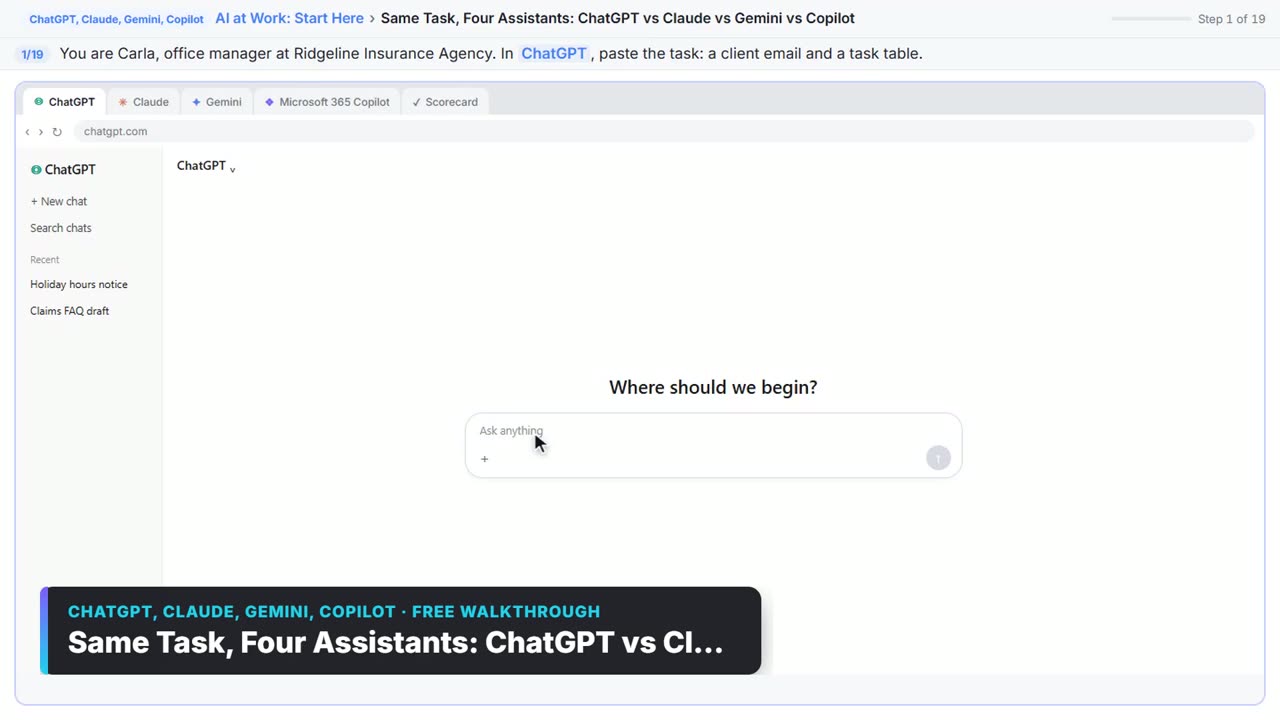
| Choose the AI Assistant Your Team Should Use | One task in ChatGPT, Claude, Gemini and Copilot, scored on the facts | Four assistants | 8 min |
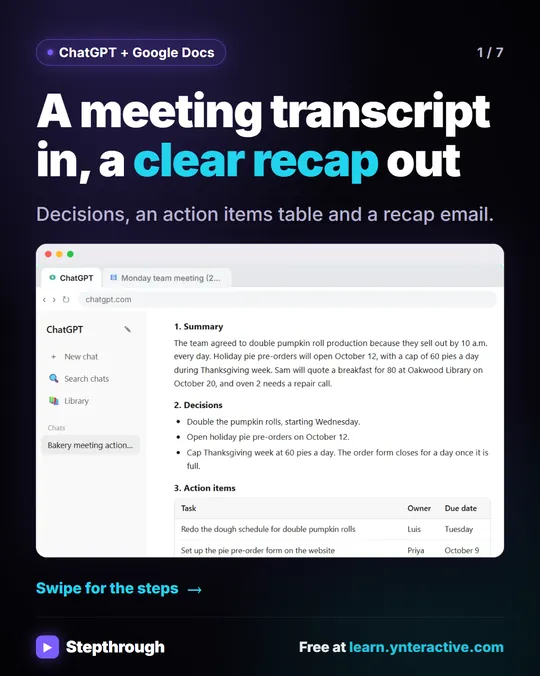
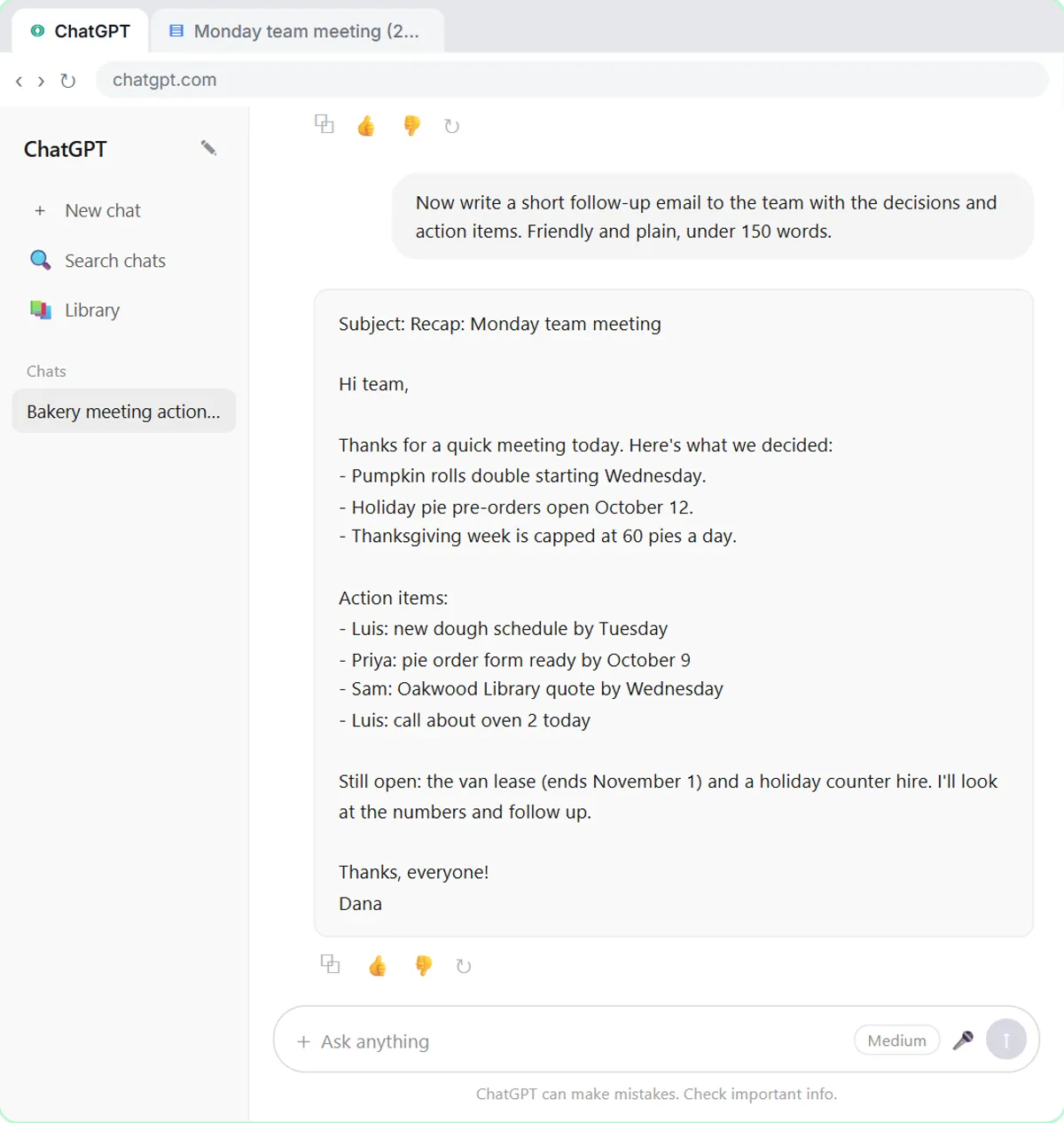
| Summarize a Meeting Transcript | Decisions, an action items table and a follow-up email | ChatGPT | 9 min |
| Reply Faster: Customer Emails | Answer a messy thread from your facts and check every promise | ChatGPT | 9 min |
| Wispr Flow: Answer Emails and Write AI Prompts by Voice | Dictate replies and prompts | Wispr Flow | 10 min |
| ChatGPT Projects vs Gemini Gems vs Gemini Notebook | Which saved workspace fits which job | ChatGPT, Gemini | 9 min |
| AI Agent vs Chatbot vs Automation | One job done three ways | ChatGPT | 7 min |
| What Is a Webhook? | Send a test and watch the data arrive | Practice explainer | 6 min |
| Get a Morning Invoice Summary in Slack | A scheduled summary with ChatGPT | ChatGPT | 4 min |
Times are the lesson lengths listed on each lesson page, so the whole course is a little under two hours. Most people do one or two modules a day.
What makes this AI course hands-on?
You don't watch someone else click. Each step is shown first, with a short explanation, then you do the same thing yourself in a practice copy of the tool, and the lesson checks your click before it moves on. If you get stuck, Do it for me finishes that step. Nothing is sent, published or billed, and no ChatGPT or Claude account is needed to practice.
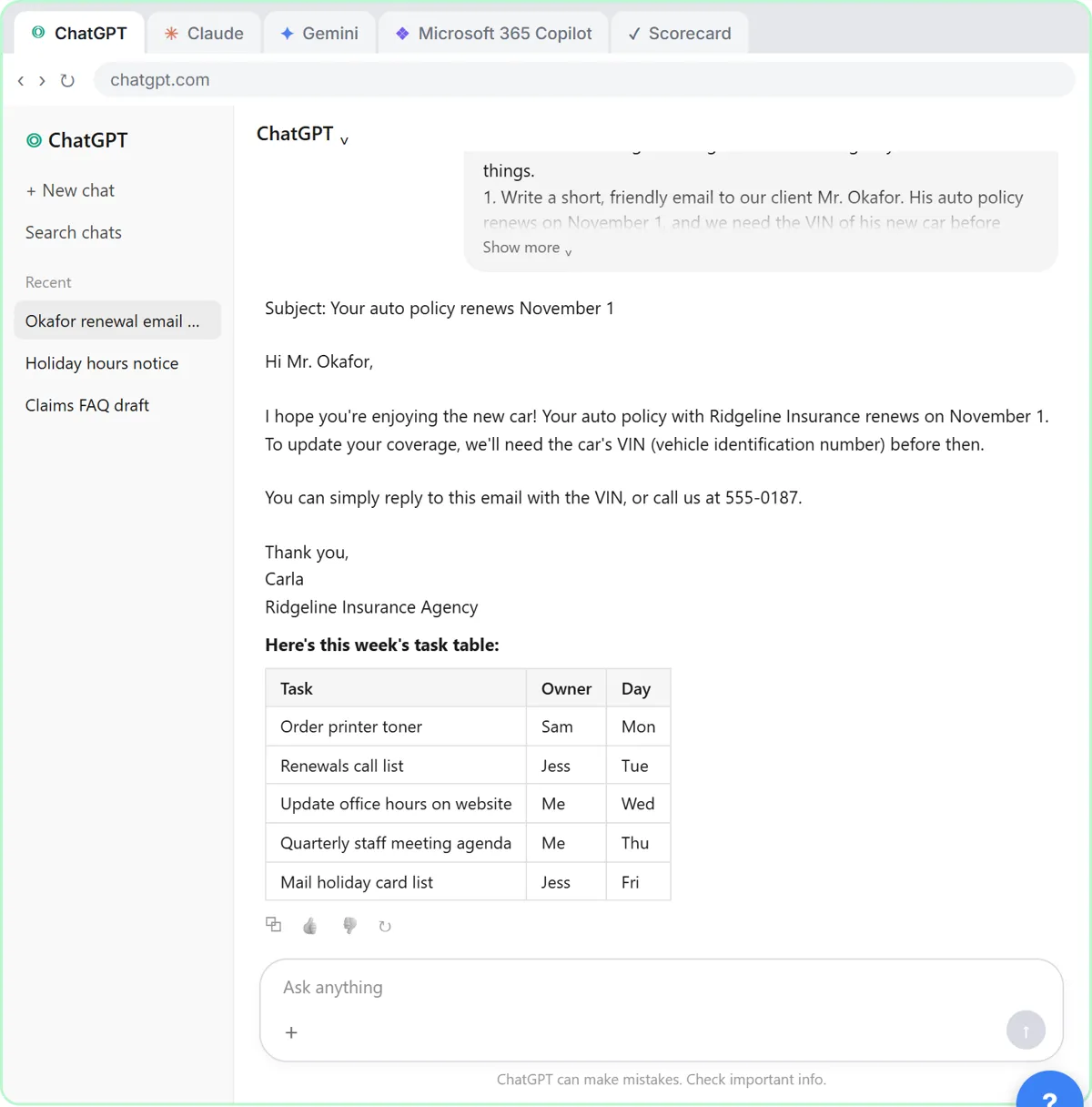
That matters for office work, where the hard part is the small stuff a video skips: which menu hides the data setting, what to paste where, and how to spot the line in a draft that promises something you never said. In Reply Faster, ChatGPT's first draft calls a birthday cake "completely nut-free", which the bakery never said, and you learn to have ChatGPT check every promise before you send.
| Hands-on practice copy | Video course | Reading a guide | |
|---|---|---|---|
| Who clicks | You, every step | The presenter | Nobody |
| Feedback | Each step is checked | None | None |
| Real accounts needed | No | Often, to follow along | No |
| Best for | Building habits you use tomorrow | Background and ideas | Looking something up |
Try it free, step by step
Use AI at Work Without Leaking Client Data using ChatGPT. Turn off model training, strip a tenant's bank details and address out of a prompt, then catch the two promises ChatGPT made up before the reply goes out. You do every step yourself in a practice copy of ChatGPT, it checks your work as you go, and “Do it for me” finishes any step you get stuck on. Free, and nothing touches your real accounts.
Start the free lessonWhat should office workers learn first?
Learn data safety before prompts. One pasted client file can cause real trouble, so the course opens with what never goes into AI and how to set ChatGPT's data controls. Then Prompt Writing 101 shows how a four-part prompt of role, context, task and format turns a reply full of [Your Company Name] blanks into one with the real price, dates and next step. After that, the two jobs most office workers use every week are meeting recaps and customer email replies.
Where do I go after the AI at Work course?
Pick the next course by your role or your main tool:
- By tool: the free ChatGPT Jump Start, Claude Jump Start and Gemini Jump Start courses and paths.
- By role: AI for Law Firms, AI for Insurance Agencies, AI for Recruiting & HR and the other role courses on all free AI courses.
- For office managers: AI for office managers maps a normal work week to free lessons, and ChatGPT prompts for office managers has prompts to copy.
If you're rolling AI out to a whole team, AI training for employees has a two-week plan.
Key takeaways
- AI at Work: Start Here is a free, hands-on AI course for office workers, with no coding and no sign-up to start.
- You practice each step in a practice copy of ChatGPT, Claude and other tools, and each click is checked.
- It opens with data safety, then prompts, meeting recaps and customer email replies.
- The whole course is a little under two hours of short modules.
- After it, pick a course by your main tool or your role.
Frequently asked questions
- Is there a free hands-on AI course for office workers?
Yes. AI at Work: Start Here on Stepthrough is free, and you do every step yourself in a practice copy of ChatGPT, Claude and other tools in your browser. It covers data safety, prompts, customer email replies and meeting recaps, and you can start without signing up.
- Do I need a ChatGPT account to take the course?
No. Every module runs in a practice copy of the tool inside Stepthrough, so you need no ChatGPT, Claude or Gemini account and no card. To use the habits for real, use the account your company approved.
- How long does the AI at Work course take?
A little under two hours in all. Most modules take 4 to 10 minutes, so you can do one or two a day between other work.
- Do I need to know how to code?
No. The course is plain writing in ChatGPT and Claude, plus two short explainers on agents and webhooks. Nothing on this page needs code.
- What is the best first AI skill for office work?
Keeping client and customer data out of AI, then writing a four-part prompt. After those two, summarizing meetings and replying to customer emails save the most time for most office workers.