AI Prompts for Office Managers: 11 Copy-Ready Templates
Updated · By Robert Breen
An office manager is the person everyone emails: about the holiday schedule, the printer, the visitor arriving at 10, the move to the new floor. Each message is small, but together they fill the day. A good prompt turns each one into a clear, friendly draft in seconds, and lets you keep the same tone across everything the office receives.
The prompts below use only the details you give, so dates, room names and rules come out right. They also help with the bigger, occasional jobs, like planning a move or writing a meeting-room policy, by breaking them into checklists you can work through.
For practice with a made-up office, turn an office-move planning call into a plan or set up Gmail filters with AI draft replies.
How do you use these prompts?
Copy a prompt into ChatGPT, Claude, Gemini or Copilot and replace every [BLANK] with your own details. Where a prompt says PASTE, paste your notes, email or document there. Each prompt follows the four parts from Prompt Writing 101: a Role, the Context, the Task and the Format you want back. Then check every name, date, number and promise in the answer before you use it.
Announcements
1. Announce holiday hours
You are the office manager at [COMPANY]. Our hours for [HOLIDAY OR PERIOD] are: [DATES AND HOURS]. Who to contact for urgent issues: [CONTACT]. Anything else people need to know: [NOTES, SUCH AS DEADLINES BEFORE THE BREAK].

Write two versions: an internal email to staff and a short notice for clients. Keep the dates in a list so they are easy to scan.

Format: two labeled drafts, each under 120 words.
2. Explain an office change
Act as the office manager. Starting [DATE], we are changing [WHAT IS CHANGING, SUCH AS DESK BOOKING OR PARKING]. Why: [REASON]. What people need to do: [ACTIONS]. Where to ask questions: [CONTACT].

Write a friendly internal announcement that leads with what changes for the reader, lists the actions in order and ends with the contact.

Format: a subject line, then under 150 words.
3. Write visitor arrival instructions
You are the office manager at [COMPANY], [ADDRESS]. A visitor, [VISITOR ROLE OR COMPANY], is coming on [DATE AND TIME] to meet [HOST]. Directions and details: [PARKING, ENTRANCE, FLOOR, ID OR SIGN-IN RULES, WIFI].

Write a short email the host can send with clear arrival steps in order and a phone number for the day: [PHONE].

Format: a two-line intro, then numbered steps.
Policies and requests
4. Draft a meeting-room policy
You are drafting a simple meeting-room and calendar policy for [COMPANY], which has [NUMBER] rooms and [NUMBER] staff. Our rules: [BOOKING RULES, TIME LIMITS, CLEANUP, NO-SHOW RULE].

Write the policy in plain language with a one-line purpose, the rules as bullets and what happens when rules are not followed, using only these rules.

Format: under 250 words.
5. Reply to an IT or facilities request
Act as the office manager. A colleague wrote: "[THEIR REQUEST]". What I know: [STATUS, WHO IS HANDLING IT, EXPECTED TIME].

Write a short reply that confirms what we are doing, gives a realistic time only if I listed one, and tells them a workaround if there is one: [WORKAROUND OR "NONE"].

Format: under 80 words.
6. Decline a request politely
You are the office manager. [PERSON OR TEAM] asked for [REQUEST]. We cannot do it because [REASON]. What we can offer instead: [ALTERNATIVE OR "NOTHING RIGHT NOW"].

Write a warm, clear reply that says no in the first two sentences, explains briefly and offers the alternative.

Format: under 100 words.
Planning
7. Plan an office move
You are planning a move for [COMPANY] from [CURRENT LOCATION] to [NEW LOCATION] on [MOVE DATE], with [NUMBER] staff. Known details: [IT NEEDS, FURNITURE, LEASE DATES, VENDORS BOOKED].

Create a move plan working back from the move date: what must happen 8 weeks, 4 weeks, 2 weeks, 1 week and the day before, plus move day and the week after. Note who usually owns each task and mark anything that has a vendor lead time.

Format: a table with Timing, Task, Owner, Notes.
8. Plan a team event
Act as an office manager planning [EVENT] for [NUMBER] people on [DATE] with a budget of [BUDGET]. Constraints: [DIETARY NEEDS, ACCESSIBILITY, LOCATION, TIME].

Draft a plan with a timeline of tasks, a budget breakdown that adds up to no more than the budget, and an invitation email. Ask me about anything you need that I did not give.

Format: Timeline table, Budget table with a total, then the invitation.
9. Set up a supply reorder list
You are the office manager. Here is what we used over the last [PERIOD]:

[PASTE ITEMS AND QUANTITIES]

Suggest a monthly reorder list with a minimum stock level for each item, based only on these quantities, and group it by supplier: [SUPPLIERS]. Point out any item where usage looks unusual.

Format: a table with Item, Monthly use, Minimum on hand, Supplier, then Unusual items.
Safety and security
10. Check a suspicious payment or bank-change request
Act as a cautious office manager. We received this email asking to change a vendor's bank details or to make an urgent payment:

[PASTE EMAIL WITH ADDRESSES]

List the warning signs you see, then write the steps to verify it using contact details we already have on file, never the ones in the email. Do not tell me it is safe; tell me what to check.

Format: Warning signs (bullets), Verification steps (numbered).
11. Write a new-starter office guide
You are the office manager at [COMPANY]. Write a one-page office guide for new starters covering: [ENTRY AND KEYS, WIFI, PRINTING, KITCHEN RULES, SUPPLIES, WHO TO ASK FOR WHAT]. Here are our details:

[PASTE DETAILS]

Keep it friendly and practical, use only these details and add a short "First day" list at the top.

Format: a First day list, then short headed sections.
How do you adapt these prompts to your own work?
- Keep a short "office facts" note (address, hours, contacts, rules) and paste it under any prompt. The drafts will always have the right details.
- Never verify a payment change using the phone number or link in the email itself. Stop a Fake Vendor Bank-Change Request walks through a safe check.
- When the same request arrives every week, set up an AI draft reply that a person checks before it sends.
Where can you practice these skills for free?
These free Stepthrough lessons practice the same jobs step by step, with a made-up business and practice copies of the real tools, so nothing touches your real accounts.
Turn the transcript of an office-move planning call into the decisions, an action items table with owners and due dates, and a recap email to everyone involved.
Free · Live ~9 min Beginner
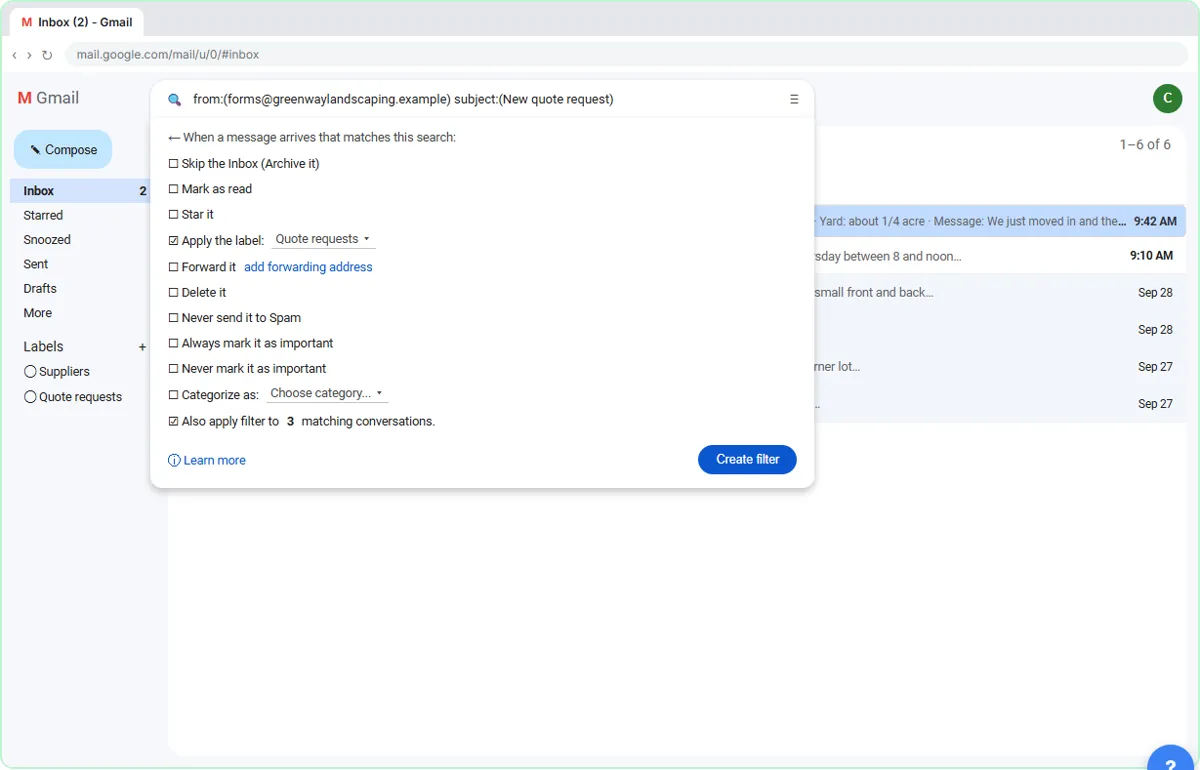 Gmail Filters, Labels and AI Draft Replies With a Human Check
Make Gmail label every website quote request automatically, draft the reply with Help me write, and catch the made-up price before it's sent.
Free · Live ~8 min Intermediate
◷Stop a Fake Vendor Bank-Change Request Before You Pay using ClaudeAn urgent "new bank details" email and a voicemail that sounds like your boss. Check them with Claude, use three verify-before-you-pay rules, and write a one-page bank…
Free · Live ~7 min Beginner
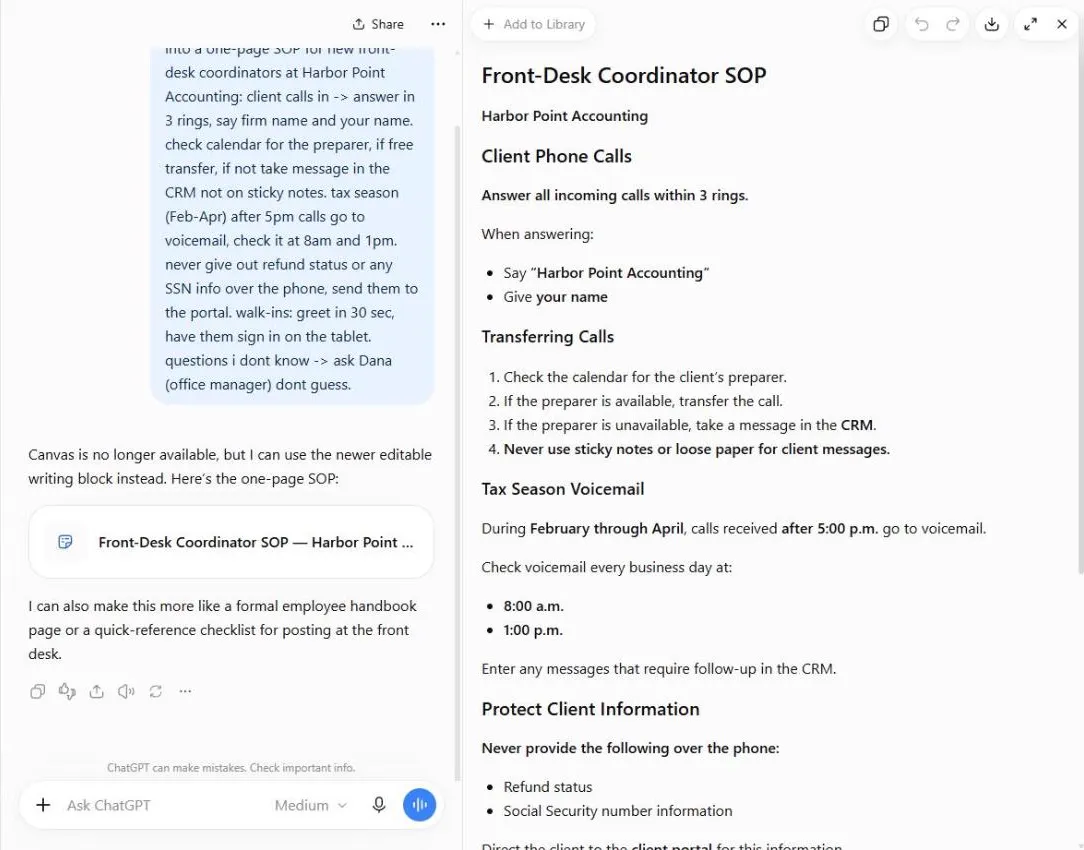 ChatGPT: Turn Rough Notes into a One-Page SOP in an Editable Document
Paste your messy notes, get a clean SOP in a document you can edit beside the chat, change one paragraph at a time, and check what the AI added.
Free · Live ~5 min Beginner
 Use AI at Work Without Leaking Client Data using ChatGPT
Turn off model training, strip a tenant's bank details and address out of a prompt, then catch the two promises ChatGPT made up before the reply goes out.
Free · Live ~7 min Beginner
Which free courses fit this job?
- AI at Work: Start Here: Use AI on real office work this week, without leaking client data.
- Master ChatGPT for Work: Go from safe first chats to ChatGPT that knows your job, reads your files and runs multi-step work: data controls, memory, prompts, meeting minutes…
- ChatGPT for Everyday Work: Answer emails, recap meetings, read spreadsheets and write SOPs in a fraction of the time.
- AI Back Office for Small Business: Get client details, receipts and bills in without retyping, track orders and pipeline live, and collect what you are owed sooner.
New to AI at work? Start with AI Learning Path for Office Managers: Where to Start, a short path of free lessons in order.
Practice it free, step by step
Turn an Office Move Call into a Checklist for Operations. Turn the transcript of an office-move planning call into the decisions, an action items table with owners and due dates, and a recap email to everyone involved. You do every step yourself in a practice copy of ChatGPT, it checks your work as you go, and “Do it for me” finishes any step you get stuck on. Free, and nothing touches your real accounts.
Start the free lessonMore templates for this job
Single prompts from the prompt library, each with a filled-in example and a checklist for the answer.
- Holiday hours announcement prompt: A ChatGPT prompt that turns your holiday schedule into an email, a door sign and a short post, with every date, weekday and hour…
- Visitor arrival instructions email prompt: Write a clear arrival email for a visitor: where to park, which door, who to ask for and what to bring, so the front desk isn't…
- Meeting room and calendar policy prompt: Draft a one-page policy for booking meeting rooms and keeping shared calendars tidy: how to book, release, share and what to do…
- Office move announcement prompt: Announce an office move to staff and clients: new address, dates, what changes and what stays, plus a short checklist of what…
Prompts for other roles
Frequently asked questions
- What can an office manager use AI for?
- Announcements, replies to routine requests, policies, checklists and planning. Anything where you know the facts and need a clear, friendly draft fast.
- Can AI spot a fake invoice or payment request?
- It can point out warning signs, but it cannot confirm a request is real. Always verify payment changes by calling a number you already have on file.