AI Prompts for Social Media Managers: 11 Copy-Ready Templates
Updated · By Robert Breen
Social media is a volume job: several platforms, several posts a week, comments every day and a report every month. The ideas and the judgment about what fits your brand are the hard part. The repetitive part, adapting one idea into five formats and writing the first draft of every caption, is where an AI assistant helps most.
The prompts below start from your own material (a blog post, a customer story, a product update) so posts stay true to your business. They respect each platform's style without inventing trends or statistics, and they keep replies to customers honest and calm.
To practice, plan a week of posts with SocialBee or send posts from a Google Sheet to social with Blotato.
How do you use these prompts?
Copy a prompt into ChatGPT, Claude, Gemini or Copilot and replace every [BLANK] with your own details. Where a prompt says PASTE, paste your notes, email or document there. Each prompt follows the four parts from Prompt Writing 101: a Role, the Context, the Task and the Format you want back. Then check every name, date, number and promise in the answer before you use it.
Planning
1. Build a monthly content calendar
You are the social media manager for [BRAND], which sells [PRODUCT OR SERVICE] to [AUDIENCE]. Platforms: [PLATFORMS]. Posting frequency: [POSTS PER WEEK PER PLATFORM]. Key dates this month: [LAUNCHES, EVENTS, HOLIDAYS].

Plan a month of posts that mixes teaching, behind-the-scenes, customer stories and offers. For each post give the date, platform, format, topic and a one-line hook. No more than one in four posts should be a direct sales post.

Format: a table sorted by date.
2. Brainstorm post ideas from customer questions
Act as a social media strategist. Here are questions customers asked us recently:

[PASTE QUESTIONS]

Turn them into 15 post ideas, each answering one question. For each, suggest the best format (carousel, short video, single image, text post) and a hook line under 12 words.

Format: a numbered list with Format and Hook for each.
Writing posts
3. Repurpose one piece into five posts
You are a social media manager for [BRAND]. Here is our [BLOG POST, VIDEO TRANSCRIPT OR NEWSLETTER]:

[PASTE CONTENT]

Turn it into: one LinkedIn post, one Instagram carousel (slide-by-slide text, 6 to 8 slides), one short video script under 45 seconds, one X or Threads post and one Facebook post. Each should stand on its own and link to [URL]. Use only points from the original.

Format: five labeled drafts.
4. Write a caption in our brand voice
Act as the social media manager for [BRAND]. Our voice: [VOICE NOTES]. Two captions we liked:

[PASTE EXAMPLE CAPTIONS]

Write three caption options for a post about [TOPIC] with this image or video: [DESCRIBE THE VISUAL]. Match the examples' length and style, end with [CALL TO ACTION], and suggest up to [NUMBER] relevant hashtags.

Format: three labeled options.
5. Write a short video script
You are writing a [LENGTH]-second vertical video for [PLATFORM] about [TOPIC] for [AUDIENCE]. The one thing viewers should remember: [KEY POINT].

Write a script with a hook in the first two seconds, three quick beats, and a closing line with [CALL TO ACTION]. Add on-screen text for each beat and a note on what is shown.

Format: a table with Time, Spoken line, On-screen text, Visual.
6. Announce a product or service update
Act as a social media manager. We are announcing [UPDATE] on [DATE]. What it means for customers: [BENEFIT]. Availability: [WHO, WHERE, PRICE IF ANY].

Write one post per platform for [PLATFORMS] that leads with the customer benefit, gives the facts in plain words and links to [URL]. Do not promise results we have not seen.

Format: one labeled draft per platform.
Community
7. Reply to a negative comment
You are the social media manager for [BRAND]. A customer commented publicly: "[COMMENT]". What we know about the situation: [FACTS]. What we can offer: [RESOLUTION OR "TAKE IT TO DMS"].

Write a calm public reply under 50 words that acknowledges the issue, does not argue or share private details, and moves the conversation to [DM OR EMAIL]. Then write the private follow-up message.

Format: two labeled drafts.
8. Draft replies to common comments
Act as a community manager for [BRAND]. These questions keep coming up in our comments:

[PASTE QUESTIONS]

Write a short, friendly reply for each, using only these facts: [FACTS, PRICES, LINKS, HOURS]. If a question cannot be answered with these facts, write "Escalate to [TEAM]".

Format: a table with Question, Reply.
9. Ask a customer to share their story
You are the social media manager for [BRAND]. [CUSTOMER FIRST NAME] posted something positive about [WHAT]. Write a short message asking if we can share their post or feature their story, explaining exactly how we would use it ([WHERE AND HOW]) and that they can say no.

Format: under 80 words.
Reporting
10. Write the monthly social report
You are the social media manager reporting on [MONTH]. Data by platform:

[PASTE FOLLOWERS, REACH, ENGAGEMENT, CLICKS, TOP POSTS]

Write a one-page report: headline result, the top three posts and why they likely worked (label this as your interpretation), what underperformed, and three things to try next month. Use only these numbers and show any change you calculate.

Format: a headline, a metrics table, then three short sections.
11. Find patterns in top posts
Act as a social media analyst. Here are our last [NUMBER] posts with their format, topic, posting time and results:

[PASTE POST DATA]

Compare the top fifth with the bottom fifth by format, topic, length and time. Describe any pattern you see, how strong the evidence is given the small sample, and one test to confirm it.

Format: Patterns (bullets), Evidence strength, Suggested test.
How do you adapt these prompts to your own work?
- Paste your best-performing captions as examples. Your own winners are a better style guide than any description.
- Keep a facts sheet (prices, links, hours, policies) to paste under reply prompts, so answers never guess.
- Check every post for anything you cannot back up before scheduling it, and never post a customer's words or face without permission.
Where can you practice these skills for free?
These free Stepthrough lessons practice the same jobs step by step, with a made-up business and practice copies of the real tools, so nothing touches your real accounts.
Stop posting in bursts. Let SocialBee’s AI Copilot plan a week of posts for a small firm, sort them into content categories and lay them out on the calendar, with every…
Free · Live ~12 min Beginner
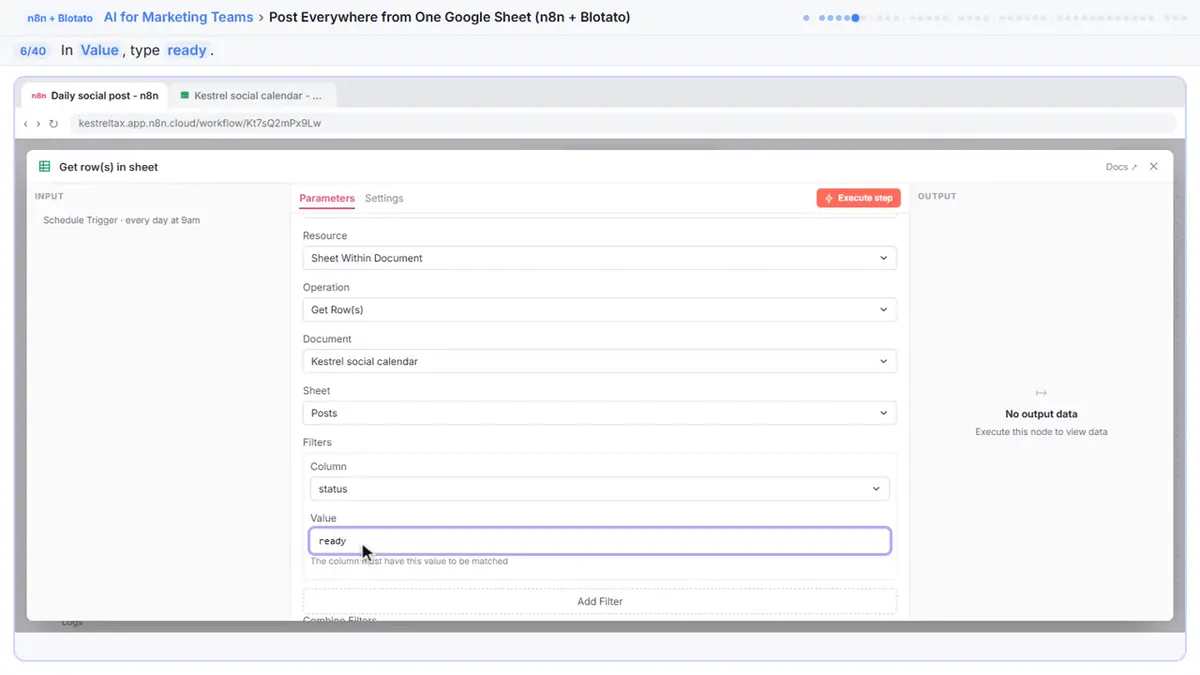 Post to Every Channel Daily from One Sheet using n8n + Blotato
Copying the same post into every social app can take half an hour a day, and on busy days nothing goes out. Plan a week of posts in one Google Sheet; every morning n8n…
Free · Live ~14 min Advanced
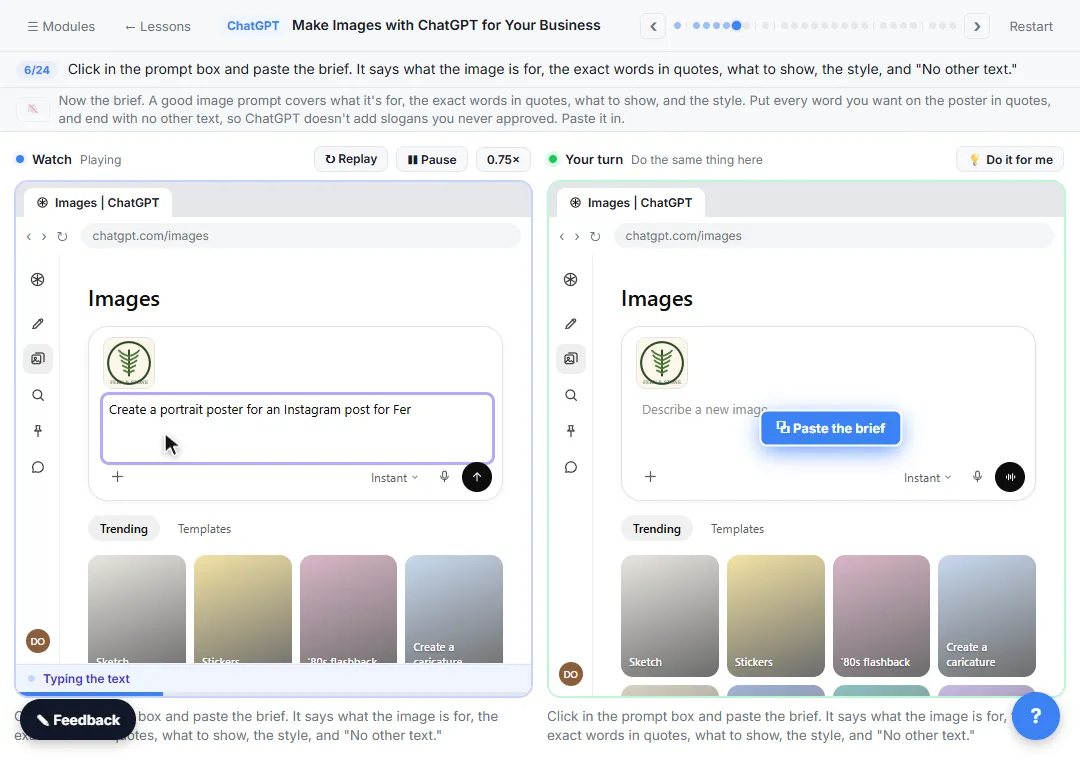 Make Images with ChatGPT for Your Business
Turn a short brief and your logo into a sale poster with ChatGPT Images, fix wrong text with a comment pin, make a Story version and get a caption to post.
Free · Live ~7 min Beginner
◷Turn a Raw Client Video into a Captioned LinkedIn Clip using CaptionsMost people scroll LinkedIn with the sound off, so a talking-head video with no captions gets skipped. Use Captions to add captions, cut the pauses, fix a misheard…
Free · Live ~8 min Beginner
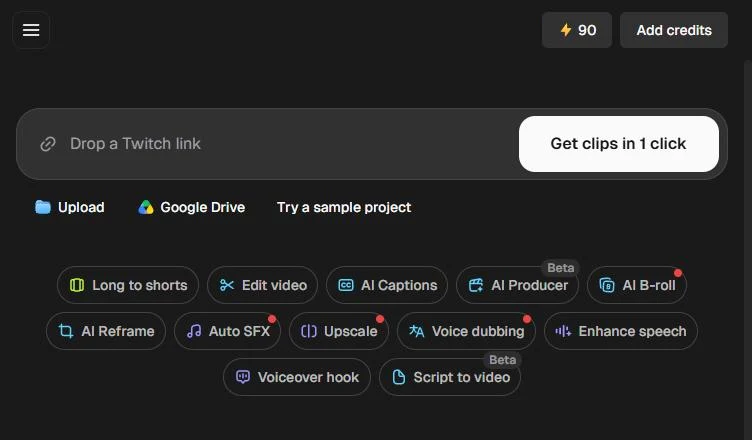 Opus Clip: Turn One Video into Ranked Social Clips
A business case for any small team that records webinars or tips videos: upload one video, tell Opus Clip what to look for, pick captions and 9:16, and get ranked…
Free · Live ~10 min Beginner
Which free courses fit this job?
- AI for Marketing Teams: On-brand content in less time, then automations that turn posts and comments into leads.
- Master ChatGPT for Work: Go from safe first chats to ChatGPT that knows your job, reads your files and runs multi-step work: data controls, memory, prompts, meeting minutes…
New to AI at work? Start with AI for Marketers: Where to Start, Five Free Lessons, a short path of free lessons in order.
Practice it free, step by step
Plan a Week of Social Posts in One Sitting using SocialBee. Stop posting in bursts. Let SocialBee’s AI Copilot plan a week of posts for a small firm, sort them into content categories and lay them out on the calendar, with every post held as a draft until… You do every step yourself in a practice copy of SocialBee, it checks your work as you go, and “Do it for me” finishes any step you get stuck on. Free, and nothing touches your real accounts.
Start the free lessonMore templates for this job
Single prompts from the prompt library, each with a filled-in example and a checklist for the answer.
- Content calendar prompt: A ChatGPT prompt that turns one campaign into a dated email and social calendar: one row per item, a cap on emails, and only the…
- Social post ideas prompt: A four-part ChatGPT prompt for social post ideas built on your services and real customer questions: platform, hook and call to…
- Blog post to social posts prompt: Turn one blog post into several social posts with a ChatGPT prompt that quotes the line each post is built on, so nothing new…
- Negative review response prompt: A ChatGPT prompt for a public reply to a bad review: calm, specific, no private details, no arguing, and an easy way to continue…
Prompts for other roles
Frequently asked questions
- Can AI run our social media accounts?
- It can draft posts, captions, replies and reports, and scheduling tools can publish them. A person should still approve what goes out and handle anything sensitive in the comments.
- Will AI-written posts hurt engagement?
- Bland posts hurt engagement, whoever writes them. Start from your own stories and customer questions, edit the drafts in your voice, and track what performs.