AI Prompts for Communications Managers: 11 Copy-Ready Templates
Updated · By Robert Breen
Communications managers write the words a whole organization stands behind: press releases, leadership messages, internal announcements and, on a bad day, the holding statement. Speed matters, but accuracy and tone matter more. AI can give you a fast, structured first draft so your time goes into getting the facts and the message exactly right.
These prompts are deliberately strict. They tell the assistant to use only approved facts, to mark anything unconfirmed, and never to speculate about causes, people or outcomes. That is what makes them safe to use under time pressure: the draft is quick, and every claim in it traces back to something you gave it.
To practice comparing drafts and versions, try Claude: compare two versions of a document, and for a whole team's tone, ChatGPT Projects for brand voice.
How do you use these prompts?
Copy a prompt into ChatGPT, Claude, Gemini or Copilot and replace every [BLANK] with your own details. Where a prompt says PASTE, paste your notes, email or document there. Each prompt follows the four parts from Prompt Writing 101: a Role, the Context, the Task and the Format you want back. Then check every name, date, number and promise in the answer before you use it.
External
1. Draft a press release
You are the communications manager at [ORGANIZATION]. Approved facts for the announcement: [WHAT, WHEN, WHERE, WHO, WHY IT MATTERS]. Approved quote from [SPOKESPERSON]: "[QUOTE OR 'PLEASE DRAFT ONE FOR APPROVAL']". Boilerplate: [ABOUT US PARAGRAPH]. Media contact: [CONTACT].

Write a press release in standard format: headline, subhead, dateline, a lead paragraph that answers who, what, when, where and why, supporting paragraphs, the quote, boilerplate and contact. Use only the approved facts.

Format: standard press release layout, under 500 words.
2. Prepare spokesperson talking points
Act as a communications manager preparing [SPOKESPERSON] for [INTERVIEW OR EVENT] about [TOPIC]. Our key messages: [MESSAGES]. Facts we can share: [FACTS]. Topics we will not discuss: [OFF-LIMITS TOPICS].

Write three key messages with one supporting fact each, then the ten toughest questions they might get, with a short suggested answer for each that bridges back to a key message. For off-limits topics, give a polite way to decline.

Format: Key messages, then a Q and A list.
3. Write a holding statement
You are the communications lead. Something has happened: [CONFIRMED FACTS ONLY]. We do not yet know: [UNKNOWNS]. Actions we are taking: [ACTIONS]. Next update expected: [TIME OR "WHEN WE HAVE MORE INFORMATION"].

Write a short holding statement that acknowledges the situation, shows care for anyone affected, states the confirmed facts and actions, and commits to an update. Do not speculate on cause, blame or numbers. Flag anything that needs legal review.

Format: under 120 words, then a "For legal review" note.
Internal
4. Write a leadership message to all staff
You are drafting a message from [LEADER NAME, TITLE] to all staff about [TOPIC]. Key points they want to make: [POINTS]. What staff need to do, if anything: [ACTIONS]. Their speaking style: [STYLE NOTES OR AN EXAMPLE].

Write the message in their voice: open with why it matters to staff, make the points in plain language, be honest about what is not yet decided and end with where to ask questions.

Format: under 300 words.
5. Announce an organizational change
Act as an internal communications manager. The change: [WHAT IS CHANGING]. Effective: [DATE]. Who is affected: [TEAMS OR ROLES]. What does not change: [UNCHANGED]. Support available: [SUPPORT].

Write the announcement and a manager's briefing note. The announcement goes to everyone; the briefing note helps managers answer their team's top five questions using only these facts.

Format: two labeled drafts, the announcement under 250 words.
6. Write the internal newsletter
You are writing [ORGANIZATION]'s [WEEKLY OR MONTHLY] internal newsletter. This issue's items:

[PASTE ITEMS: NEWS, WINS, DATES, NEW STARTERS, REMINDERS]

Write a friendly newsletter with a short intro, one featured story, the remaining items as short sections and a "Dates to know" list. Keep names and details exactly as given.

Format: headed sections, under 500 words.
Editing and consistency
7. Make a message clearer and shorter
You are an editor for [ORGANIZATION]. Here is a draft message for [AUDIENCE]:

[PASTE DRAFT]

Rewrite it at a plain reading level: shorter sentences, no jargon, the main point first, and the action in its own line. Keep every fact. Then list any sentence you changed in meaning, if any.

Format: the rewrite, then "Meaning changes".
8. Check a statement against approved facts
Act as a careful communications reviewer. Here are the approved facts:

[PASTE APPROVED FACTS]

Here is a draft statement:
[PASTE DRAFT]

List every sentence in the draft that says something not supported by the approved facts, adds a number or name, or could be read as a promise. Quote each one and say why.

Format: a table with Sentence, Issue.
9. Adapt one message for different channels
You are a communications manager. Here is the core message about [TOPIC]:

[PASTE MESSAGE]

Adapt it for: an all-staff email, a short chat post for [CHAT TOOL], a website notice and a LinkedIn post from [ORGANIZATION]. Keep the facts identical; change length and tone to suit each channel.

Format: four labeled drafts.
Planning
10. Build a communications plan
Act as a communications manager planning how to announce [INITIATIVE] on [LAUNCH DATE]. Audiences: [AUDIENCES]. Channels: [CHANNELS]. Sensitivities: [SENSITIVITIES].

Create a plan that sequences who hears what, when and from whom (people affected first), with the key message for each audience and a feedback channel. Include a short list of risks and how we will handle questions.

Format: a timeline table (When, Audience, Channel, Messenger, Message), then Risks.
11. Write an FAQ for a change
You are preparing an FAQ for [AUDIENCE] about [CHANGE]. The facts: [FACTS]. Still undecided: [UNDECIDED ITEMS].

Write the ten questions people will most likely ask, with honest answers from the facts. For undecided items, say when we expect to know. Do not invent answers.

Format: a numbered Q and A list.
How do you adapt these prompts to your own work?
- Keep an "approved facts" block for each announcement and paste it into every prompt. It is your single source of truth when drafts multiply.
- Never paste confidential or legally sensitive details into an unapproved tool, and have legal review anything about incidents, people or liability.
- Ask for the message for each audience separately. One message rarely fits staff, customers and the press equally well.
Where can you practice these skills for free?
These free Stepthrough lessons practice the same jobs step by step, with a made-up business and practice copies of the real tools, so nothing touches your real accounts.
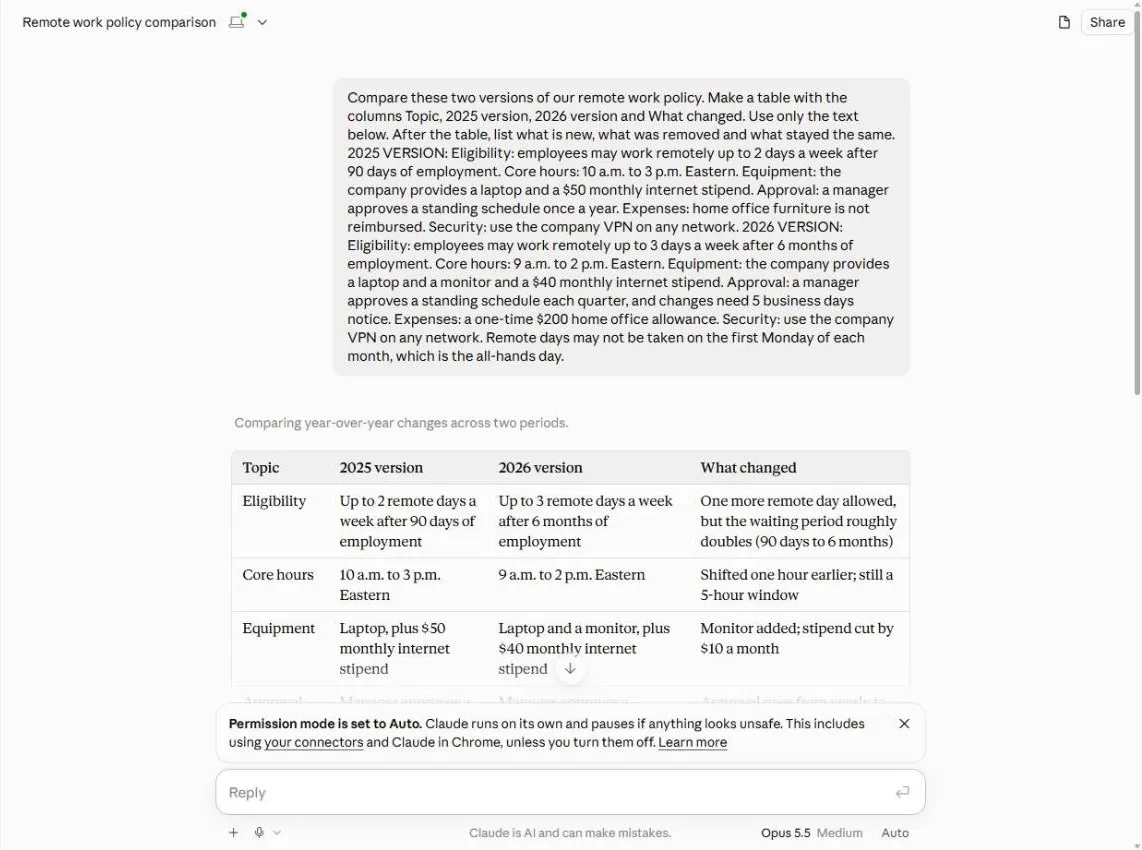 Claude: Compare Two Versions of a Document and See What Changed
Paste last year’s and this year’s policy, get a side-by-side table of what changed, catch what Claude gets wrong, and turn it into a note to staff.
Free · Live ~5 min Beginner
 ChatGPT Projects: Keep Your Brand Voice, Files and Instructions in One Place
Set up a ChatGPT Project with your brand voice instructions, your price list and your style guide, so every new chat already knows your business.
Free · Live ~9 min Beginner
◷Write an Incident Report in 5 Minutes using ChatGPTTurn scribbled notes and two witness statements into a clear internal incident report with the facts in order, follow-up actions and every gap flagged, then a neutral…
Free · Live ~9 min Beginner
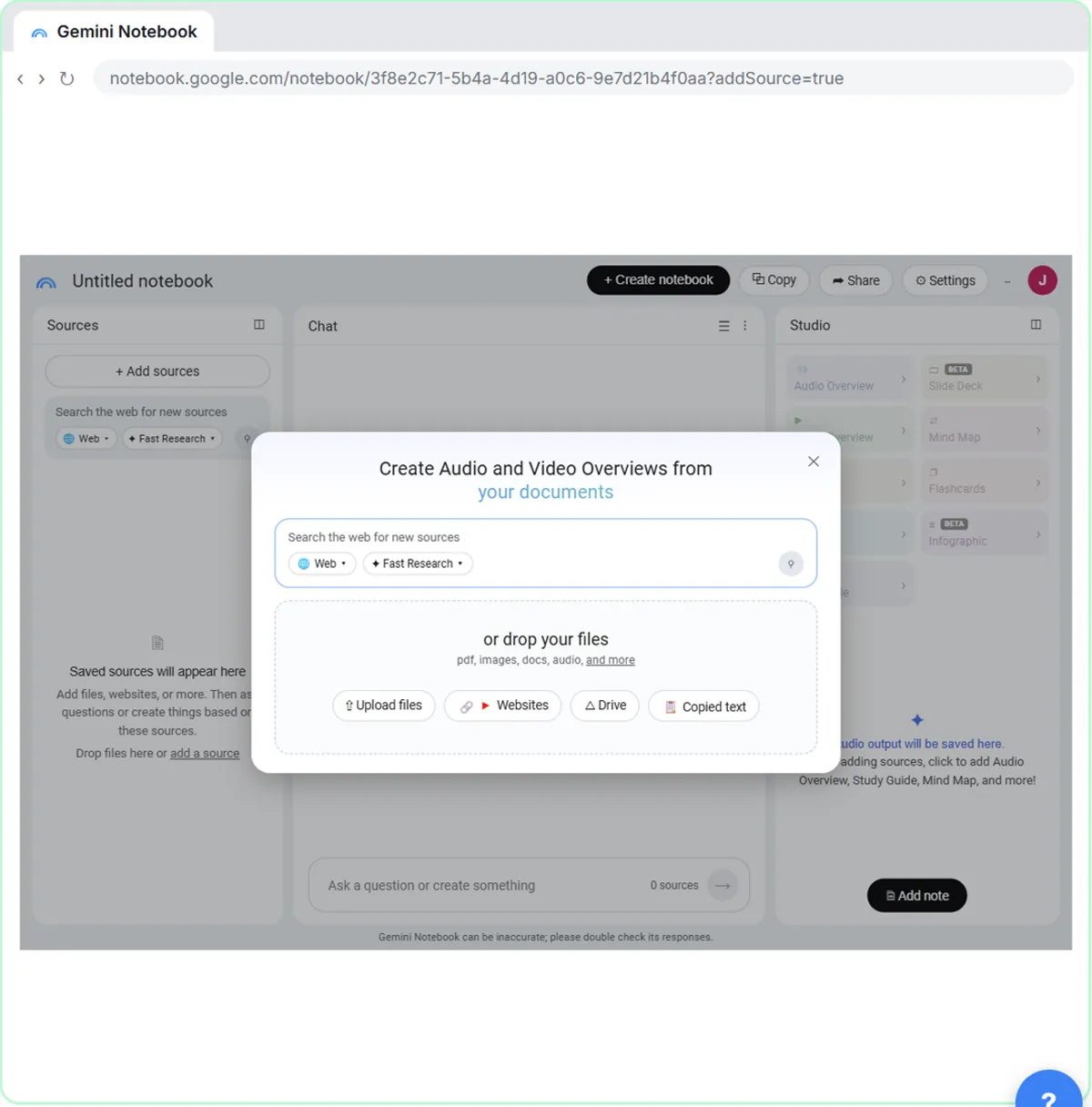 NotebookLM (Now Gemini Notebook): Cited Answers and a Briefing from Your Docs
Create a notebook, add a PDF, a Google Doc from Drive and a web page as sources, ask a question and check its citations, save the answer to a note, and turn it all into…
Free · Live ~7 min Beginner
◷Roll Out a Team AI Policy in One Afternoon using ClaudeYour team already uses AI, with or without rules. Have Claude write a one-page acceptable use policy from your rules, check the parts that matter, then get the…
Free · Live ~10 min Beginner
Which free courses fit this job?
- AI at Work: Start Here: Use AI on real office work this week, without leaking client data.
- Master ChatGPT for Work: Go from safe first chats to ChatGPT that knows your job, reads your files and runs multi-step work: data controls, memory, prompts, meeting minutes…
- Better Prompts: Turn vague AI answers into work you can send, with prompt habits that work in any assistant.
Practice it free, step by step
Claude: Compare Two Versions of a Document and See What Changed. Paste last year’s and this year’s policy, get a side-by-side table of what changed, catch what Claude gets wrong, and turn it into a note to staff. You do every step yourself in a practice copy of Claude, it checks your work as you go, and “Do it for me” finishes any step you get stuck on. Free, and nothing touches your real accounts.
Start the free lessonMore templates for this job
Single prompts from the prompt library, each with a filled-in example and a checklist for the answer.
- Press release draft prompt: Draft a press release from your confirmed facts: headline, lead paragraph, quote placeholder, details and boilerplate, with…
- Internal announcement prompt: Announce a change to your team in under 150 words: what changes, when it starts, what each person does and who to ask, plus the…
- Employee newsletter prompt: Turn a month of scattered updates into a short internal newsletter: news, welcomes, shout-outs and dates, with only personal…
- Plain-English document summary prompt: Paste a contract, lease or policy and get a plain-English summary with section numbers, every date and dollar amount, and…
Prompts for other roles
Frequently asked questions
- Can AI write a press release?
- It can draft one from approved facts in the standard format in a minute or two. Quotes need the spokesperson's approval, and every fact should be checked before it goes to media.
- Is AI safe to use in a crisis?
- Only for structure and speed, with strict rules: confirmed facts only, no speculation and legal review. The judgment about what to say stays with your leadership and counsel.