This guide is for HR generalists, recruiters, HR managers and office managers who handle people work at a small or mid-sized company. It explains what to look for in free AI training, which skills HR should learn first, and a two-week plan you can follow between other work. I'm Robert Breen, and I build Stepthrough; tool details are as of October 2026.
What makes AI training good for HR?
Good AI training for HR teaches on HR's own tasks, starts with what never goes into AI, and makes you do each step rather than watch it. HR handles personal data, so a course that skips data rules teaches the wrong habit first. Here is how the common kinds of free AI training compare for an HR team:
| Kind of free training | What you get | Good for | Watch out for |
|---|---|---|---|
| Hands-on practice on HR tasks (Stepthrough) | You write a job post, a scorecard, a policy answer and an incident report yourself, in a practice copy of the real tool | Building habits you use the next morning | Each lesson covers one job, so pick the ones that match your week |
| AI companies' own academies | Courses from the tool makers, such as OpenAI Academy (courses like "Apply AI at Work") and Anthropic Academy (courses like "Claude 101") | Learning one vendor's tool in depth | They teach that vendor's tool, not HR processes; check each site for cost and sign-up |
| General video courses | Recorded lessons on AI concepts and prompting | Background and vocabulary | Watching isn't doing; little on candidate or employee data |
| Your company's own sessions | Your policy, your approved tools | The rules that apply to you | Often a one-off talk with no practice |
Whatever you pick, check two things first: does it use made-up people instead of real employee data, and does it teach you to check every draft before it goes out?
What should HR learn about AI first?
Learn what never goes into AI before you learn prompts. Use AI at Work Without Leaking Client Data takes about 7 minutes and shows how to replace names, addresses and bank details with placeholders before you paste, and ChatGPT: Keep Client Data Safe sets the data controls for your team. Then pick the HR jobs that fill your week:
| HR job | Free lesson | Tool | Time |
|---|---|---|---|
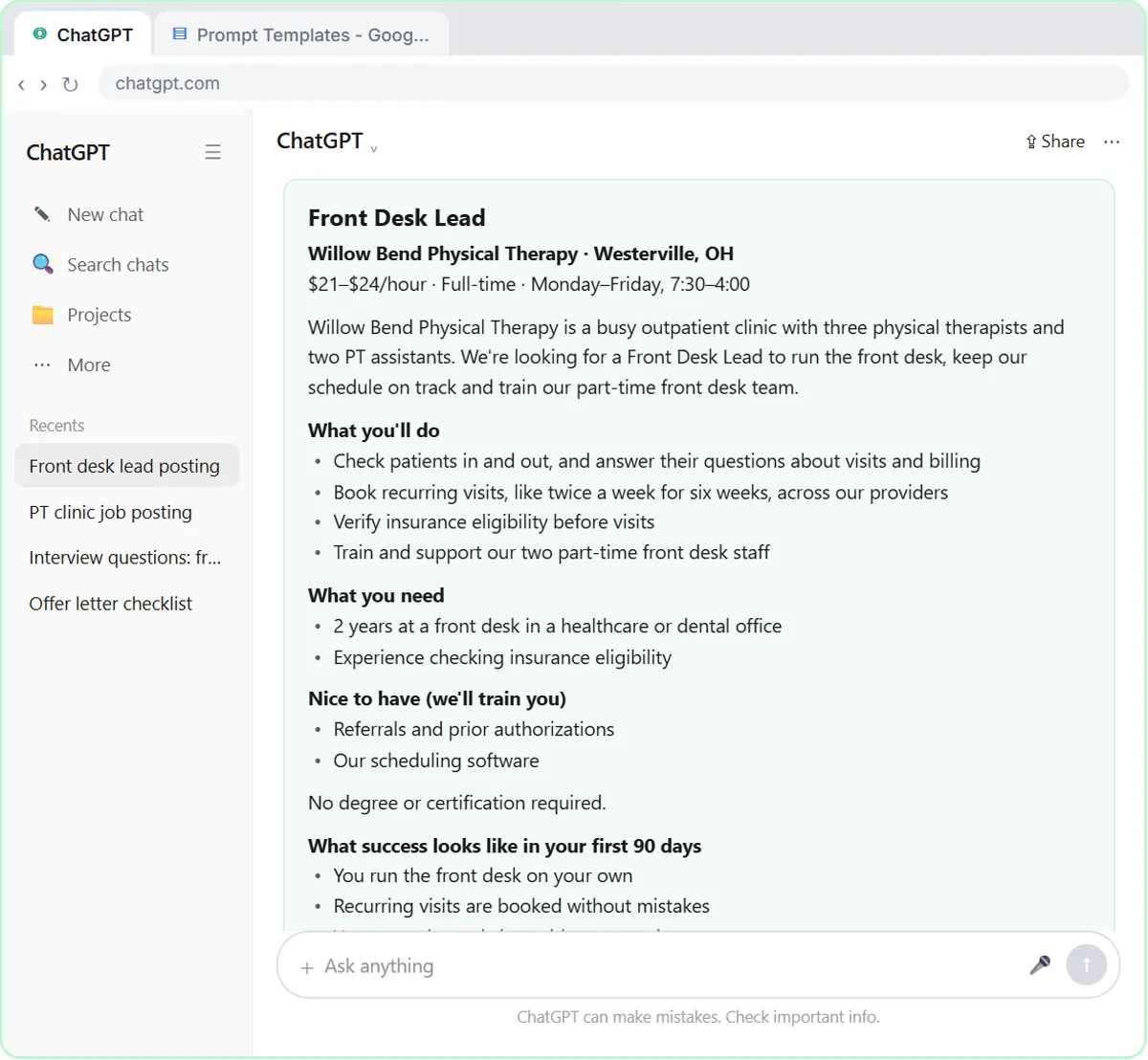
| A fair, job-related job post | Write a Fair, Job-Related Job Posting | ChatGPT | 7 min |
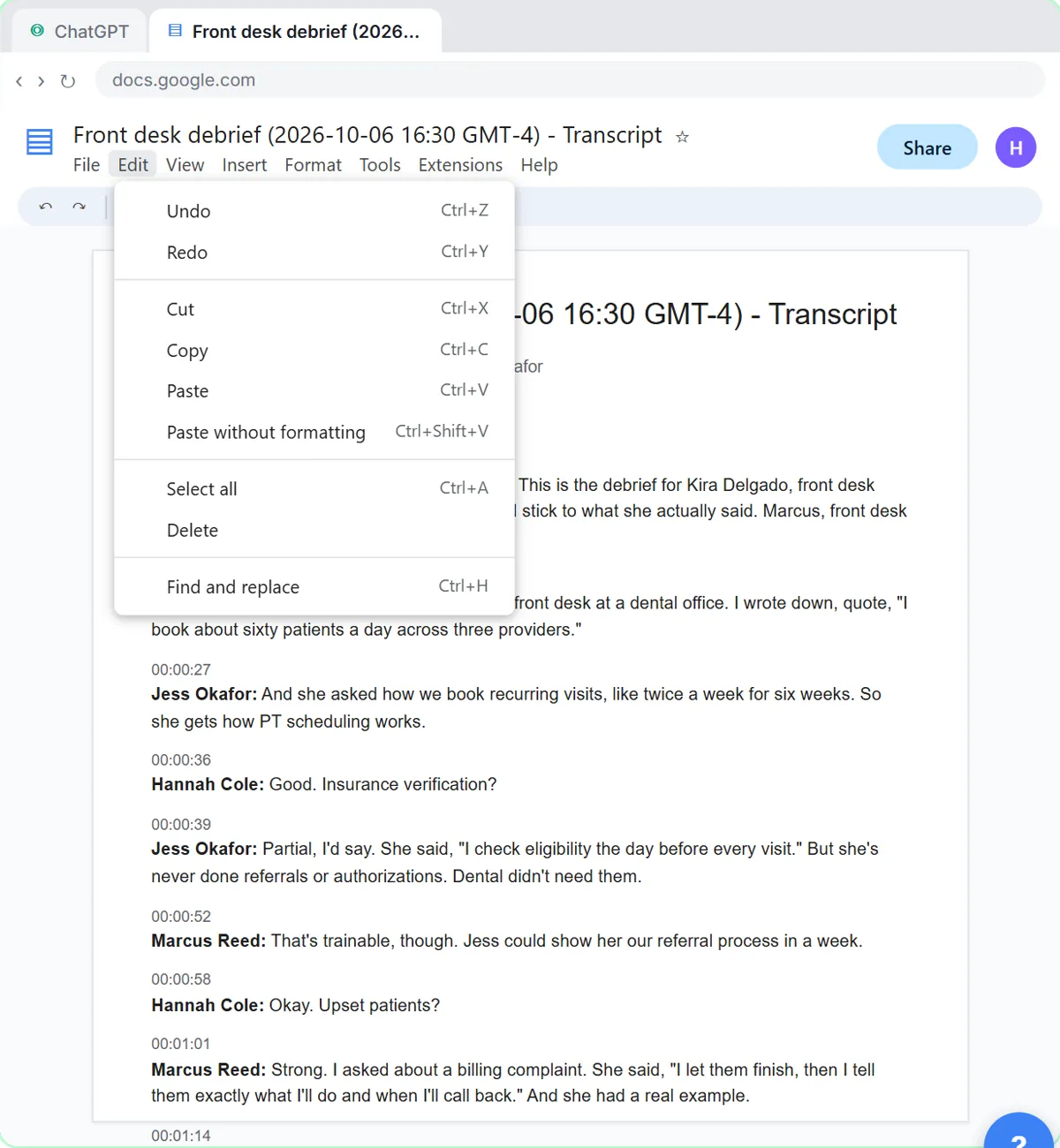
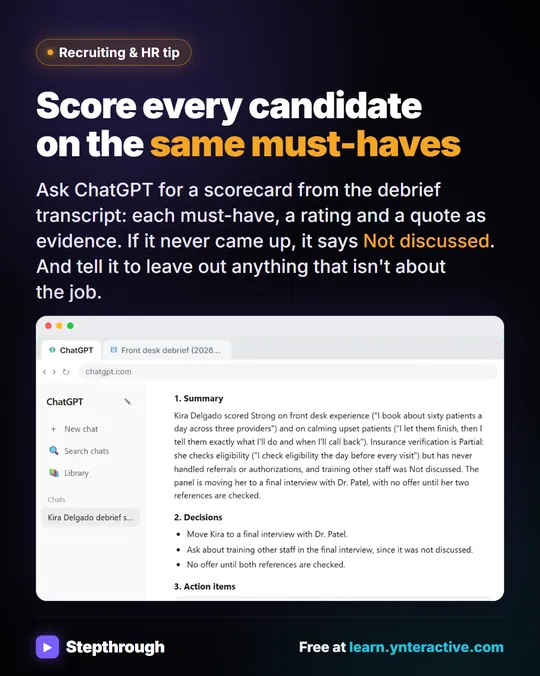
| Interview debrief to scorecard | Score Every Candidate Fairly After the Interview | ChatGPT | 7 min |
| Candidate status replies | Keep Top Candidates Warm with Honest Status Replies | ChatGPT | 9 min |
| Workplace incident report | Write an Incident Report in 5 Minutes | ChatGPT | 9 min |
| Employee policy questions | Answer Employee Policy Questions Instantly | Airia | 10 min |
| A pay range you can defend | Set a Job Post Pay Range You Can Defend | Claude Research | 8 min |
| A team AI policy | Roll Out a Team AI Policy in One Afternoon | Claude | 10 min |
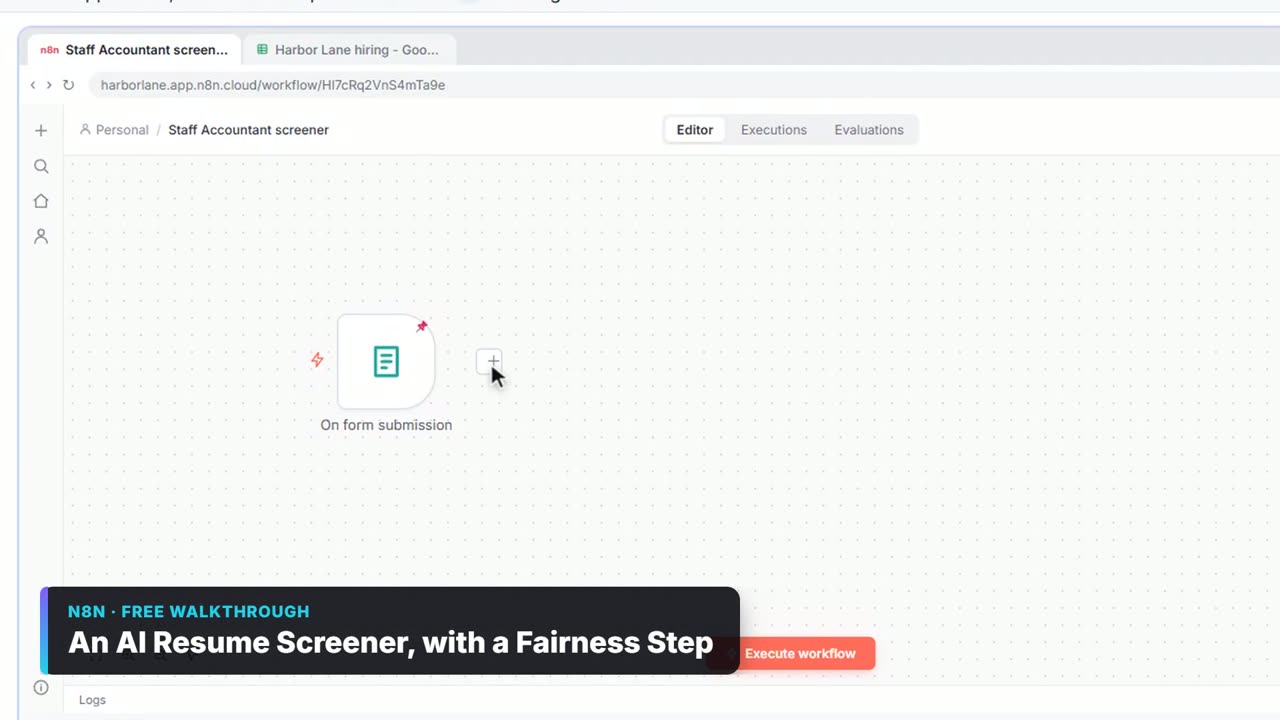
| Applications in one sheet | Collect Job Applications in Google Sheets | n8n | 12 min |
Times are the lesson lengths listed on each lesson page. The AI for Recruiting & HR learning path groups these with a few more, such as leave-policy replies and an AI resume screener that only ranks, with a person making every call.
How does hands-on AI training work?
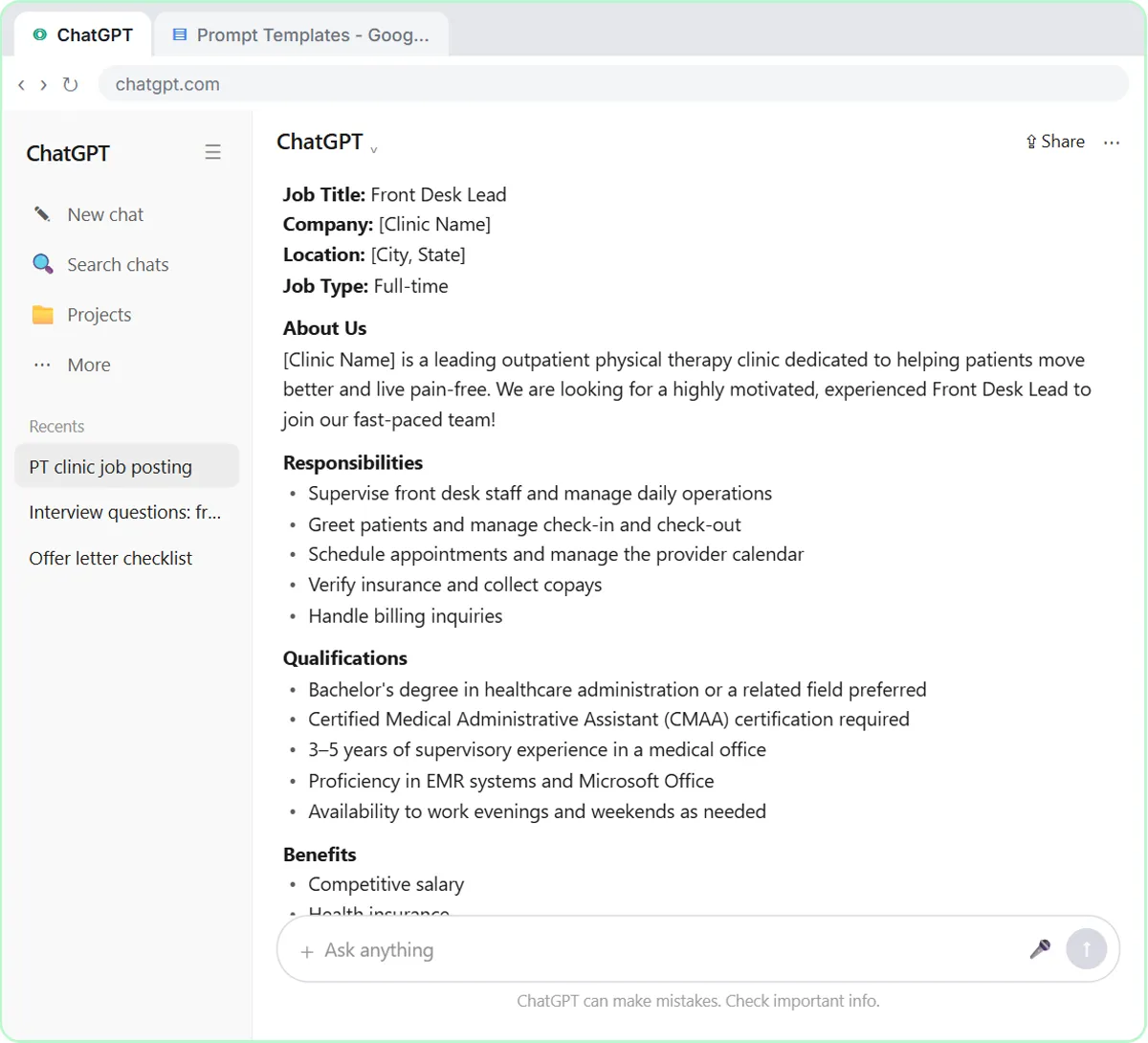
Each Stepthrough lesson shows a step on one side, then you do it yourself in a practice copy of the real tool on the other, and the lesson checks your click before moving on. The examples use a made-up clinic, Willow Bend Physical Therapy, so you can see a realistic mistake, like a job post that adds a degree nobody asked for, without touching real candidates. Nothing is sent and no account is needed. We're building the largest free AI training explains why the lessons work this way.
Try it free, step by step
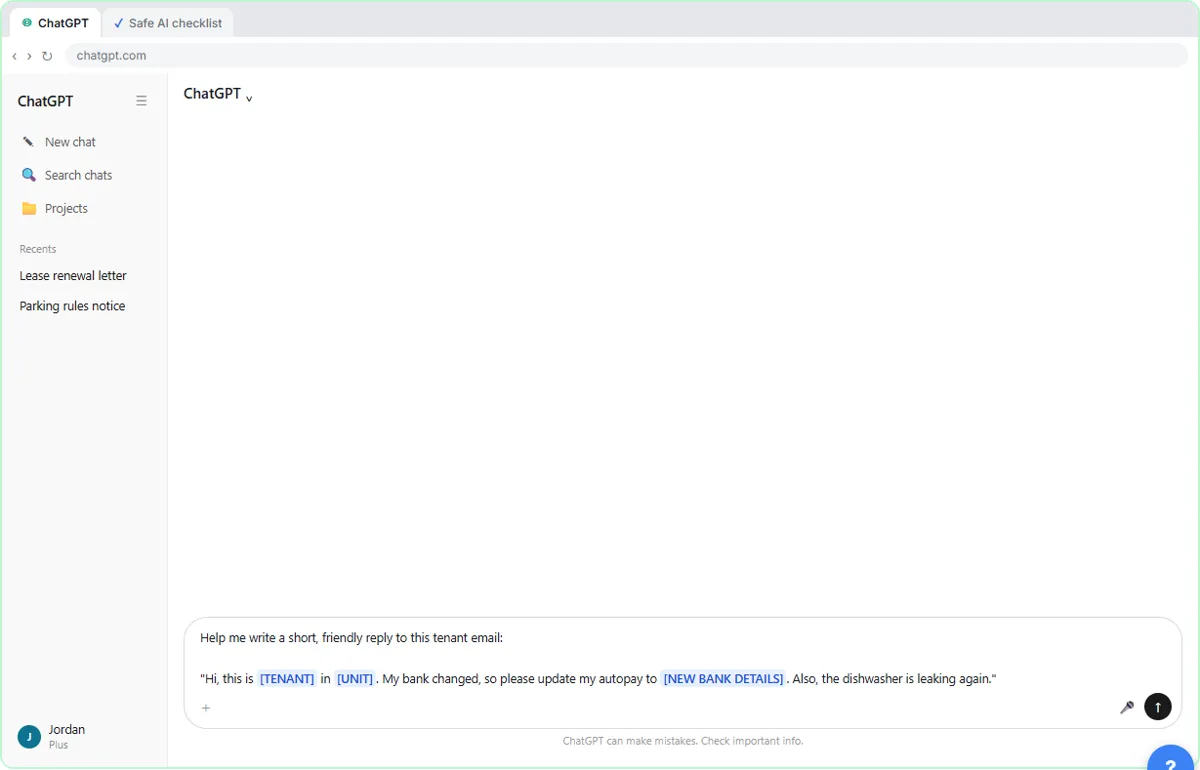
Use AI at Work Without Leaking Client Data using ChatGPT. Turn off model training, strip a tenant's bank details and address out of a prompt, then catch the two promises ChatGPT made up before the reply goes out. You do every step yourself in a practice copy of ChatGPT, it checks your work as you go, and “Do it for me” finishes any step you get stuck on. Free, and nothing touches your real accounts.
Start the free lessonHow can an HR team fit AI training into two weeks?
Do one lesson a day, about 10 minutes each, and use each one on a real task the same week.
- Day 1: what never goes into AI, and your team's data controls.
- Days 2 to 4: the job post, the interview scorecard and a candidate status reply.
- Days 5 and 6: an incident report and a policy-question answer.
- Week 2: the pay range research and the team AI policy, then one real task per lesson, following your policy.
- End of week 2: a 15-minute team meeting where each person shows one prompt that worked; save the best ones in a shared doc.
For a whole-company version of this plan, see AI training for employees. For the ChatGPT side of recruiting in one place, see how to use ChatGPT for recruiting and job posts.
Which AI tool should HR start with?
Start with the assistant your company already approved. If none is approved yet, ChatGPT is the tool most of the HR lessons use, and the habits carry over to Gemini, Copilot and Claude. ChatGPT vs Gemini for HR and the best AI for recruiters compare the options, and ChatGPT prompts for HR managers has prompts to copy.
Key takeaways
- The best free AI training for HR is hands-on practice on HR's own jobs, with data rules first.
- Check that a course uses made-up people, not real employee data, and teaches you to check every draft.
- Vendor academies teach one company's tool; general video courses give background; neither is practice on HR work.
- Start with what never goes into AI, then job posts, scorecards, candidate replies and incident reports.
- One 10-minute lesson a day, used on a real task the same week, is enough to build the habits in two weeks.
Frequently asked questions
- What is the best free AI training for HR?
Training where you practice HR's own work, such as job posts, interview scorecards, policy questions and incident reports, and that starts with keeping personal data out of AI. Stepthrough's AI for Recruiting & HR course is free, runs in practice copies of ChatGPT, Claude and n8n, and needs no sign-up to start.
- Is there free AI training for HR with a certificate?
Stepthrough lessons are free practice, not a credential. If your company needs a certificate, check the tool makers' own academies and other providers for what they issue and what it costs. For day-to-day HR work, practice on real tasks matters more than the certificate.
- Do HR staff need to know how to code to use AI?
No. The ChatGPT and Claude lessons are plain writing, and the n8n lessons, like collecting applications in one sheet, are built by clicking. You can learn every HR habit on this page without code.
- Is it safe for HR to put employee data into ChatGPT?
Only on a plan and settings your company approved, and only the details the task needs. Replace names and personal details with placeholders, and never paste medical, family or ID details. Follow your company's policy and the law where you work; this isn't legal advice.
- How long does AI training for HR take?
Most lessons take 7 to 12 minutes. The core HR set (data safety, job post, scorecard, candidate reply, incident report and policy questions) takes about an hour in all, so one lesson a day fits in two weeks.