Here's why it matters. Time to hire is the days between a candidate entering your process and accepting your offer. While it runs, the seat is empty, someone is covering the work, and your best candidates are talking to other employers. In the candidate reply lesson, the leading candidate is holding another offer due Friday. That is the real cost of a slow process: you lose the person you wanted to a company that simply answered faster.
What slows down time to hire?
In a small business, it is rarely the interviews. It is the gaps around them:
- A job post that takes a week to write and attracts the wrong people.
- Applications spread across two forms, an inbox and a job board.
- Resumes read in batches "when there is time."
- Interview notes that sit for days before anyone decides on a next round.
- Candidates waiting for an answer, then accepting somewhere else.
Each gap is a writing or sorting job, and those are exactly the jobs AI does quickly. Measure your own process first: list the date each candidate entered each stage for your last hire, and the longest gap is where to start.
How can AI reduce time to hire, step by step?
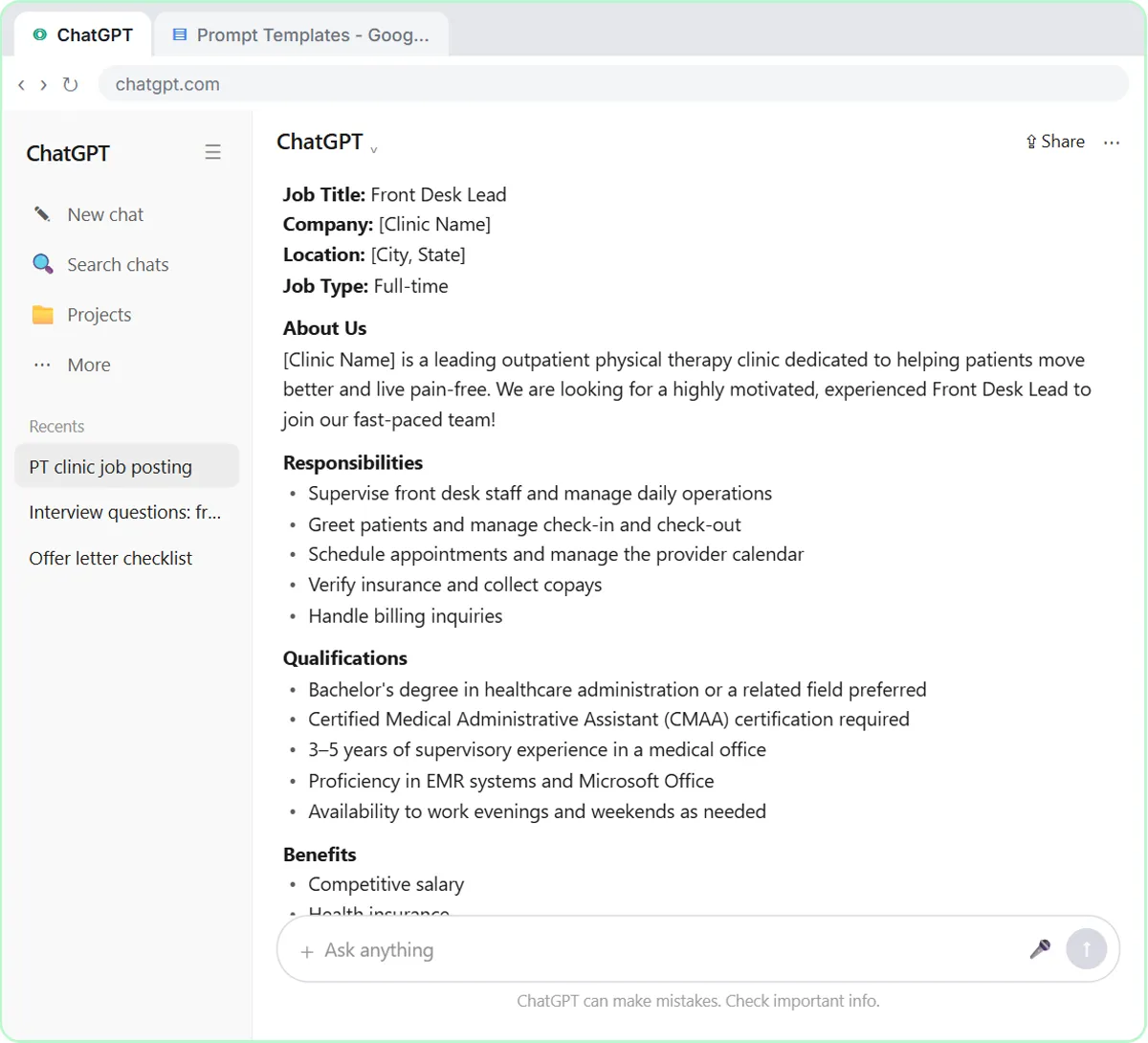
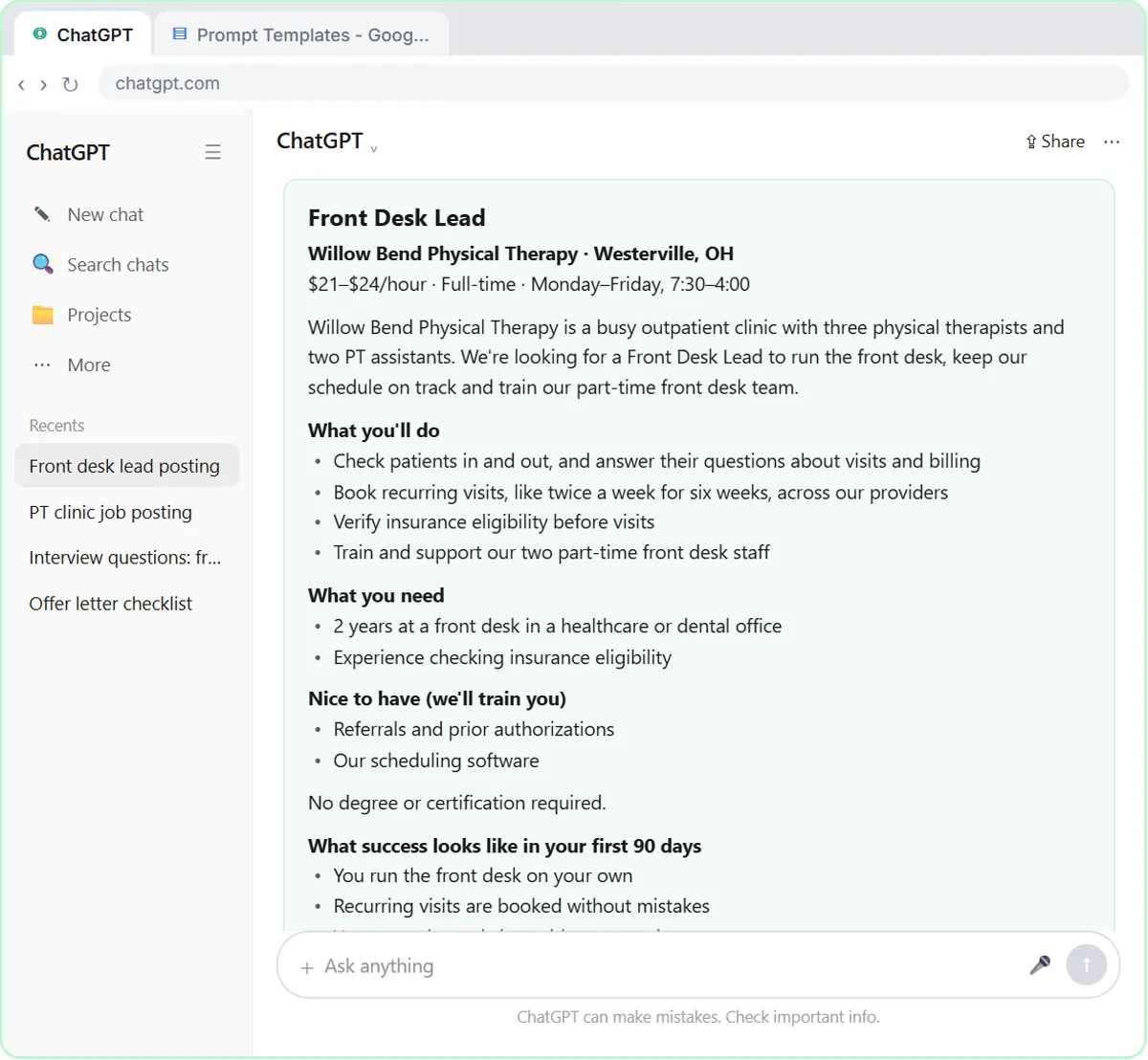
- Write the job post the day the role opens. In the job post lesson, ChatGPT drafts a Front Desk Lead posting for Willow Bend Physical Therapy, a made-up clinic, with a pay range of $21 to $24 an hour, only two must-haves and what success looks like in the first 90 days. A clear post with pay attracts fewer, better applicants, which shortens every later step.
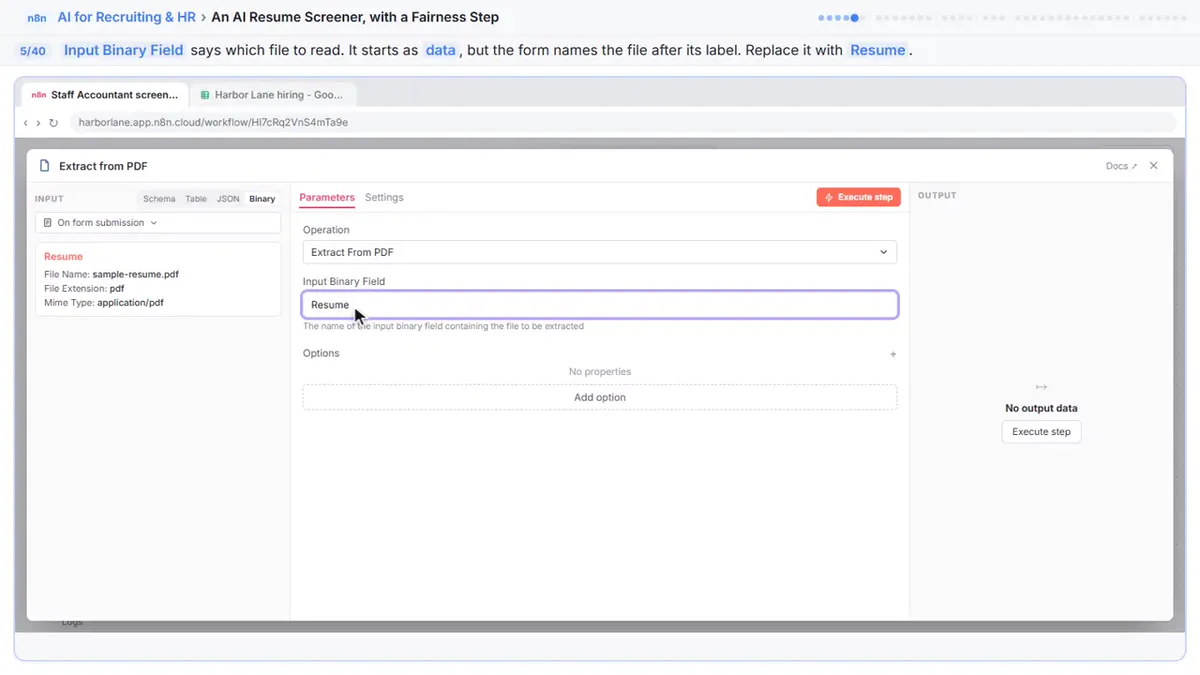
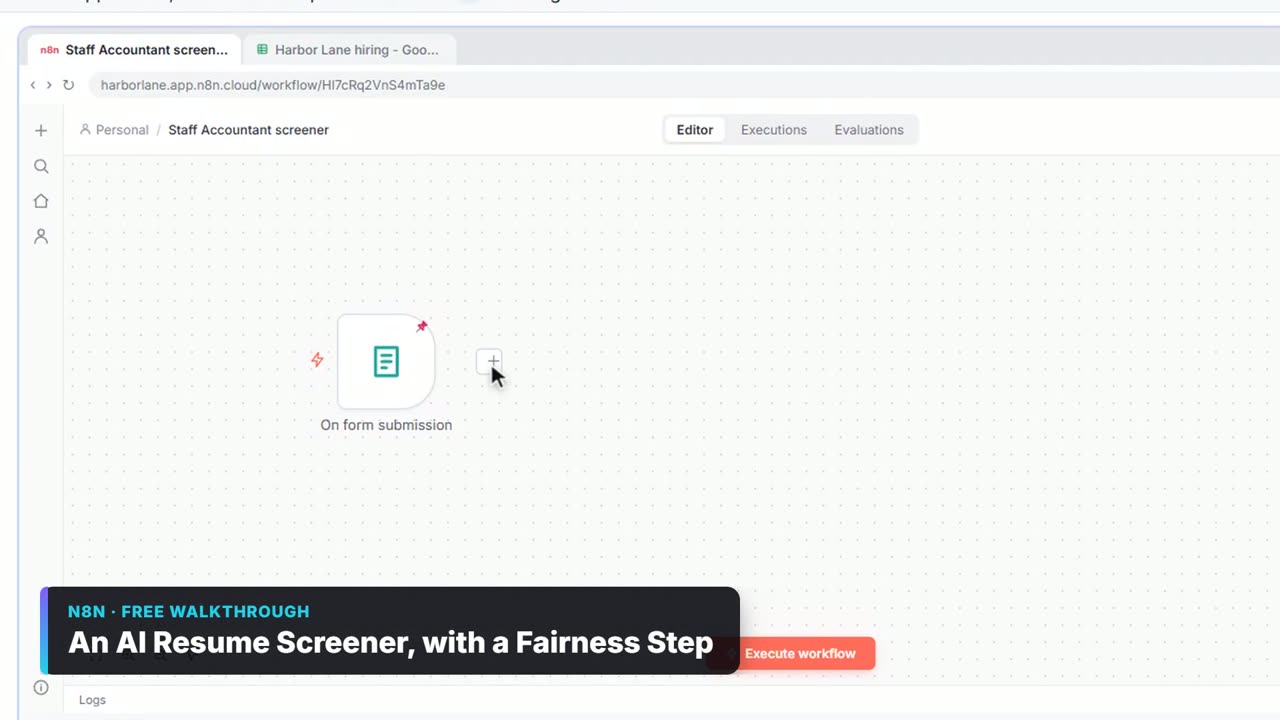
- Put every applicant in one list. The applicant intake lesson sends two application forms into one Google Sheet with n8n, so nobody is lost in an inbox.
- Screen against the must-haves, with quotes. The AI resume screener lesson reads each PDF resume, scores it against the job's must-haves and quotes the resume's own words for every score. Fairness rules keep name, age, gender, race, photos, address and graduation years out of the score. A person reviews the shortlist.
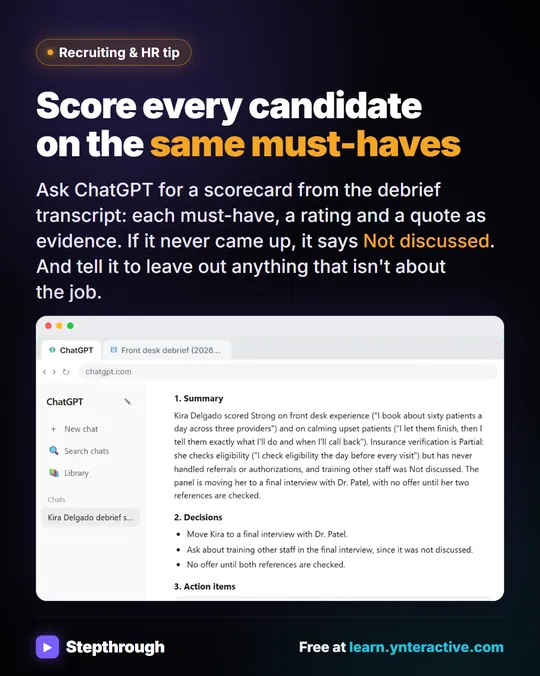
- Score interviews the same day. In the interview scorecard lesson, ChatGPT turns interview notes into a scorecard that rates the candidate Strong, Partial or Not discussed on each must-have, with a short quote for each, plus decisions and an action table. A comment about the candidate's kids does not appear, because it has nothing to do with the job.
- Answer candidates within a day. The candidate reply lesson drafts an honest reply to a candidate asking about the decision, pay and start date: the date the decision is made, the posted pay range without promising more, and a request not to give notice until the offer is in writing.
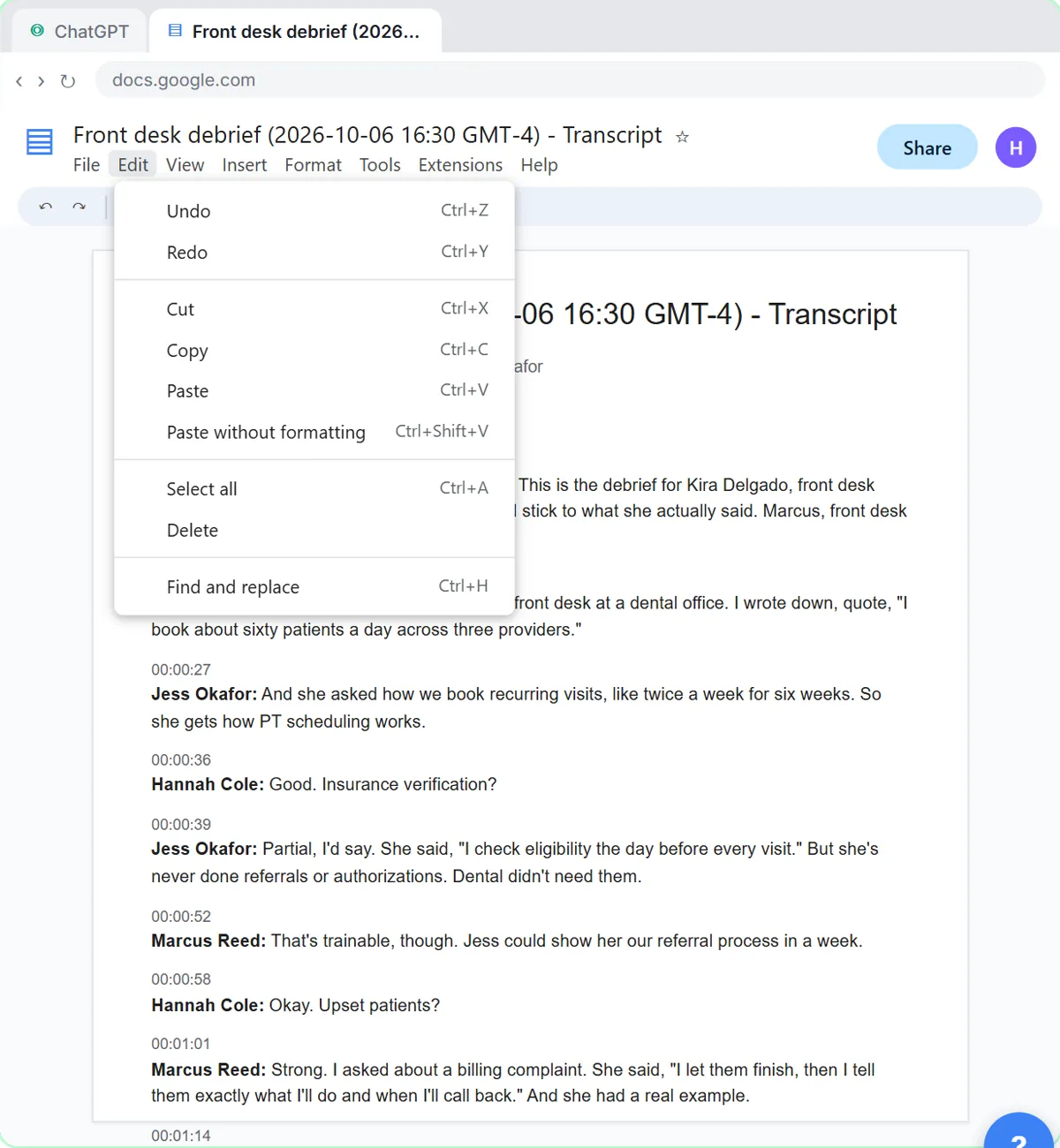
- Debrief right after the last interview. A short interview debrief the same day, using the scorecards, replaces a week of "let's find a time to talk about her."
Is it fair to use AI to screen candidates?
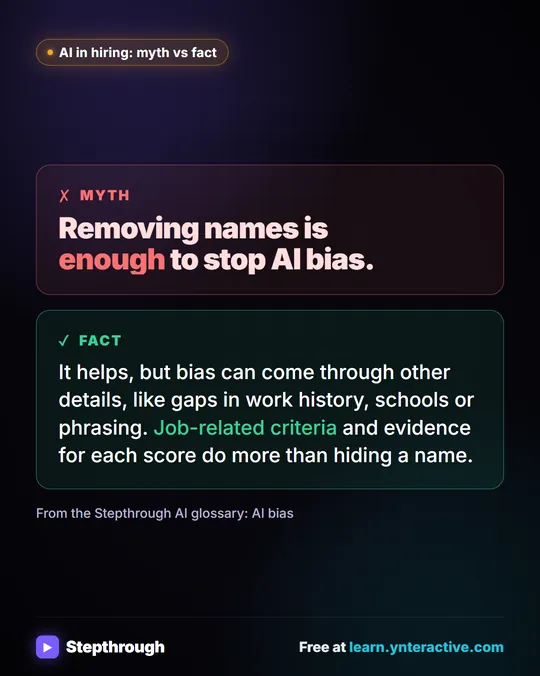
It can be fairer than a rushed human skim, but only with rules. Score against written must-haves, quote the evidence, leave protected details out and have a person review every shortlist and every rejection. AI tools can carry bias from their training data, so check the shortlist for patterns, and check your local rules: some places regulate automated hiring tools. The guide to screening resumes with AI fairly goes deeper.
What should never be automated in hiring?
The decision itself, the offer, and any message that rejects a person after an interview. AI can draft them; a person reads and sends them. Also keep candidates' personal details out of AI tools your company has not approved, and never paste things like a candidate's health, family or immigration status into a chat.
How do I measure whether time to hire is improving?
Track three dates for every hire: when the candidate applied or was contacted, when they had their first interview and when they accepted. Time to hire is the first to the last. Watch the middle number too: if the gap from application to first interview shrinks, AI is doing its job. Pair it with a short candidate experience survey after each search to learn where candidates felt the wait.
Which AI recruiting tools should a small business use?
Start with the tools you already have: ChatGPT or another assistant for posts, scorecards and replies, and an automation tool like n8n if you want resumes and applications to flow into one sheet. Many applicant tracking systems now include AI features too. To compare options, see best AI for recruiters and the directory of AI recruiting and HR tools.
Key takeaways
- Time to hire grows in the gaps between steps, not in the interviews.
- AI shortens the writing and sorting: job posts, one applicant list, resume screening, scorecards and replies.
- Score candidates against written must-haves with quoted evidence, and keep protected details out.
- A person makes every decision, offer and rejection.
- Measure application to first interview to acceptance for every hire.
Frequently asked questions
- How can I reduce time to hire?
Find the longest wait in your process and shorten it. For most small businesses that means a clearer job post, one applicant list, faster screening, same-day scorecards and replying to candidates within a day.
- What is a good time to hire?
It depends on the role and your market. Compare your own hires over time rather than a national average, and watch for candidates you lose while they wait.
- What is the difference between time to hire and time to fill?
Time to hire starts when a candidate enters your process. Time to fill usually starts when the job opens, so it includes the time before anyone applied.
- Can AI hire people?
No. AI can draft posts, sort applications and summarize interviews, but a person should make every hiring decision and send every offer.
- What are the best AI recruiting tools for small businesses?
Usually a general AI assistant plus simple automation, before any dedicated platform. See best AI for recruiters for a comparison.
- Is Willow Bend Physical Therapy a real clinic?
No. Willow Bend Physical Therapy and its candidates are made up for the lessons.