Updated . Built against the tool’s current screens and checked step by step. How we check this lesson
Monday morning brings every request the weekend left behind. In this free, interactive lesson you attach ten maintenance requests to ChatGPT, get them sorted into Emergency, Urgent and Routine with a reason, a trade and what to ask, then get your next 15 minutes, short tenant texts and one dispatch list per vendor. You make the safety calls yourself. The requests and people are made up and this is not safety advice or legal advice. Habitability and repair rules differ by state and city, and a suspected gas leak always means leave and call 911 or the gas utility.
At a glance
| Question | Answer |
|---|---|
| What you build | Attach Monday’s request log, get an Emergency, Urgent and Routine table with a trade and what to ask, then your next 15 minutes, tenant texts and one dispatch list per vendor. You make the safety calls. |
| Tools | ChatGPT |
| Time | About 9 minutes, 20 steps in 4 parts |
| Level | Beginner, no coding needed |
| Cost | Free |
| Ways to learn it | Practice it step by step |
The 4 parts, in short
- Start from Monday’s request log: Read the weekend requests, Turn on Temporary chat, Open the + menu, Add photos & files, and 2 more steps.
- Ask it to sort, and to say what to ask: Click the message box, Ask for a triage table, Send it.
- Make the safety calls yourself: Check when the gas report came in, Decide the no-heat call yourself, Read the immediate actions, Read what it needs to ask.
- Get the calls, texts and dispatch lists: Click the message box, Ask for calls, texts and dispatch lists, Send it, Read the next 15 minutes, and 3 more steps.
Start here first: Summarize a Meeting Transcript with ChatGPT (module 1 of ChatGPT for Everyday Work)
In the course: Part 3 · ChatGPT for Everyday Work (Module 45 of the full course)
The business case: the wrong order on a Monday morning
A weekend of requests arrives mixed together: a gas smell, a leaking ceiling and a door that will not lock sit next to a dripping faucet and a mouse. Sorting them by hand, calling tenants and writing to each vendor takes half the morning, and doing it in the wrong order can mean water damage, a break-in or worse.
What changes: ChatGPT sorts the whole log in one pass, says what it needs to ask, and drafts the texts and vendor lists. You keep the part that matters most, the safety calls, and you get to them faster.
The example: ten requests across three buildings
Juniper Property Management (made up) manages 418 Linden Ave, 90 Carver St and 233 Orchard Ct. Between Saturday night and Monday at 7:35 AM, ten tenants sent requests: a gas smell near a stove, no heat at 58 degrees with a 4-month-old baby, water through a bathroom ceiling, a front door that will not lock, a running toilet, a hallway light, a dripping faucet, a closet door, a mouse and a fridge problem with no phone number.
Download the file and follow along: [maintenance-requests-monday.csv](/content/files/chatgpt-triage-maintenance-requests/maintenance-requests-monday.csv).
Who this lesson is for
Property managers, maintenance coordinators and on-call staff who sort the weekend queue. It is the third lesson in [AI for Property Managers](/courses/ai-for-property-managers).
What ChatGPT produced in the real run
The first answer sorted the ten requests: three Emergency (gas smell, ceiling leak, door that will not lock), three Urgent (no heat, hallway light, running toilet), three Routine and one that needed clarification (the fridge). For the gas smell it said to leave the building, avoid switches and flames, and call the gas utility or 911 from outside. It listed questions for the hallway, fridge and toilet.
The second answer gave six calls in order, a short text to each Emergency and Urgent tenant without promised times, and one dispatch list per trade that kept "call first" entry rules. It held the fridge request because the phone number was missing. Two things it did not do: it never noticed that the gas report came in Saturday at 11:42 PM, so the first question on Monday is whether anyone already responded. And it ranked no heat at 58 degrees with a baby as Urgent, a call many managers and local codes would make differently.
What this saves you
- Time: a sorted queue, tenant texts and vendor lists in minutes.
- Fewer misses: questions for unclear requests and entry rules kept for every vendor.
- A calmer Monday: you start with the calls that matter.
- What it does not replace: a phone call for anything dangerous, your local housing and repair rules, and your own judgment on every emergency.
Gotchas
- Read the timestamps yourself. A triage table does not tell you what already happened overnight.
- You decide what counts as an emergency. Heat, water and locks can have local rules.
- A suspected gas leak always means leave and call 911 or the gas utility. A text never replaces that call.
- Ask for texts that promise no times you have not confirmed with a vendor.
- Check addresses and phone numbers against the original log before you forward a list.
Next business case
Get cleaner requests next weekend with a tenant maintenance request form in Fillout, then track them in a maintenance tracker database. Answer tenant email faster with Reply to work email faster. Close out a move-out with Write a security deposit itemization letter.
Try it yourself, free
Reading the steps is a start. Doing them is how it sticks. The interactive module walks you through every click in a practice copy of ChatGPT, checks each step, and never touches your real accounts.
Start “ChatGPT: Triage a Weekend of Maintenance Requests”Step by step: ChatGPT: Triage a Weekend of Maintenance Requests
All 20 steps of the interactive module, in order. In the module you watch each one, then do it yourself in a practice copy that checks your work.
1. Start from Monday’s request log
- Read the weekend requests. It is Monday morning. Ten requests came in over the weekend across three buildings. Look at the Received column as well as the words. Read them, then click ✕.
It's Monday morning. Ten requests came in over the weekend, across three buildings. Look at when each one came in, as well as what it says. Read them, then close the file.
- Turn on Temporary chat. This log has tenants’ names and phone numbers. Click the Temporary chat icon at the top right so it stays out of your history.
This log has tenants' names and phone numbers.
- Open the + menu. Click the + next to the message box.
- Add photos & files. Click Add photos & files.
- Pick maintenance-requests-monday.csv. Pick maintenance-requests-monday.csv.
Pick the requests file.
- Open it. Click Open. ChatGPT will sort these ten requests, in the tenants’ own words.
ChatGPT will sort these ten requests, in the tenants' own words.
2. Ask it to sort, and to say what to ask
- Click the message box. The habit: ask it to sort and to say what it needs to ask. Then you make the safety calls. Click the message box.
Here is the habit. Ask it to sort, and to say what it needs to ask. Then you make the safety calls.
- Ask for a triage table. Paste in the request. It asks for Emergency, Urgent and Routine, a reason and a trade for each, what to ask when a request is unclear, and care with anything that could be a safety issue.
This asks for three levels. Emergency, urgent and routine. A reason and a trade for each. What to ask when a request is unclear. And care with anything that could be a safety issue.
I'm a property manager and these 10 maintenance requests came in over the weekend (attached). Sort them into Emergency (act now), Urgent (today) and Routine (this week). Give a table with the request ID, level, your reason in a few words, and the trade to send (plumber, HVAC, locksmith, gas utility, pest control, handyman). If a request doesn't have enough information to sort, say what to ask. Be careful with anything that could be a safety issue. Keep the whole answer under 350 words.
- Send it. Click Send (the arrow on the right).
3. Make the safety calls yourself
- Check when the gas report came in. Gas smell is Emergency, and the trade is the gas utility or 911. Right. But look at the log: it came in Saturday at 11:42 PM, and it is now Monday. ChatGPT never mentions that. Your first question: did anyone already respond on Saturday night? Click the row.
Gas smell is an emergency, and the call goes to the gas utility or nine one one. Right. But it came in Saturday night, and it's now Monday. ChatGPT never mentions that. Your first question is, did anyone already respond?
- Decide the no-heat call yourself. No heat, 58°F, with a 4-month-old baby was ranked Urgent, not Emergency. Many managers, and many local housing codes, would call it an emergency. Rules differ by city and state. Decide where you work. Click the row.
No heat, fifty eight degrees, with a four month old baby. ChatGPT ranked it urgent, not emergency. Many managers, and many local codes, would call it an emergency. Rules differ by city and state. You decide.
- Read the immediate actions. For the gas smell it says: leave the building, no switches or flames, and call the gas utility or 911 from outside. That is the right first move for any suspected gas leak. Click the actions.
For the gas smell it says, leave the building. No switches or flames. And call the gas utility or nine one one from outside. That is always the first move for a suspected gas leak.
- Read what it needs to ask. Three requests need a question first: is the hallway completely dark, is the fridge still cooling, is the toilet overflowing. It also tells you when to escalate. Click the questions.
Three requests need a question first. Is the hallway completely dark? Is the fridge still cooling? Is the toilet overflowing? It also says when to escalate.
4. Get the calls, texts and dispatch lists
- Click the message box. Now turn the table into action. Ask for the next 15 minutes, texts that promise no times, and one list per vendor. Click the message box.
Now turn the table into action. Ask for the next fifteen minutes, texts that promise no times, and one list per vendor.
- Ask for calls, texts and dispatch lists. Paste in the request. It asks for the order of your next 15 minutes, a short text to each Emergency and Urgent tenant without promising a time, and a dispatch list per trade with unit, phone and entry permission.
This asks for your next fifteen minutes, in order. A short text to each emergency and urgent tenant, without promising a time. And a list for each trade, with unit, phone and entry permission.
Now write: 1) what I should do in the next 15 minutes, in order; 2) a short text message to each Emergency and Urgent tenant, using their name, saying what happens next without promising a time I haven't given you; 3) one dispatch list per trade I can forward to the vendor, with unit, problem, phone and entry permission. Flag anything where the tenant should call someone other than us first. Keep the whole answer under 500 words.
- Send it. Click Send (the arrow on the right).
- Read the next 15 minutes. Fatima first, then the leak, the lock and the heat. Before step 1, do your own check: did anyone already respond to Saturday’s gas report? Then call. Click the list.
Fatima first. Then the leak, the lock, and the heat. Before you call, do your own check. Did anyone already respond to Saturday's gas report?
- Read Fatima’s text. It tells her to leave now and call 911 or the gas utility from outside, and promises no arrival time. A text never replaces a phone call for a gas smell: call her too. Click the text.
It tells her to leave now, and call nine one one or the gas utility from outside. It promises no arrival time. A text never replaces a phone call for a gas smell. Call her too.
- Check the dispatch lists. One list per trade, ready to forward. It kept Call first for the closet door and the mouse, and marked the hallway Unknown because the tenant left it blank. Click the lists.
One list for each trade, ready to forward. It kept call first where the tenant asked for it. And it marked the hallway unknown, because that box was blank.
- See what it held back. The fridge request has no phone number, so it is on hold until you reach the tenant. The addresses are shortened, so confirm them before you send. This is not safety or legal advice. Click the note.
The fridge request has no phone number, so it's on hold until you reach the tenant. The addresses are shortened, so confirm them before you send. You sorted a weekend of requests, and made the safety calls yourself.
Frequently asked questions
- Can ChatGPT triage maintenance requests?
- Yes. Attach or paste the requests and ask for Emergency, Urgent and Routine with a reason, a trade and what to ask when something is unclear. Then make the safety calls yourself, starting with anything about gas, water, heat or locks.
- What counts as an emergency maintenance request?
- Common examples are a gas smell, active leaks, no heat in cold weather and a door that will not lock. What your lease and local rules treat as an emergency differs by state and city, so set your own list and check it.
- What should a tenant do if they smell gas?
- Leave the building, avoid switches and flames, and call 911 or the gas utility from outside. That comes before calling the property manager. This lesson is not safety advice.
- How do property managers use ChatGPT?
- For sorting maintenance requests, drafting tenant texts and vendor lists, lease abstracts and deposit letters. The safe habit is to let it sort and draft, then make the safety and money calls yourself.
- Can ChatGPT write messages to tenants?
- Yes. Ask for short texts using the tenant's name that say what happens next without promising a time you have not confirmed. Read each one before you send it, and call instead of texting when something is dangerous.
More in ChatGPT for Everyday Work
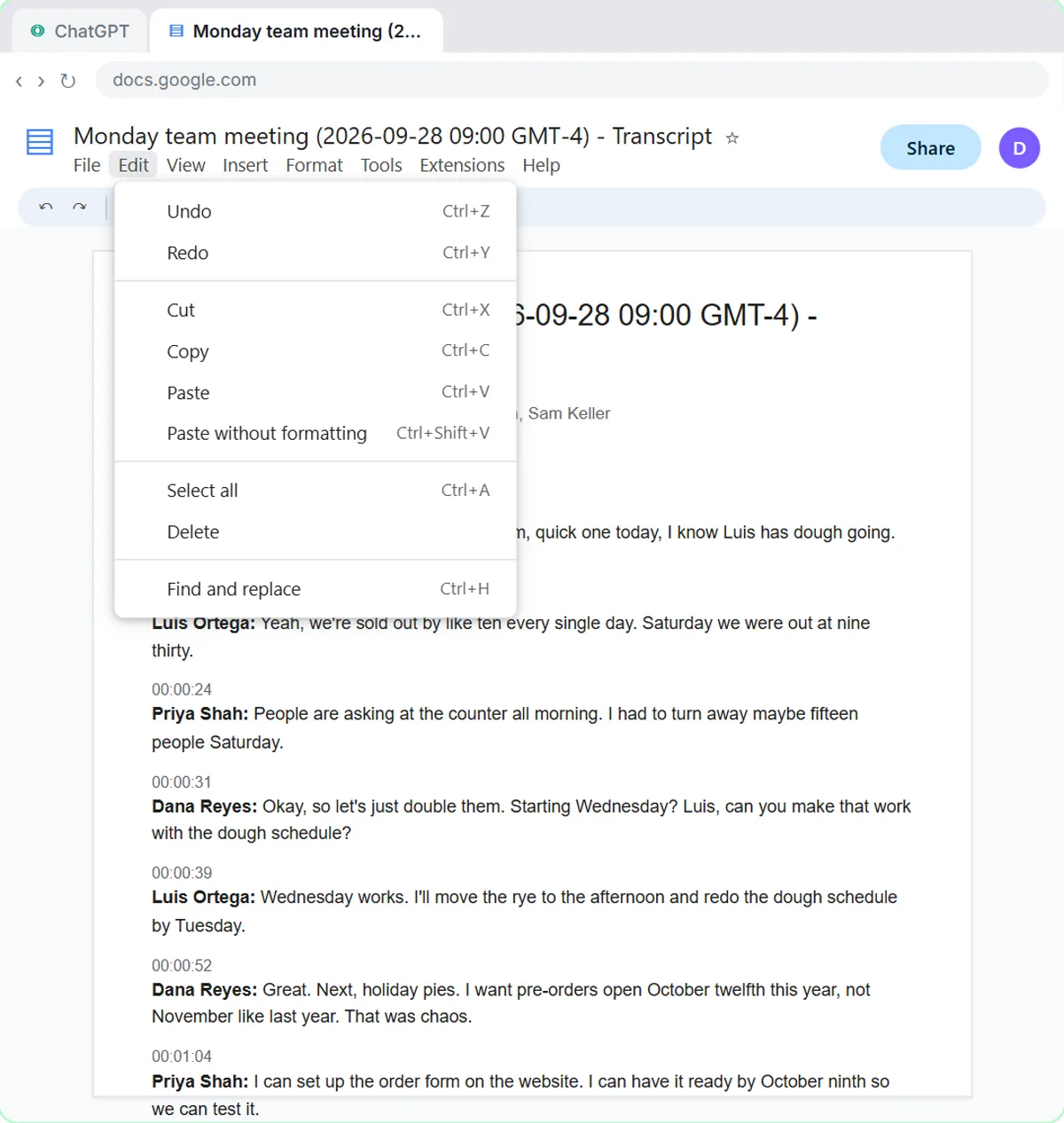 Summarize a Meeting Transcript with ChatGPT
Paste a long meeting transcript into ChatGPT and get the decisions, an action items table with owners and due dates, and a follow-up email ready to send.
Free · Live ~9 min Beginner
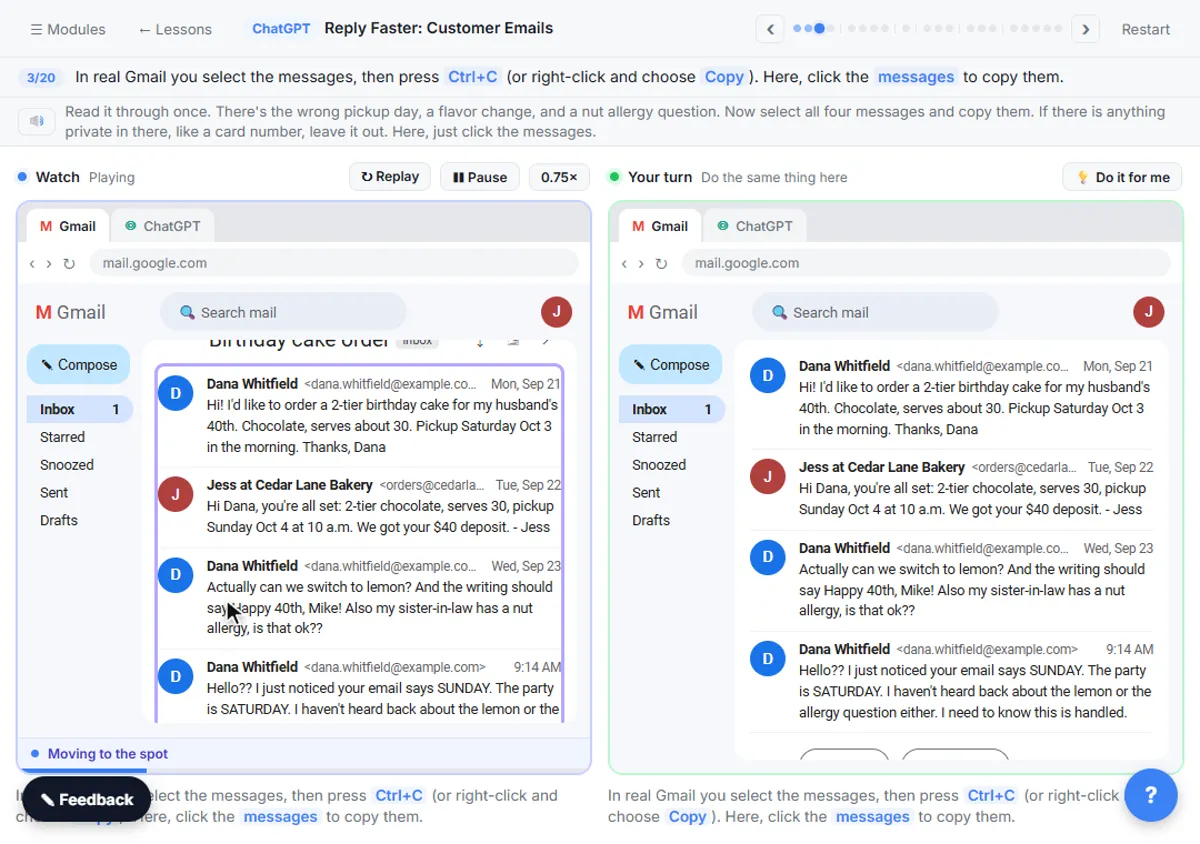 Reply Faster: Turn a Messy Customer Email Thread into a Clear, Friendly Reply
Turn a messy customer email thread into a clear, friendly reply: give ChatGPT the thread and your facts, check every promise, fix the tone, and send it from Gmail.
Free · Live ~9 min Beginner
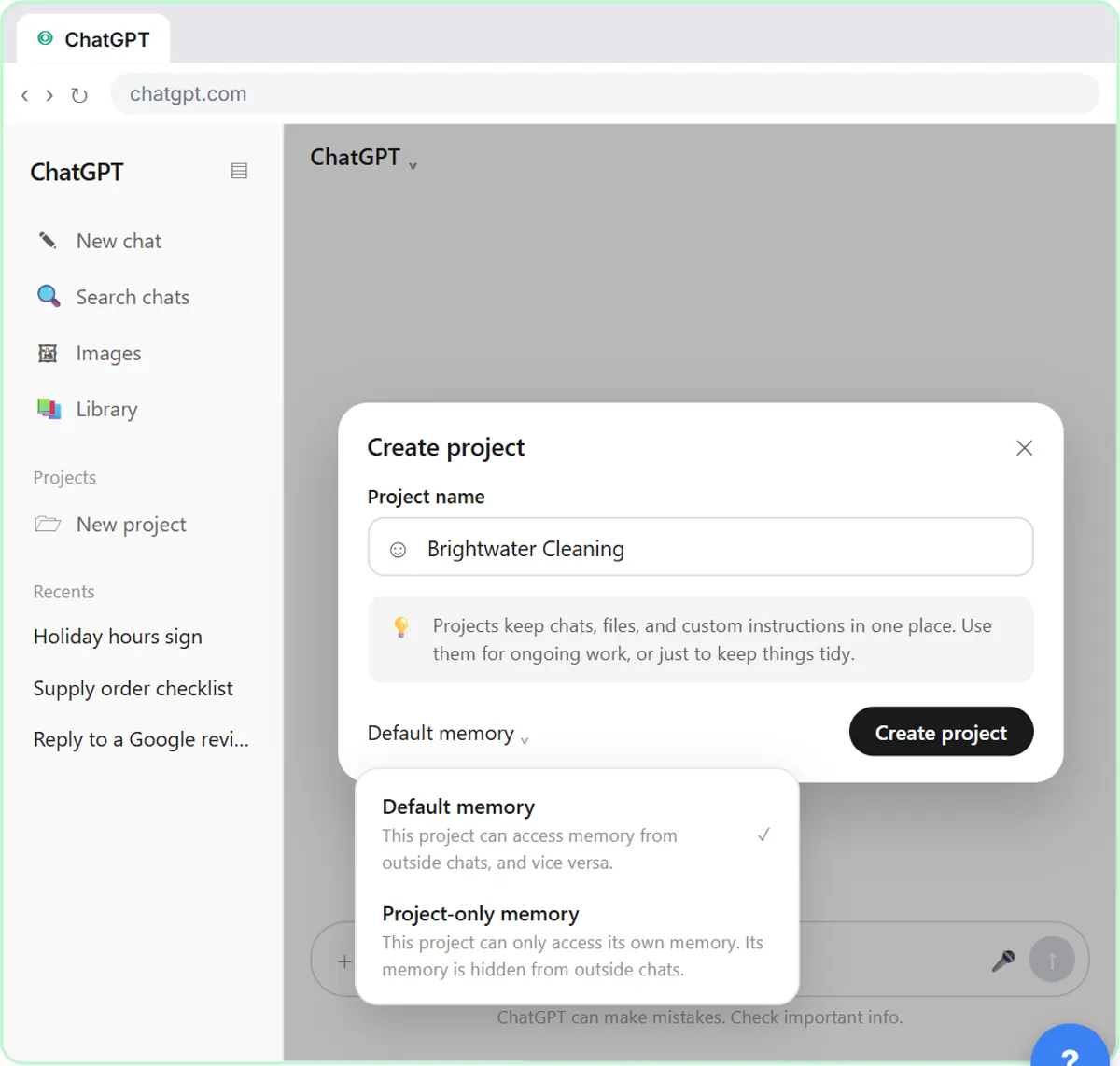 How to Create a Project in ChatGPT for Your Brand Voice and Files
Set up a ChatGPT Project with your brand voice instructions, your price list and your style guide, so every new chat already knows your business.
Free · Live ~9 min Beginner
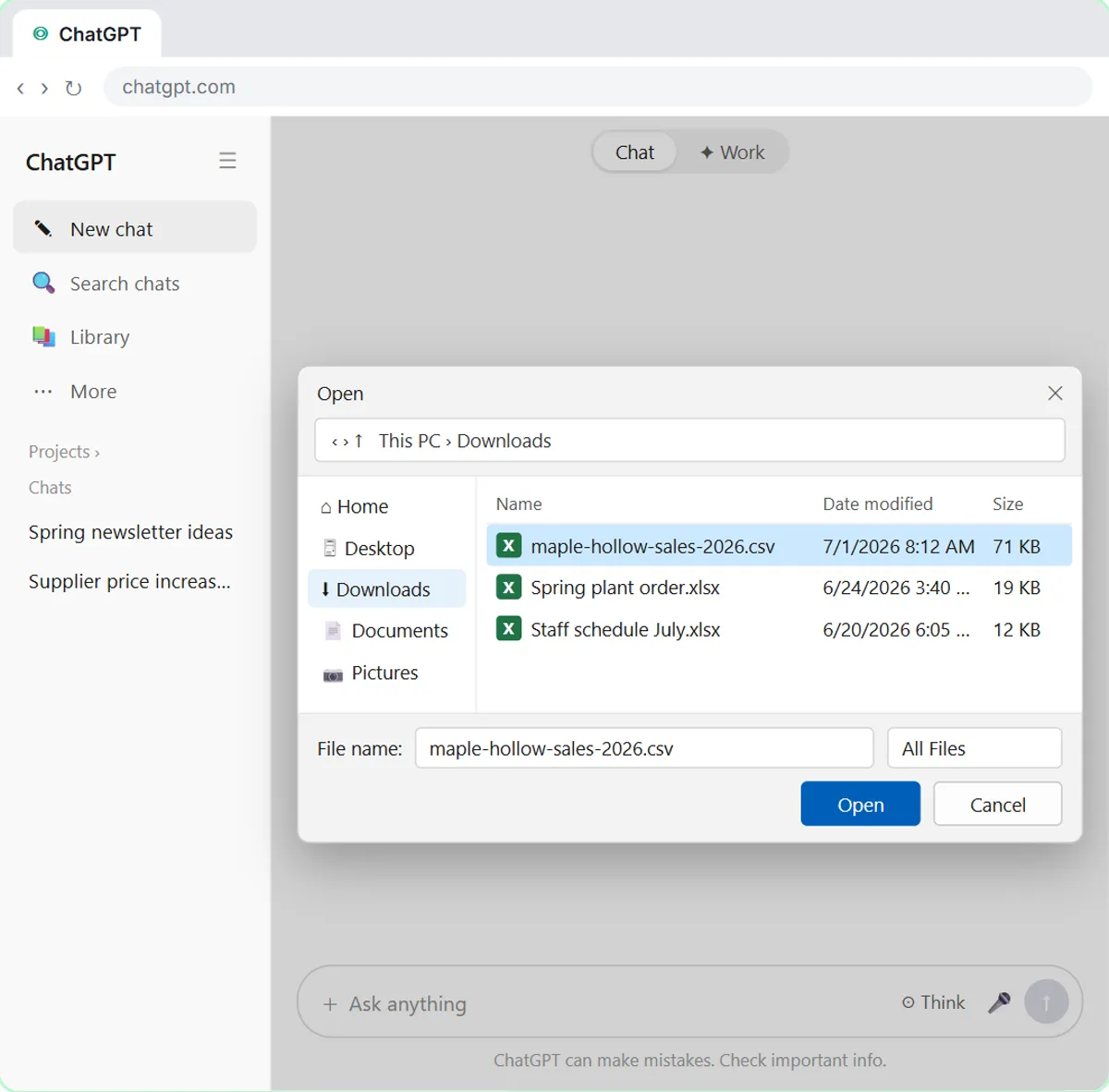 Analyze a Spreadsheet with ChatGPT: Upload a CSV, Get a Chart and Three Takeaways
Upload a CSV of sales to ChatGPT, have it check the data first, ask your questions, get a chart you can download, and finish with the three takeaways that matter.
Free · Live ~10 min Beginner
 ChatGPT Work: Have ChatGPT Do a Multi-Step Task
Switch ChatGPT to Work, hand it a real job (compare three suppliers into a spreadsheet), approve the sites it opens, skip a login, answer its question, check the file…
Free · Live ~8 min Intermediate
◷Get a Morning Invoice Summary in Slack using ChatGPT DotsSet up a ChatGPT dot to check Gmail for new invoice emails and post one summary to Slack every weekday morning. A 7-step practice based on OpenAI's published screens.
Free · Live ~4 min Intermediate
All 28 modules in ChatGPT for Everyday Work
More ChatGPT tutorials
 Get On-Brand Social Posts Every Time using a ChatGPT Custom GPT
See why generic prompts give generic results, then build a Custom GPT loaded with your brand voice and watch the output transform.
Free · Live ~8 min Beginner
 Prompt Writing 101: Role, Context, Task, Format
Ask ChatGPT for the same customer email twice, once vaguely and once with a four-part prompt, and see exactly why structure gets a better answer.
Free · Live ~8 min Beginner
◷Send a Same-Day Follow-up After Every Discovery Call using ChatGPTTurn a discovery call transcript into the decisions, the next steps with owners and dates, deal notes for your CRM, and a follow-up email the prospect gets the same…
Free · Live ~7 min Beginner
◷Hold Your Price When a Prospect Asks for a Discount using ChatGPTA prospect wants 30% off and a free month to sign this week. Give ChatGPT the thread and your pricing rules, catch the discount you can't approve, and send a reply that…
Free · Live ~9 min Beginner
 Get Your Business Recommended by ChatGPT
Ask ChatGPT who it recommends in your town, see which pages it trusts, then use it to write an FAQ page and Business Profile copy that answer real customer questions.
Free · Live ~10 min Intermediate
◷Run a Weekly Ops Review Where Every Task Has an Owner using ChatGPTTurn a weekly operations and vendor review into the decisions, the next steps with owners and dates, the risks to watch and a team recap, without turning a vendor's…
Free · Live ~7 min Beginner
Terms in this lesson
Plain-English definitions, each with an example from a free lesson.