This guide is for small and mid-sized firms that want staff to use AI safely without sending anyone to a long seminar. It shows which skills each role should learn, how the practice works, and a two-week plan. It is not legal advice, and your firm's AI policy and your jurisdiction's ethics rules come first. I'm Robert Breen, and I build Stepthrough; tool details are as of October 2026.
What should law firm staff learn about AI?
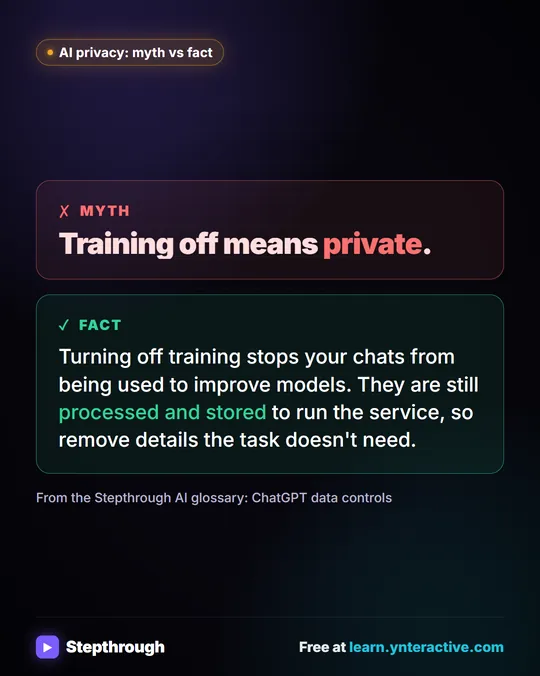
Every role starts with the same rule: client information stays out of AI unless your firm's policy allows it, and then only what the task needs. ABA Formal Opinion 512 (July 2024) says lawyers need to understand how a tool uses what they enter, and that informed client consent may be needed before client information goes into a tool that can learn from it. After that, each role has one or two jobs where AI saves the most time:
| Role | Learn first | Free lesson | Tool | Time |
|---|---|---|---|---|
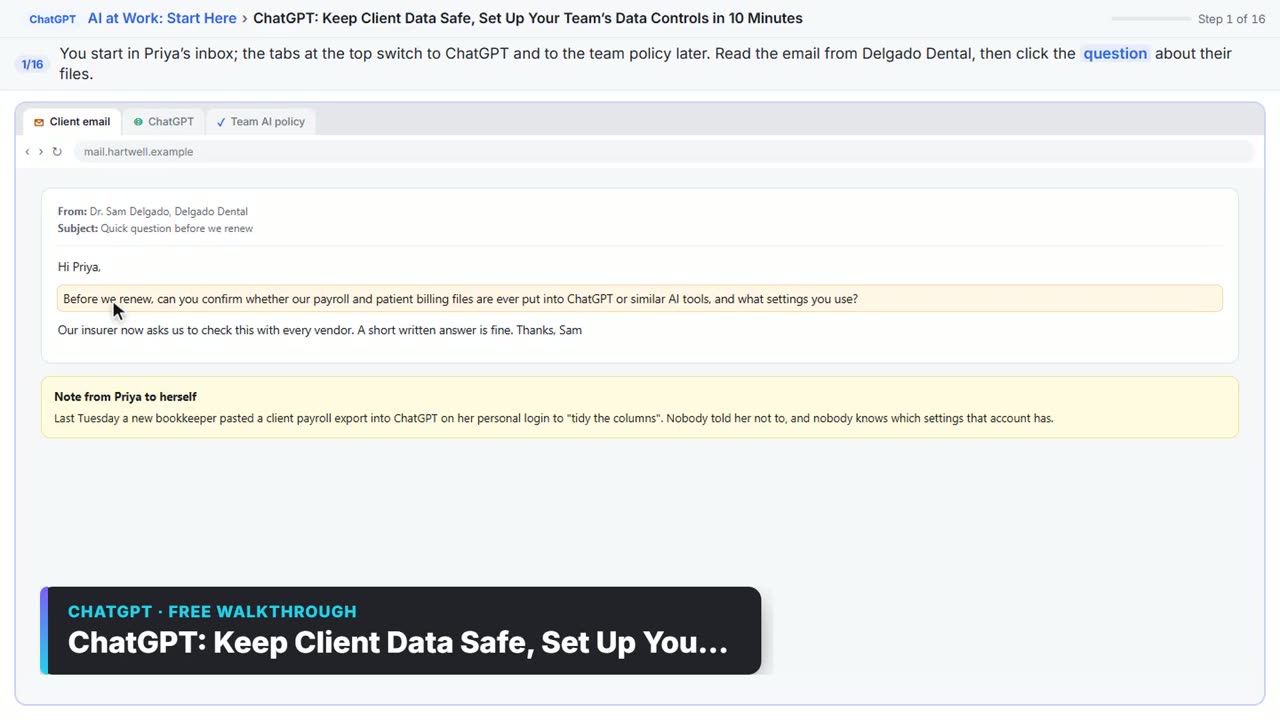
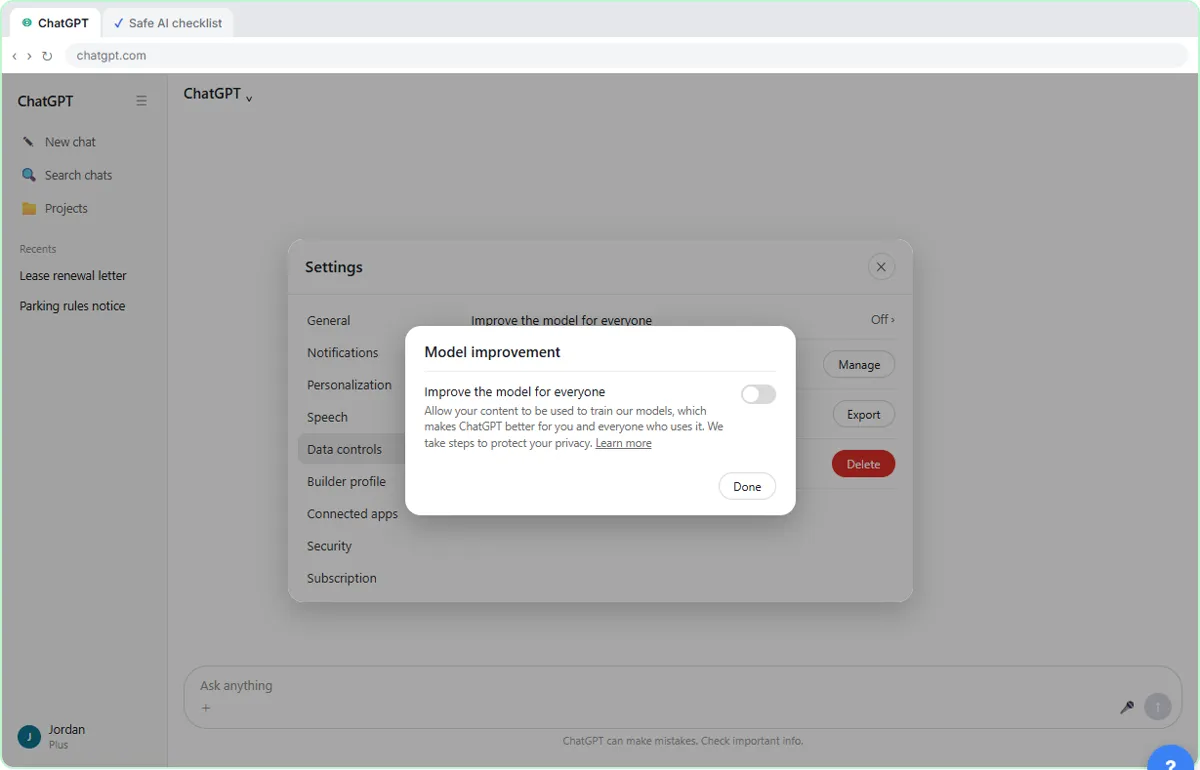
| Everyone | What never goes into AI, and your team's data controls | Use AI at Work Without Leaking Client Data, ChatGPT: Keep Client Data Safe | ChatGPT | 7 + 10 min |
| Paralegals and legal assistants | Case-update emails that never predict the outcome | Answer Case-Update Emails Without Predicting the Outcome | ChatGPT | 10 min |
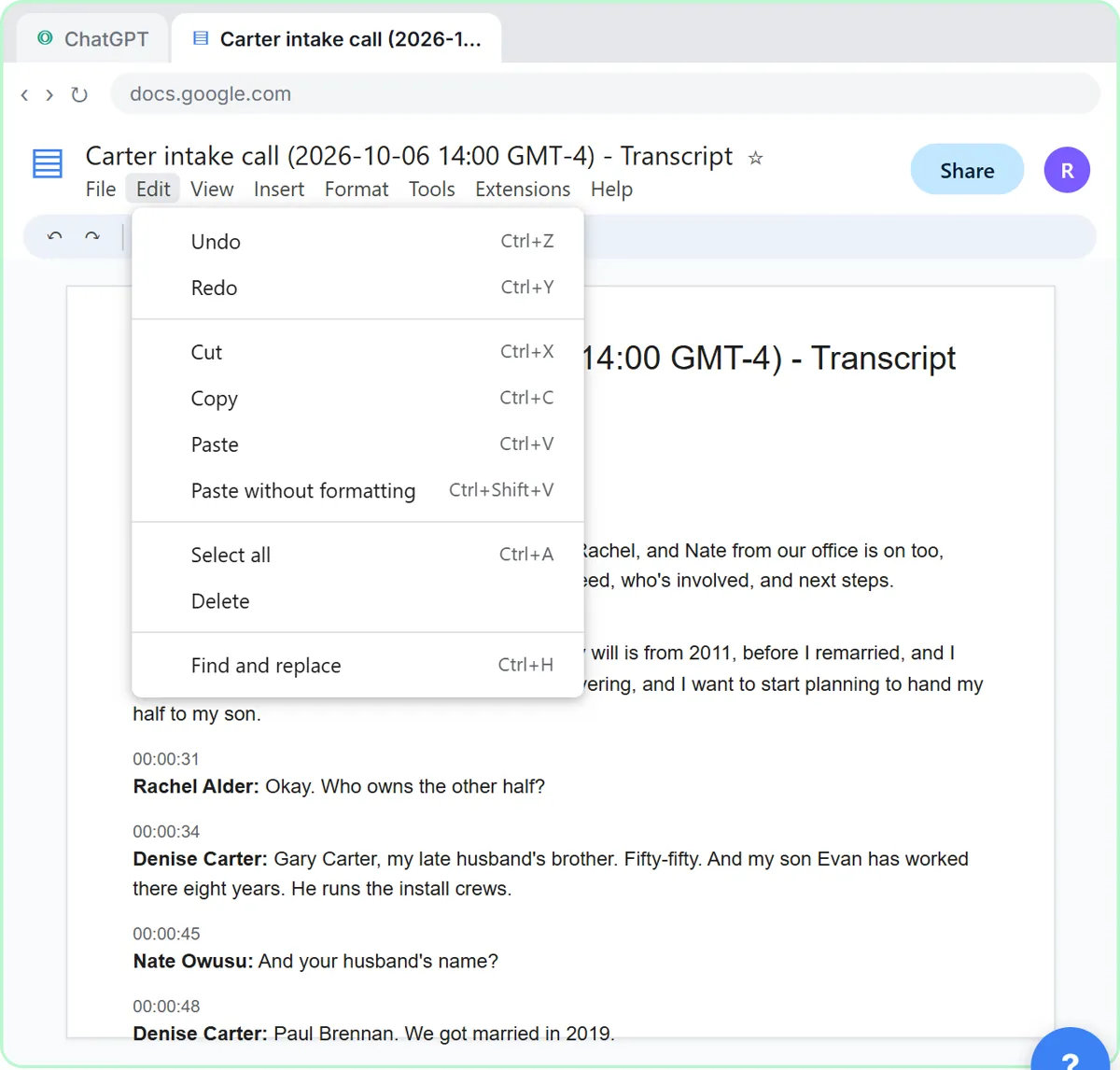
| Intake and front desk | An intake call turned into next steps and a conflict-check list | Turn a Client Intake Call into Next Steps and a Conflict-Check List | ChatGPT | 9 min |
| Intake and front desk | Fee questions answered from the firm's own schedule | A Claude Project for Your Law Firm's Intake Desk | Claude | 9 min |
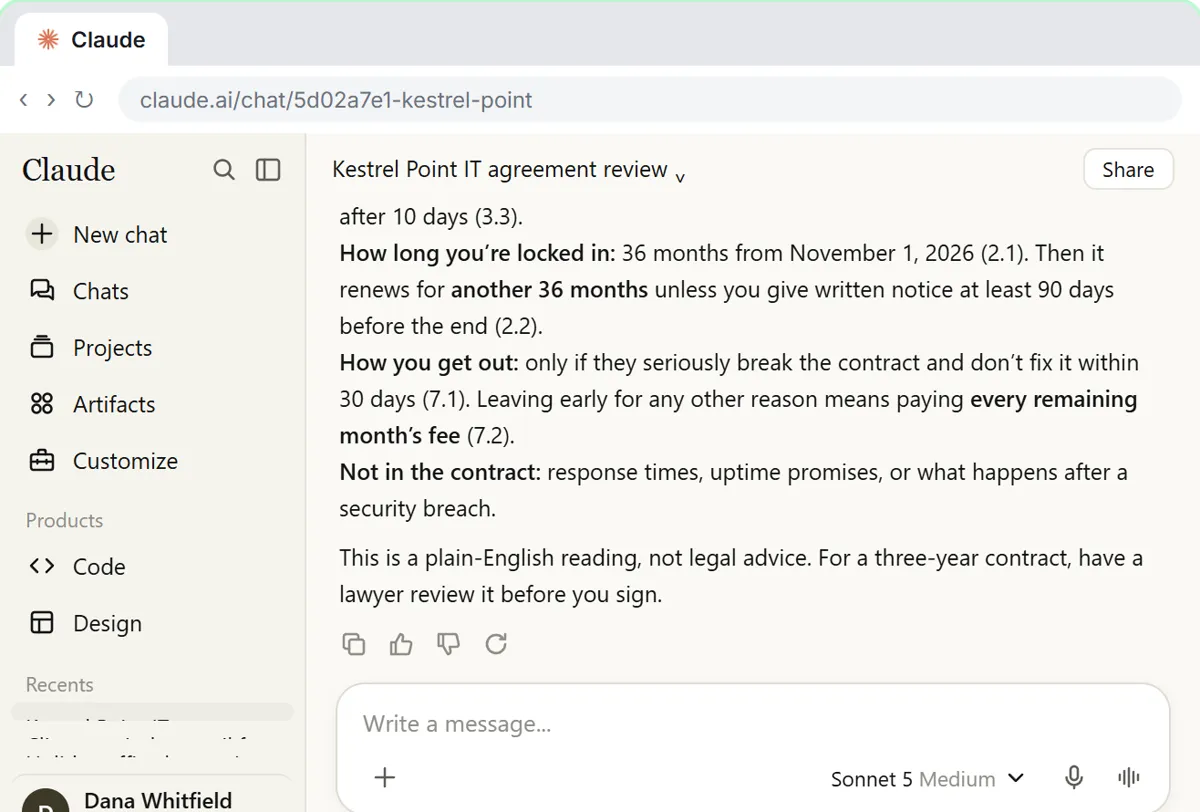
| Attorneys and contract staff | Risky clauses in a vendor contract | Check a Contract for Red Flags with Claude | Claude | 11 min |
| Attorneys and contract staff | Every change between two versions | Compare Two Versions of a Document | Claude | 5 min |
| Office managers | New client details in one form, and after-hours calls | Get Every New Client's Details in One Place, After-Hours Intake Voice Agent | Jotform AI, ElevenLabs | 6 + 9 min |
Times are the lesson lengths listed on each lesson page. The AI for Law Firms learning path adds a few more, such as Foxit contract review and a cited briefing from your documents in Gemini Notebook.
How does hands-on AI training work for a law firm?
Each lesson shows a step, then you do it yourself in a practice copy of the real tool, and the lesson checks your click before moving on. The firm, clients and cases are made up, so the lessons can show the mistakes that matter in legal work without any real client involved.
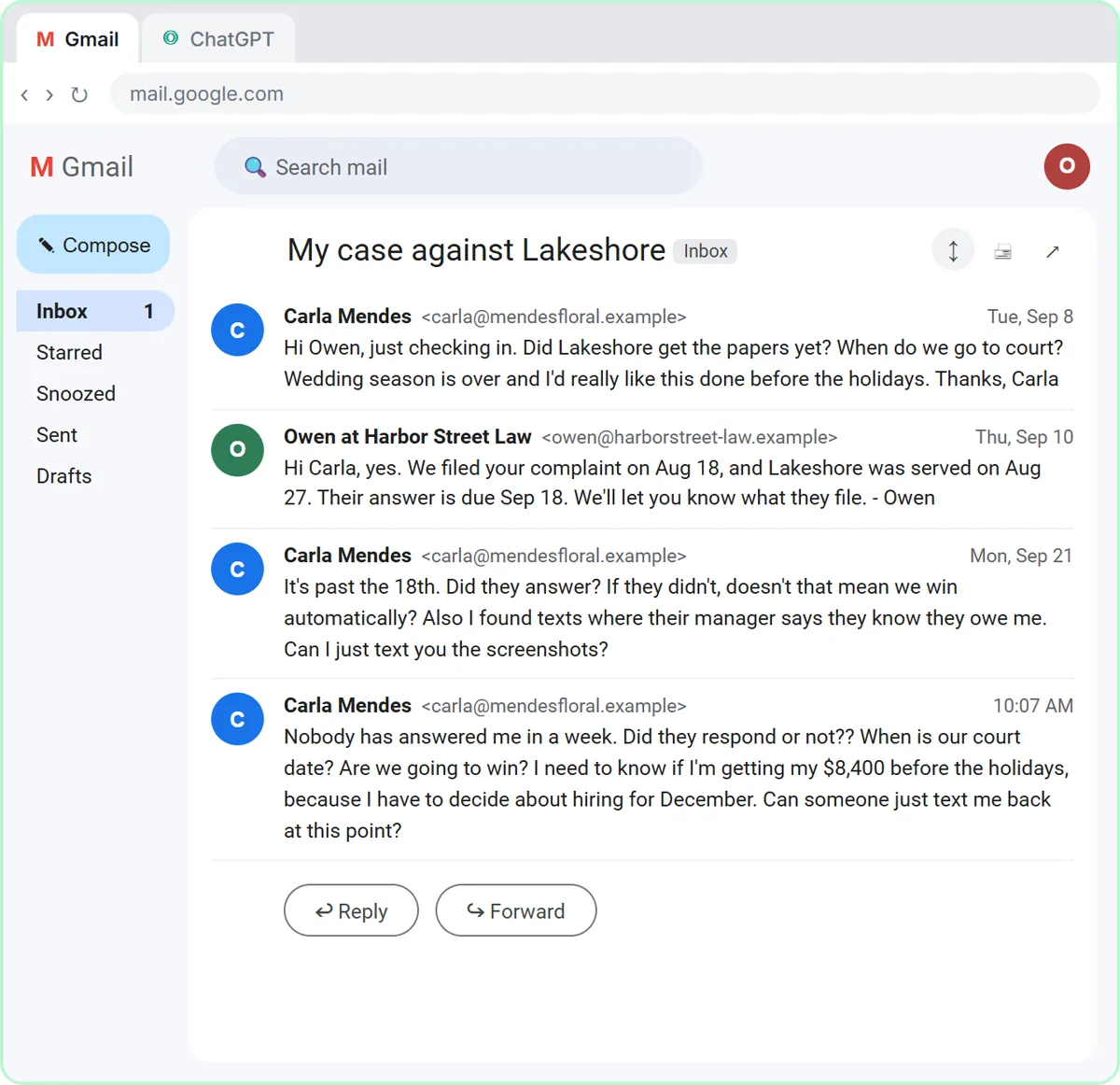
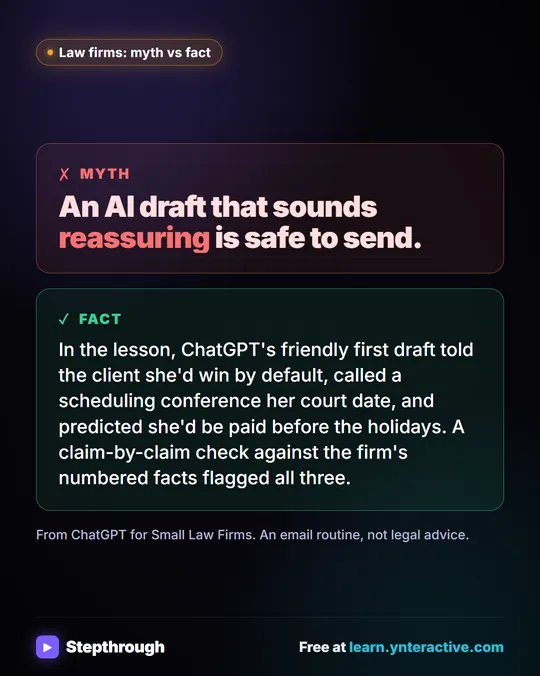
In the case-update lesson, a client suing an event venue asks whether the venue responded, when her court date is and whether she will win. ChatGPT's first draft says she wins by default if the deadline is missed, calls a scheduling conference her court date and predicts she will be paid before the holidays. You have ChatGPT check every claim against the firm's numbered facts, and all three lines get flagged and fixed before anything is sent.
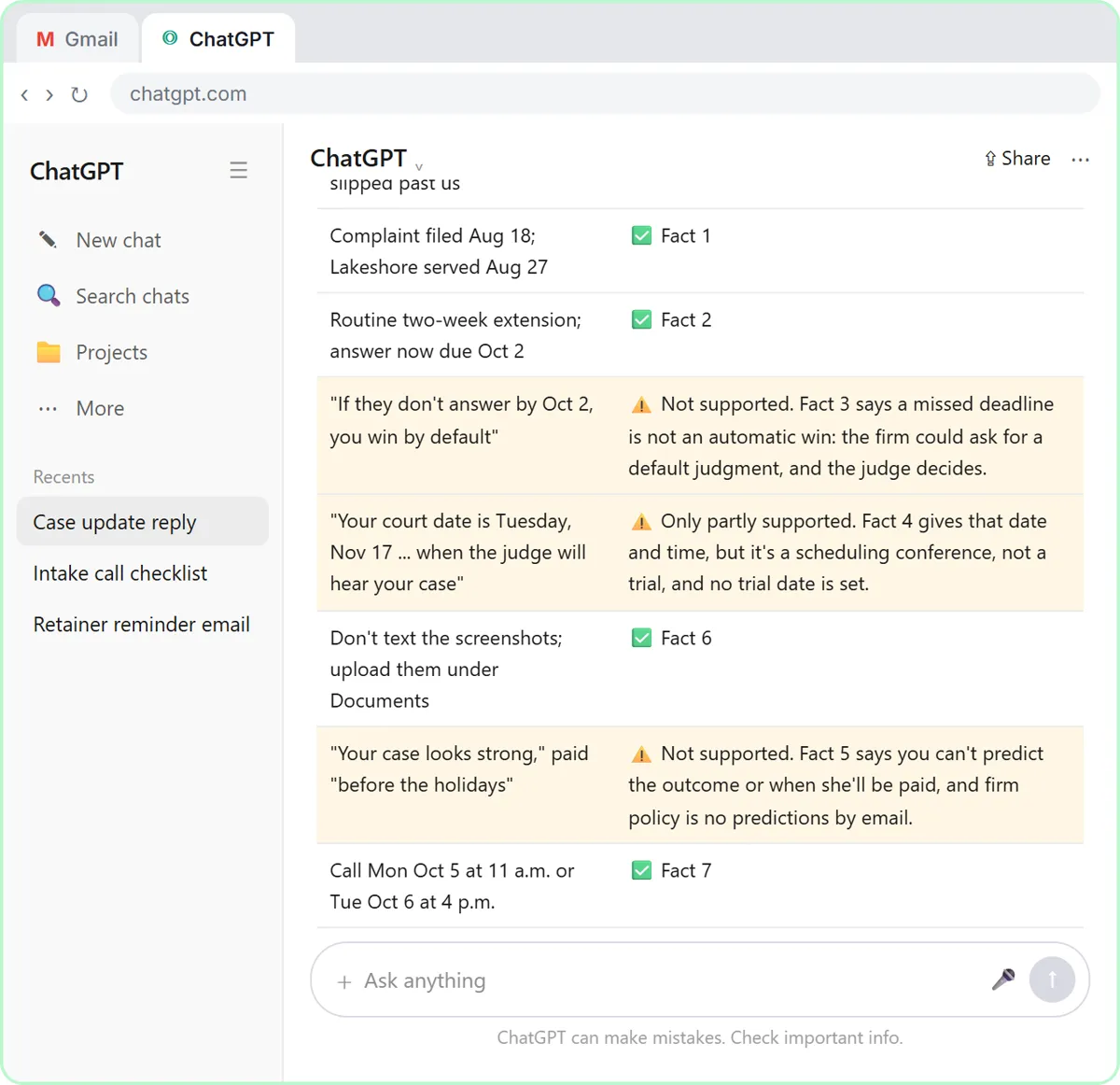
That habit, facts first and check every claim, is the core skill for every role, whatever tool your firm picks. Legal information vs legal advice explains where the line sits for staff.
Try it free, step by step
Answer Case-Update Emails Without Predicting the Outcome using ChatGPT. A client wants a court date and a promise she'll win. Give ChatGPT the thread and your firm's facts, catch the lines that predict an outcome, and send a clear, kind case update from Gmail. You do every step yourself in a practice copy of ChatGPT, it checks your work as you go, and “Do it for me” finishes any step you get stuck on. Free, and nothing touches your real accounts.
Start the free lessonHow can a law firm fit AI training into two weeks?
One 10-minute lesson a day is enough, as long as each one is followed by one real task under your firm's policy.
- Day 1, everyone: what never goes into AI, and your team's data controls.
- Days 2 and 3: paralegals take the case-update lesson; intake staff take the intake summary.
- Days 4 and 5: intake staff set up the Claude project for fee questions; attorneys take contract red flags and version comparison.
- Week 2: each person uses one habit on a real, policy-approved task, and the office manager looks at the intake form and after-hours lessons.
- End of week 2: a short meeting where each person shows one prompt that worked; the best go into a shared firm prompt doc.
If your firm has no AI policy yet, write one before week 2. The AI acceptable use policy template is a one-page start, and Is it safe to paste client data into ChatGPT? covers what to strip.
Which AI tool should a law firm train on?
Train on the assistant your firm approved. Most firms settle on one main assistant, and the lessons cover both ChatGPT (client emails and intake) and Claude (contracts and a project for the intake desk), so staff learn the habits in either. ChatGPT for law firms and ChatGPT for paralegals go deeper on ChatGPT, and the prompt pages for lawyers and paralegals have prompts to copy. Before you record client calls with an AI note-taker, read the privilege cautions in Fathom vs Fireflies vs Otter.
Key takeaways
- Free AI training for law firm staff should be hands-on, use made-up clients and start with confidentiality.
- ABA Formal Opinion 512 (July 2024) says lawyers need to understand how a tool uses what they enter.
- Paralegals start with case-update emails, intake staff with intake summaries and fee questions, attorneys with contract checks.
- The core habit for every role: give the AI the facts, then have it check every claim before anything is sent.
- One 10-minute lesson a day, followed by one real task under your policy, builds the habits in two weeks.
Frequently asked questions
- Is there free AI training for law firm staff?
Yes. Stepthrough's AI for Law Firms course is free and hands-on: staff practice case-update emails, intake summaries, contract red flags and a Claude project for the intake desk in practice copies of ChatGPT and Claude, with made-up clients. You can start without signing up.
- Can paralegals use ChatGPT at work?
Many do, for drafting and organizing, within the firm's AI policy and the supervising attorney's rules. Keep client details out unless your policy allows them, give ChatGPT only the facts the task needs, and have it check every claim before anything goes to a client.
- Does the training use real client data?
No. Every lesson uses a made-up firm, made-up clients and sample documents in a practice copy of the tool, so nothing confidential goes anywhere while staff learn.
- How long does AI training for law firm staff take?
Each lesson takes about 5 to 11 minutes. The core set for one role takes under an hour, so one lesson a day fits into two weeks next to client work.
- Is this legal or ethics advice?
No. The lessons teach writing and organizing habits. Check your jurisdiction's ethics rules, ABA Formal Opinion 512 and your firm's AI policy before using AI on client matters.