AI Prompts for Paralegals: 11 Copy-Ready Templates
Updated · By Robert Breen
Paralegals keep matters moving: intake notes, document requests, chronologies, deposition summaries and the steady flow of client updates. Much of it is careful organizing and summarizing of material the firm already has, which is exactly where an AI assistant can save hours, provided the output is checked and the attorney stays responsible for the legal work.
Every prompt here works from documents you provide and asks for citations back to them: page and line, clause numbers or dates. None of them asks for legal advice or a prediction of the outcome. Use them only in tools your firm has approved for client material, and follow your firm's confidentiality rules.
For practice with a made-up firm, turn a client intake call into next steps and a conflict-check list, then answer case-update emails without predicting the outcome.
How do you use these prompts?
Copy a prompt into ChatGPT, Claude, Gemini or Copilot and replace every [BLANK] with your own details. Where a prompt says PASTE, paste your notes, email or document there. Each prompt follows the four parts from Prompt Writing 101: a Role, the Context, the Task and the Format you want back. Then check every name, date, number and promise in the answer before you use it.
Intake
1. Summarize a client intake call
You are a paralegal at [FIRM NAME]. Here are notes or a transcript from an intake call with a potential client about [MATTER TYPE]:

[PASTE NOTES]

Write an intake summary for the attorney: the client's situation in their own words, key dates, the other parties named (for a conflict check), documents mentioned, what the client wants and open questions. Do not assess the merits of the case.

Format: headed sections, with the parties as a separate list.
2. Build a document checklist for a new matter
Act as a paralegal opening a new [MATTER TYPE] matter for [CLIENT]. What we know so far: [FACTS]. The attorney asked for: [ATTORNEY REQUESTS].

Draft a document checklist for the client, grouped by category, with a plain-English line on what each document is and why we need it, plus a client-friendly email asking for them by [DATE].

Format: the checklist, then the email under 150 words.
Organizing evidence
3. Build a chronology from documents
You are a paralegal preparing a chronology for [MATTER]. Here are excerpts from the documents, each labeled with its source:

[PASTE LABELED EXCERPTS]

List every dated event in order with the date, what happened, who was involved and the source document. If a date is approximate or unclear, say so. Do not fill gaps or draw conclusions.

Format: a table with Date, Event, People, Source, Note.
4. Summarize a deposition transcript
Act as a litigation paralegal. Here is a section of the deposition of [WITNESS ROLE] taken on [DATE]:

[PASTE TRANSCRIPT WITH PAGE AND LINE NUMBERS]

Write a page-line summary: for each topic, a one-sentence summary of the testimony with page and line citations. Then list any statements that seem to conflict with each other within this transcript, with citations. Do not characterize credibility.

Format: a table with Page:Line, Topic, Summary, then Possible inconsistencies.
5. Pull key terms from a contract
You are a paralegal reviewing a [CONTRACT TYPE] for [CLIENT]. Here is the contract text:

[PASTE CONTRACT]

Extract these terms with the clause number for each: parties, effective date, term and renewal, termination rights, notice requirements, payment terms, limitation of liability, indemnity, governing law and any unusual clause. Quote the exact wording for anything time-sensitive. Write "Not found" where a term is missing.

Format: a table with Term, Clause, Summary, Exact wording.
6. Compare two versions of a document
Act as a paralegal. Here are two versions of [DOCUMENT]:

VERSION A ([DATE OR LABEL]):
[PASTE VERSION A]

VERSION B ([DATE OR LABEL]):
[PASTE VERSION B]

List every change: added, deleted or modified text, with the section number and both the old and new wording. Do not judge whether the changes are favorable. Then flag changes to dates, money, deadlines or obligations.

Format: a table with Section, Change type, Version A, Version B, then Flagged changes.
Client communication
7. Write a case status update for a client
You are a paralegal at [FIRM NAME] writing to [CLIENT FIRST NAME] about their [MATTER TYPE] matter. Attorney-approved status: [STATUS]. Next steps and dates: [NEXT STEPS]. What we need from the client: [CLIENT TASKS OR "NOTHING RIGHT NOW"].

Write a clear, warm update in plain English. Do not predict the outcome, estimate timing beyond the dates given or give legal advice; if the client asked a legal question, say the attorney will answer it.

Format: under 180 words.
8. Send a hearing or deadline reminder
Act as a paralegal. [CLIENT FIRST NAME] has a [HEARING, DEPOSITION OR APPOINTMENT] on [DATE AND TIME] at [LOCATION OR LINK]. They need to: [WHAT TO BRING, ARRIVAL TIME, DRESS, PREP].

Write a reminder email with the essentials in a short list at the top and a contact number for the day: [PHONE].

Format: a subject line, then under 130 words.
9. Request records from a third party
You are a paralegal requesting records from [ORGANIZATION] for [MATTER]. We need: [RECORDS AND DATE RANGE]. Authorization: [AUTHORIZATION ENCLOSED OR REFERENCE]. Deadline: [DATE]. Delivery method: [METHOD].

Write a professional request letter that identifies the records precisely, references the authorization, states the deadline and gives a contact for questions.

Format: a business letter under 220 words.
Practice support
10. Write a conflict-check request
You are a paralegal. A new matter for [CLIENT] involves these parties: [PARTIES, INCLUDING COMPANIES, RELATED PEOPLE AND OPPOSING COUNSEL].

Write the internal conflict-check request email to [CONFLICTS CONTACT] with the parties listed clearly, the matter type and a request for results by [DATE]. Include alternate spellings or former names I list here: [ALTERNATES].

Format: under 150 words with the parties as a list.
11. Clean up time entry descriptions
Act as a paralegal reviewing time entries before billing. Here are draft entries:

[PASTE ENTRIES]

Rewrite each description so it is specific, professional and describes the task (not the effort), following our billing guidelines: [GUIDELINES]. Do not change dates, times or amounts. Flag any entry that looks like block billing or is too vague to fix.

Format: a table with Original, Rewritten, Flag.
How do you adapt these prompts to your own work?
- Use only firm-approved AI tools for client material, and remove names and identifying details when the task does not need them.
- Always ask for citations (page and line, clause number, source document). It turns checking the output from rereading into spot-checking.
- Everything here is a draft for an attorney's review. AI does not replace legal research in proper sources or an attorney's judgment.
Where can you practice these skills for free?
These free Stepthrough lessons practice the same jobs step by step, with a made-up business and practice copies of the real tools, so nothing touches your real accounts.
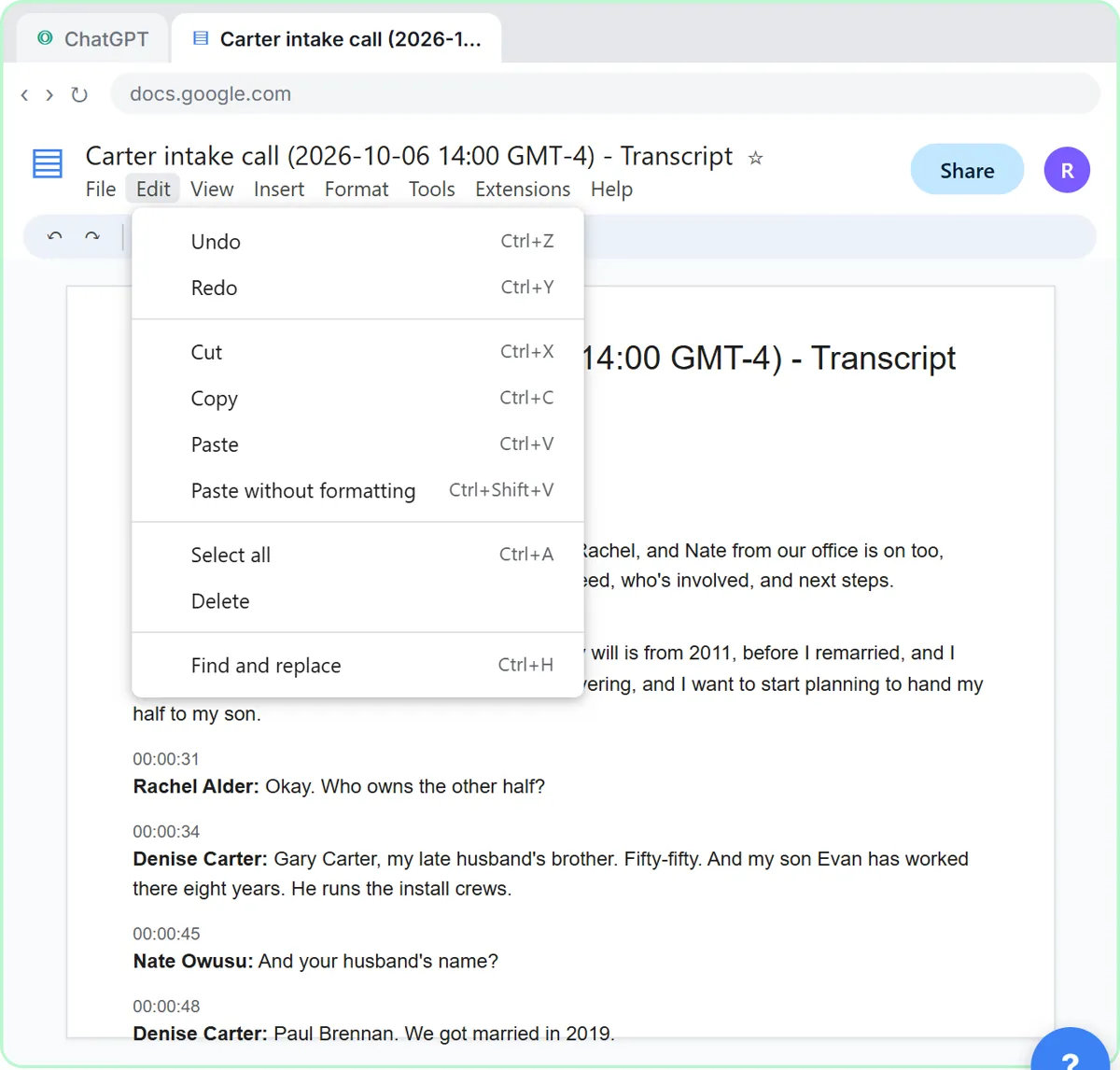 Turn a Client Intake Call into Next Steps and a Conflict-Check List (Law Firms)
Turn a new-client intake call into a summary, the engagement next steps with owners and dates, the names for your conflict check, and a follow-up email to the…
Free · Live ~9 min Beginner
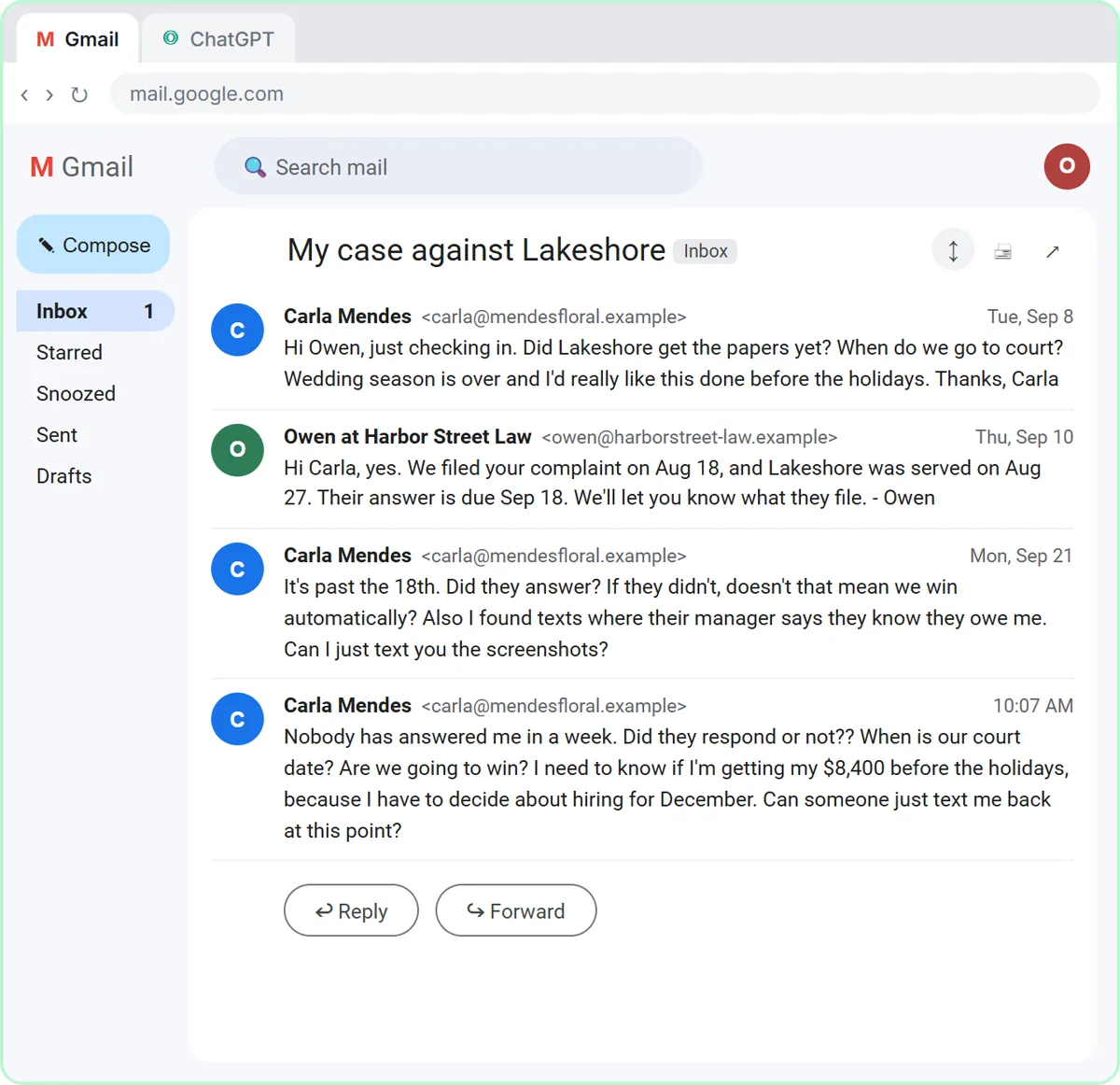 Answer Case-Update Emails Without Predicting the Outcome using ChatGPT
A client wants a court date and a promise she'll win. Give ChatGPT the thread and your firm's facts, catch the lines that predict an outcome, and send a clear, kind…
Free · Live ~10 min Beginner
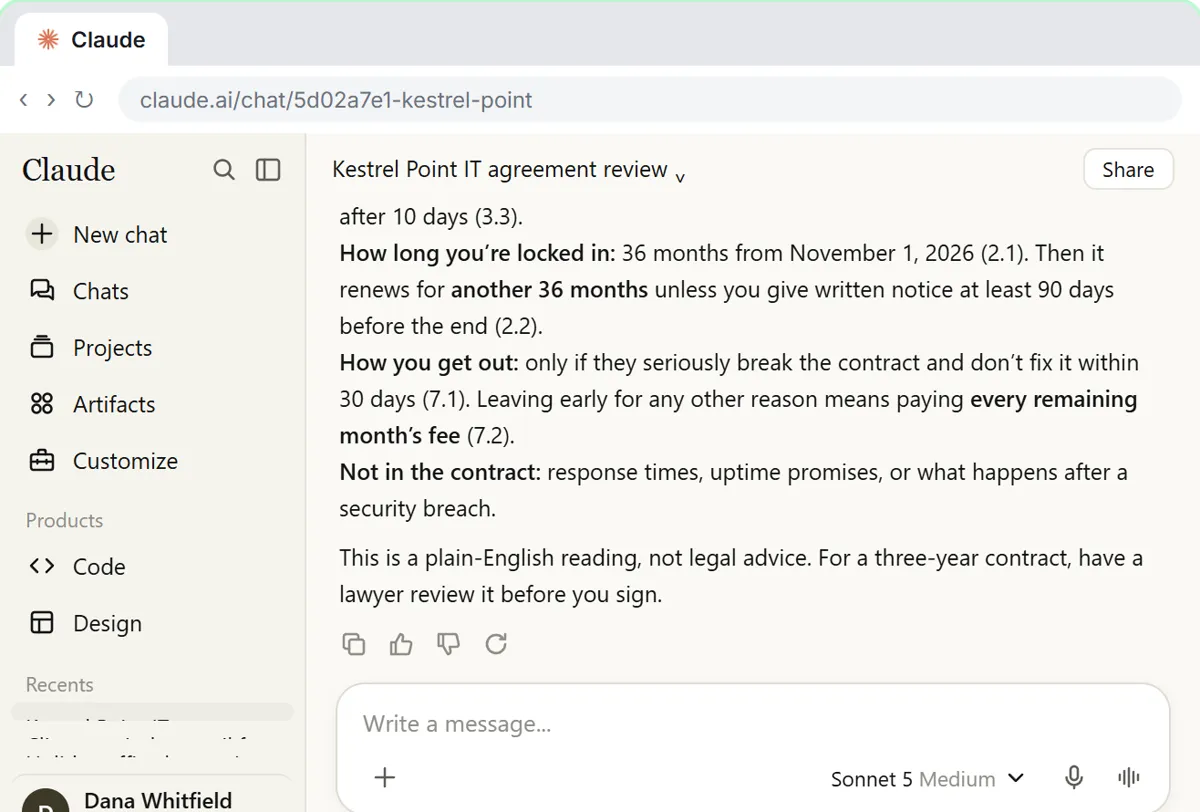 Check a Contract for Red Flags with Claude
Upload a vendor contract, get it in plain English, find the risky clauses with the exact words quoted, draft questions for the vendor, and save the review as a project…
Free · Live ~11 min Beginner
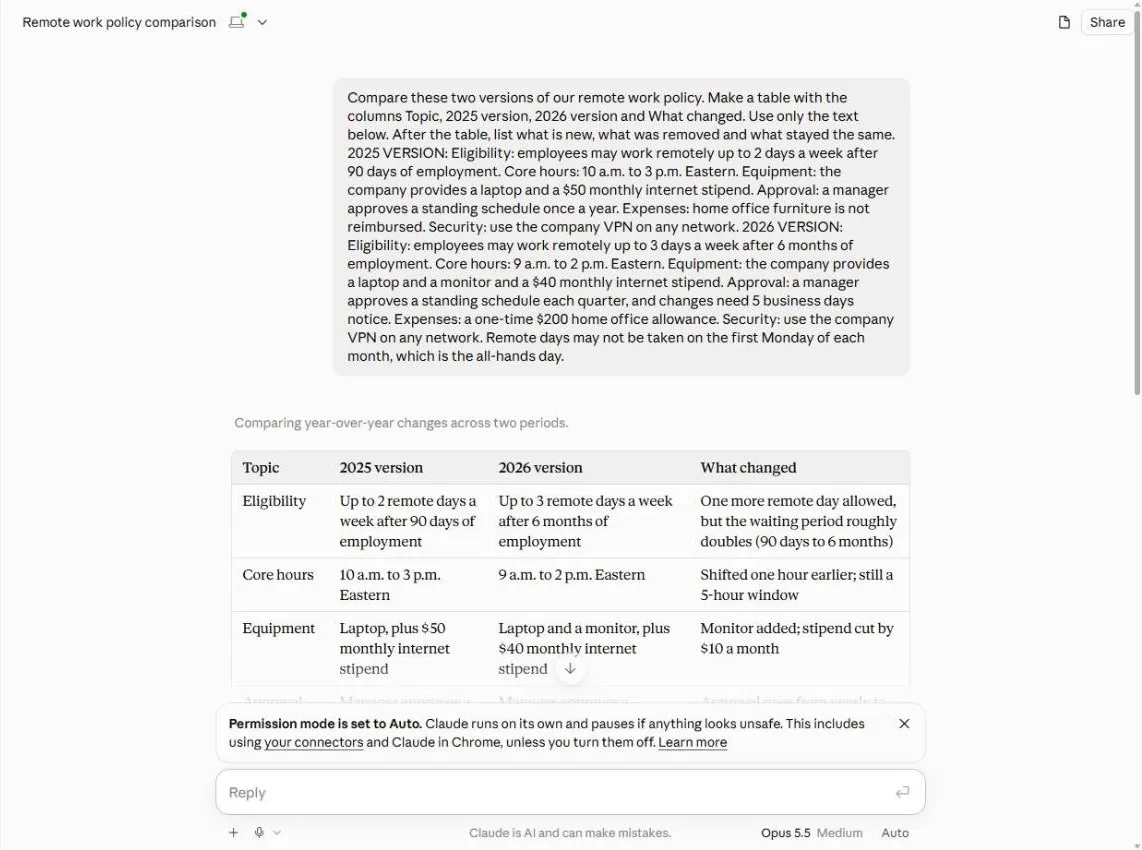 Claude: Compare Two Versions of a Document and See What Changed
Paste last year’s and this year’s policy, get a side-by-side table of what changed, catch what Claude gets wrong, and turn it into a note to staff.
Free · Live ~5 min Beginner
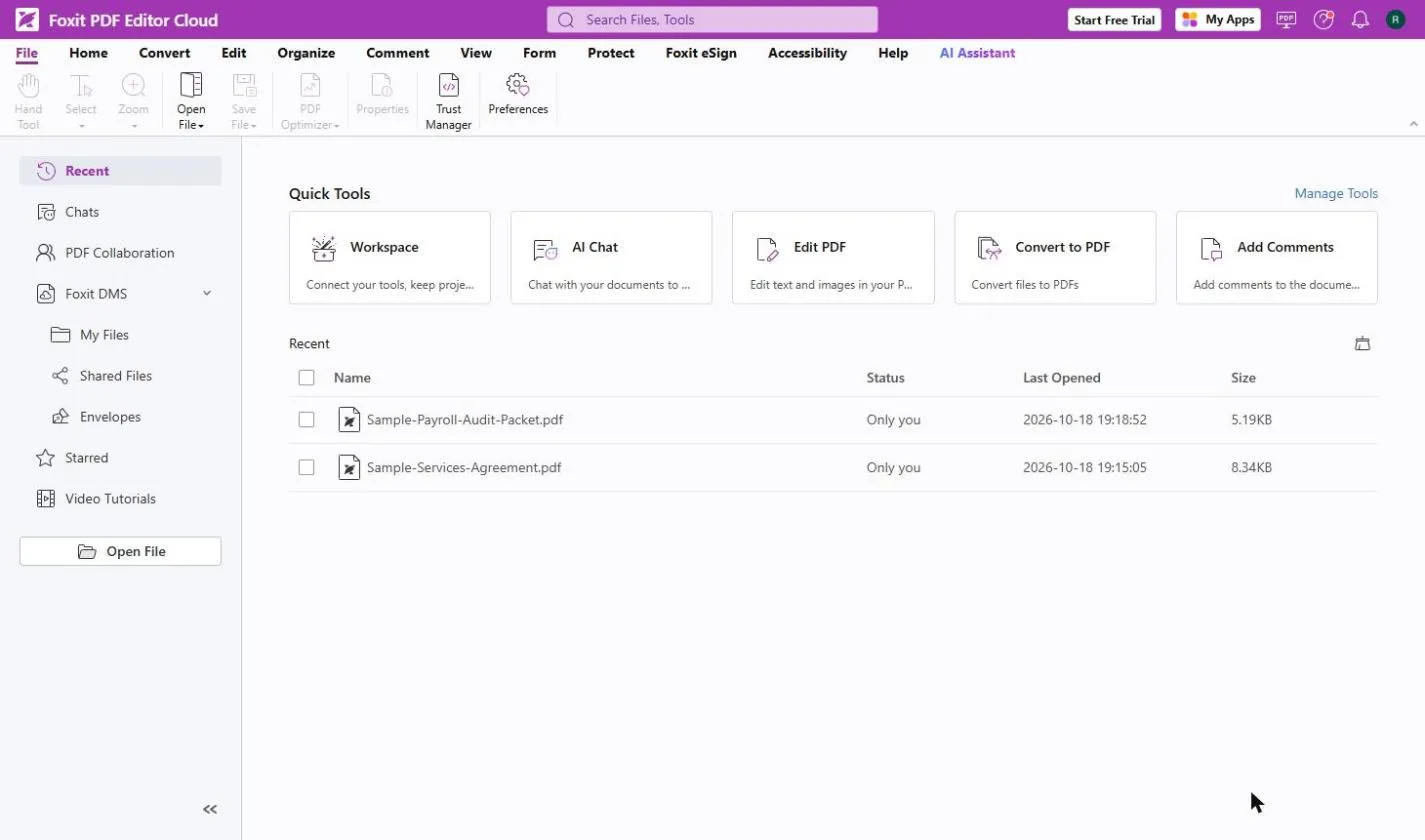 Foxit PDF Editor: Catch Every Change in a Revised Contract
A vendor sends "version 2, just small cleanups". Compare both PDFs in Foxit PDF Editor, see every changed fee, date and clause, and reply with a list.
Free · Live ~8 min Beginner
Which free courses fit this job?
- AI for Law Firms: Case-update replies, intake summaries and contract checks, without predicting outcomes or leaking client data.
- Master ChatGPT for Work: Go from safe first chats to ChatGPT that knows your job, reads your files and runs multi-step work: data controls, memory, prompts, meeting minutes…
New to AI at work? Start with AI for Paralegals: Where to Start (Free Learning Path), a short path of free lessons in order.
Practice it free, step by step
Turn a Client Intake Call into Next Steps and a Conflict-Check List (Law Firms). Turn a new-client intake call into a summary, the engagement next steps with owners and dates, the names for your conflict check, and a follow-up email to the prospective client. You do every step yourself in a practice copy of ChatGPT, it checks your work as you go, and “Do it for me” finishes any step you get stuck on. Free, and nothing touches your real accounts.
Start the free lessonMore templates for this job
Single prompts from the prompt library, each with a filled-in example and a checklist for the answer.
- Legal intake summary prompt: Turn messy intake call notes into a one-page summary for the attorney: names for the conflict check, events in order, and "Not…
- Deposition transcript summary prompt: Turn a long deposition transcript into a topic-by-topic summary with page and line cites, exact quotes and flagged gaps, ready…
- Client case update email prompt: A four-part prompt for law firm staff: turn a worried client's emails and your firm's facts into a clear case update with no…
- NDA key terms summary prompt: Pull the key terms out of a nondisclosure agreement into one table with clause numbers, and flag anything beyond confidentiality…
Prompts for other roles
Frequently asked questions
- Can paralegals use ChatGPT for legal work?
- For organizing, summarizing and drafting from your own documents, with firm approval and attorney review. Do not rely on a general assistant for legal research or citations to cases; verify everything in proper legal sources.
- What about client confidentiality?
- Follow your firm's rules and your jurisdiction's ethics guidance. Use tools that do not train on your data, remove identifying details where you can and never paste privileged material into an unapproved tool.