AI Prompts for Data Analysts: 11 Copy-Ready Templates
Updated · By Robert Breen
Data analysts spend a surprising share of their time outside the analysis: clarifying a vague request, planning how to clean a messy export, writing and debugging formulas or queries, and explaining results to people who will not read a table. AI assistants are good at each of those steps, especially when you give them the column names and a clear question.
These prompts keep the analysis checkable. They ask for queries and formulas with small test cases, for assumptions to be listed, and for findings to quote the actual numbers. The assistant speeds up the work; you still verify that the numbers are right before anyone makes a decision on them.
For practice with a made-up data set, Analyze a Spreadsheet with ChatGPT and Build a Private Dashboard from Your Data in Lovable.
How do you use these prompts?
Copy a prompt into ChatGPT, Claude, Gemini or Copilot and replace every [BLANK] with your own details. Where a prompt says PASTE, paste your notes, email or document there. Each prompt follows the four parts from Prompt Writing 101: a Role, the Context, the Task and the Format you want back. Then check every name, date, number and promise in the answer before you use it.
Scoping
1. Turn a vague request into a clear question
You are a data analyst at [COMPANY]. A stakeholder asked: "[REQUEST]". Their role: [ROLE]. Data we have: [TABLES OR FILES AND KEY COLUMNS].

Ask me the five questions I should put back to the stakeholder to make this answerable, then rewrite the request as a precise analysis question with the metric, the time period, the segments and the decision it will inform.

Format: Questions (numbered), then the rewritten question in bold.
2. Plan a data cleanup
Act as a data analyst. Here is a sample of a messy export (first [NUMBER] rows) and its column headers:

[PASTE SAMPLE]

List the cleaning steps needed: data types, inconsistent values, duplicates, blanks, dates and anything else you notice in the sample. For each step, say how to do it in [EXCEL, GOOGLE SHEETS, SQL OR PYTHON] and how to check it worked. Do not assume anything about rows you have not seen.

Format: a numbered table with Issue, Example from sample, Fix, Check.
Queries and formulas
3. Write a SQL query from a plain description
You are a SQL expert using [DATABASE, SUCH AS POSTGRES OR BIGQUERY]. Tables and columns:

[PASTE SCHEMA]

Write a query that [WHAT IT SHOULD RETURN]. Explain each part in one line, call out any assumption about joins or nulls, and give a tiny sample input with the expected output so I can test it.

Format: the query in a code block, then the explanation and test case.
4. Debug a query or formula
Act as a patient senior analyst. This [QUERY OR FORMULA] is returning [WRONG RESULT] when I expected [EXPECTED RESULT]:

[PASTE QUERY OR FORMULA]

Data it runs on: [COLUMNS AND A FEW SAMPLE ROWS].

List the likely causes in order of probability, how to test each one, and the corrected version for the most likely cause.

Format: a numbered list of causes with tests, then the fix.
5. Write a spreadsheet formula with test rows
You are a spreadsheet expert in [EXCEL OR GOOGLE SHEETS]. My data is in [RANGE] with columns [LETTERS AND HEADERS]. I need a formula in [COLUMN] that [WHAT IT SHOULD DO], and it should handle blanks by [BLANK RULE].

Give the formula, explain each function in one line and give three test rows with the expected result for each.

Format: the formula on its own line, then the explanation and test rows.
Exploring
6. Generate exploratory questions for a data set
Act as a curious analyst. Here is the description of a data set: [COLUMNS, ROW COUNT, TIME RANGE, WHAT EACH ROW IS]. The business wants to understand [GOAL].

Suggest ten exploratory questions worth answering first, the calculation or chart for each and what a surprising answer might mean. Order them from quickest to most effort.

Format: a table with Question, How to answer, What it could tell us.
7. Choose the right chart
You are a data visualization advisor. I want to show [WHAT THE AUDIENCE SHOULD SEE] to [AUDIENCE]. The data: [DIMENSIONS AND MEASURES, NUMBER OF CATEGORIES, TIME SPAN].

Recommend the best chart type and one alternative, explain why, and list three design choices that will make it clearer (sorting, labels, highlighting). Say which chart types to avoid for this and why.

Format: Recommendation, Alternative, Design tips, Avoid.
8. Sanity-check my results
Act as a skeptical reviewer. Here are my results:

[PASTE SUMMARY TABLE AND CONCLUSIONS]

How the data was prepared: [STEPS]. List what could make these results misleading: sample size, missing data, double counting, seasonality, survivorship and anything specific to this analysis. For each, suggest a quick check.

Format: a table with Risk, Why it could apply, Quick check.
Communicating
9. Write findings for a non-technical audience
You are a data analyst presenting to [AUDIENCE]. Here are my results:

[PASTE RESULTS WITH NUMBERS]

Write a one-page summary: the answer to the original question ([QUESTION]) in one sentence, three supporting findings with the exact numbers, what it means for the decision, the limitations in plain words and the recommended next step. No jargon.

Format: headed sections, under 300 words.
10. Document a recurring report
Act as a data analyst documenting [REPORT NAME], which runs [FREQUENCY]. Sources: [SOURCES]. Steps: [PASTE STEPS]. Definitions: [METRIC DEFINITIONS]. Owner: [OWNER].

Write the documentation: purpose, sources, metric definitions, refresh steps, known issues and who to contact, so someone else could run it next month.

Format: headed sections, under 450 words.
11. Write metric definitions everyone agrees on
You are a data analyst. These metrics are used differently across teams: [METRICS AND HOW EACH TEAM USES THEM].

For each, propose one clear definition with the exact calculation, what is included and excluded, the source table and an example. Point out where teams' current uses conflict so we can decide.

Format: a table with Metric, Definition, Calculation, Includes, Excludes, Conflict.
How do you adapt these prompts to your own work?
- Paste the schema or column headers, never a whole sensitive table. The assistant needs structure to write queries, not your customers' data.
- Always run AI-written queries and formulas on a small sample with a known answer first.
- For a report you run every day, an automation can send it for you. Get your daily revenue total by email using n8n shows one way.
Where can you practice these skills for free?
These free Stepthrough lessons practice the same jobs step by step, with a made-up business and practice copies of the real tools, so nothing touches your real accounts.
 Analyze a Spreadsheet with ChatGPT: Upload a CSV, Get a Chart and Three Takeaways
Upload a CSV of sales to ChatGPT, have it check the data first, ask your questions, get a chart you can download, and finish with the three takeaways that matter.
Free · Live ~10 min Beginner
 Claude's Excel Skill: Turn a Messy Export into a Clean Workbook
Upload a messy sales export to Claude and get back a clean Excel workbook with a Data tab, a Summary tab built with formulas, and a chart, thanks to Claude's built-in…
Free · Live ~8 min Intermediate
◷Build a Private Dashboard from Your Data in LovableTurn the booking requests in your Lovable Cloud database into a private dashboard with counts, a chart and a status table. Add a sign-in only you can use, test it in…
Free · Live ~9 min Intermediate
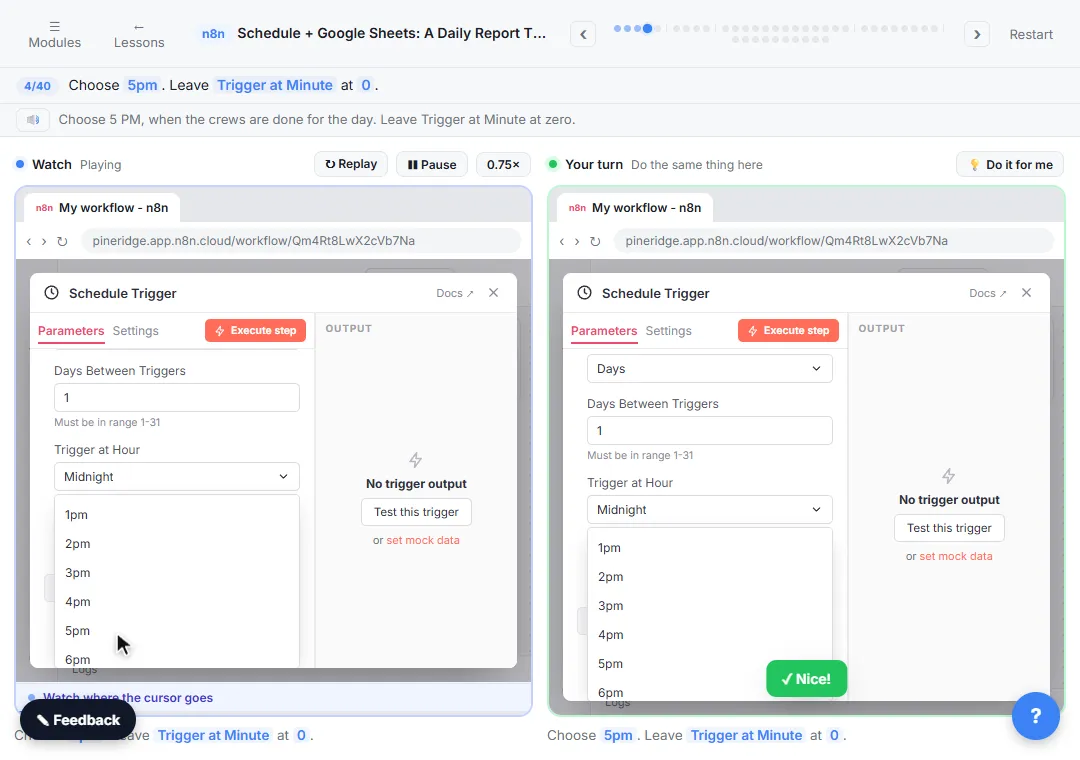 Get Your Daily Revenue Total by Email, Automatically, using n8n
Stop spending 20 minutes every evening adding up the day by hand. In n8n, a Schedule Trigger runs at 5pm, Google Sheets pulls today's jobs, Summarize totals the revenue…
Free · Live ~9 min Intermediate
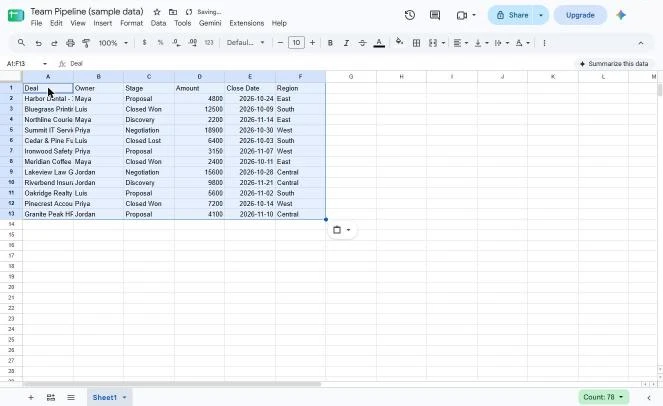 Coefficient: Pull Live Pipeline Data into Google Sheets and Auto-Refresh It Daily
A business case for sales managers who copy the team pipeline into the weekly report by hand: price the Monday copy-and-paste, then use Coefficient to pull the pipeline…
Free · Live ~12 min Beginner
Which free courses fit this job?
- ChatGPT for Everyday Work: Answer emails, recap meetings, read spreadsheets and write SOPs in a fraction of the time.
- Master ChatGPT for Work: Go from safe first chats to ChatGPT that knows your job, reads your files and runs multi-step work: data controls, memory, prompts, meeting minutes…
- Claude Jump Start: Get Claude to remember your business, research with sources, check contracts and build shareable tools.
Practice it free, step by step
Analyze a Spreadsheet with ChatGPT: Upload a CSV, Get a Chart and Three Takeaways. Upload a CSV of sales to ChatGPT, have it check the data first, ask your questions, get a chart you can download, and finish with the three takeaways that matter. You do every step yourself in a practice copy of ChatGPT, it checks your work as you go, and “Do it for me” finishes any step you get stuck on. Free, and nothing touches your real accounts.
Start the free lessonMore templates for this job
Single prompts from the prompt library, each with a filled-in example and a checklist for the answer.
- Spreadsheet formula helper prompt: Get a Google Sheets or Excel formula for the job you describe, explained piece by piece, with a quick way to test it on a copy…
- Data cleanup plan prompt: Turn messy spreadsheet columns into clean, consistent ones: a column-by-column plan with standard values, rules for odd entries…
- Messy export to workbook prompt: A copy-ready prompt that tells Claude exactly how to clean a messy CSV export into an Excel workbook with a data tab, a formula…
- Sheet question and total checker prompt: Ask an AI agent about a spreadsheet and make it show its rows, so you can add the numbers yourself before you repeat a total to…
Prompts for other roles
Frequently asked questions
- Can ChatGPT analyze data?
- Yes. It can read an uploaded CSV or spreadsheet, run calculations and make charts. Check the numbers against your own calculation, especially totals and percentages, before you share them.
- Should I trust AI-written SQL?
- Treat it like a colleague's first draft: read it, test it on a small sample with a known answer and check joins and null handling before using it on real decisions.