AI Prompts for Teachers: 10 Copy-Ready Templates
Updated · By Robert Breen
Teachers do a huge amount of work outside the classroom: planning lessons, adapting material for different readers, writing quizzes and rubrics, giving feedback and emailing families. Much of it is structured writing that an AI assistant can draft quickly, leaving more of your evening for the parts that need you.
These prompts are built around your curriculum and your judgment. They start from your objectives and materials, ask for accuracy checks and never ask you to share student names or personal details. Follow your school's or district's rules on AI tools and student data, and review everything before students or families see it.
For a hands-on start, Make ChatGPT Ask You Questions First and turn your documents into a podcast with NotebookLM.
How do you use these prompts?
Copy a prompt into ChatGPT, Claude, Gemini or Copilot and replace every [BLANK] with your own details. Where a prompt says PASTE, paste your notes, email or document there. Each prompt follows the four parts from Prompt Writing 101: a Role, the Context, the Task and the Format you want back. Then check every name, date, number and promise in the answer before you use it.
Planning
1. Draft a lesson plan from an objective
You are an experienced [GRADE LEVEL] [SUBJECT] teacher. The objective: students will be able to [OBJECTIVE]. Class length: [MINUTES]. Materials available: [MATERIALS]. Standard, if any: [STANDARD].

Draft a lesson plan with a warm-up, direct instruction, guided practice, independent practice and an exit ticket, with timings. Include one check for understanding during the lesson and one way to extend it for students who finish early.

Format: a table with Segment, Minutes, What the teacher does, What students do.
2. Plan a unit backward from the assessment
Act as a curriculum planner for [GRADE LEVEL] [SUBJECT]. The unit is on [TOPIC], lasts [NUMBER] weeks and ends with [ASSESSMENT]. Key understandings: [UNDERSTANDINGS].

Plan backward: what students must know and do for the assessment, then a week-by-week sequence of lessons that builds to it, with one formative check each week.

Format: a short summary, then a table with Week, Focus, Key activities, Check.
Materials
3. Adapt a reading for different levels
You are a [SUBJECT] teacher. Here is a passage my class will read:

[PASTE PASSAGE]

Write two adapted versions: one simplified for students reading below grade level and one with added challenge. Keep all key facts and vocabulary from the original, and list the words I should pre-teach for the simplified version.

Format: Version 1, Version 2, then Pre-teach words.
4. Write a quiz from your material
Act as a [GRADE LEVEL] [SUBJECT] teacher. Using only this material:

[PASTE NOTES OR TEXT]

Write [NUMBER] questions: a mix of multiple choice, short answer and one question that asks students to apply the idea to a new situation. Include an answer key, and for each multiple-choice question, note the misconception each wrong answer reveals.

Format: numbered questions, then the answer key.
5. Create a rubric
You are a teacher creating a rubric for [ASSIGNMENT] in [GRADE LEVEL] [SUBJECT]. What matters most: [CRITERIA]. Scale: [NUMBER] levels.

Write a rubric with a clear, observable description at each level for each criterion, in language students can understand. Avoid vague words like "good" or "excellent" without saying what they look like.

Format: a table with Criteria as rows and levels as columns.
6. Make practice problems with worked examples
Act as a [SUBJECT] teacher. Students are learning [SKILL]. Write [NUMBER] practice problems that get gradually harder, then fully worked solutions for the first two so students can see each step. Use realistic, age-appropriate contexts and check every answer twice.

Format: Problems (numbered), then Worked examples, then Answer key.
Feedback
7. Draft feedback on student work
You are a [GRADE LEVEL] teacher giving feedback on an assignment about [TOPIC], with the student's name removed. The rubric:

[PASTE RUBRIC]

The student's work:
[PASTE WORK]

Draft feedback that names two specific strengths, one or two specific next steps tied to the rubric and a question that prompts the student to think further. Keep it encouraging and under 120 words. I will review and personalize it.

Format: Strengths, Next steps, Question.
8. Write report card comments from notes
Act as a teacher writing report card comments for [SUBJECT]. Here are my notes for one student, using only a placeholder name:

[PASTE NOTES ON STRENGTHS, GROWTH, NEXT STEPS]

Write a comment of [NUMBER] sentences that is specific, balanced and written for families. Use the placeholder [STUDENT] for the name and only the facts in my notes.

Format: the comment only.
Families and admin
9. Write a parent email about a concern
You are a teacher writing to a family about [CONCERN, SUCH AS MISSING ASSIGNMENTS]. Facts: [FACTS]. What I have tried: [STEPS]. What I would like: [ASK, SUCH AS A MEETING].

Write a warm, factual email that starts with something positive and true about the student ([POSITIVE NOTE]), explains the concern without judgment and proposes the next step. Use [STUDENT] in place of the name for now.

Format: under 170 words.
10. Write a class newsletter
Act as a [GRADE LEVEL] teacher. This [WEEK OR MONTH] we covered [TOPICS], coming up: [UPCOMING TOPICS AND DATES], reminders: [REMINDERS], ways families can help at home: [IDEAS].

Write a friendly newsletter for families that is easy to read on a phone, with short headed sections and dates in a list.

Format: under 300 words.
How do you adapt these prompts to your own work?
- Do not paste student names, grades or personal details into AI tools unless your school has approved the tool for that. Use placeholders like [STUDENT].
- Check every fact, answer key and reading level yourself. AI can make confident mistakes, especially in math and science answers.
- Give the assistant your curriculum language and an example of material you like. Few-shot prompts explains why examples help.
Where can you practice these skills for free?
These free Stepthrough lessons practice the same jobs step by step, with a made-up business and practice copies of the real tools, so nothing touches your real accounts.
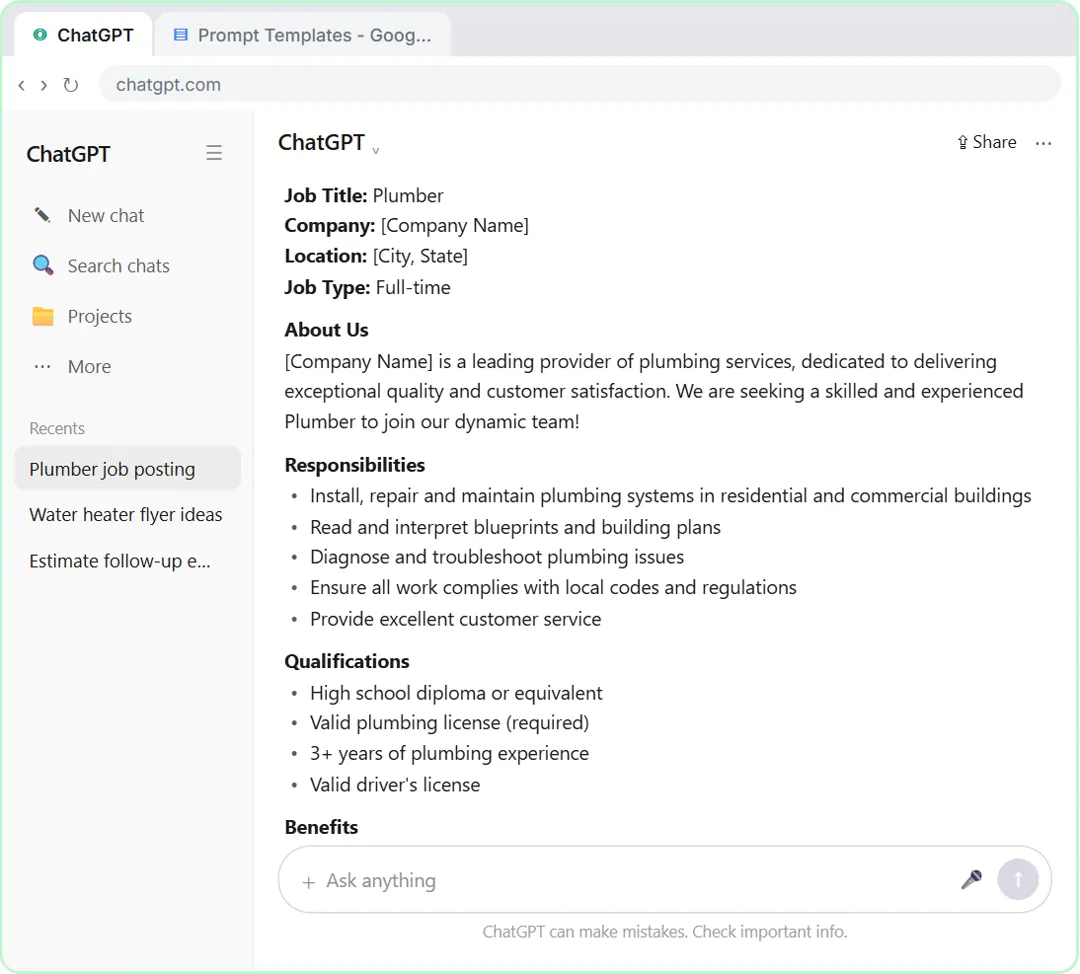 Make ChatGPT Ask You Questions First: The Interview Prompt
Ask for a job posting the quick way, then with the interview prompt: ChatGPT asks what it needs, one question at a time, and writes a posting you can actually use.
Free · Live ~6 min Beginner
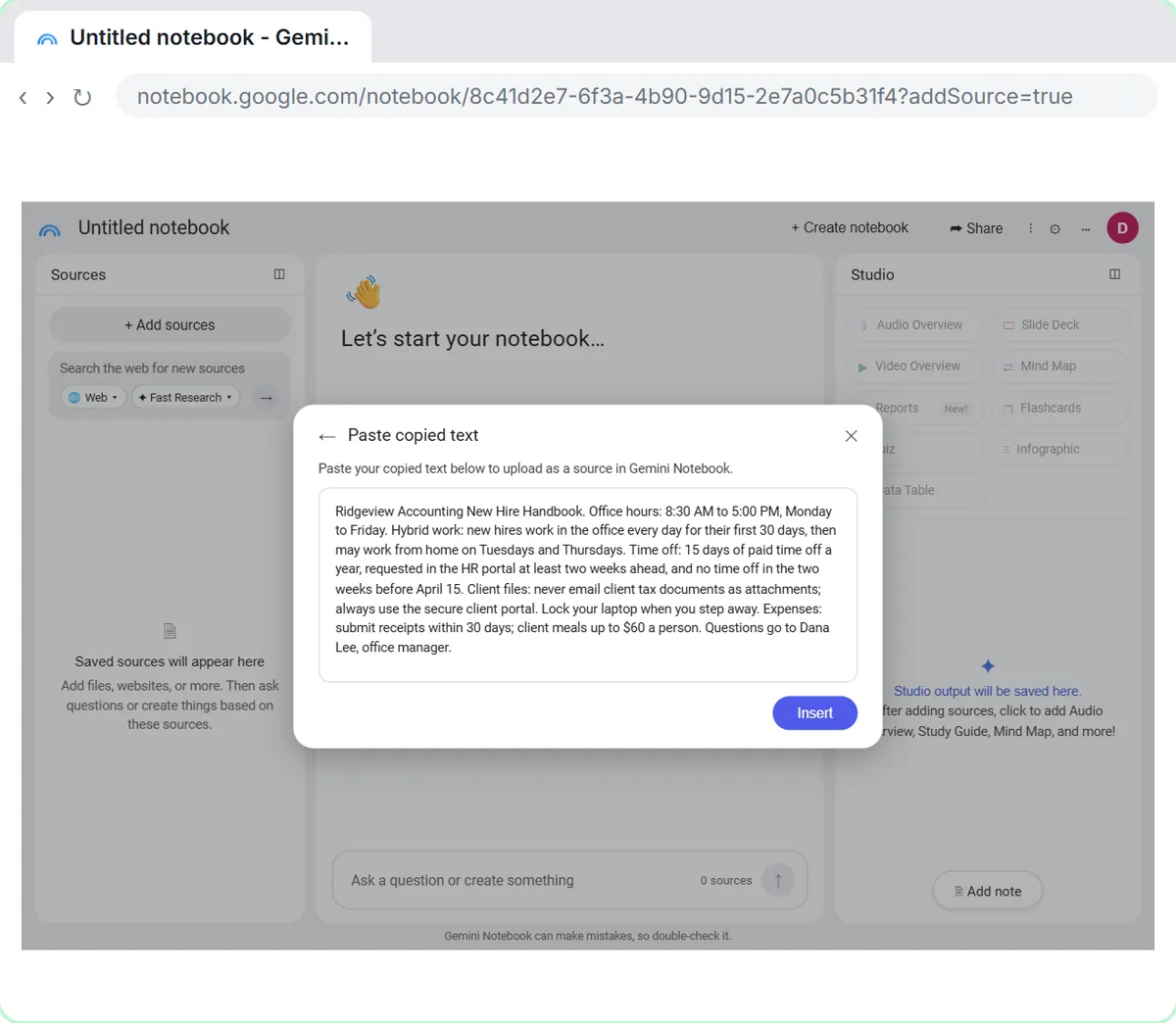 NotebookLM: Turn Your Documents into a Podcast (Audio Overview)
Paste a new hire handbook and meeting notes into a notebook, customize an Audio Overview for two new accountants, listen, join the conversation with Interactive mode…
Free · Live ~6 min Beginner
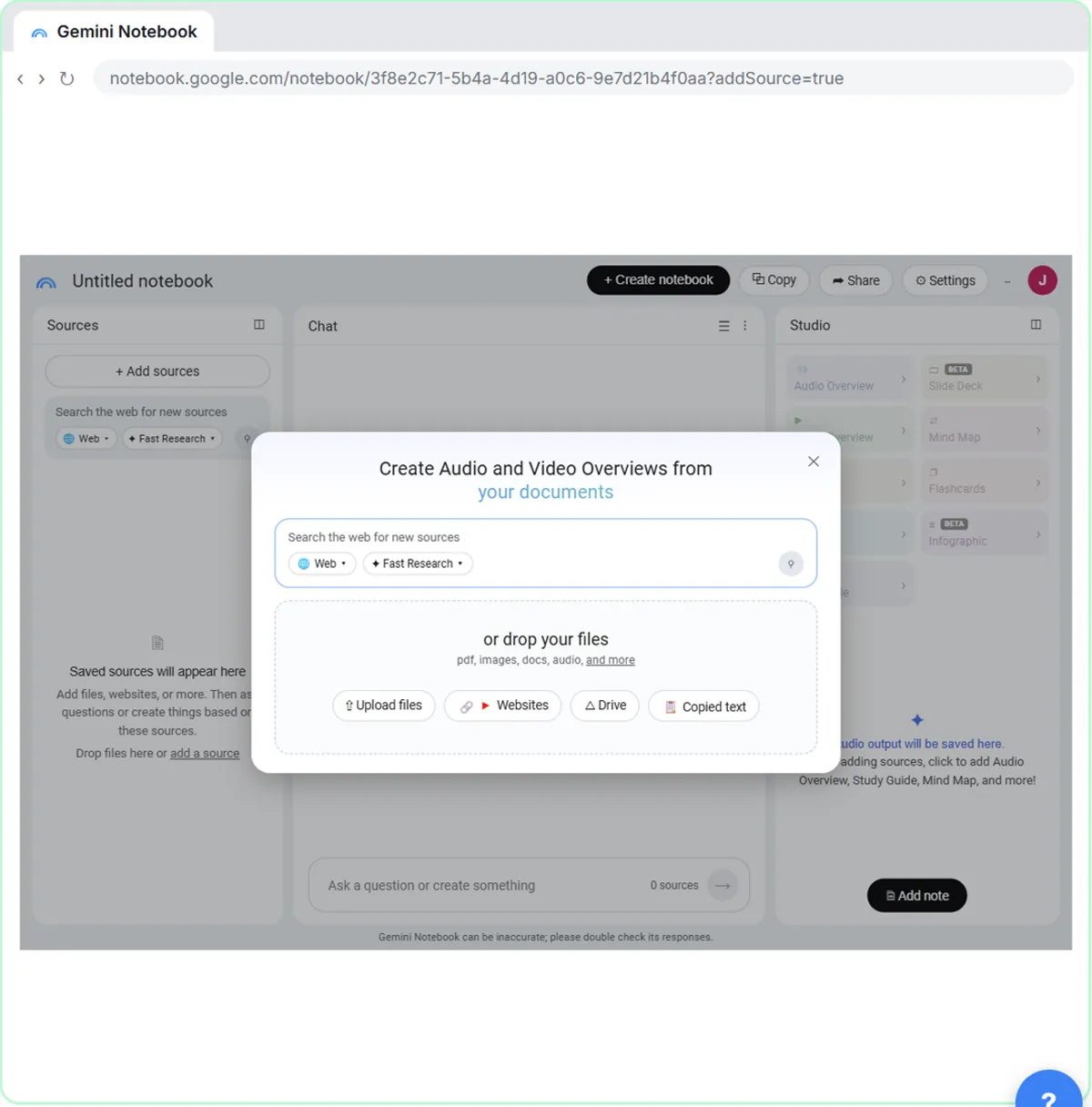 NotebookLM (Now Gemini Notebook): Cited Answers and a Briefing from Your Docs
Create a notebook, add a PDF, a Google Doc from Drive and a web page as sources, ask a question and check its citations, save the answer to a note, and turn it all into…
Free · Live ~7 min Beginner
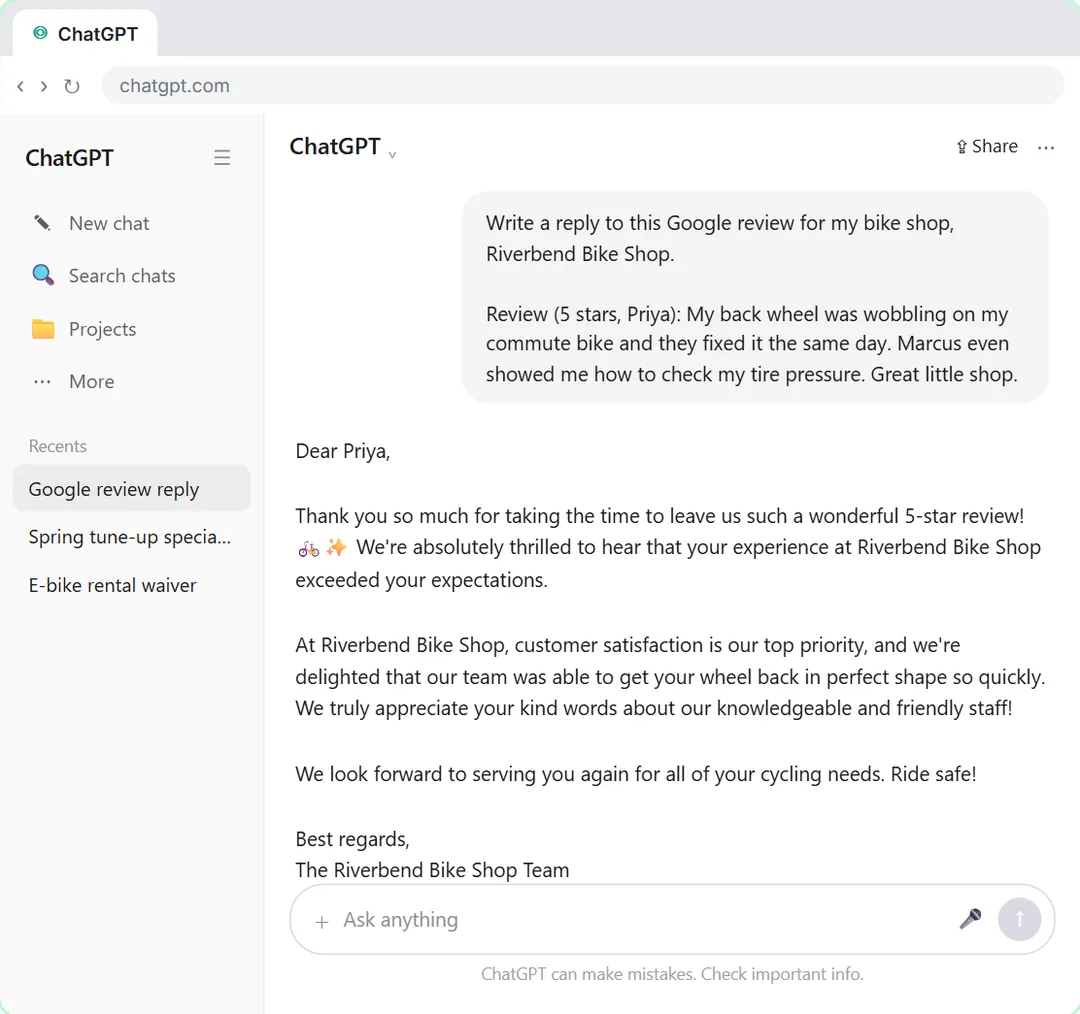 Give Examples: Few-Shot Prompts That Copy Your Style
Paste three of your real past replies into ChatGPT and get new Google review replies that sound like you, not like a template.
Free · Live ~6 min Beginner
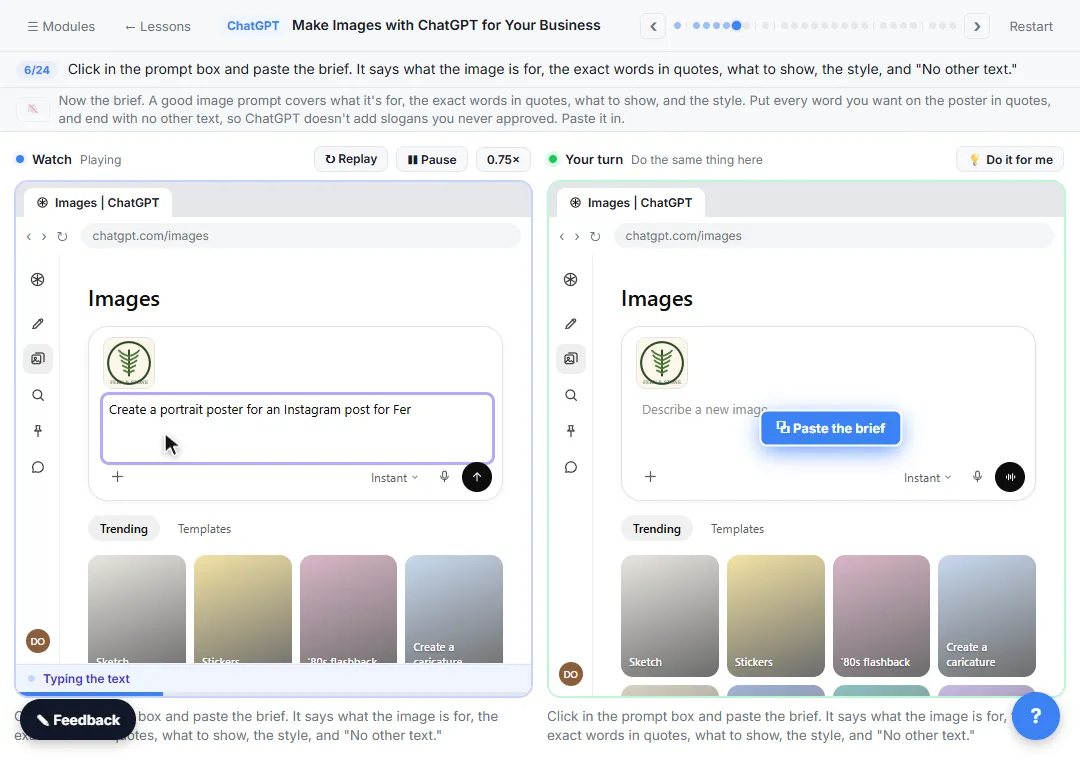 Make Images with ChatGPT for Your Business
Turn a short brief and your logo into a sale poster with ChatGPT Images, fix wrong text with a comment pin, make a Story version and get a caption to post.
Free · Live ~7 min Beginner
Which free courses fit this job?
- Better Prompts: Turn vague AI answers into work you can send, with prompt habits that work in any assistant.
- Master ChatGPT for Work: Go from safe first chats to ChatGPT that knows your job, reads your files and runs multi-step work: data controls, memory, prompts, meeting minutes…
- AI at Work: Start Here: Use AI on real office work this week, without leaking client data.
Practice it free, step by step
Make ChatGPT Ask You Questions First: The Interview Prompt. Ask for a job posting the quick way, then with the interview prompt: ChatGPT asks what it needs, one question at a time, and writes a posting you can actually use. You do every step yourself in a practice copy of ChatGPT, it checks your work as you go, and “Do it for me” finishes any step you get stuck on. Free, and nothing touches your real accounts.
Start the free lessonMore templates for this job
Single prompts from the prompt library, each with a filled-in example and a checklist for the answer.
- Training quiz from SOP prompt: Turn an SOP or handbook page into a short quiz for new hires: scenario questions, believable wrong answers, and an answer key…
- Plain-English document summary prompt: Paste a contract, lease or policy and get a plain-English summary with section numbers, every date and dollar amount, and…
- Presentation outline prompt: Plan a short talk or slide deck: one point per slide, a headline and visual for each, minutes that fit your time, and a list of…
- Email newsletter prompt: A ChatGPT prompt for a short customer newsletter built from your numbered updates: one section each, one main call to action, no…
Prompts for other roles
Frequently asked questions
- Is it OK for teachers to use ChatGPT?
- Many schools allow it for planning and drafting, with rules about student data. Check your school or district policy, and keep student names and records out of tools that are not approved.
- Can AI grade student work?
- It can help you draft feedback against your rubric, but grades and final feedback should be yours. Review every comment before a student sees it.