AI Prompts for Financial Analysts: 10 Copy-Ready Templates
Updated · By Robert Breen
An analyst's value is the judgment, but a large share of the week goes to the wrapping: writing commentary for the monthly pack, documenting assumptions, explaining a formula to a colleague, and boiling a 30-page report down to one page for leadership. An AI assistant can draft that wrapping quickly when you give it the numbers and a clear format.
These prompts keep the math visible. Each asks the assistant to show its calculations or to use only the figures you paste, so you can check the output against your model in a few minutes. None of them asks the AI to forecast for you; they help you explain and stress-test the work you already did.
To practice with a made-up data set, try Analyze a Spreadsheet with ChatGPT, then Claude's Excel Skill for turning a messy export into a clean workbook.
How do you use these prompts?
Copy a prompt into ChatGPT, Claude, Gemini or Copilot and replace every [BLANK] with your own details. Where a prompt says PASTE, paste your notes, email or document there. Each prompt follows the four parts from Prompt Writing 101: a Role, the Context, the Task and the Format you want back. Then check every name, date, number and promise in the answer before you use it.
Commentary and reporting
1. Write variance commentary for the monthly pack
You are a financial analyst at [COMPANY]. Here are budget, actual and prior-year figures for [PERIOD]:

[PASTE TABLE]

For each line with a variance over [THRESHOLD], write one sentence of commentary. Use these known drivers where they apply: [KNOWN DRIVERS]. Where no driver is given, write "Driver to confirm with [OWNER]" instead of inventing one. Show the variance in dollars and percent.

Format: a table with Line, Actual, Budget, Variance $, Variance %, Commentary.
2. Turn a long report into a one-page summary
Act as a senior analyst preparing a summary for [AUDIENCE, SUCH AS THE CFO OR BOARD]. Here is the full report:

[PASTE REPORT TEXT]

Write a one-page summary: the headline result, three points that explain it, the main risk, and the decision or question for the audience. Every number you use must appear in the report; quote it exactly.

Format: a bold headline sentence, then sections Results, Why, Risk, Ask, under 300 words.
3. Draft KPI commentary for a dashboard
You are writing short notes under each KPI on [DASHBOARD NAME] for [MONTH]. The KPIs and values are:

[PASTE KPI, THIS MONTH, LAST MONTH, TARGET]

For each KPI write one plain sentence: is it on target, which way it moved and by how much. Do not speculate on causes. Flag any KPI where the figures look inconsistent (for example a rate above 100 percent).

Format: one line per KPI, then a "Check" list for anything inconsistent.
Models and assumptions
4. Document forecast assumptions
You are a financial analyst documenting the assumptions behind a [FORECAST TYPE] for [COMPANY] covering [PERIOD]. Here are my assumptions in rough notes:

[PASTE NOTES]

Rewrite them as a clean assumptions table a reviewer can challenge. For each, give the assumption, the value, the source or reasoning I gave, and how sensitive the result is likely to be (High, Medium, Low) with one line on why. If I gave no source, write "Source not stated".

Format: a table, then three questions a reviewer is likely to ask.
5. Stress-test a scenario
Act as a skeptical finance reviewer. Here is my base case for [PROJECT OR PLAN]:

[PASTE KEY INPUTS AND RESULT]

Suggest a downside and an upside scenario by changing only these inputs: [INPUTS YOU MAY CHANGE]. Explain why each change is plausible, then recalculate the result step by step so I can check the arithmetic. Do not change anything else.

Format: a three-column table (Base, Downside, Upside) for the inputs and the result, then the step-by-step math.
6. Explain a complex spreadsheet formula
You are helping a colleague understand a model. Here is a formula from [SHEET NAME], cell [CELL]:

[PASTE FORMULA]

The columns it refers to hold: [WHAT EACH REFERENCED COLUMN CONTAINS]. Explain what the formula does in plain English, piece by piece, then say what could make it return a wrong answer (blank cells, text instead of numbers, ranges that do not grow).

Format: a numbered breakdown, then a short "Watch out for" list.
7. Write a formula from a plain description
Act as a spreadsheet expert using [EXCEL OR GOOGLE SHEETS]. My data is in [RANGE] with these columns: [COLUMN LETTERS AND HEADERS].

I need a formula that [WHAT IT SHOULD CALCULATE]. Give me the formula, explain each part in one line, and give two small test rows with the result I should expect so I can confirm it works.

Format: the formula in its own line, then the explanation and the test rows.
Decisions and requests
8. Write a budget request memo
You are a finance business partner helping [DEPARTMENT] ask for [AMOUNT] for [PURPOSE]. The facts: [COSTS, TIMING, EXPECTED BENEFITS WITH THEIR SOURCES].

Draft a one-page memo: the ask, why now, the costs by year, the expected benefits, the risks and what happens if we say no. Only use benefits I listed, and mark any benefit without a source as "Estimate, not verified".

Format: headed sections, under 350 words, with a cost table.
9. Compare vendor quotes on total cost
Act as an analyst comparing quotes for [PURCHASE]. Here are the quotes:

[PASTE VENDOR, PRICE, TERM, FEES, DISCOUNTS, PAYMENT TERMS]

Calculate the total cost over [NUMBER] years for each vendor, showing the math, and list the non-price differences that matter. Do not recommend a vendor; end with the three questions we should ask each vendor before deciding.

Format: a cost table, a differences table, then the questions.
10. Prepare for questions on a cash-flow summary
You are a financial analyst presenting cash flow for [PERIOD] to [AUDIENCE]. Here is the summary:

[PASTE CASH FLOW SUMMARY]

List the eight questions this audience is most likely to ask, and draft a short answer for each using only these figures. Where the figures cannot answer a question, say what extra data I would need.

Format: a numbered Q and A list.
How do you adapt these prompts to your own work?
- Ask for "show the math" on anything with numbers. A wrong total is easy to spot in the steps and hard to spot in a finished paragraph.
- Paste a past month's commentary that leadership liked under the prompt and say "match this style". It works better than describing the style.
- Keep sensitive figures inside the tool your company approved, and round or relabel numbers when you only need help with wording.
Where can you practice these skills for free?
These free Stepthrough lessons practice the same jobs step by step, with a made-up business and practice copies of the real tools, so nothing touches your real accounts.
 Analyze a Spreadsheet with ChatGPT: Upload a CSV, Get a Chart and Three Takeaways
Upload a CSV of sales to ChatGPT, have it check the data first, ask your questions, get a chart you can download, and finish with the three takeaways that matter.
Free · Live ~10 min Beginner
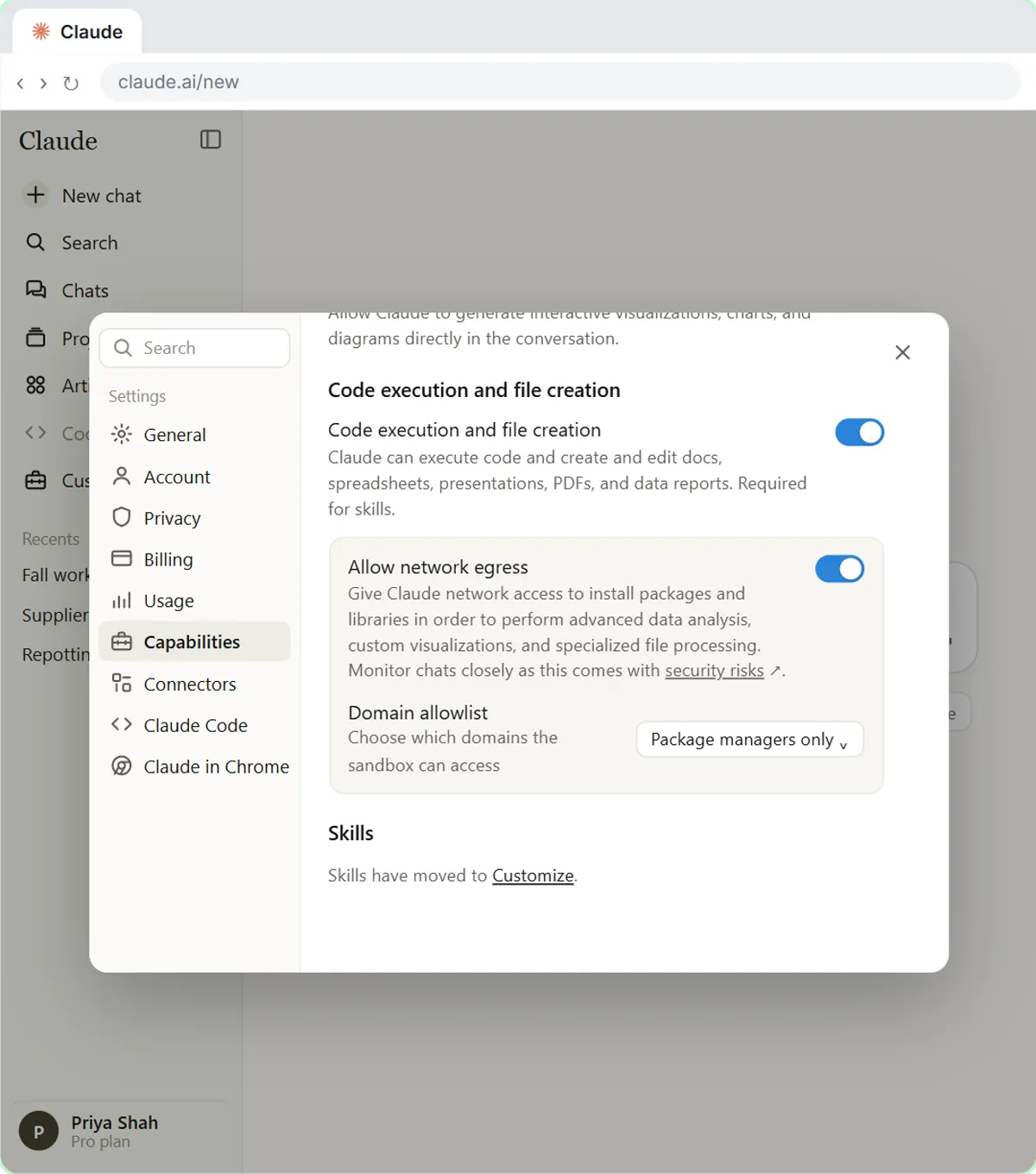 Claude's Excel Skill: Turn a Messy Export into a Clean Workbook
Upload a messy sales export to Claude and get back a clean Excel workbook with a Data tab, a Summary tab built with formulas, and a chart, thanks to Claude's built-in…
Free · Live ~8 min Intermediate
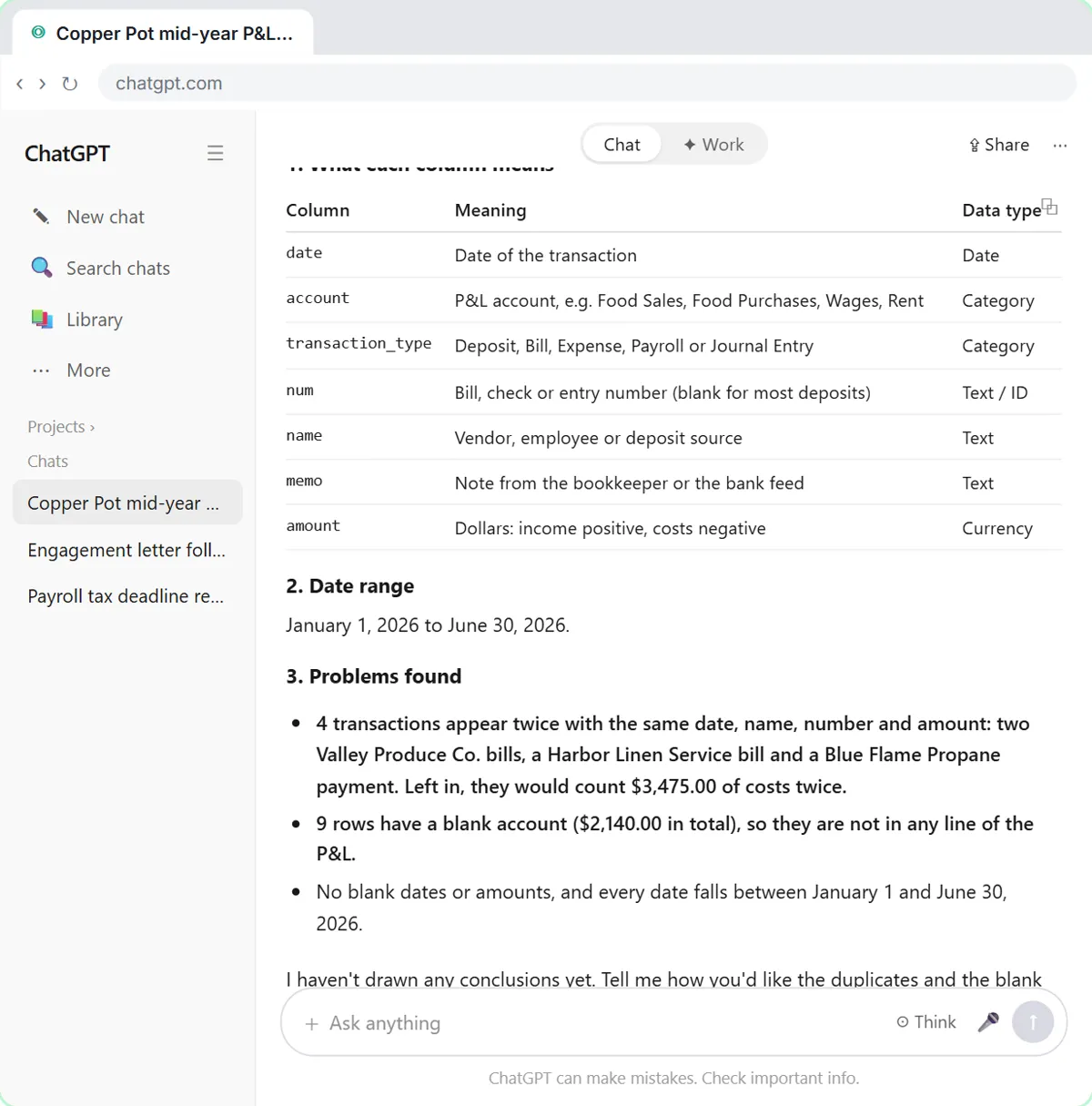 Analyze a Client's P&L Export with ChatGPT (Accounting & Bookkeeping Firms)
Upload a client's Profit and Loss Detail export to ChatGPT, catch duplicate bank-feed entries and uncategorized rows first, then get a monthly P&L summary, a chart and…
Free · Live ~11 min Beginner
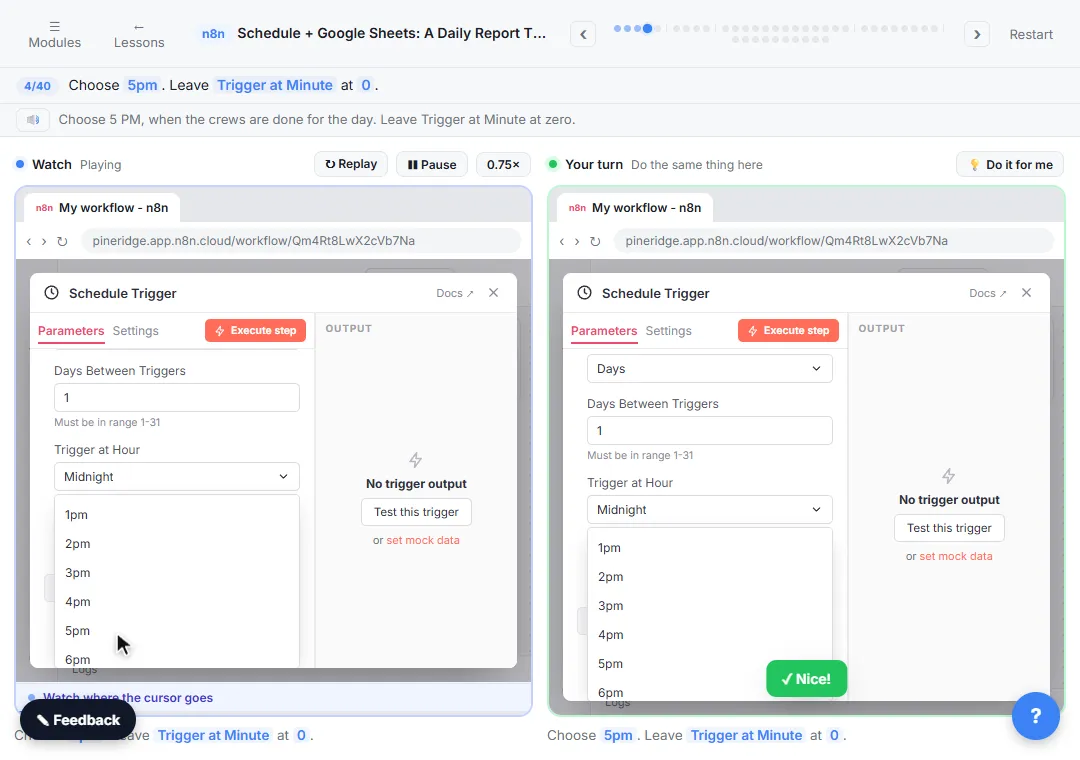 Get Your Daily Revenue Total by Email, Automatically, using n8n
Stop spending 20 minutes every evening adding up the day by hand. In n8n, a Schedule Trigger runs at 5pm, Google Sheets pulls today's jobs, Summarize totals the revenue…
Free · Live ~9 min Intermediate
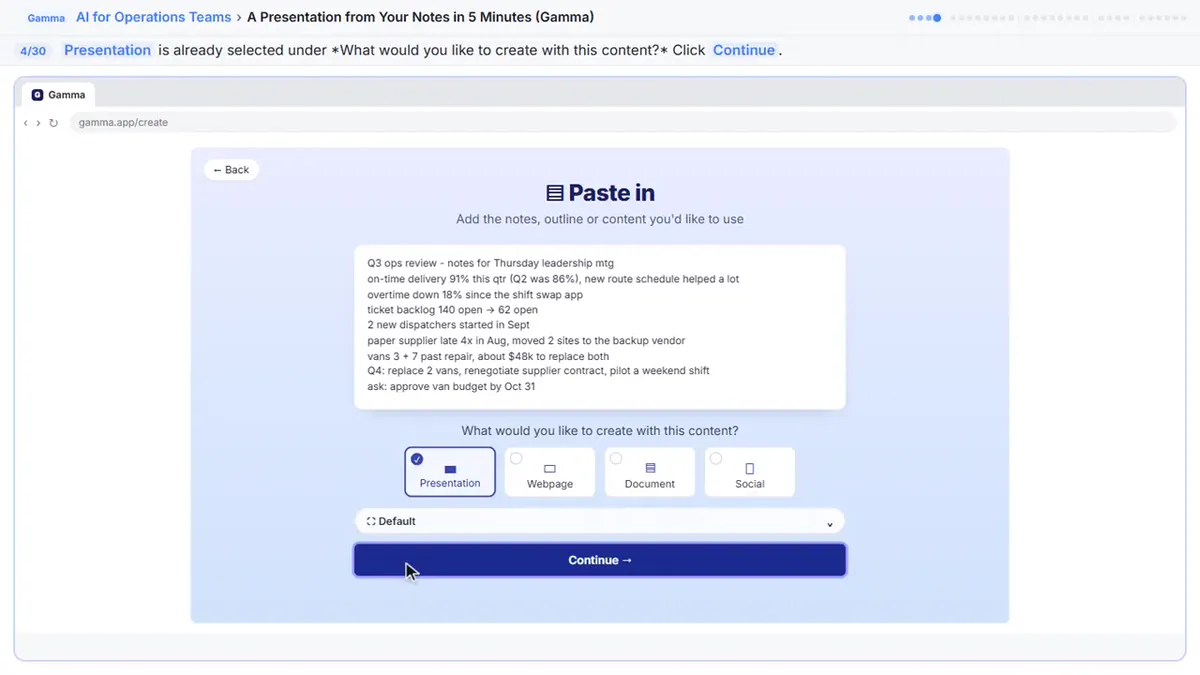 A Presentation from Your Notes in 5 Minutes (Gamma)
Paste rough meeting notes into Gamma, pick a theme, fix one slide by chatting with its AI, and export the deck to PowerPoint and PDF.
Free · Live ~9 min Intermediate
Which free courses fit this job?
- AI for Finance Teams: Month-end, P&L reviews and expense sorting in a fraction of the time, with an approval step.
- Master ChatGPT for Work: Go from safe first chats to ChatGPT that knows your job, reads your files and runs multi-step work: data controls, memory, prompts, meeting minutes…
- ChatGPT for Everyday Work: Answer emails, recap meetings, read spreadsheets and write SOPs in a fraction of the time.
Practice it free, step by step
Analyze a Spreadsheet with ChatGPT: Upload a CSV, Get a Chart and Three Takeaways. Upload a CSV of sales to ChatGPT, have it check the data first, ask your questions, get a chart you can download, and finish with the three takeaways that matter. You do every step yourself in a practice copy of ChatGPT, it checks your work as you go, and “Do it for me” finishes any step you get stuck on. Free, and nothing touches your real accounts.
Start the free lessonMore templates for this job
Single prompts from the prompt library, each with a filled-in example and a checklist for the answer.
- Budget variance explanation prompt: Turn a budget-versus-actual report into a plain-English explanation of what moved and why, using only the reasons you give, plus…
- Cash flow forecast assumptions prompt: Write down and pressure-test the assumptions behind a cash flow forecast: each one's source, how sure you are and the early sign…
- KPI commentary prompt: Explain a month's numbers in plain words: what moved, likely reasons you confirm, what to watch next, and no conclusions the…
- Spreadsheet formula helper prompt: Get a Google Sheets or Excel formula for the job you describe, explained piece by piece, with a quick way to test it on a copy…
Prompts for other roles
Frequently asked questions
- Can ChatGPT do financial analysis?
- It can calculate, chart and summarize data you upload, and it is useful for drafting commentary. Check every number it produces against your own model, because a confident answer can still contain an arithmetic slip.
- Should I upload the whole model?
- Usually not. Paste the table or range the question is about, with confidential labels removed. Smaller inputs give more focused answers and expose less data.