AI Prompts for Recruiters: 11 Copy-Ready Templates
Updated · By Robert Breen
Recruiting runs on writing: the job post, the outreach message, the status update, the debrief notes, the offer email. A recruiter juggling many open roles can lose hours a day to drafting, and candidates notice when replies are slow or generic. A clear prompt gets you a solid first draft in seconds, so the time goes to conversations instead.
These prompts keep hiring fair and job-related. They score only against the must-haves you set, quote evidence for every rating, and tell the assistant to ignore anything about age, family, health, religion or other protected traits. AI should support your judgment and never make a hiring decision on its own.
Practice the most valuable habit first with Interview Debrief to Scorecard, then write a fair, job-related job posting.
How do you use these prompts?
Copy a prompt into ChatGPT, Claude, Gemini or Copilot and replace every [BLANK] with your own details. Where a prompt says PASTE, paste your notes, email or document there. Each prompt follows the four parts from Prompt Writing 101: a Role, the Context, the Task and the Format you want back. Then check every name, date, number and promise in the answer before you use it.
Roles and job posts
1. Run a hiring manager intake
You are a recruiter at [COMPANY] opening a [JOB TITLE] role for [HIRING MANAGER]. Before we write anything, interview me with up to ten questions, one at a time, to pin down: the three must-have skills, nice-to-haves, the first-90-days work, the pay range, location and schedule, and the interview steps.

After my answers, write a one-page intake summary we can both sign off on.

Format: ask the questions first; the final summary as headed bullets.
2. Write an inclusive job post
Act as a recruiter writing a job post for [JOB TITLE] at [COMPANY]. The facts: [RESPONSIBILITIES], must-haves: [MUST HAVES], nice-to-haves: [NICE TO HAVES], pay: [PAY RANGE], location: [LOCATION AND REMOTE POLICY], benefits: [BENEFITS].

Write a clear post that leads with what the person will do, keeps must-haves to the essentials, uses gender-neutral wording and avoids jargon like "rockstar" or "ninja". Do not add requirements or perks I did not list.

Format: a short intro, What you will do, What you bring, Nice to have, Pay and benefits, How to apply. Under 400 words.
3. Write an internal job posting
You are HR posting the [JOB TITLE] role internally at [COMPANY] before it opens externally. Internal applicants should know: [ELIGIBILITY RULES], [HOW TO APPLY], [DEADLINE], and that their manager will be told [WHEN AND HOW].

Write a short internal posting that encourages people to apply and explains the process honestly.

Format: under 200 words with a three-step "How to apply" list.
Sourcing and outreach
4. Write a personal outreach message
You are a recruiter reaching out to a potential candidate for [JOB TITLE] at [COMPANY]. What I know about them from their public profile: [RELEVANT EXPERIENCE]. Why this role might interest them: [HONEST HOOK].

Write a short message that mentions one specific thing from their experience, says what the role is in one line, gives the pay range [PAY RANGE] and asks for a 15-minute call. No flattery, no pressure.

Format: under 90 words, for [LINKEDIN OR EMAIL].
5. Draft a three-step outreach sequence
Act as a recruiter. Write a three-message outreach sequence for [JOB TITLE] candidates with [BACKGROUND]. Message 1 introduces the role, message 2 (sent [DAYS] days later) adds one new detail such as [DETAIL], and message 3 is a short, polite close that leaves the door open.

Keep each message under 80 words and make each one readable on its own.

Format: three labeled messages with a subject line each.
Screening and interviews
6. Screen a resume against the must-haves
You are helping me screen resumes for [JOB TITLE]. The must-haves are: [MUST HAVES]. Here is a resume with the name and contact details removed:

[PASTE RESUME]

For each must-have, say Met, Partly met or Not shown, and quote the line from the resume that supports it. Ignore school names, gaps, age signals, photos and anything not job-related. Do not give an overall hire or reject recommendation.

Format: a table with Must-have, Rating, Evidence, then two questions to ask in the phone screen.
7. Write structured interview questions
Act as a recruiter designing a structured interview for [JOB TITLE]. The must-haves are: [MUST HAVES]. The interview is [LENGTH] minutes with [NUMBER] interviewers.

Write two behavioral questions per must-have, each with what a strong, an average and a weak answer would include, so every candidate is judged the same way. Split the questions fairly across the interviewers.

Format: a table with Must-have, Question, Strong answer signs, Interviewer.
8. Turn a debrief into a scorecard
You are a recruiter summarizing a panel debrief for [JOB TITLE]. The must-haves are: [MUST HAVES]. Here is the debrief transcript or notes:

[PASTE DEBRIEF]

Score each must-have as Strong, Partial or Not discussed, with a short quote as evidence. Leave out anything not related to the job, even if a panelist mentioned it. List the open questions and the next steps with owners where they were named.

Format: a scorecard table, then Open questions and Next steps.
Candidate communication
9. Send an honest status update
You are a recruiter at [COMPANY]. [CANDIDATE FIRST NAME] interviewed for [JOB TITLE] on [DATE] and asked for an update. The honest status: [WHERE THE PROCESS IS]. We expect to decide by [DATE OR "NOT YET KNOWN"].

Write a warm, honest reply. Do not hint at an outcome or promise a date we have not set.

Format: under 100 words.
10. Write a respectful rejection
Act as a recruiter writing to [CANDIDATE FIRST NAME], who reached the [STAGE] for [JOB TITLE]. We chose another candidate. If they asked for feedback, here is what we agreed we can share: [AGREED JOB-RELATED FEEDBACK OR "NONE"].

Write a kind, clear rejection that thanks them for their time, gives the decision in the first two sentences and, if appropriate, invites them to apply for [FUTURE ROLES].

Format: under 120 words.
11. Reply to an offer negotiation
You are a recruiter. [CANDIDATE FIRST NAME] asked for [THEIR REQUEST] on our offer for [JOB TITLE]. What the hiring manager approved: [APPROVED RESPONSE]. What we cannot change: [FIXED TERMS].

Write a reply that is warm, states exactly what we can and cannot do, and asks for their decision by [DATE]. Do not offer anything beyond what was approved.

Format: under 150 words.
How do you adapt these prompts to your own work?
- Remove names, photos and contact details from resumes before pasting them, and follow your company's rules on AI in hiring.
- Keep the must-haves identical across every prompt for the same role, so every candidate is judged on the same list.
- Save your tone and standard paragraphs (benefits, process, pay transparency) as reusable instructions so every message sounds like your team.
Where can you practice these skills for free?
These free Stepthrough lessons practice the same jobs step by step, with a made-up business and practice copies of the real tools, so nothing touches your real accounts.
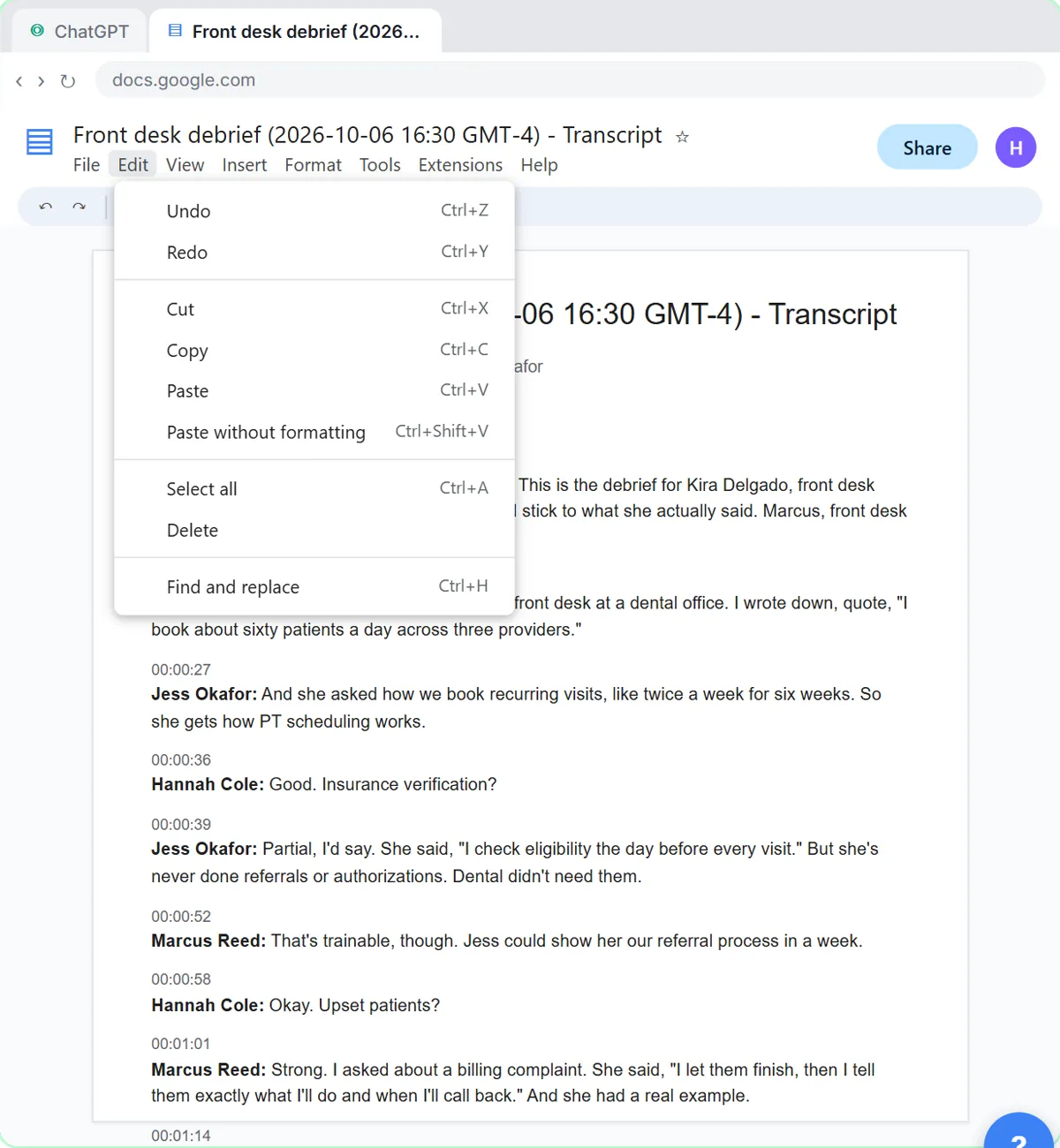 Score Every Candidate Fairly After the Interview using ChatGPT
Turn the transcript of an interview panel's debrief into a scorecard against the role's must-haves, the decisions, action items with owners and dates, and a follow-up…
Free · Live ~7 min Beginner
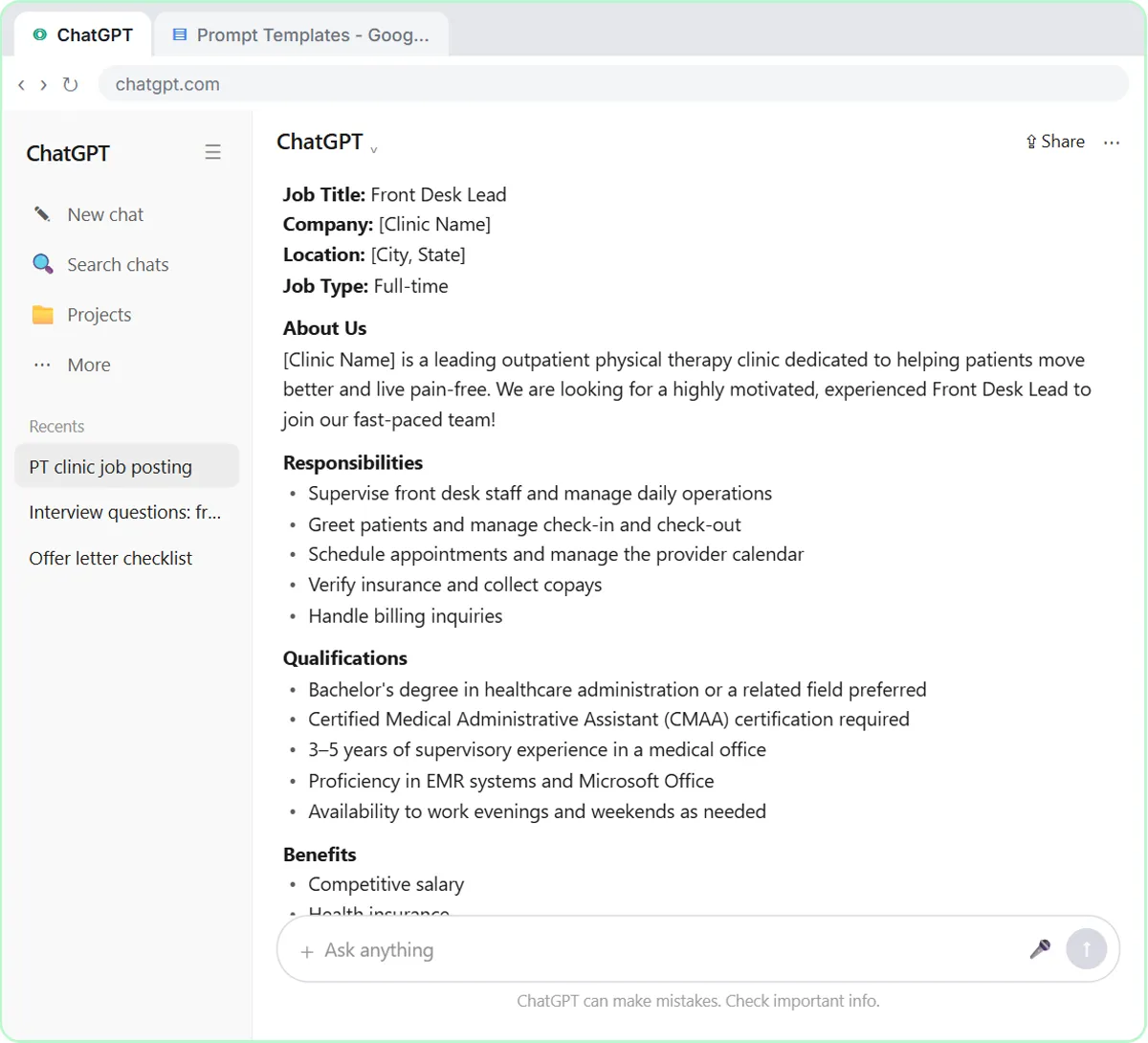 Write a Fair, Job-Related Job Posting with ChatGPT's Interview Prompt
Ask ChatGPT for a front desk lead posting the quick way, then let it interview you: true must-haves only, a real pay range, the work described instead of a personality…
Free · Live ~7 min Beginner
◷Keep Top Candidates Warm with Honest Status Replies using ChatGPTYour best candidate has another offer and wants to know if she got the job, if you'll match her pay and when she can start. Give ChatGPT the thread and the hiring…
Free · Live ~9 min Beginner
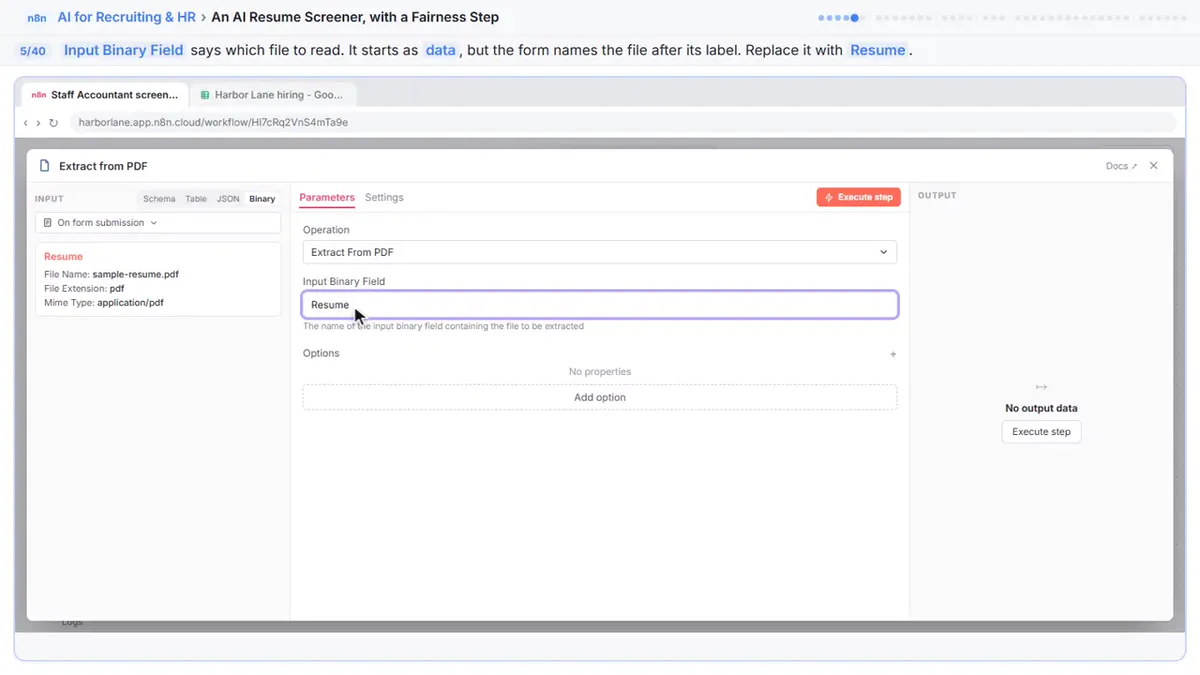 An AI Resume Screener, with a Fairness Step (Recruiting & HR)
Have n8n read each applicant’s PDF resume, score it against the job’s must-haves with the evidence quoted, and rank it in Google Sheets, while a person makes every…
Free · Live ~14 min Advanced
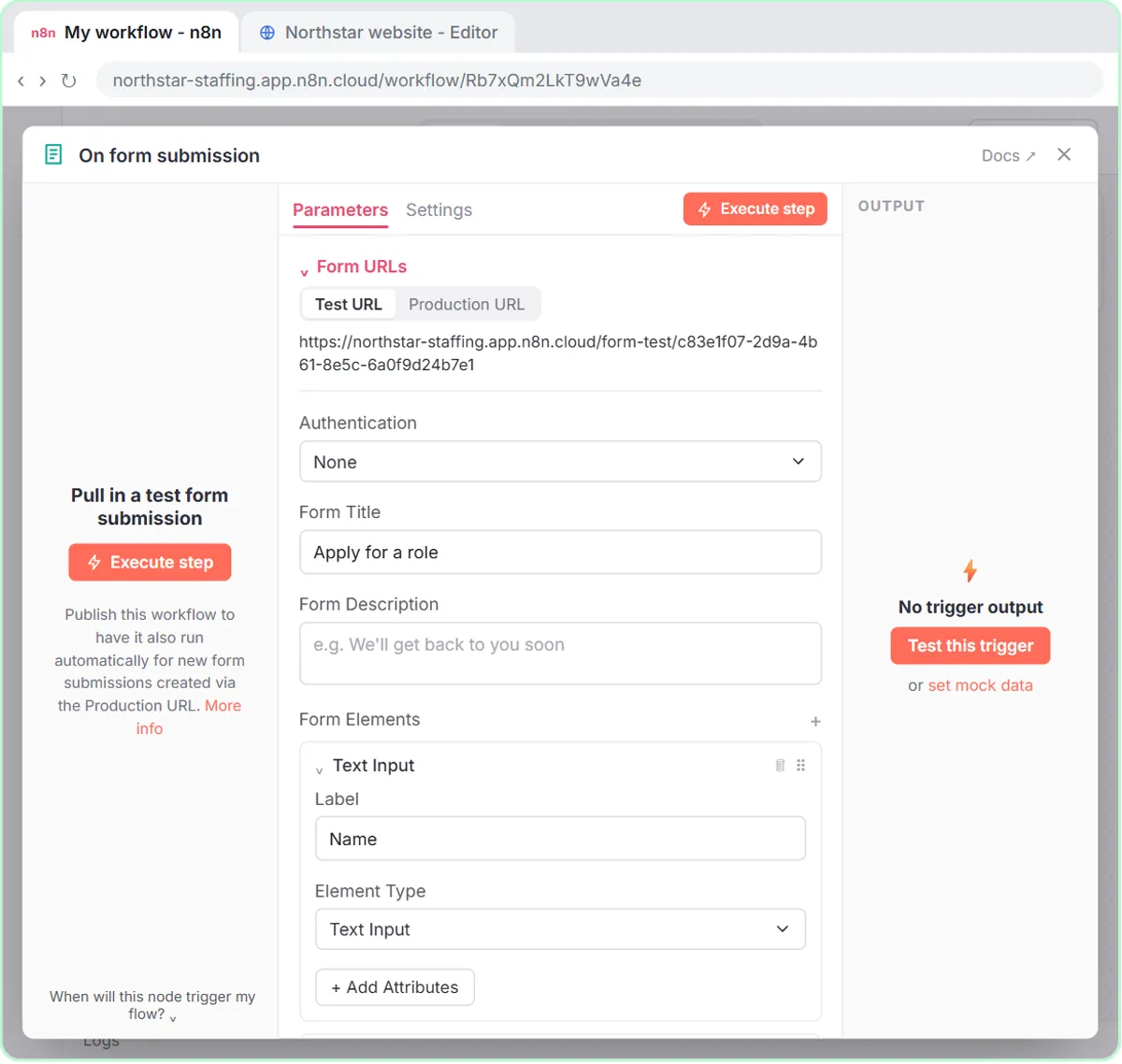 Collect Job Applications in Google Sheets with an n8n Form and a Careers-Page Webhook
Stop losing applicants between job boards and your careers page. An n8n form plus a careers-page webhook put every application in one Google Sheet.
Free · Live ~12 min Advanced
Which free courses fit this job?
- AI for Recruiting & HR: Fair job posts, scorecards, honest status replies and an applicant pipeline that never drops a candidate.
- Master ChatGPT for Work: Go from safe first chats to ChatGPT that knows your job, reads your files and runs multi-step work: data controls, memory, prompts, meeting minutes…
New to AI at work? Start with AI Learning Path for Recruiters: Where to Start, a short path of free lessons in order.
Practice it free, step by step
Score Every Candidate Fairly After the Interview using ChatGPT. Turn the transcript of an interview panel's debrief into a scorecard against the role's must-haves, the decisions, action items with owners and dates, and a follow-up email to the candidate. You do every step yourself in a practice copy of ChatGPT, it checks your work as you go, and “Do it for me” finishes any step you get stuck on. Free, and nothing touches your real accounts.
Start the free lessonMore templates for this job
Single prompts from the prompt library, each with a filled-in example and a checklist for the answer.
- Hiring manager intake prompt: Turn a hiring manager's intake notes into a role brief: must-haves vs nice-to-haves, pay, interview steps, open questions and…
- Job post prompt: A four-part ChatGPT prompt for a job ad people want to read: real pay and schedule, must-haves kept apart from nice-to-haves…
- Resume screen against requirements prompt: Check one resume against your must-have requirements, with a quoted line as evidence for each, personal details ignored and the…
- Candidate rejection email prompt: Write a short, respectful rejection email that thanks the candidate for the step they reached and promises nothing you won't do…
Prompts for other roles
Frequently asked questions
- Can recruiters use AI to screen resumes?
- It can help you compare a resume with your must-haves and point to the evidence, but a person should make every decision. Check local rules on automated hiring tools, and keep the criteria job-related.
- How do I keep AI from adding bias?
- Score only against written must-haves, ask for quoted evidence, remove names and photos, and tell the assistant to ignore protected traits. Then review the output yourself before it is used.