AI Prompts for Training Managers: 10 Copy-Ready Templates
Updated · By Robert Breen
Training teams turn expert knowledge into material people can actually use: outlines, job aids, quizzes, practice scenarios and follow-up surveys. The subject-matter expert's time is scarce, and most of the build is restructuring what they already said. That restructuring is exactly what an AI assistant does well.
Each prompt below starts from your source material (an SOP, a transcript, a policy) and asks the assistant to stay inside it, so learners are not taught something your company does not do. You review for accuracy, the expert signs off, and you ship in days instead of weeks.
To try it with a made-up process, turn rough notes into a one-page SOP, then see how NotebookLM turns documents into an audio overview for learners on the go.
How do you use these prompts?
Copy a prompt into ChatGPT, Claude, Gemini or Copilot and replace every [BLANK] with your own details. Where a prompt says PASTE, paste your notes, email or document there. Each prompt follows the four parts from Prompt Writing 101: a Role, the Context, the Task and the Format you want back. Then check every name, date, number and promise in the answer before you use it.
Design
1. Outline a short course from an SOP
You are an instructional designer at [COMPANY]. Here is the SOP for [PROCESS]:

[PASTE SOP]

Learners are [AUDIENCE] with [EXPERIENCE LEVEL]. Outline a [LENGTH]-minute course: three to five learning objectives starting with an action verb, the modules in order, one practice activity per module and how we will check they learned it. Use only the steps in the SOP.

Format: objectives as a list, then a table with Module, Content, Activity, Check.
2. Interview a subject-matter expert
Act as an instructional designer preparing to interview [EXPERT ROLE] about [TOPIC]. The goal is a training for [AUDIENCE].

Write 12 interview questions that draw out the steps, the common mistakes, the judgment calls and the "I wish someone had told me" tips. Order them from big picture to detail, and add a follow-up probe for each.

Format: a numbered list, each question with one indented probe.
3. Write a job aid people can keep at their desk
You are creating a one-page job aid for [TASK] at [COMPANY]. Source material:

[PASTE STEPS OR SOP]

Write the job aid with the steps as short commands, the two most common mistakes and how to avoid them, and who to ask when stuck: [CONTACT]. Keep only what someone needs while doing the task.

Format: a title, numbered steps of under 12 words each, a "Watch out" box and a contact line. Fits on one printed page.
Practice and assessment
4. Build a quiz from training content
Act as a trainer writing a check-for-understanding quiz on [TOPIC]. Base every question only on this content:

[PASTE CONTENT]

Write [NUMBER] multiple-choice questions with four options each, one correct answer and a one-line explanation that points to the part of the content it comes from. Make the wrong options believable mistakes, not jokes.

Format: numbered questions, options A to D, then an answer key with explanations.
5. Write a role-play scenario
You are designing a practice role-play for [AUDIENCE] on [SKILL, SUCH AS HANDLING A BILLING COMPLAINT]. Use a made-up business and made-up people.

Write a scenario brief for the learner, a separate brief for the person playing the other side (with one realistic complication), and an observer checklist of five behaviors to look for, based on our standard: [YOUR STANDARD OR SOP].

Format: three labeled sections, each under 150 words.
6. Rehearse with the AI as the customer
Let's practice. You play [CUSTOMER OR COLLEAGUE TYPE] who is [MOOD AND SITUATION]. I am [MY ROLE] at [COMPANY], and I will respond as I would at work.

Stay in character and react realistically to what I say, one message at a time. After [NUMBER] exchanges, or when I type "feedback", step out of character and give me three specific pieces of feedback against these standards: [STANDARDS].

Format: short in-character replies, then feedback as three bullets.
Rollout and follow-up
7. Write the training invitation
You are the training manager at [COMPANY]. We are running [TRAINING NAME] on [DATE AND TIME] for [AUDIENCE], [LENGTH] long, at [LOCATION OR LINK]. What they will be able to do afterward: [OUTCOMES]. Preparation needed: [PREP OR "NONE"].

Write an invitation that leads with the benefit to the learner, gives the logistics in a short list and says how to register.

Format: a subject line, then under 130 words.
8. Summarize training feedback
Act as an L&D analyst. Here are feedback responses from [TRAINING NAME]:

[PASTE RATINGS AND COMMENTS]

Calculate the average for each rating question, group the comments into themes with a count for each, and list the top three changes learners asked for. Quote short comments without names.

Format: a ratings table, a themes table, then the top three changes.
9. Plan a new-hire training schedule
You are planning the first [NUMBER] weeks of training for new [JOB TITLE] hires. Topics to cover: [TOPICS]. Constraints: [TRAINER AVAILABILITY, SYSTEMS ACCESS, SHADOWING].

Lay out a week-by-week schedule that moves from basics to real work, includes shadowing and practice, and ends each week with a short check. Mark which sessions need a live trainer.

Format: a table with Week, Topics, Format (live, self-paced, shadowing), Check.
10. Turn a long recording into a study guide
You are a trainer. Here is the transcript of a [LENGTH] session on [TOPIC]:

[PASTE TRANSCRIPT]

Write a study guide: a five-line summary, the key terms with plain definitions, the main steps or rules and five review questions. Use only what was said in the session and note the approximate point in the transcript for each section.

Format: headed sections, under 500 words.
How do you adapt these prompts to your own work?
- Always paste the source. A course outline built from the assistant's general knowledge may teach a process your company does not follow.
- Have the subject-matter expert review the draft before learners see it. Ask the assistant for a list of the claims to verify to make that review faster.
- Give the assistant one example of a quiz question or job aid you already like, and ask it to match that style. Few-shot prompts explains why this works.
Where can you practice these skills for free?
These free Stepthrough lessons practice the same jobs step by step, with a made-up business and practice copies of the real tools, so nothing touches your real accounts.
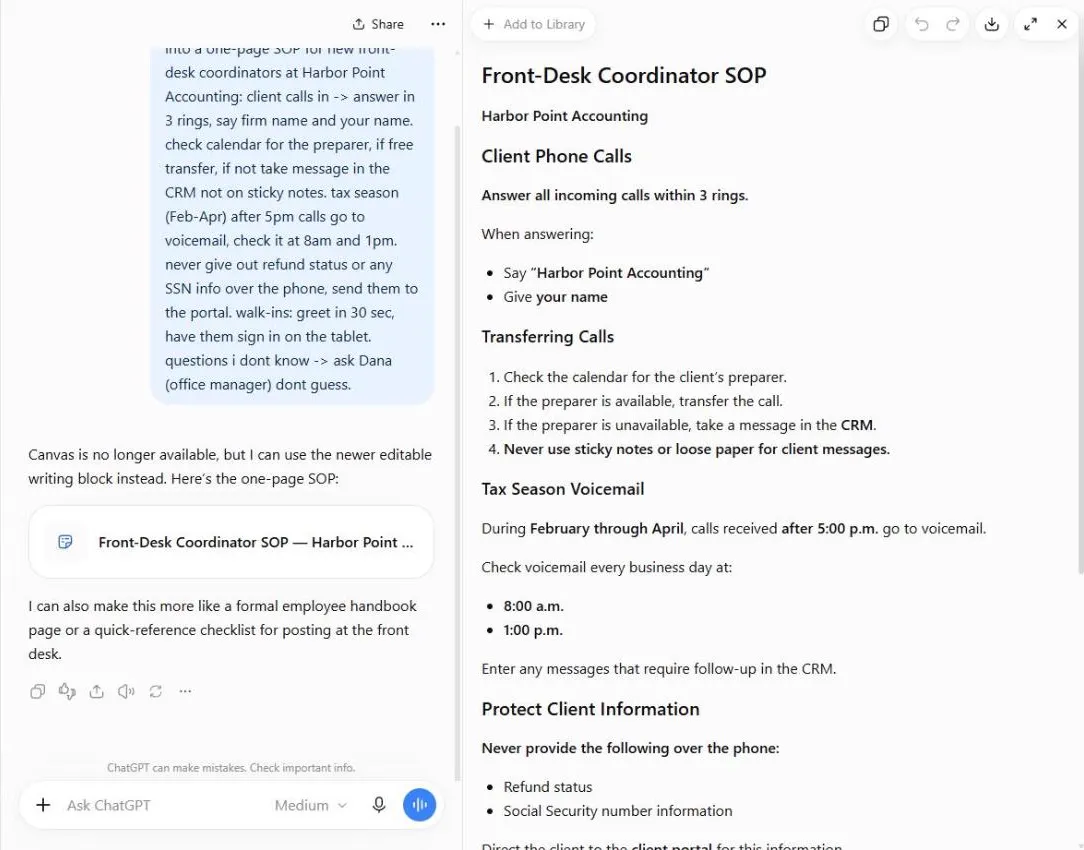 ChatGPT: Turn Rough Notes into a One-Page SOP in an Editable Document
Paste your messy notes, get a clean SOP in a document you can edit beside the chat, change one paragraph at a time, and check what the AI added.
Free · Live ~5 min Beginner
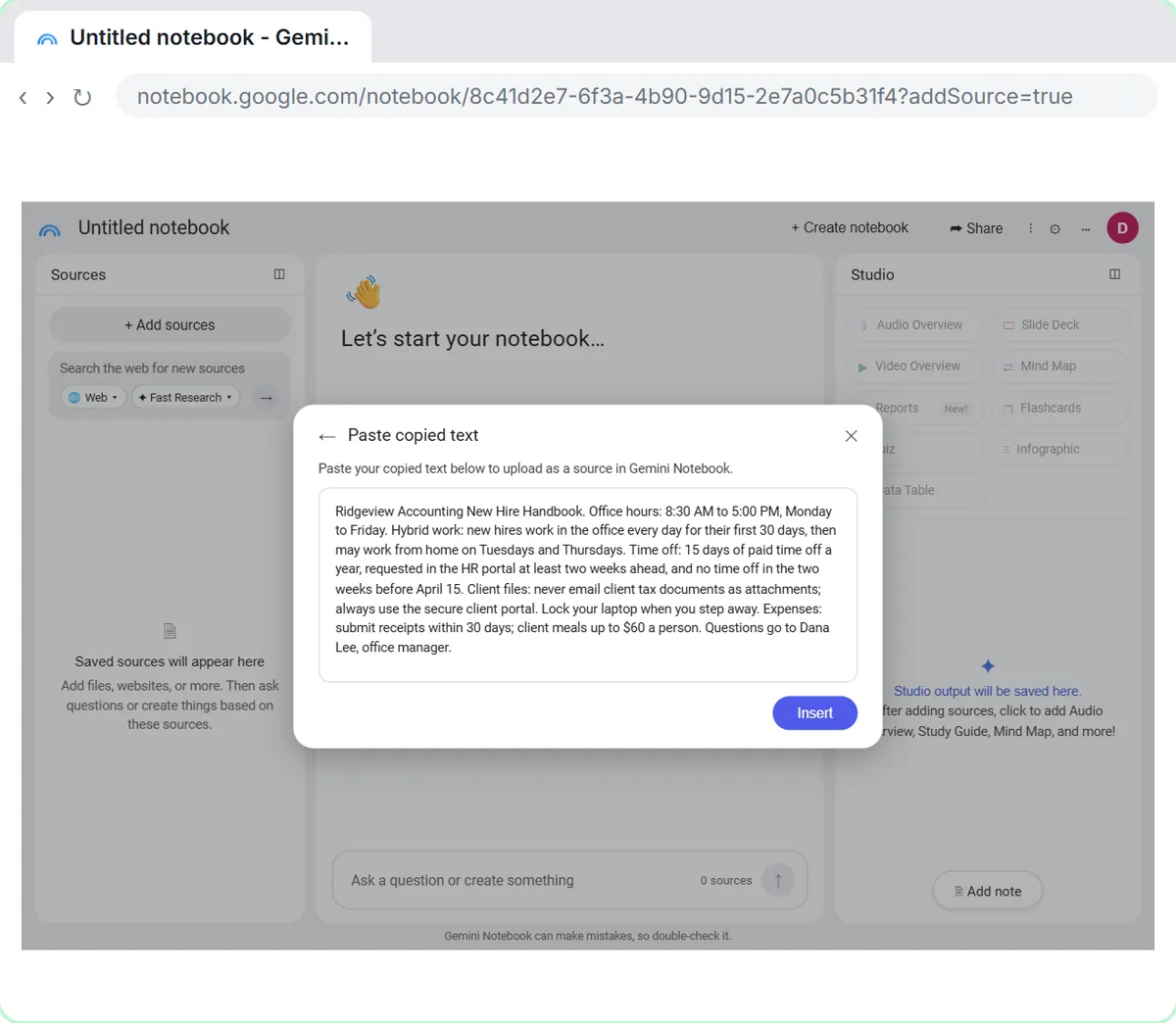 NotebookLM: Turn Your Documents into a Podcast (Audio Overview)
Paste a new hire handbook and meeting notes into a notebook, customize an Audio Overview for two new accountants, listen, join the conversation with Interactive mode…
Free · Live ~6 min Beginner
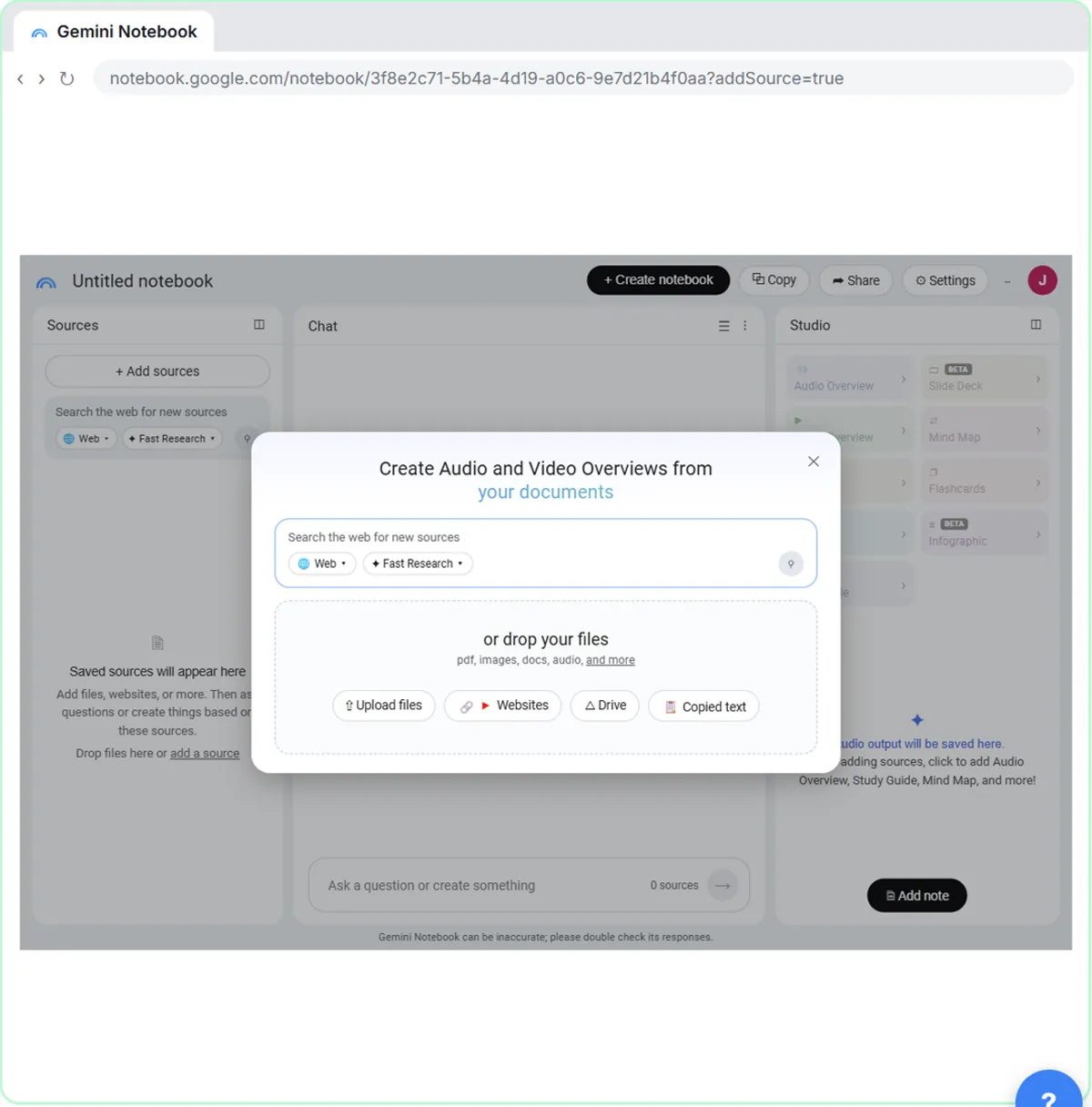 NotebookLM (Now Gemini Notebook): Cited Answers and a Briefing from Your Docs
Create a notebook, add a PDF, a Google Doc from Drive and a web page as sources, ask a question and check its citations, save the answer to a note, and turn it all into…
Free · Live ~7 min Beginner
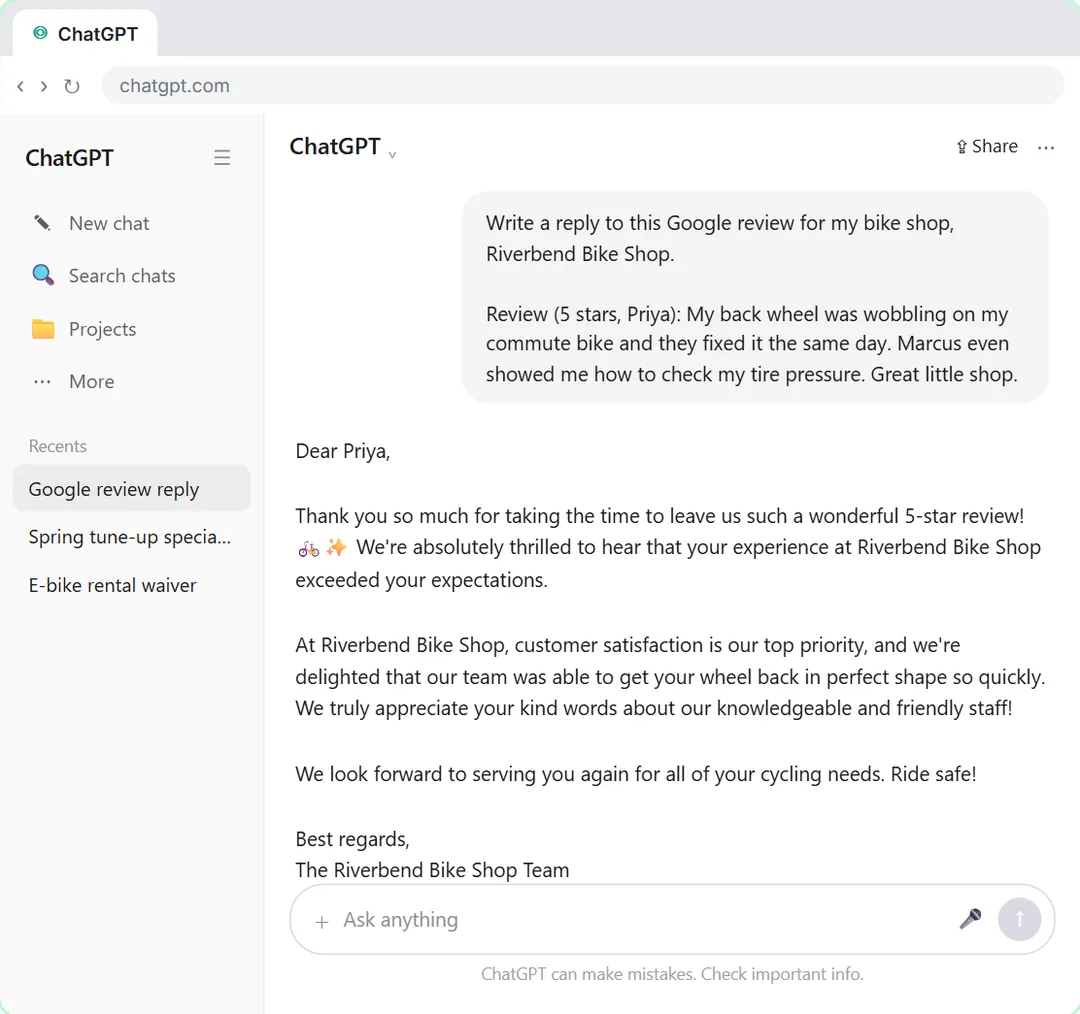 Give Examples: Few-Shot Prompts That Copy Your Style
Paste three of your real past replies into ChatGPT and get new Google review replies that sound like you, not like a template.
Free · Live ~6 min Beginner
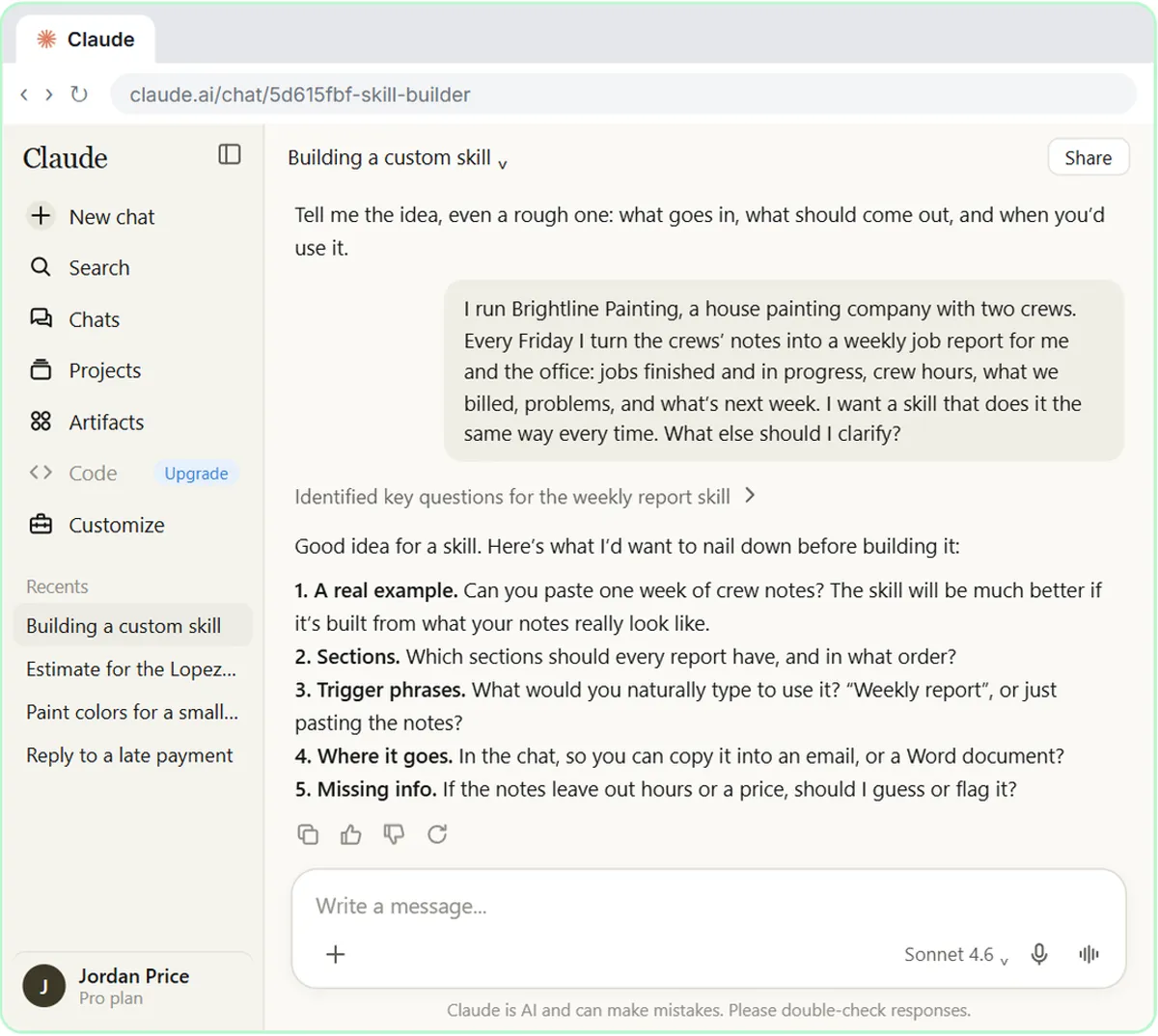 Build Your Own Claude Skill with the Skill Creator: A Weekly Report Template
Turn a report you make every week into a skill. Claude’s skill creator interviews you, drafts the skill, tests it and packages it. Then you use it on a real week…
Free · Live ~8 min Intermediate
Which free courses fit this job?
- Better Prompts: Turn vague AI answers into work you can send, with prompt habits that work in any assistant.
- Master ChatGPT for Work: Go from safe first chats to ChatGPT that knows your job, reads your files and runs multi-step work: data controls, memory, prompts, meeting minutes…
- AI at Work: Start Here: Use AI on real office work this week, without leaking client data.
- Give AI Your Company Knowledge: Point AI at your own documents so its answers come from your policies, not guesses: notebooks first, then a knowledge-base voice agent, an FAQ agent…
Practice it free, step by step
ChatGPT: Turn Rough Notes into a One-Page SOP in an Editable Document. Paste your messy notes, get a clean SOP in a document you can edit beside the chat, change one paragraph at a time, and check what the AI added. You do every step yourself in a practice copy of ChatGPT, it checks your work as you go, and “Do it for me” finishes any step you get stuck on. Free, and nothing touches your real accounts.
Start the free lessonMore templates for this job
Single prompts from the prompt library, each with a filled-in example and a checklist for the answer.
- Training quiz from SOP prompt: Turn an SOP or handbook page into a short quiz for new hires: scenario questions, believable wrong answers, and an answer key…
- First-week training plan prompt: Turn your SOPs into a day-by-day first-week plan for a new hire: learn, watch, do with help, then show it, with a trainer…
- Staff AI training plan prompt: Plan short AI training for your staff around tasks they already do each week: who learns what, practice on masked examples, and…
- Checklist from SOP prompt: Turn a written SOP into a short check-box list people tick while they work, with every safety step and number kept exactly as…
Prompts for other roles
Frequently asked questions
- Can AI build a whole training course?
- It can draft the outline, activities, quizzes and job aids from your source material. Accuracy, examples from real work and sign-off still come from your subject-matter experts.
- How do I stop it from making things up?
- Paste the source document and tell it to use only that content, then ask for a list of every claim with where it came from. Anything without a source gets checked or removed.