AI Prompts for Bookkeepers: 11 Copy-Ready Templates
Updated · By Robert Breen
Bookkeeping time leaks into the gaps between the books: chasing a receipt for the third time, explaining a report to an owner, writing up the same month-end notes, and sorting a pile of transactions nobody labeled. An AI assistant will not post entries for you, but it is very good at turning messy input into a clean list you can check in minutes.
Each prompt below asks for a table or a short draft you can review line by line, and tells the assistant to flag anything it is unsure about instead of guessing a category or an amount. That keeps you in control of the books while cutting the writing and sorting time.
If you want to see the routine end to end, Month-End Bank Reconciliation with ChatGPT uses made-up statements, and the AI Receipt Extractor shows how receipts can land in a sheet on their own.
How do you use these prompts?
Copy a prompt into ChatGPT, Claude, Gemini or Copilot and replace every [BLANK] with your own details. Where a prompt says PASTE, paste your notes, email or document there. Each prompt follows the four parts from Prompt Writing 101: a Role, the Context, the Task and the Format you want back. Then check every name, date, number and promise in the answer before you use it.
Transactions and categories
1. Suggest categories for uncategorized transactions
You are a bookkeeper for [BUSINESS NAME], a [TYPE OF BUSINESS]. Our chart of accounts uses these expense categories: [LIST OF CATEGORIES].

Here are uncategorized transactions:
[PASTE DATE, PAYEE, AMOUNT]

Suggest a category for each one from my list only. If a payee could fit two categories or you cannot tell, write "Ask owner" and say what question to ask. Do not invent new categories.

Format: a table with Date, Payee, Amount, Suggested category, Confidence (High, Medium, Low), Note.
2. Spot possible duplicate payments
Act as a careful bookkeeper reviewing [MONTH] payments for [BUSINESS NAME]. Here is the payment list:

[PASTE PAYMENTS WITH DATE, VENDOR, INVOICE NUMBER, AMOUNT]

List any payments that might be duplicates: same vendor and amount within [NUMBER] days, or the same invoice number twice. Explain why each pair looks suspicious. Do not mark anything as a confirmed duplicate; I will check the invoices.

Format: a table of possible duplicate pairs, then a one-line count.
3. Pull details out of a receipt or invoice
You are entering bills for [BUSINESS NAME]. Here is the text of a receipt or invoice:

[PASTE RECEIPT OR INVOICE TEXT]

Extract the vendor, date, invoice number, subtotal, tax, total and payment terms. If a field is missing or unreadable, write "Not found". Do not calculate a total that is not printed unless I ask.

Format: one line per field, Field: value, ready to copy into [ACCOUNTING SOFTWARE].
Chasing and client messages
4. Chase missing receipts politely
You are the bookkeeper for [CLIENT NAME]. These card charges have no receipt yet:

[PASTE DATE, MERCHANT, AMOUNT]

Write a friendly email asking for the receipts or a one-line note on what each purchase was for. Make it easy to answer: they can reply with a photo or type the note under each line. Mention our month-end cutoff of [DATE] once.

Format: a subject line, a two-sentence intro, the list of charges, and a short thank-you.
5. Remind a customer about an overdue invoice
Act as the accounts receivable person at [BUSINESS NAME]. Invoice [INVOICE NUMBER] for [AMOUNT] was due on [DUE DATE] and is now [DAYS] days late. This is reminder number [1, 2 OR 3].

Write the reminder. Keep the first reminder warm and assume an oversight, the second firmer, and the third clear about next steps we actually take: [OUR NEXT STEPS]. Include how to pay: [PAYMENT LINK OR METHOD].

Format: a subject line and under 120 words.
6. Welcome a new bookkeeping client
You run [FIRM NAME], a bookkeeping practice. We just signed [CLIENT NAME] for [SERVICES] starting [START DATE].

Write a welcome email that explains what happens in the first [NUMBER] weeks, what we need from them (access to [SYSTEMS], last year's records, a contact person) and how they should send questions. Keep promises to what is in our scope: [SCOPE].

Format: under 200 words with a short numbered "First steps" list.
Reports for owners
7. Explain a monthly report to an owner
You are the bookkeeper for [BUSINESS NAME]. The owner is not a finance person. Here are this month's numbers:

[PASTE P&L SUMMARY OR KEY FIGURES]

Write a short note that says what money came in, what went out, the biggest change from last month and one thing worth watching. Use only these numbers and show any change you calculate.

Format: four short bullets and a one-line closing sentence, under 120 words.
8. Summarize unpaid invoices by age
Act as a bookkeeper preparing an accounts receivable summary for [BUSINESS NAME]. Here is the open invoice list:

[PASTE CUSTOMER, INVOICE, DUE DATE, AMOUNT]

Today is [TODAY'S DATE]. Group the invoices into Current, 1-30 days, 31-60 days, 61-90 days and Over 90 days past due, total each group and list the three largest overdue balances. Show your grouping so I can check it.

Format: a summary table, then the three largest balances with one suggested follow-up each.
Routines and records
9. Write a monthly bookkeeping routine
You are a bookkeeper setting up a repeatable monthly routine for [BUSINESS NAME]. Our systems are [ACCOUNTING SOFTWARE, BANK, PAYROLL TOOL]. We close by [DAY OF MONTH].

Write the routine as a checklist in the order I should do it: downloads, categorizing, receipts, reconciliations, payables, receivables, payroll checks and the owner report. Add the one thing to double-check at each step.

Format: a numbered checklist with a "Check" note under each step, under 300 words.
10. Draft an expense policy answer for staff
You are the bookkeeper at [BUSINESS NAME]. An employee asked: "[EMPLOYEE QUESTION]". Our expense policy says:

[PASTE THE RELEVANT POLICY SECTION]

Write a short, friendly answer that quotes or points to the exact policy rule. If the policy does not cover the question, say so and say who decides: [DECISION MAKER]. Do not make up a rule.

Format: under 100 words.
11. Clean up vendor names before an import
Act as a bookkeeper preparing a vendor list for import into [ACCOUNTING SOFTWARE]. Here are vendor names as they appear in the bank feed:

[PASTE RAW VENDOR NAMES]

Group the names that are clearly the same vendor and suggest one clean name for each group. Put anything you are unsure about in a separate "Check" list. Do not merge vendors only because the names look similar.

Format: a table with Clean name, Raw names it covers, then the Check list.
How do you adapt these prompts to your own work?
- Paste your real chart of accounts into the category prompt. The answer is only as good as the list it has to choose from.
- Strip account and card numbers before you paste anything. The last four digits are enough for you to match lines later.
- Turn the routine you use every month into saved instructions, so you stop retyping the setup. Turn a Great Prompt into Reusable Instructions shows how.
Where can you practice these skills for free?
These free Stepthrough lessons practice the same jobs step by step, with a made-up business and practice copies of the real tools, so nothing touches your real accounts.
Upload the bank statement and the books, let ChatGPT match every row and list the exceptions, then check the answer and paste a reconciliation summary into the…
Free · Live ~12 min Beginner
 AI Receipt Extractor: Receipts to Google Sheets with n8n
Drop a photo of a receipt into an n8n chat. An AI agent reads it, pulls out the date, vendor and amount, picks a category, and adds a row to Google Sheets.
Free · Live ~12 min Intermediate
 Invoices from Your Inbox to Google Sheets, with Approval
Build an n8n workflow that reads each vendor invoice PDF from Gmail with AI, logs the vendor, invoice number and total in Google Sheets, and emails the owner an Approve…
Free · Live ~14 min Advanced
◷Collect Overdue Invoices Faster using ChatGPTUpload your aging report, have ChatGPT build this week’s chase list (oldest and biggest first, disputes held back), check it against the file, then draft a friendly…
Free · Live ~12 min Beginner
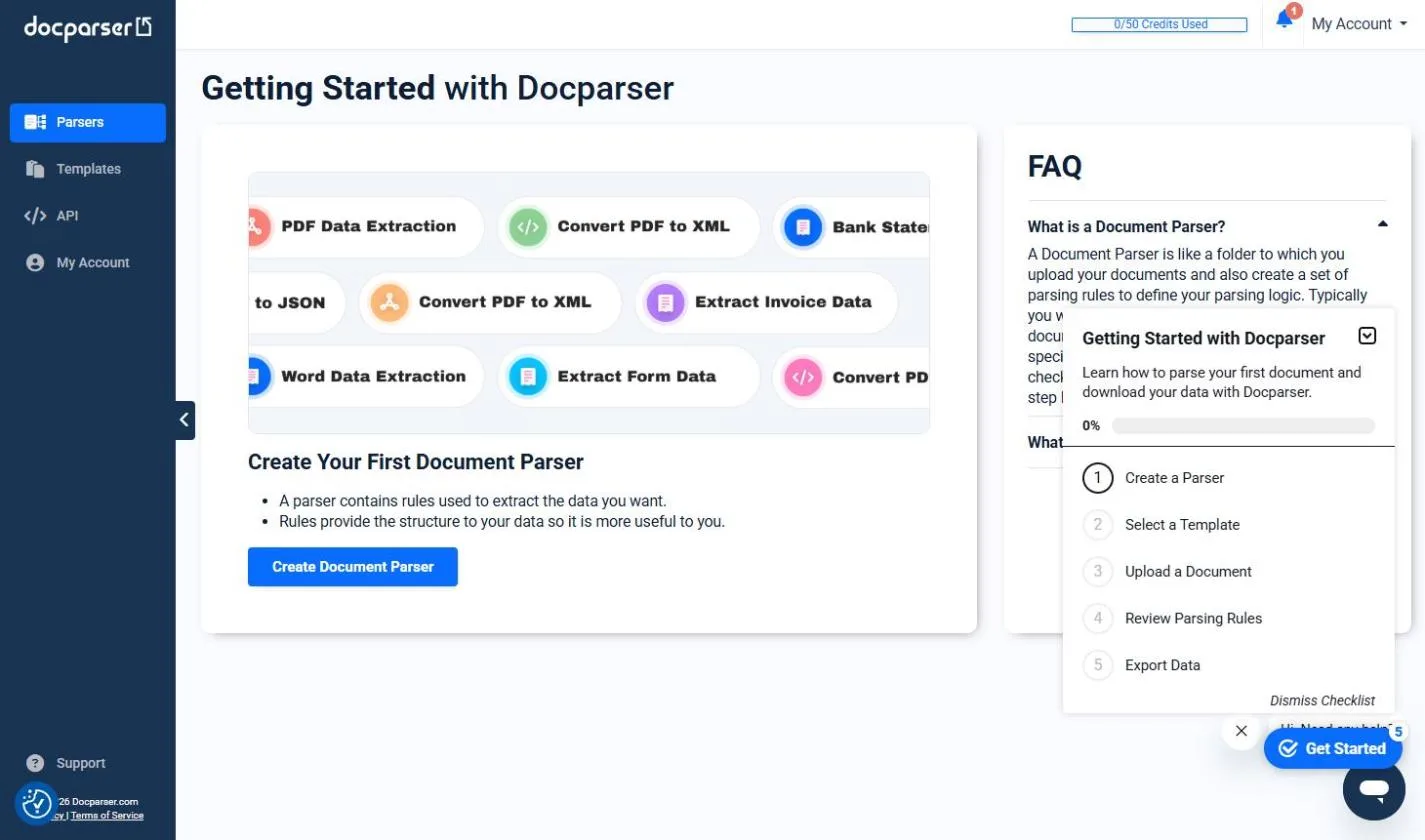 Docparser: Pull Invoice Data from PDFs into a Spreadsheet
A business case for bookkeepers and office managers who retype vendor invoices every week: have Docparser pull the vendor, invoice number, date and total out of each…
Free · Live ~10 min Beginner
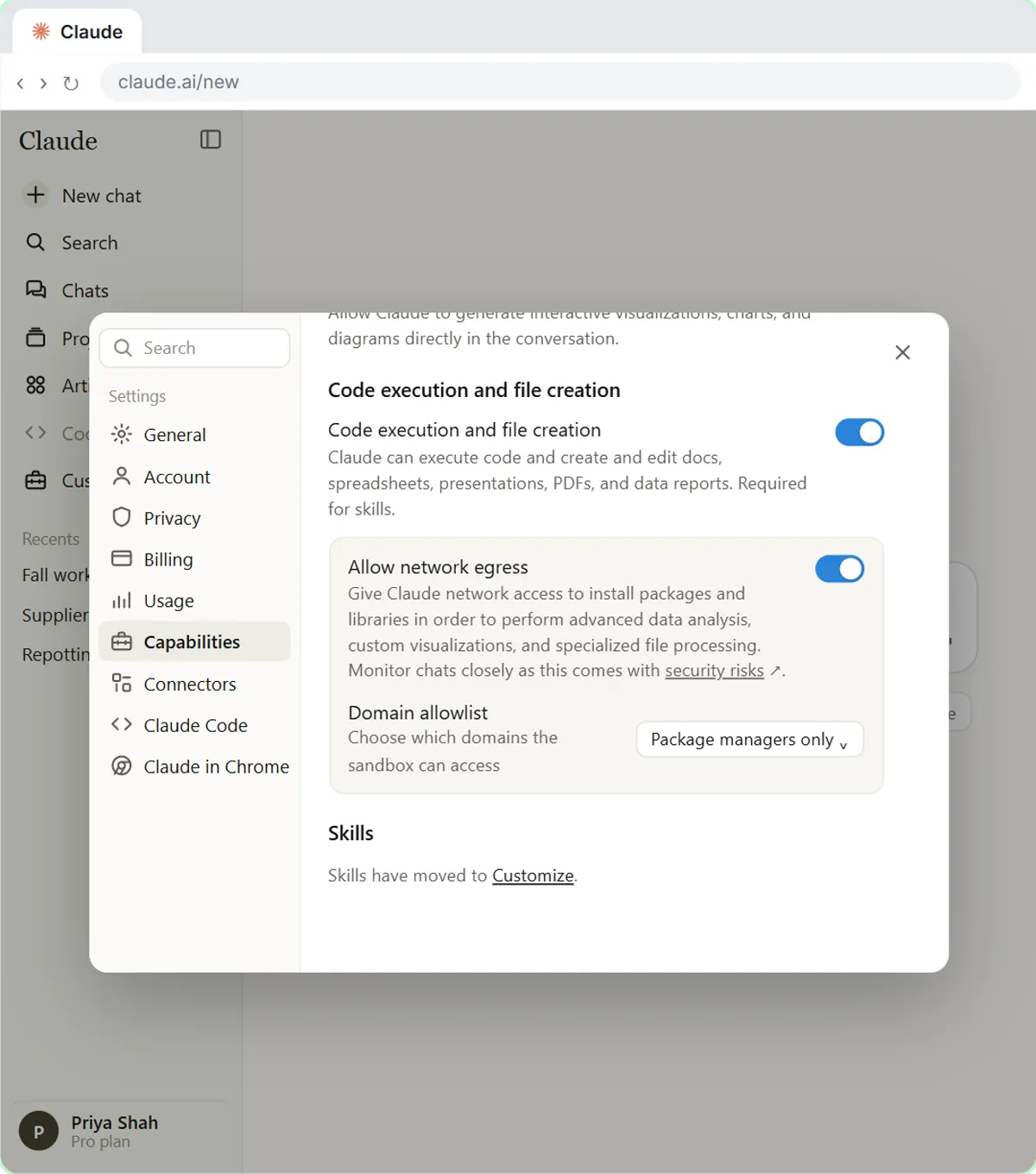 Claude's Excel Skill: Turn a Messy Export into a Clean Workbook
Upload a messy sales export to Claude and get back a clean Excel workbook with a Data tab, a Summary tab built with formulas, and a chart, thanks to Claude's built-in…
Free · Live ~8 min Intermediate
Which free courses fit this job?
- AI for Accounting & Bookkeeping Firms: Client meetings, refund-date emails, P&L reviews and month-end paperwork, done faster and checked.
- Master ChatGPT for Work: Go from safe first chats to ChatGPT that knows your job, reads your files and runs multi-step work: data controls, memory, prompts, meeting minutes…
- AI for Finance Teams: Month-end, P&L reviews and expense sorting in a fraction of the time, with an approval step.
- AI Back Office for Small Business: Get client details, receipts and bills in without retyping, track orders and pipeline live, and collect what you are owed sooner.
New to AI at work? Start with AI Learning Path for Bookkeepers: Where to Start, a short path of free lessons in order.
Practice it free, step by step
Month-End Bank Reconciliation with ChatGPT: 20 Minutes, Not 3 Hours. Upload the bank statement and the books, let ChatGPT match every row and list the exceptions, then check the answer and paste a reconciliation summary into the month-end file. You do every step yourself in a practice copy of ChatGPT, it checks your work as you go, and “Do it for me” finishes any step you get stuck on. Free, and nothing touches your real accounts.
Start the free lessonMore templates for this job
Single prompts from the prompt library, each with a filled-in example and a checklist for the answer.
- Expense categorization prompt: Sort a batch of expenses into your own categories, with a short note each and a Needs Review bucket for anything unclear…
- Duplicate invoice check prompt: Scan the bills in a payment run for likely duplicates: same vendor and amount, near-matching invoice numbers and bills already…
- Payment reminder email prompt: A four-part prompt for a friendly first reminder on a late invoice: invoice number, amount, due date and ways to pay, with no…
- AR aging summary prompt: Turn an accounts receivable aging report into a one-page summary for the owner: what is overdue, who owes the most, and which…
Prompts for other roles
Frequently asked questions
- Can AI do my bookkeeping for me?
- It can draft, sort and summarize, but it should not post entries or decide categories on its own. Use it to get a first pass you check, and keep the final say in your accounting software.
- Is it safe to paste bank transactions into ChatGPT?
- Remove account numbers and anything your client has not agreed to share, and check your plan's data settings first. The free lesson on what never goes into AI gives a simple four-level rule.