The Stepthrough blog: page 2
Updated
Practical, plain-English guides to using AI at work: better prompts, email replies you can trust, and automations that do the busywork. Every post points to a free lesson where you build it yourself, one click at a time.
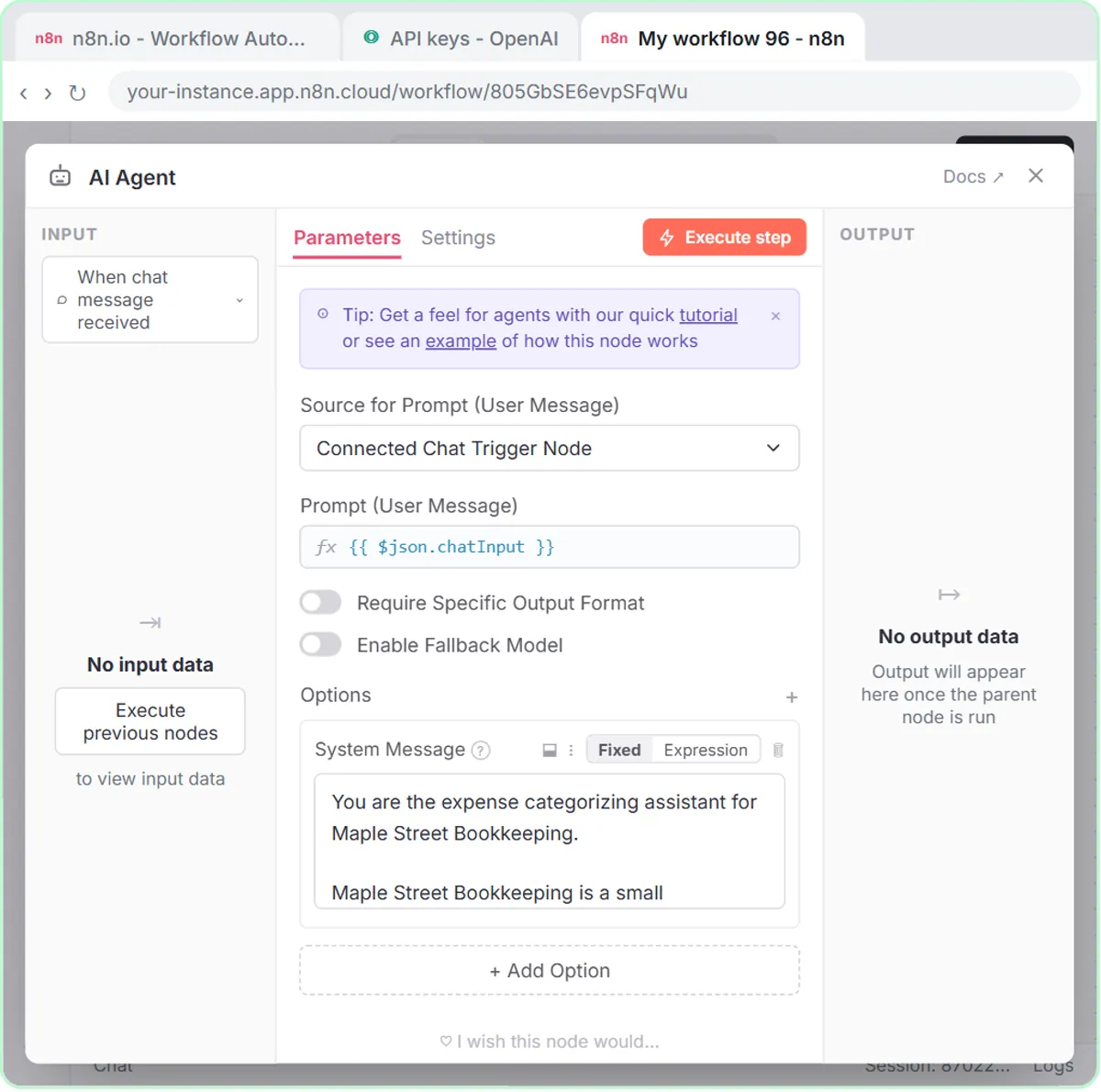 Categorize Business Expenses with AI: A Year-End Cleanup
Categorize business expenses with AI: an n8n agent sorts each one into a fixed list, flags unclear ones as Needs Review and logs them for a bookkeeper.
Nov 3, 2026 6 min read
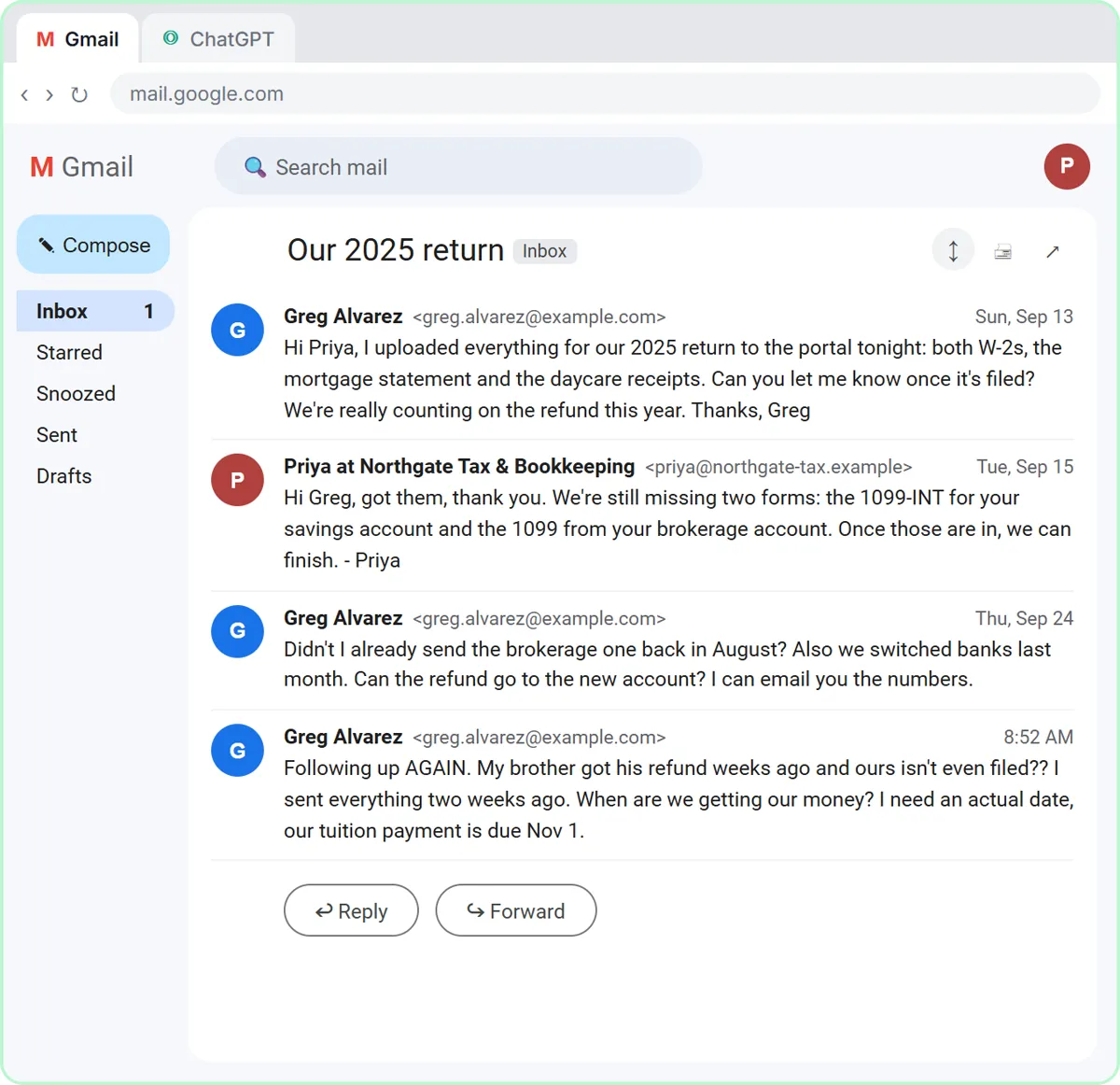 Reply to "When Will I Get My Refund?" Without Guessing
How tax and bookkeeping firms answer clients who want a refund date: say what you control, who decides the rest, and use ChatGPT without promising a date.
Nov 2, 2026 6 min read
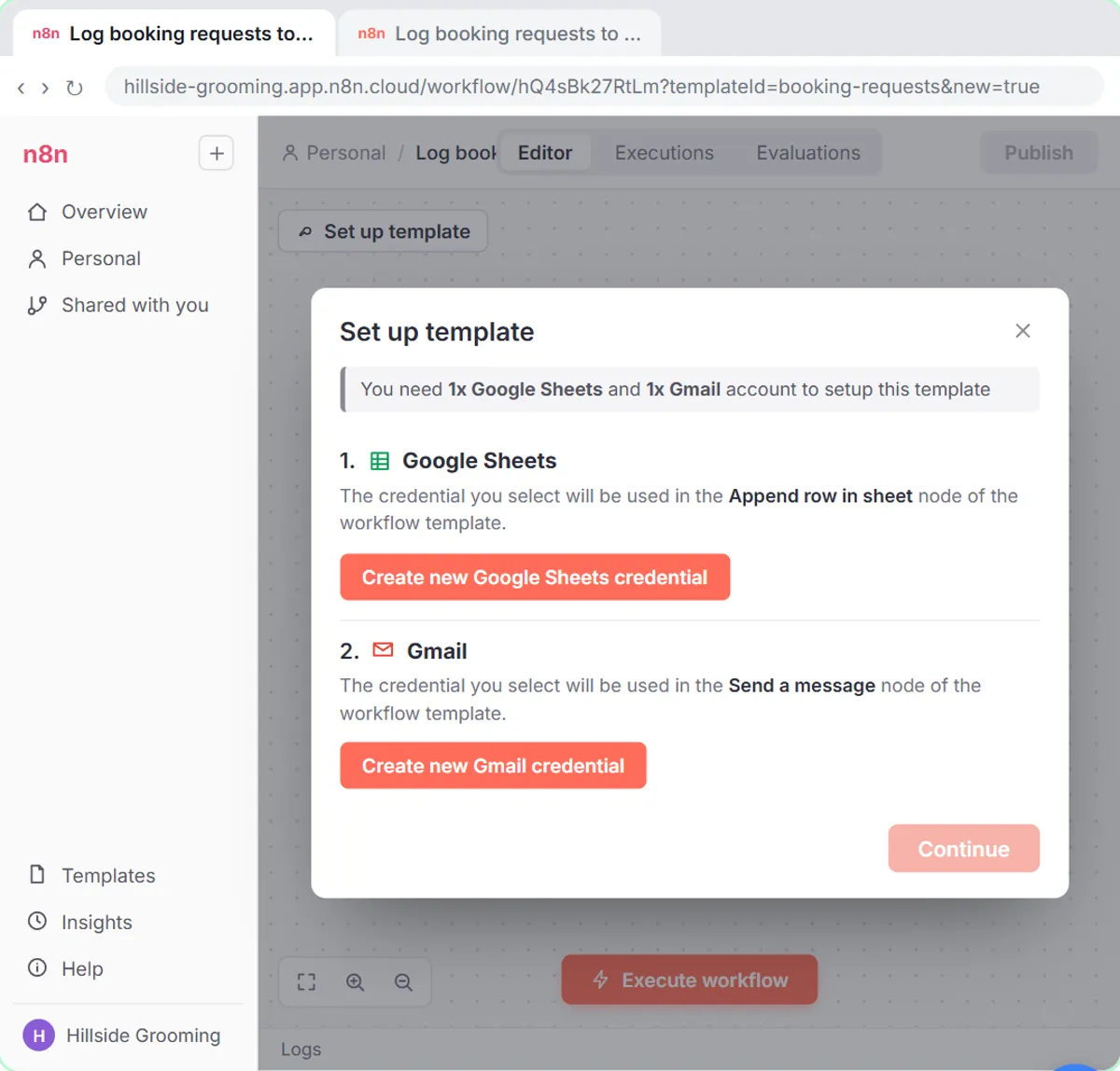 How to Connect Google Sheets and Gmail to n8n
Connect Google Sheets to n8n step by step: Sign in with Google, the permission boxes, a separate Gmail credential, picking your sheet, and the usual snags.
Nov 1, 2026 6 min read
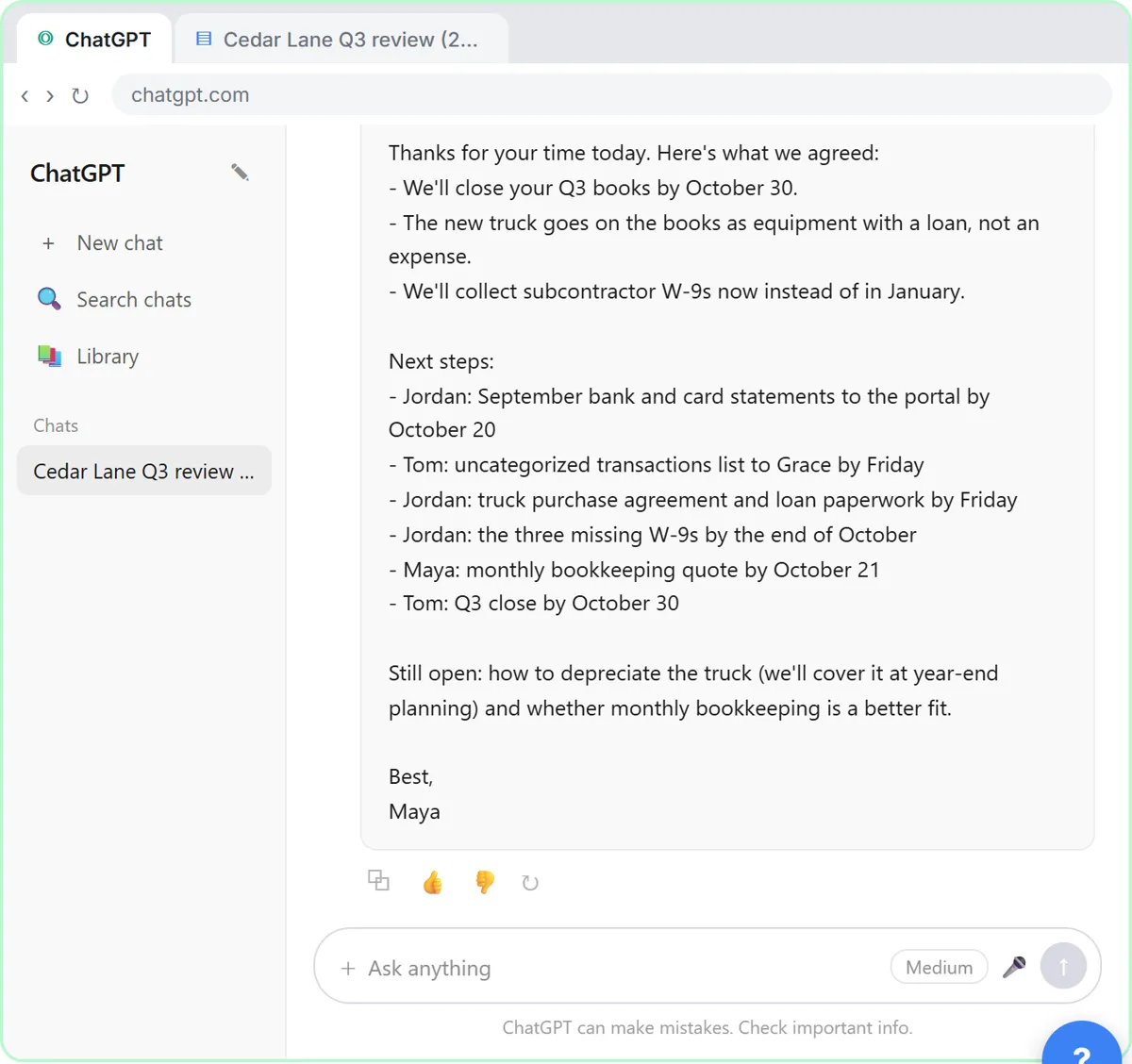 Year-End Bookkeeping Checklist for Your Clients
A year-end bookkeeping checklist for clients: statements, uncategorized transactions, purchase paperwork and W-9s, with owners and dates set in ChatGPT.
Oct 31, 2026 7 min read
 Frontend vs Backend, Explained with a Lovable Form
The frontend is what people see and click; the backend receives the data and does the work. A plain-English guide using a Lovable form and an n8n workflow.
Oct 30, 2026 5 min read
 Canned Responses vs AI Replies: When to Use Each
Canned responses are saved replies for repeat questions; AI replies are written fresh from your facts. When each works best and how to combine them.
Oct 29, 2026 6 min read
 Automatic Confirmation Emails for Form Submissions
What an automatic confirmation email for a form submission should say, fixed vs AI-written confirmations, and how to set one up and test it with n8n.
Oct 28, 2026 6 min read
 What Does Publish Mean in n8n? Test vs Publish, Explained
Publishing an n8n workflow makes it run on its own when its trigger fires. How Publish differs from Execute workflow, and what to check before clicking it.
Oct 27, 2026 5 min read
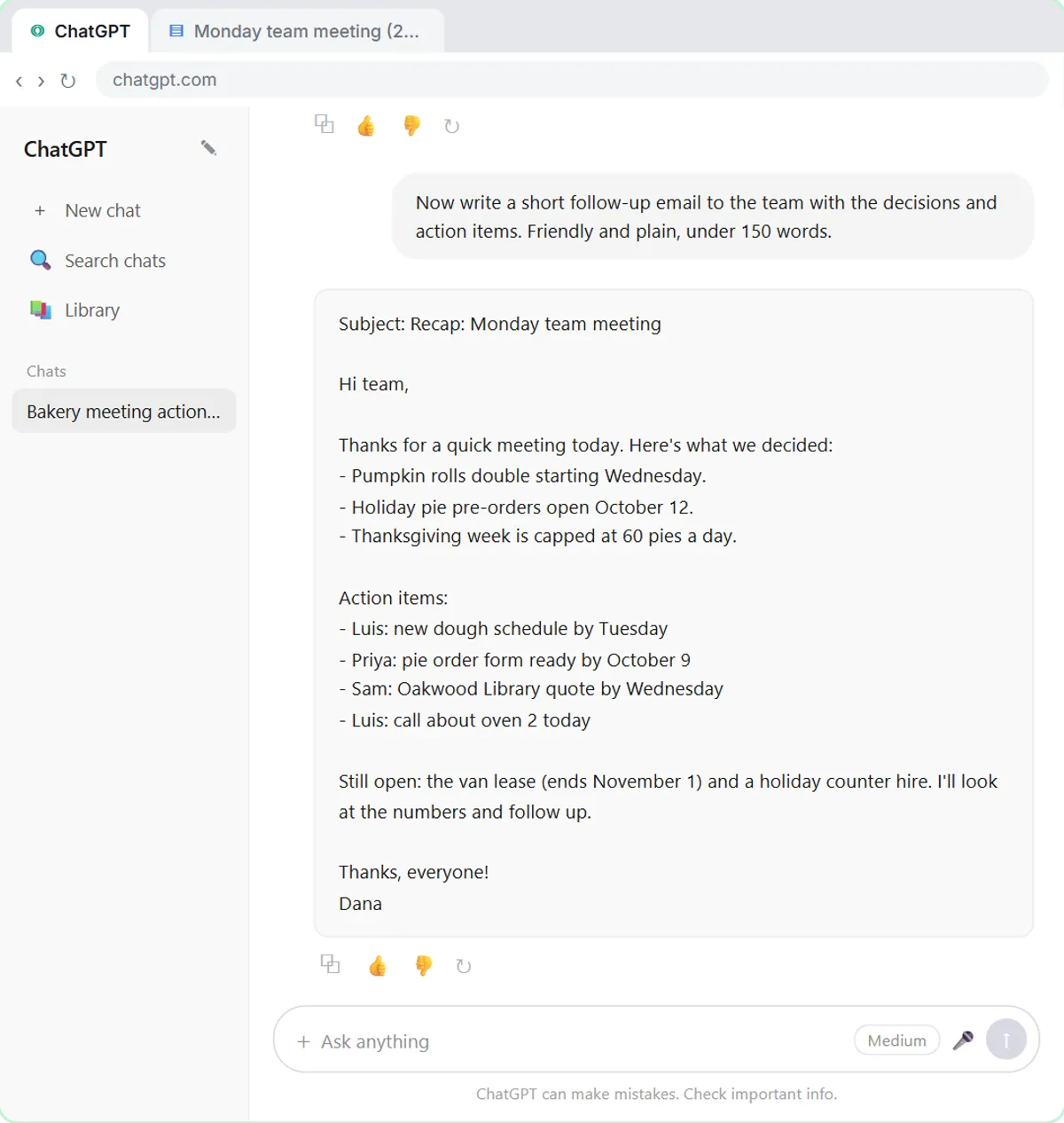 AI for Office Managers: A Week of Tasks, Mapped
AI for office managers: a normal work week mapped to free lessons, from Monday's meeting recap to inbox drafts and receipts, plus one set of office rules.
Oct 26, 2026 6 min read
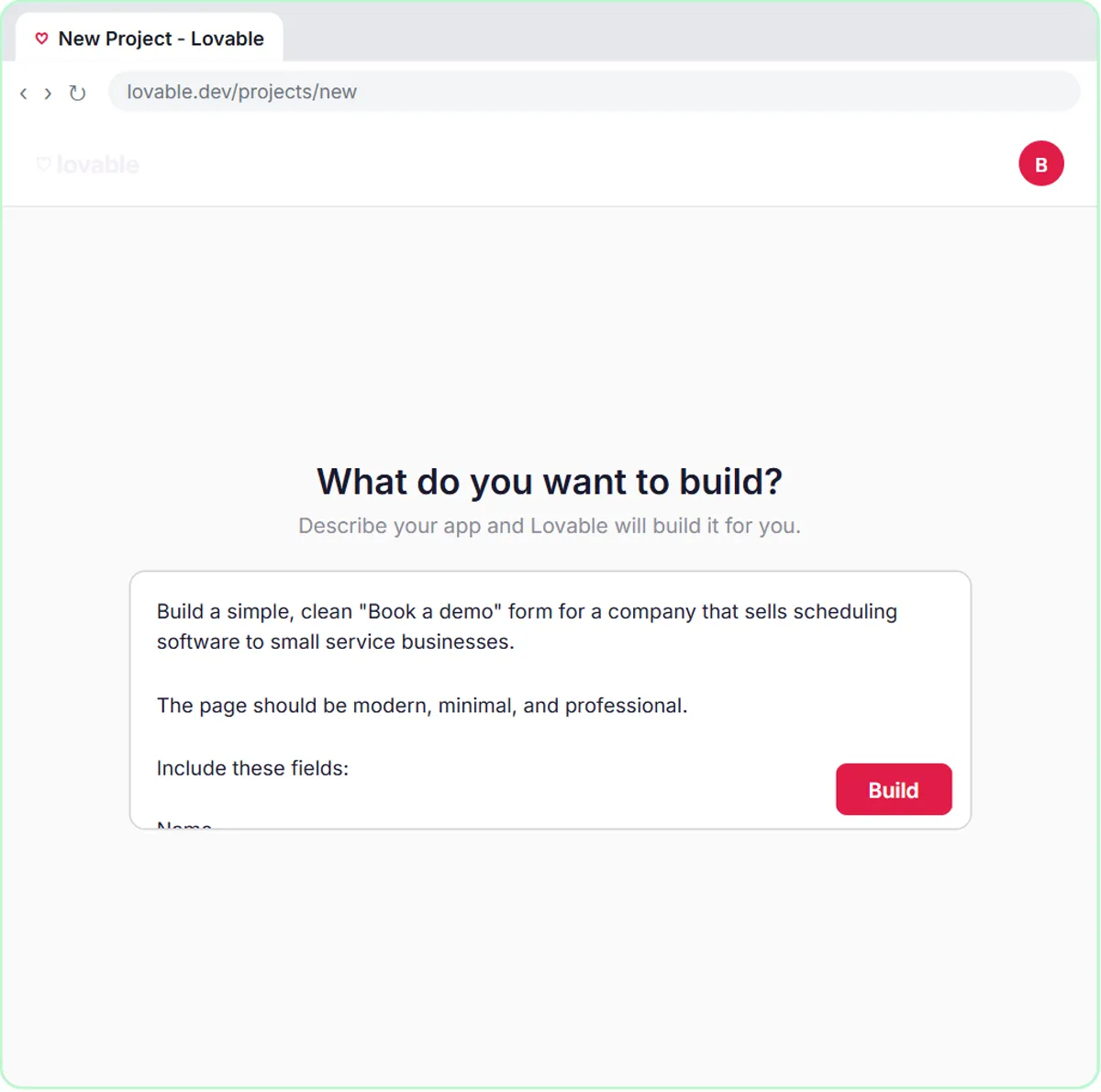 What Is Speed to Lead? Reply to Every Demo Request Fast
Speed to lead is the time from a new inquiry to a real reply. What it means, why it matters, and a free form-to-AI-reply build with Lovable and n8n.
Oct 25, 2026 6 min read
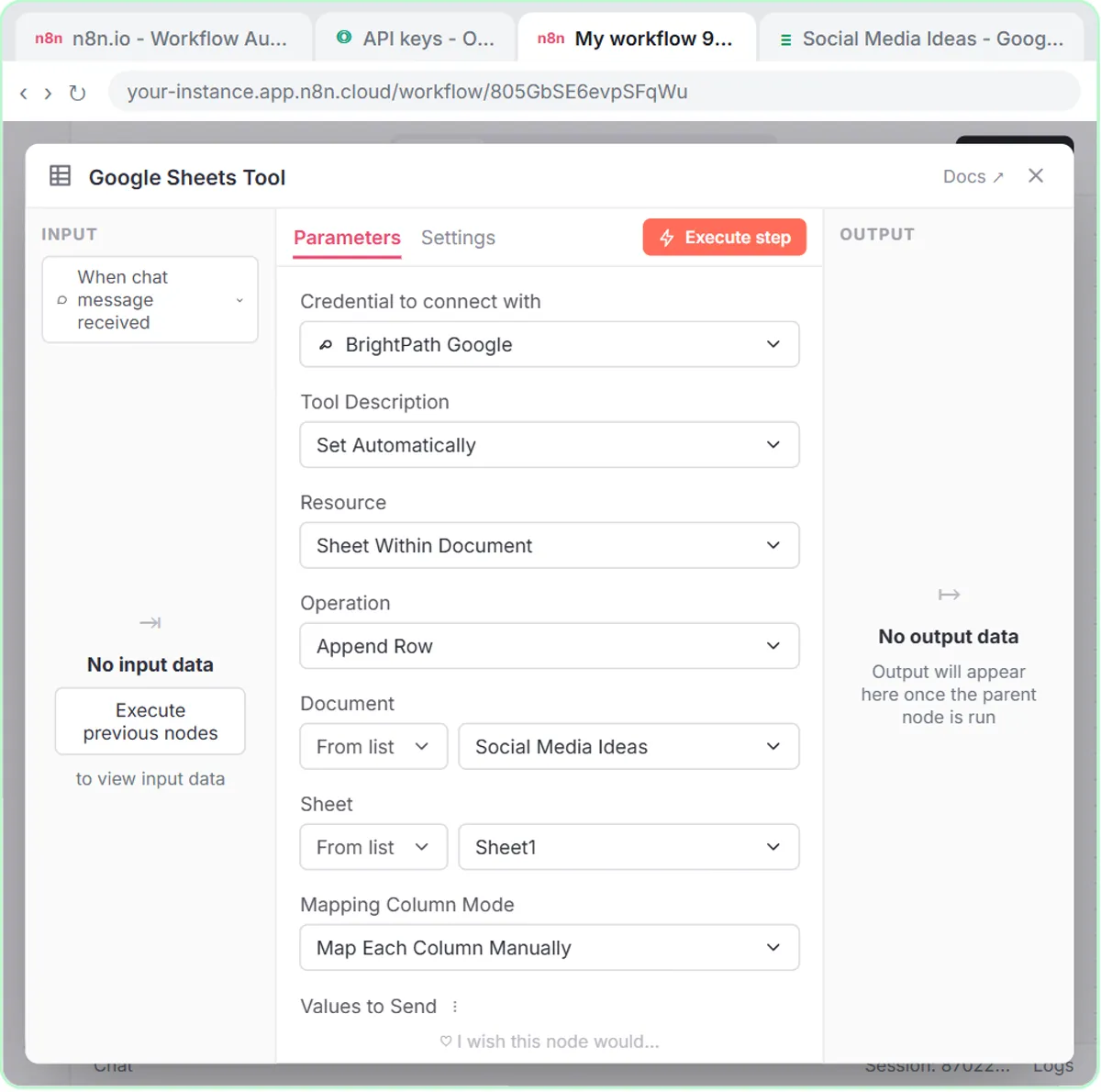 n8n Defined Automatically by the Model, Explained
What "defined automatically by the model" means in n8n tools, when to click the sparkle button, and when a fixed expression is the safer choice.
Oct 25, 2026 6 min read
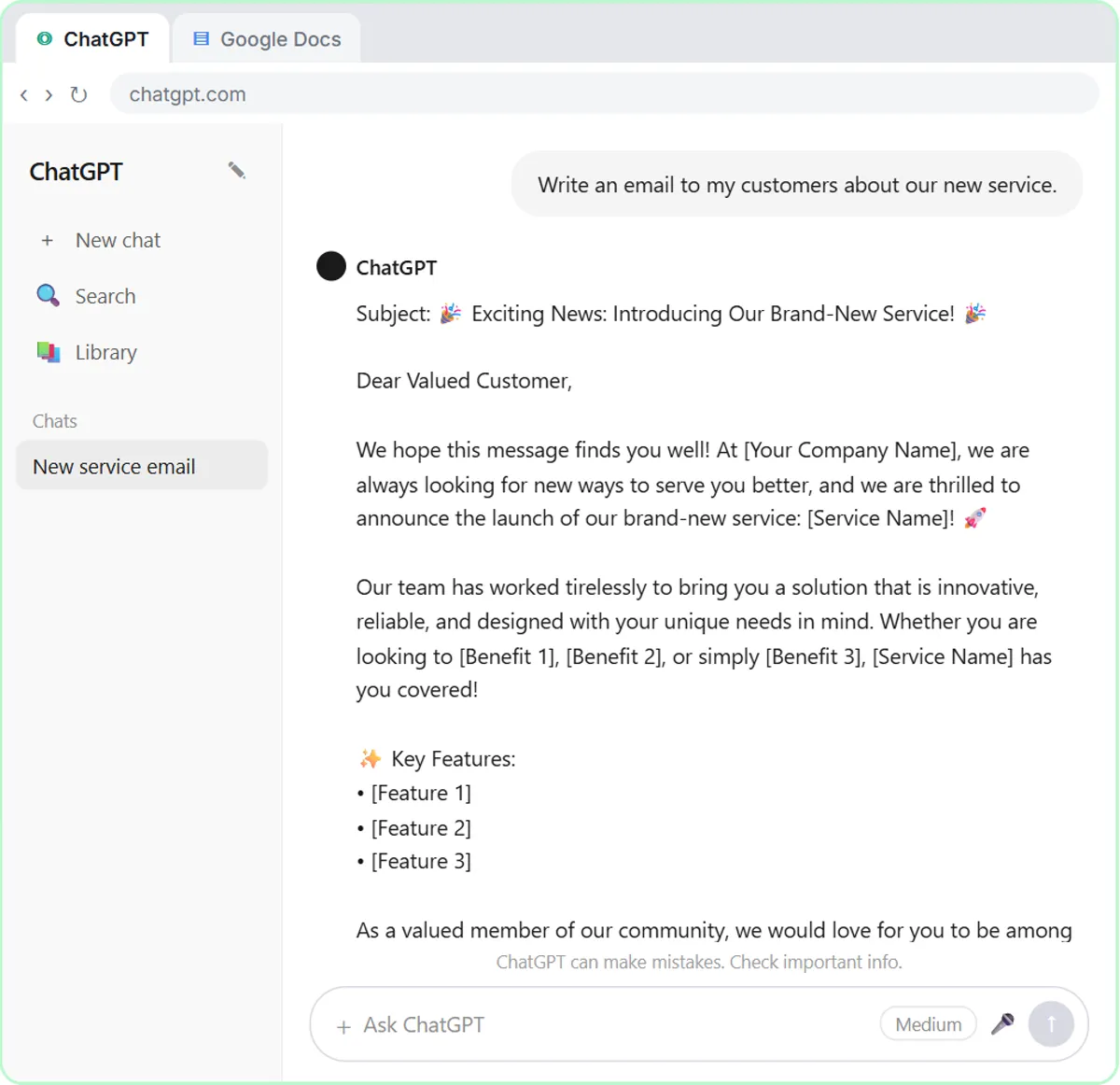 How to Write an SOP with ChatGPT (Prompt and Template)
Record someone explaining the task, paste the transcript, and ask ChatGPT for numbered steps with owners and checks. A prompt that doesn't invent steps.
Oct 24, 2026 6 min read
All free tutorials · The full course, in order
How every module works
Each step is shown on the left, with a cursor pointing to exactly where to click. You do the same thing on the right, in a practice copy of the real tool. Get it right and it moves on. Nothing touches your real accounts until you're ready to build it for real.
Start learning free