The Stepthrough blog: page 13
Updated
Practical, plain-English guides to using AI at work: better prompts, email replies you can trust, and automations that do the busywork. Every post points to a free lesson where you build it yourself, one click at a time.
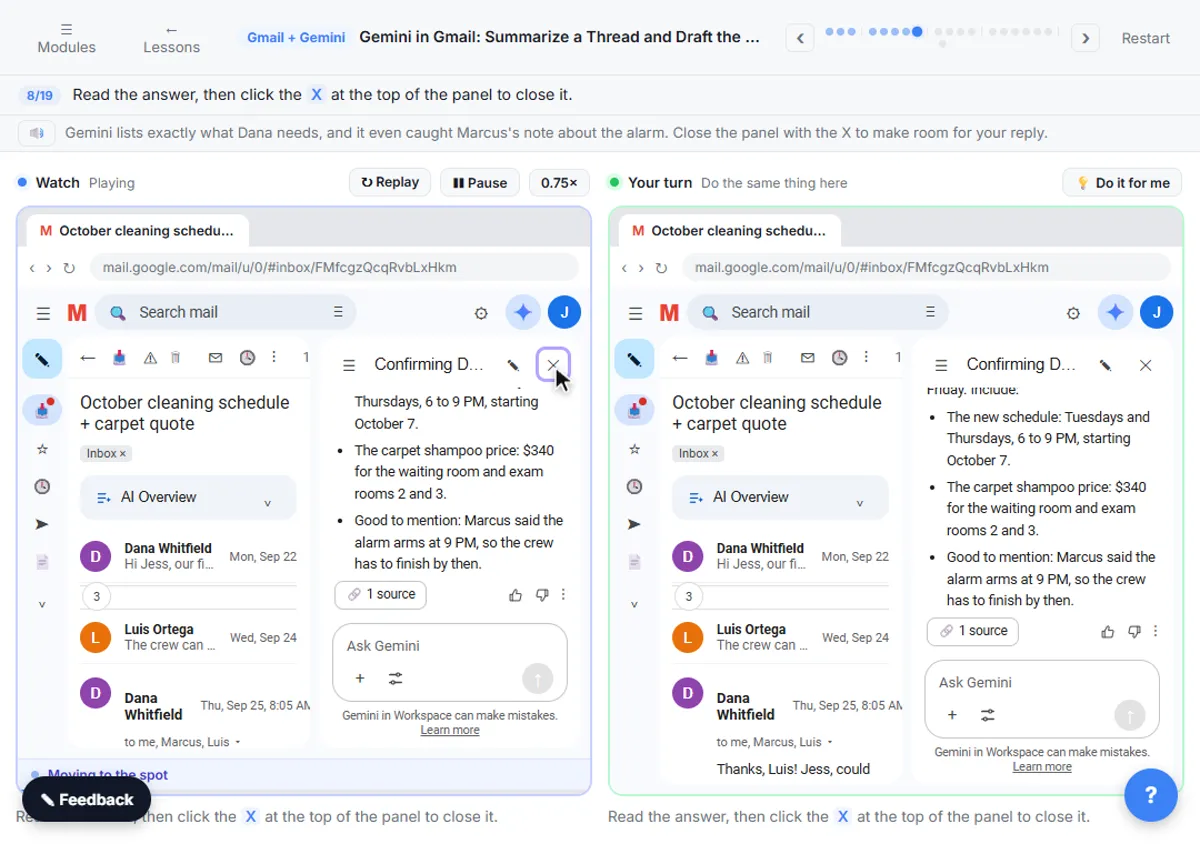 Gemini in Gmail for Executive Assistants: 6 Daily Uses
How executive assistants can use Gemini in Gmail to catch up on threads, pull out what's owed, draft replies in the exec's voice and check before sending.
Oct 20, 2026 5 min read
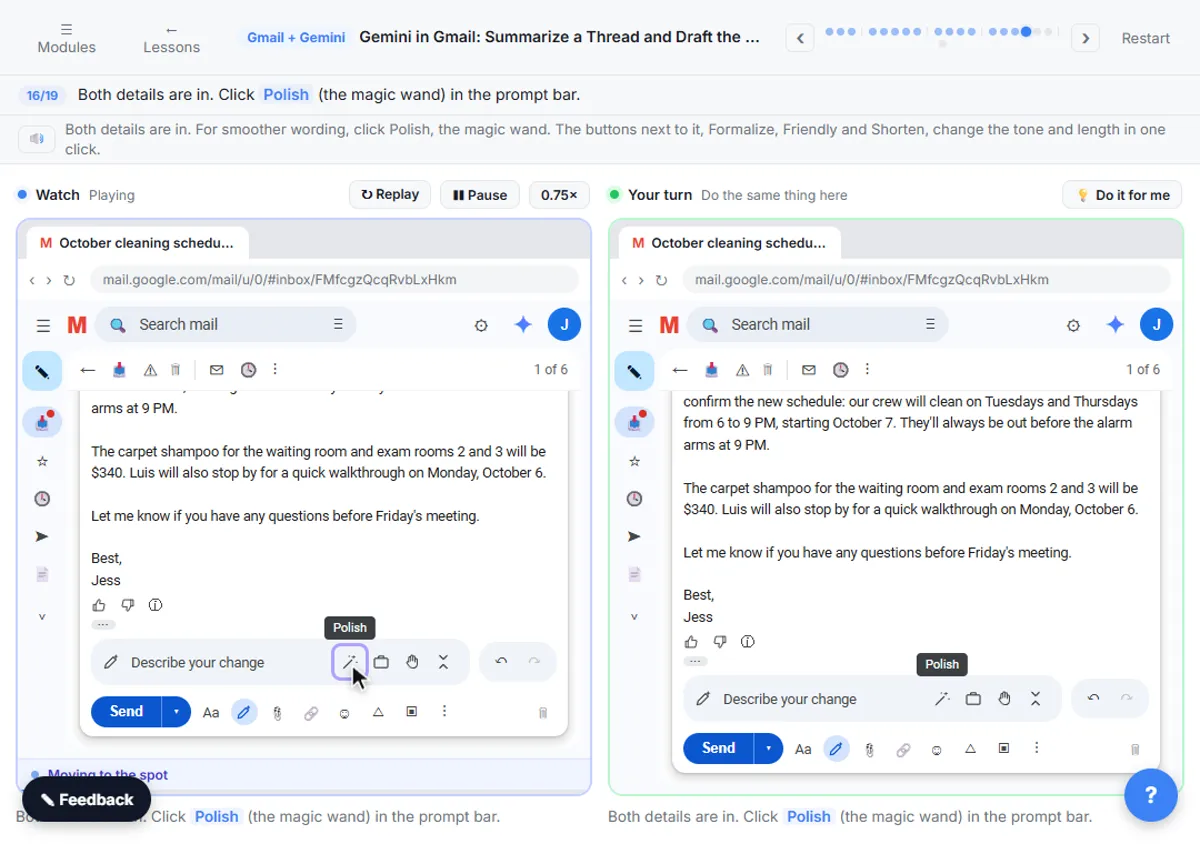 Gemini in Gmail Mistakes: 7 to Avoid Before You Send
Seven Gemini in Gmail mistakes, from replying off the summary alone to sending an unchecked draft, with the fix for each from a free hands-on lesson.
Oct 20, 2026 5 min read
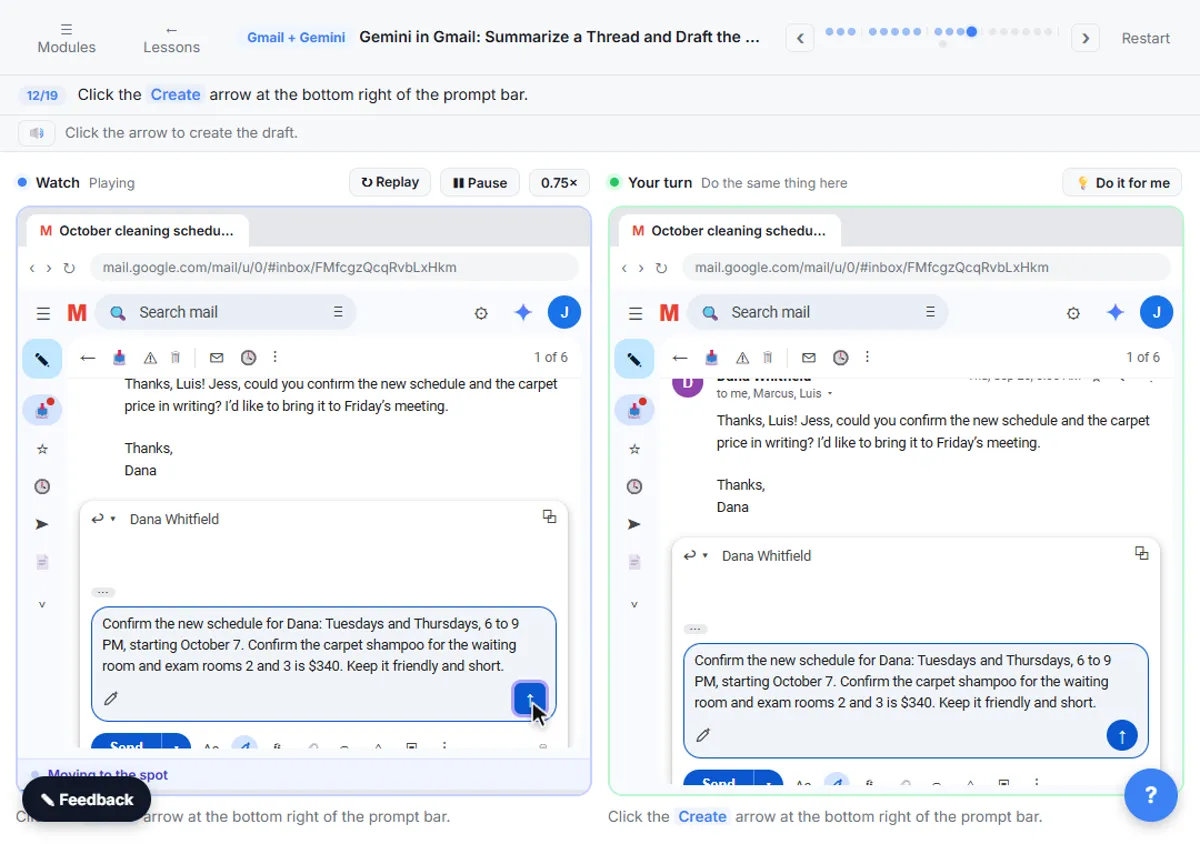 Gemini in Gmail Prompts: 15 for Summaries and Replies
15 copy-paste Gemini in Gmail prompts: questions for the side panel, Help me write prompts for replies, and change requests that fix a draft.
Oct 20, 2026 5 min read
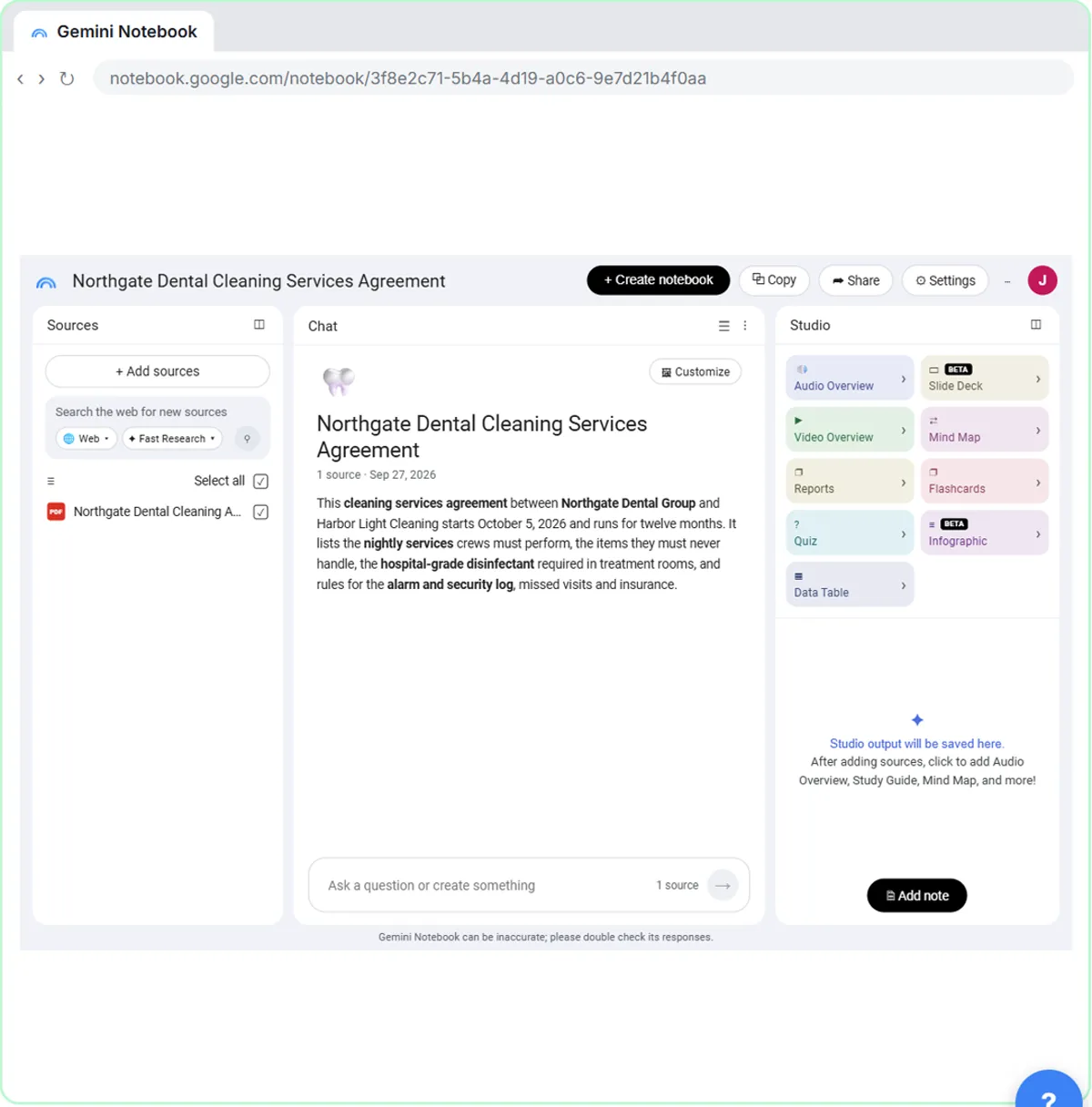 NotebookLM for Paralegals: 6 Cited Uses for Case Documents
How paralegals can use NotebookLM (Gemini Notebook) for cited answers from documents: duties, deadlines, clashes, chronologies and briefings.
Oct 20, 2026 5 min read
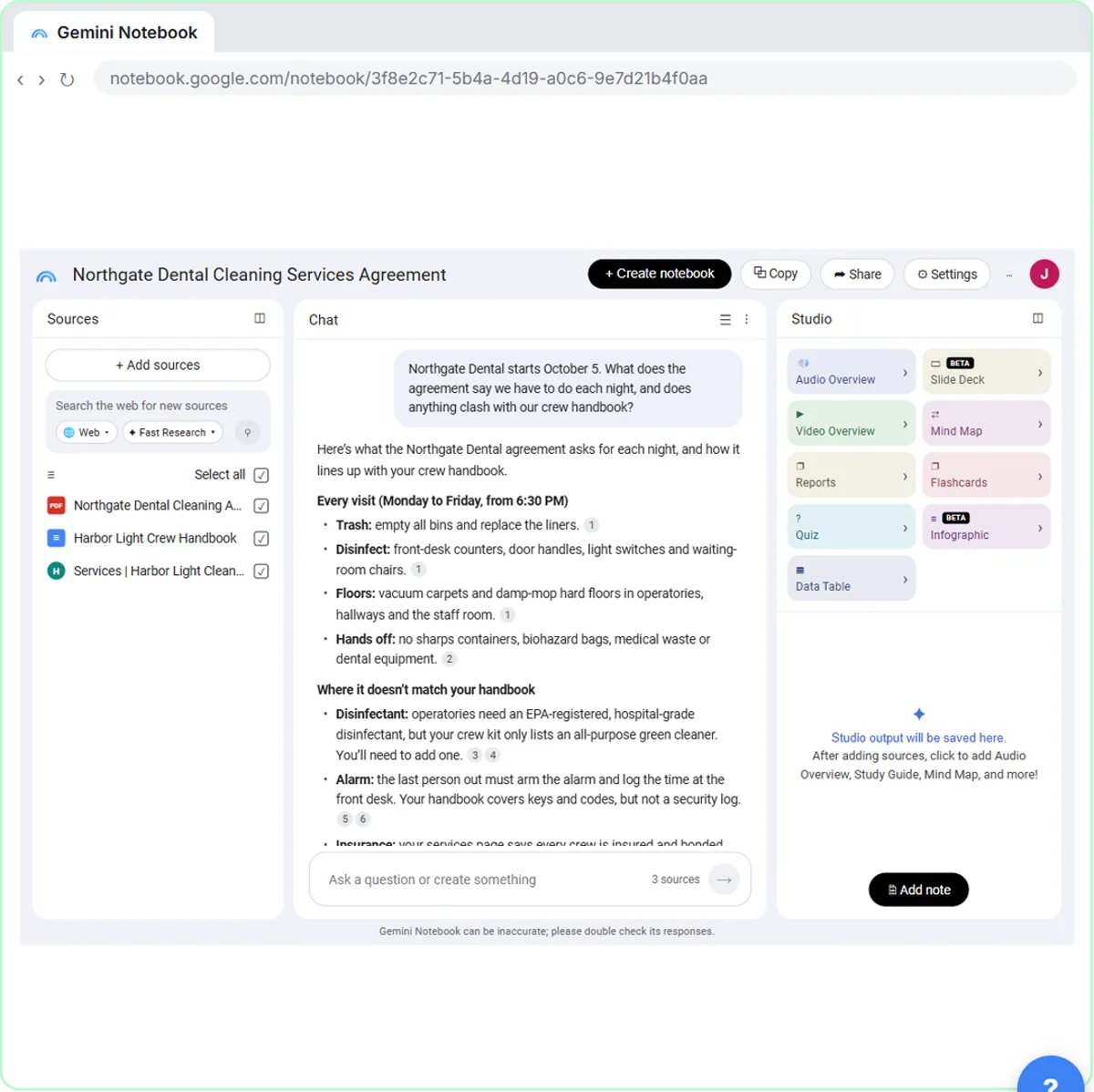 NotebookLM Prompts: 15 for Contracts, Policies and Briefs
15 copy-paste NotebookLM (Gemini Notebook) prompts for work documents: contract duties, policy clashes, cited answers, briefing docs and checks.
Oct 20, 2026 5 min read
✎Gemini Deep Research Mistakes: 7 to Avoid Before a MeetingSeven Gemini Deep Research mistakes, from skipping the plan to quoting a number you never traced, with the fix for each from a free hands-on lesson.
Oct 20, 2026 5 min read
✎Gemini Deep Research Prompts: 13 for Meeting Briefs13 copy-paste Gemini Deep Research prompts for client meetings, sales calls and planning, plus follow-ups to fix the plan and check the sources.
Oct 20, 2026 6 min read
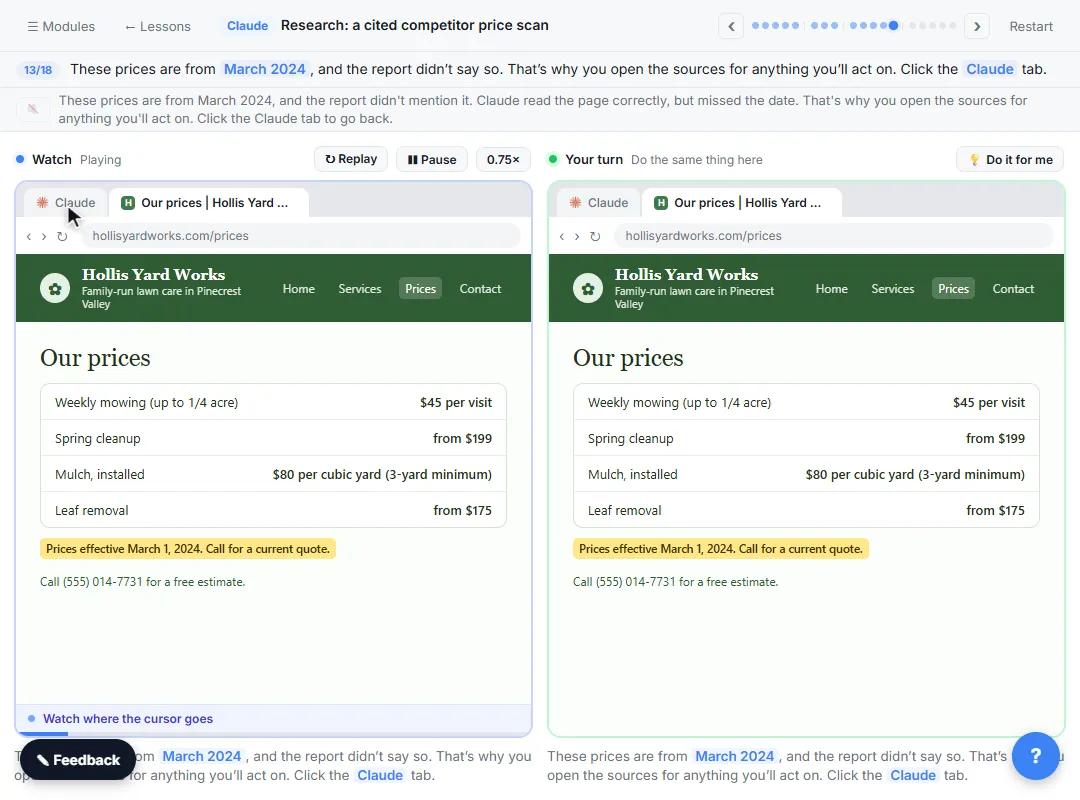 Claude Research Mistakes: 7 Ways Cited Reports Go Wrong
Seven Claude Research mistakes, from vague requests to trusting citations you never opened, with the fix for each from a free hands-on lesson.
Oct 20, 2026 5 min read
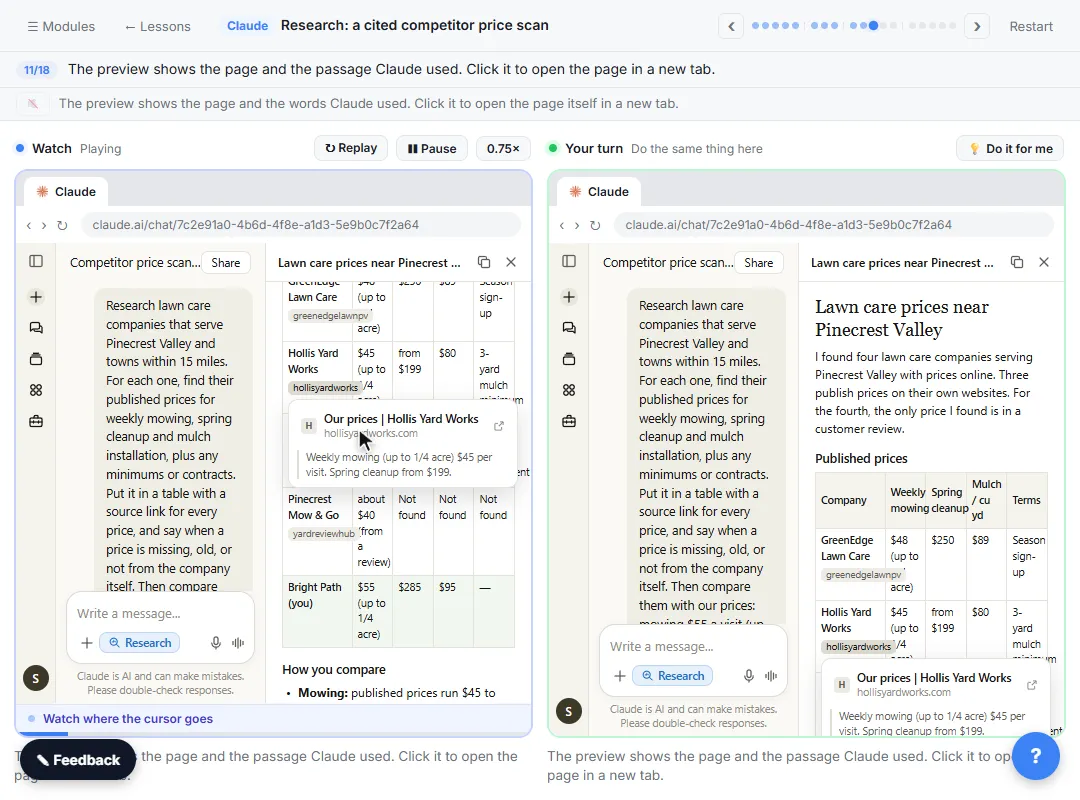 Claude Research Prompts: 14 for Cited Business Reports
14 copy-paste Claude Research prompts for cited business reports: competitor prices, vendor scans, market questions and follow-ups that check sources.
Oct 20, 2026 6 min read
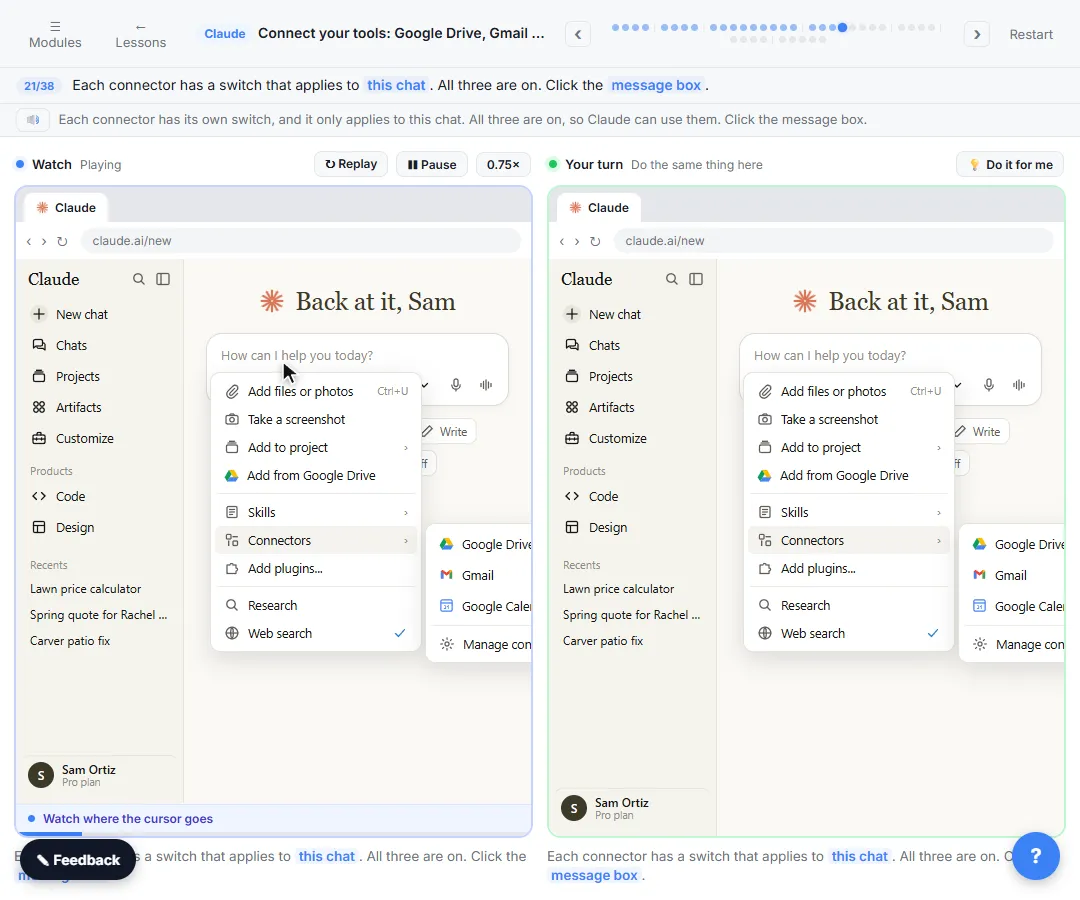 Claude Connectors Mistakes: 7 Permission Errors to Avoid
Seven Claude connectors mistakes with Google Drive, Gmail and Calendar, from Always allow on everything to the wrong account, with a safe fix for each.
Oct 20, 2026 5 min read
 Claude Projects Mistakes: 7 Setup Errors and Fixes
Seven Claude Projects mistakes that cause wrong quotes and off-tone replies, from vague instructions to fixing chats instead of rules, with a fix for each.
Oct 20, 2026 5 min read
 Claude Projects Prompts: 15 for Instructions and Chats
15 copy-paste prompts for Claude Projects: write project instructions, set up knowledge files, start chats that use them and fix replies at the source.
Oct 20, 2026 6 min read
All free tutorials · The full course, in order
How every module works
Each step is shown on the left, with a cursor pointing to exactly where to click. You do the same thing on the right, in a practice copy of the real tool. Get it right and it moves on. Nothing touches your real accounts until you're ready to build it for real.
Start learning free