The Stepthrough blog: page 5
Updated
Practical, plain-English guides to using AI at work: better prompts, email replies you can trust, and automations that do the busywork. Every post points to a free lesson where you build it yourself, one click at a time.
Mistakes that break an n8n onboarding tracker agent, from pasting bank details to mismatched column headers and the wrong Sheets operation.
Oct 21, 2026 6 min read
✎OLVA Client Meetings: 7 Mistakes to AvoidOLVA mistakes in accounting client meetings: no context, the whole return uploaded, no consent, tax answers on the spot and an unread handoff.
Oct 21, 2026 5 min read
✎OLVA Client Meetings FAQ: Contexts, Follow-up, HandoffPlain answers about OLVA in accounting client meetings: contexts, Follow-up questions, agenda coverage, Live insight and the preparer handoff.
Oct 21, 2026 5 min read
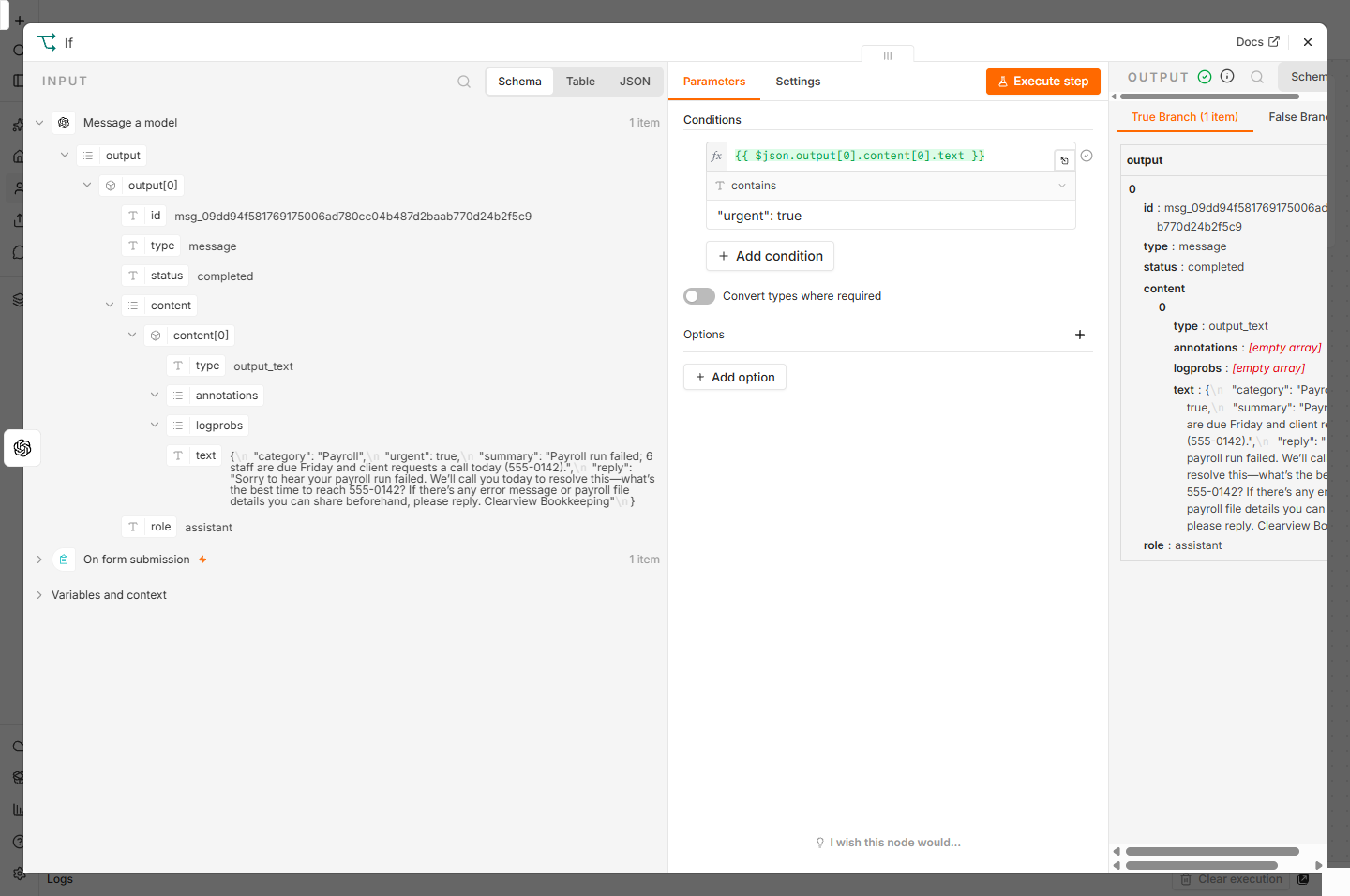 n8n AI Workflow: 8 Beginner Mistakes to Avoid
n8n AI workflow mistakes beginners make: a prompt with no fixed shape, a typed message instead of a dragged field, the wrong If operator and no test.
Oct 21, 2026 5 min read
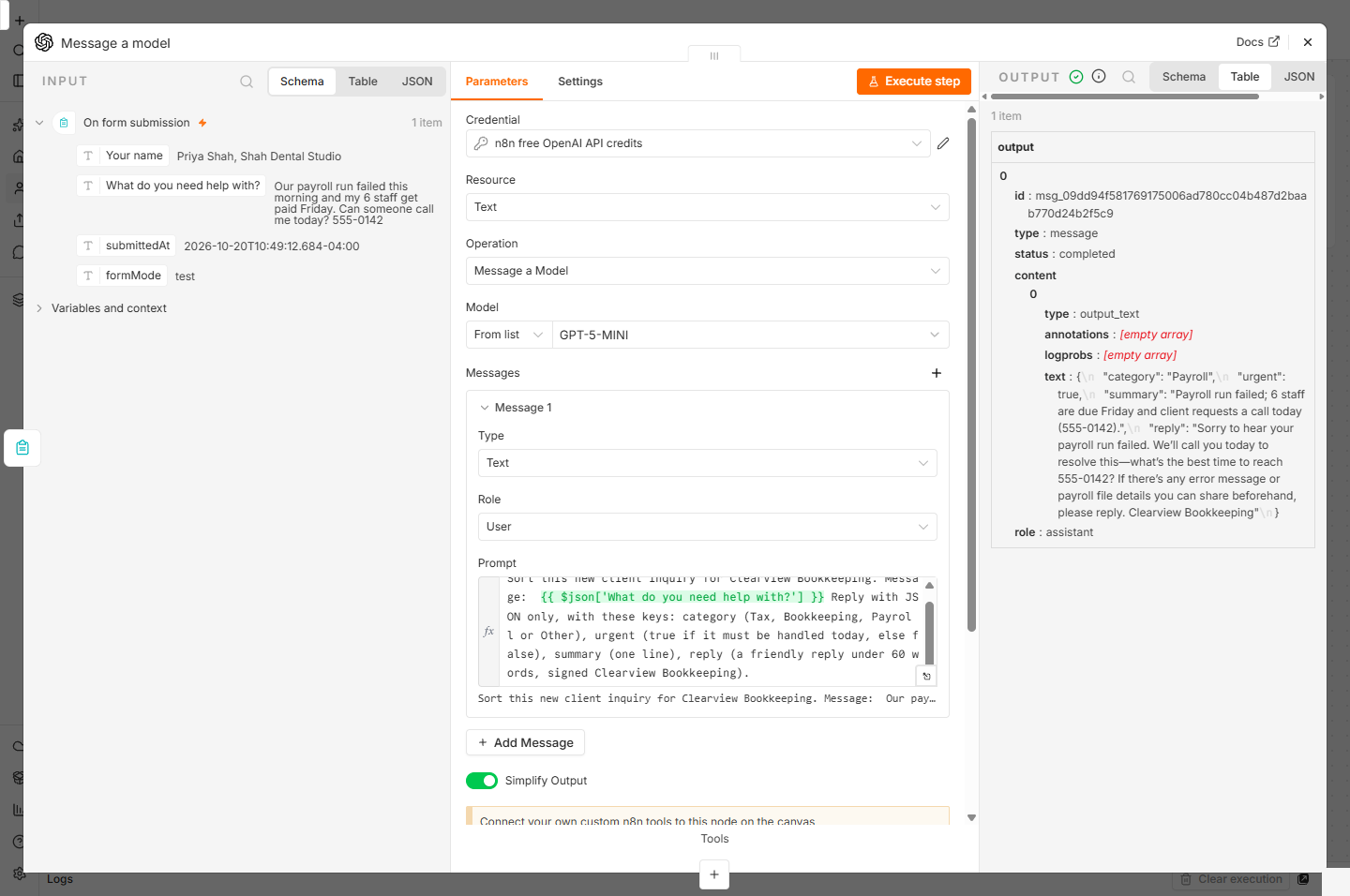 n8n AI Workflow FAQ: Form, OpenAI Step and If Rule
Plain answers about a first AI workflow in n8n: the form trigger, the OpenAI step on free credits, the JSON prompt and the If rule for urgent inquiries.
Oct 21, 2026 5 min read
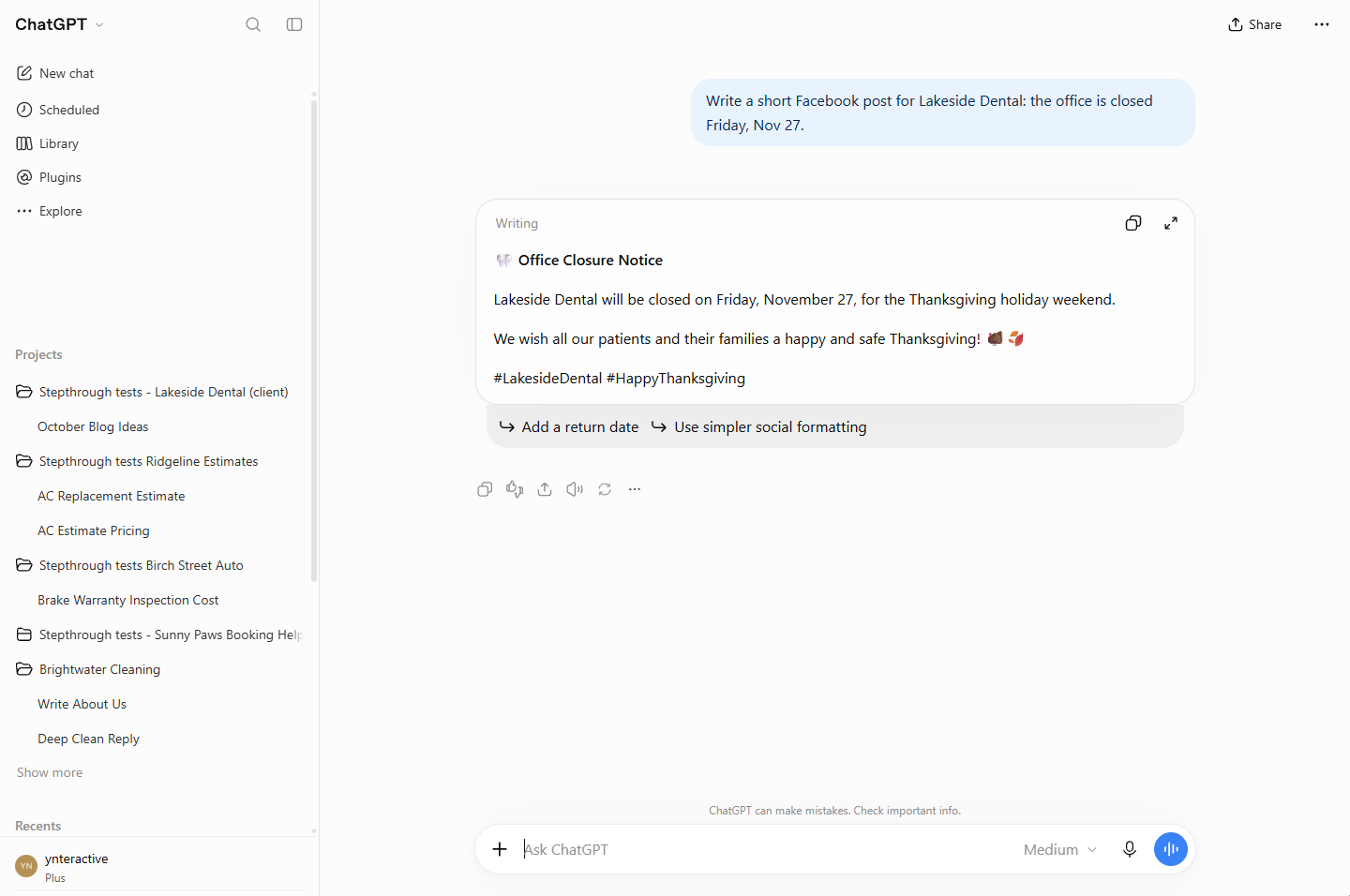 ChatGPT Projects: 7 Client-Work Mistakes to Avoid
ChatGPT projects mistakes in client work: chats started outside the project, rules never saved, memory left unchecked, Archive mixed up with Delete.
Oct 21, 2026 5 min read
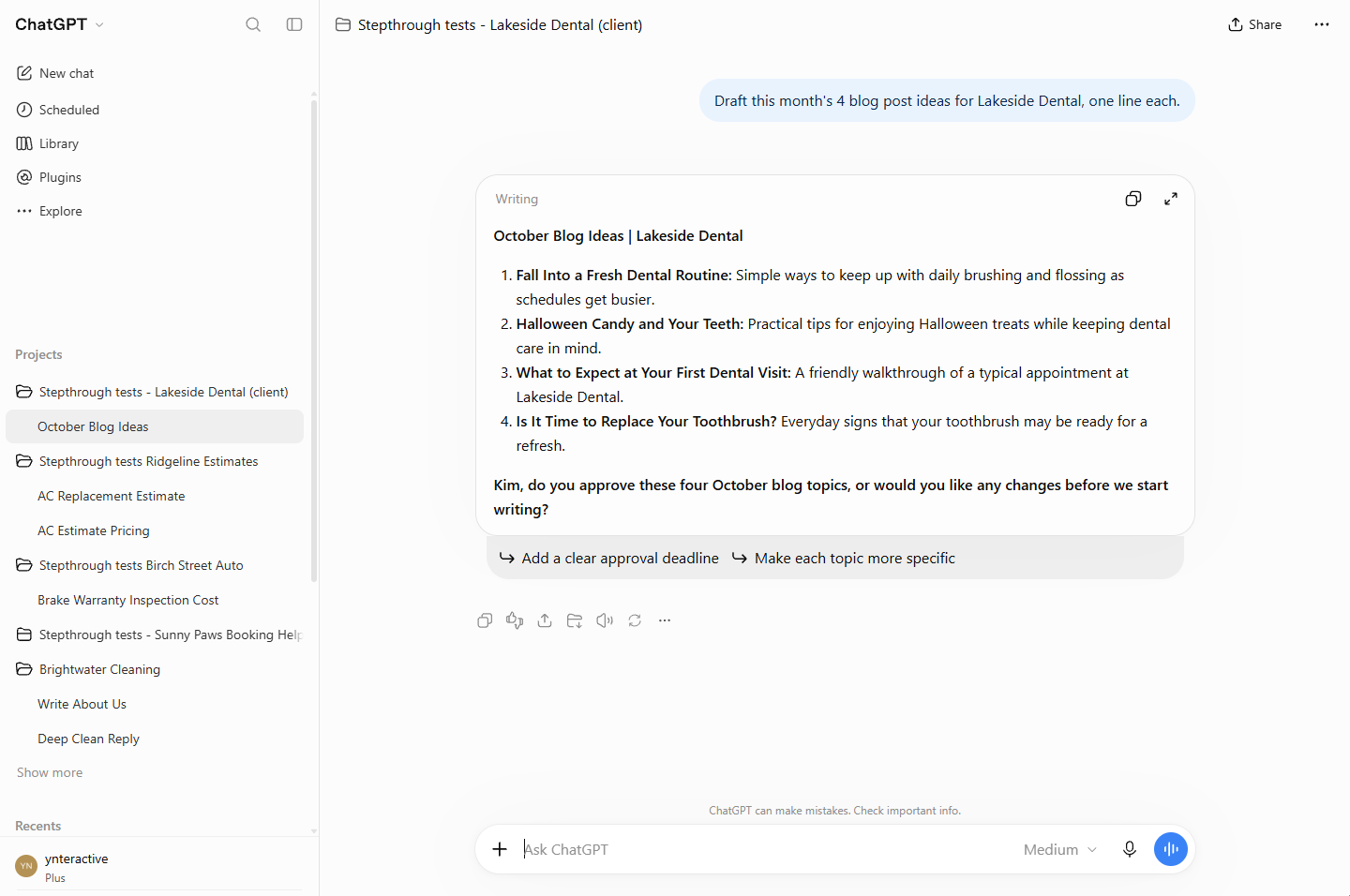 ChatGPT Projects FAQ: Instructions, Memory and Archive
Plain answers about ChatGPT projects for client work: how to create one, what Instructions do, the Memory setting, and Archive vs Delete.
Oct 21, 2026 5 min read
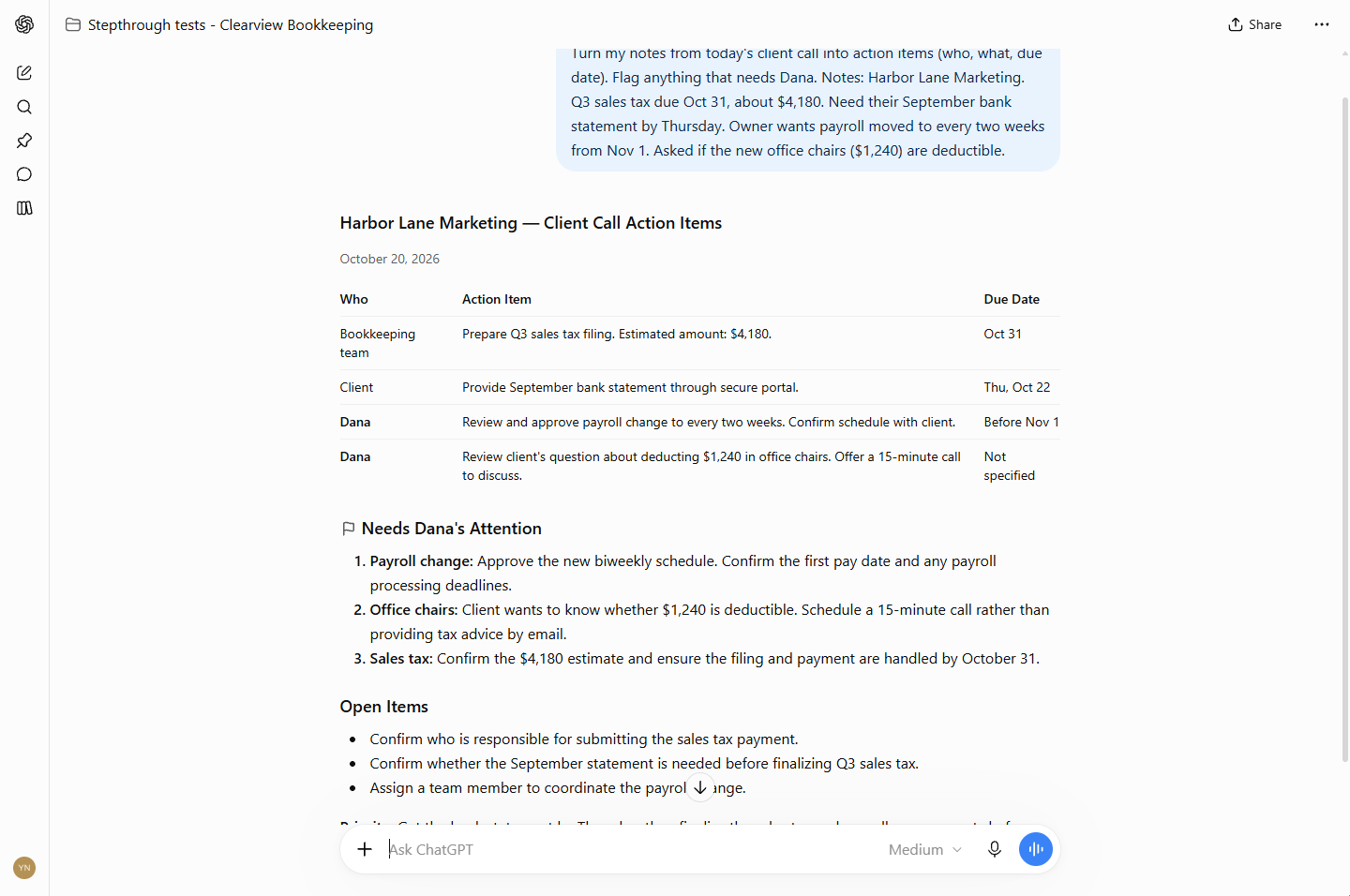 ChatGPT Bookkeeping Assistant: 7 Mistakes to Avoid
ChatGPT assistant mistakes at a bookkeeping firm: rules typed in each chat, no "do instead" line, one long chat for every client and drafts sent unchecked.
Oct 21, 2026 5 min read
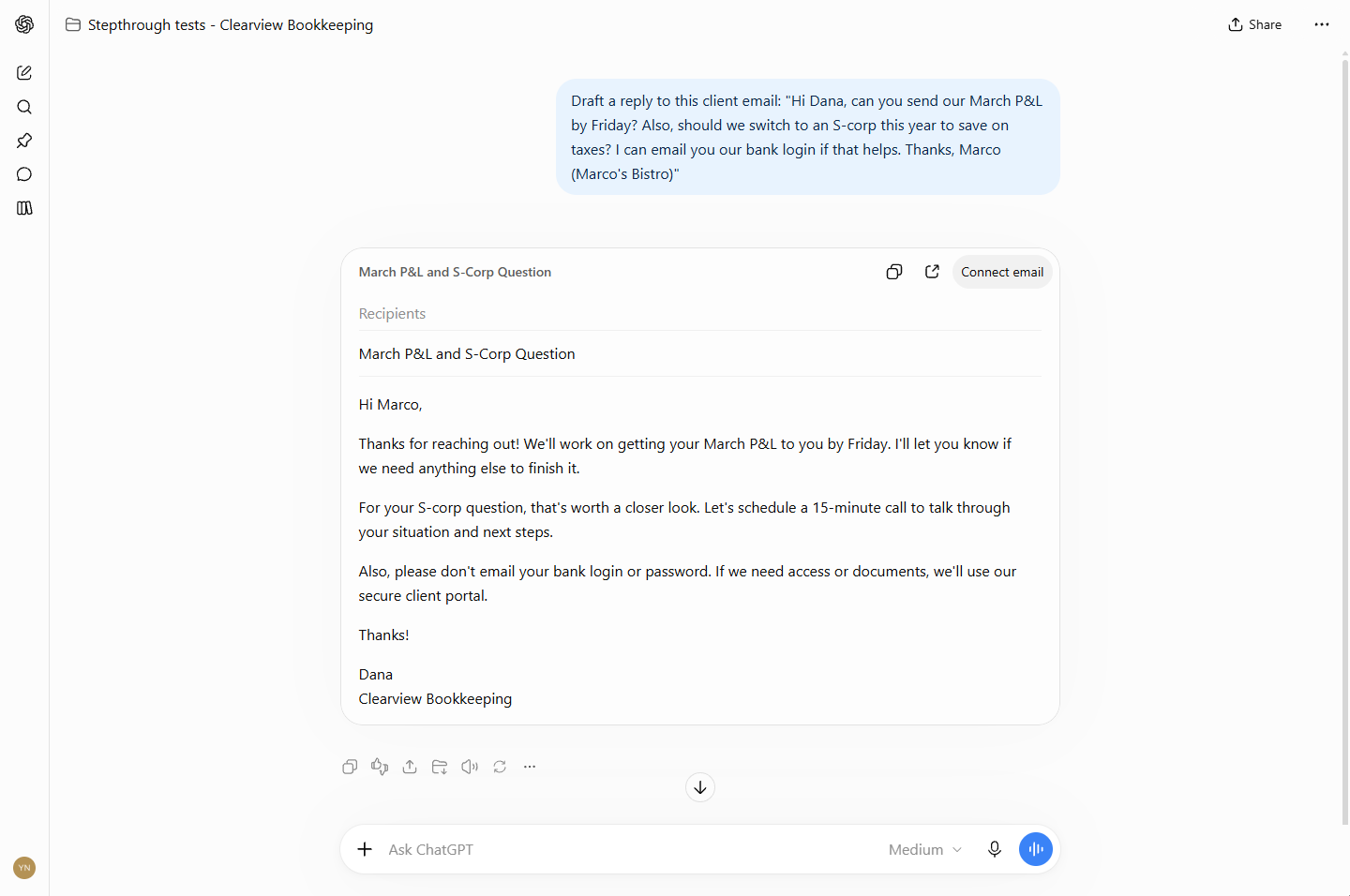 ChatGPT Bookkeeping Assistant FAQ: Rules, Emails, Notes
Plain answers on using ChatGPT as an AI assistant for a bookkeeping firm: project rules, client email replies, call notes and what to check.
Oct 21, 2026 6 min read
 Strawberry Lead Research FAQ: Sources, Sheets, Approvals
Plain answers on Strawberry lead research: Gmail send permissions, prompts with sources, the work trace, saving to a Google Sheet and approving emails.
Oct 21, 2026 5 min read
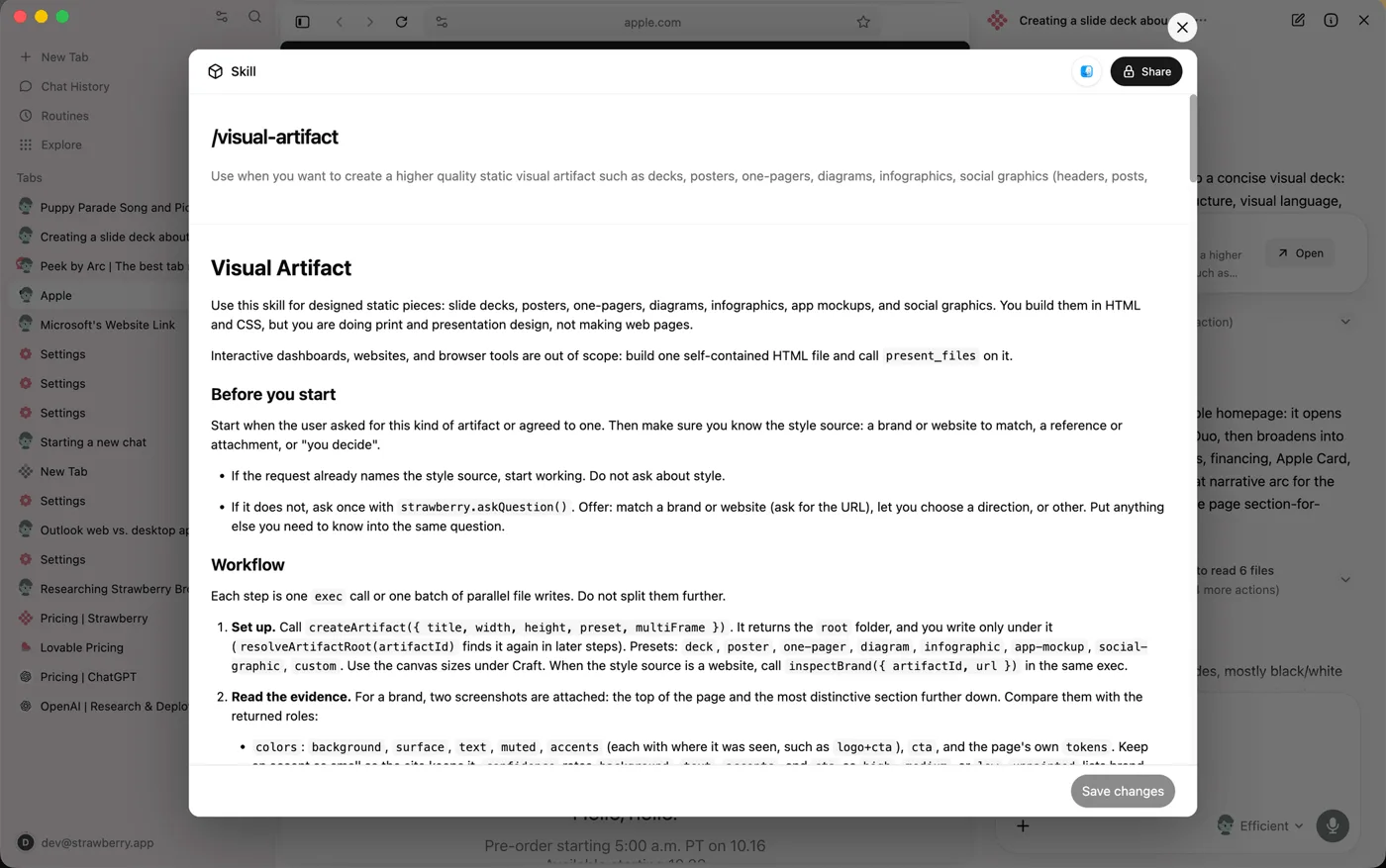 Strawberry Lead Research: 8 Mistakes to Avoid
Strawberry lead research mistakes: sends left on Always allow, prompts with no sources, skipping the work trace and approving emails with wrong facts.
Oct 21, 2026 5 min read
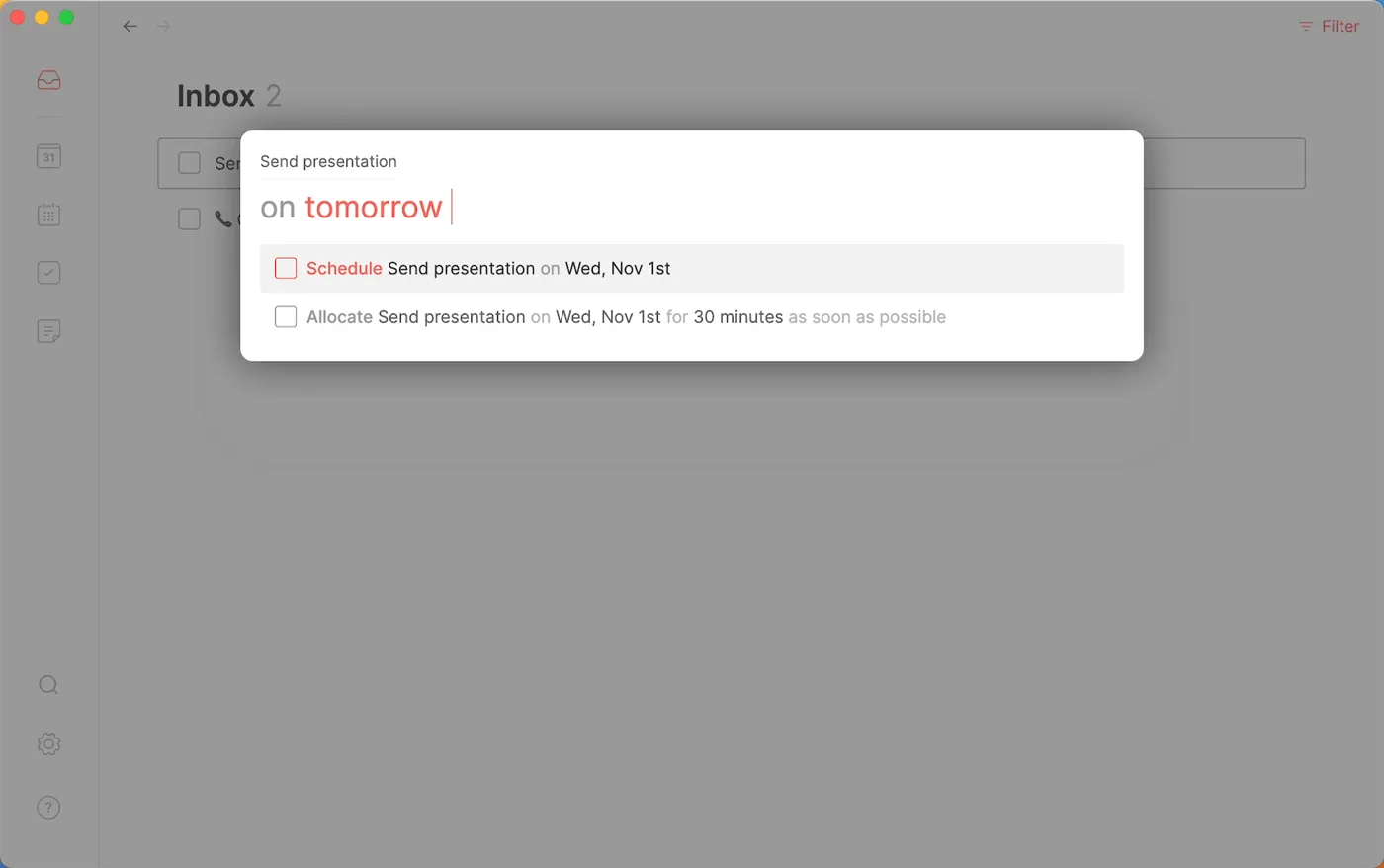 Routine Weekly Planning FAQ: Console, Inbox, AI Assistant
Plain answers on planning your week in Routine: the Console, processing the Inbox to zero, scheduling vs time blocking and the AI assistant's approvals.
Oct 21, 2026 4 min read
All free tutorials · The full course, in order
How every module works
Each step is shown on the left, with a cursor pointing to exactly where to click. You do the same thing on the right, in a practice copy of the real tool. Get it right and it moves on. Nothing touches your real accounts until you're ready to build it for real.
Start learning free