This is about organizing and finding what documents say, not legal advice. An attorney reviews anything that goes to a client, a court or the other side.
Why does NotebookLM suit paralegal work?
Because the job is so often "find it in the documents and show me where." A general chatbot answers from everything it has ever read. NotebookLM answers from the sources in the notebook, and shows a small numbered citation for each fact. Click it, and the Sources panel jumps to the passage, highlighted. That's the paralegal habit, built in: no claim without a pin cite.
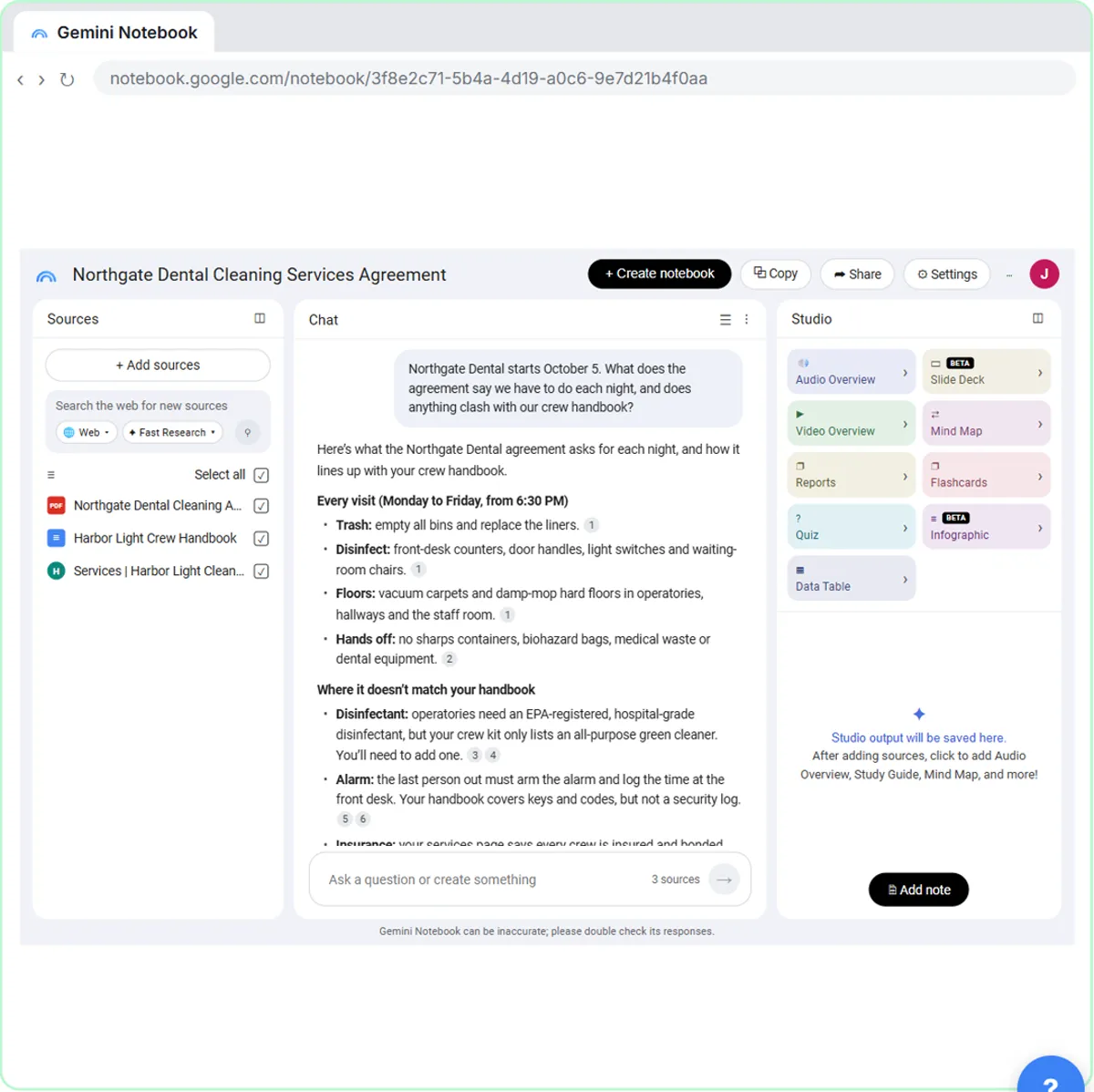
In the lesson, the example is a made-up cleaning company, Harbor Light Cleaning, getting ready for a dental office client. It adds the client's agreement as a PDF, its crew handbook from Google Drive and its own services page, then asks what the agreement requires each night and whether anything clashes with the handbook. The same moves work on a lease, a services agreement or an employee handbook.
Before you add documents: what's allowed?
Check your firm's rules first. Confidential client documents may only go into AI tools your firm has approved, on the account type it has approved. If a document isn't cleared for AI use, don't upload it to try the technique: use a sample or a public document instead. The PII glossary page explains what counts as personal information.
1. Pull every duty out of an agreement
List every obligation [PARTY] has under this agreement, grouped by when it applies, with a citation for each. If an obligation depends on a condition, state the condition.
Check: click three citations at random and read the passage. Then skim the agreement's headings for any section the list skipped.
2. Build a deadline list
List every date, deadline, notice period and renewal term in these documents, in date order. For each: what must happen, who must do it, and the citation.
Check: deadlines are where a miss costs the most. Verify every one against the document and calendar them under your firm's own process, not from the AI list alone.
3. Find where two documents disagree
Does anything in [DOCUMENT A] conflict with [DOCUMENT B]? List each conflict with both passages cited, and say which is stricter. Don't decide which controls.
This is the lesson's key question, aimed at legal documents. "Don't decide which controls" keeps the answer to facts; that call belongs to the attorney.
Check: open both cited passages side by side.
4. Start a chronology
From these documents, build a chronology: date, event, document, and citation. Mark any date that's only implied, not stated.
Check: compare against the file index. A chronology is only as complete as the sources you added, so list what's missing.
5. Answer an attorney's quick question
The attorney asks: "[QUESTION]". Answer from these sources only, quote the key wording, and cite it. If the documents don't answer it, say so.
Then click Save to note under the answer. Saved notes sit in the Studio panel, and the lesson notes that Convert to source turns a note into a source.
6. Draft a briefing for the attorney
In Studio, click Reports, choose Document, then Briefing Doc, and change the description:
Create a briefing doc for [ATTORNEY]. Start with a short summary, then cover the key obligations, the deadlines, any conflicts between the documents, and open questions. Quote the documents where wording matters. Keep it to one page.
Check: read it against the sources before it goes anywhere. Then ask in the chat: "List every requirement and date in the briefing and the passage each comes from."
Try it free, step by step
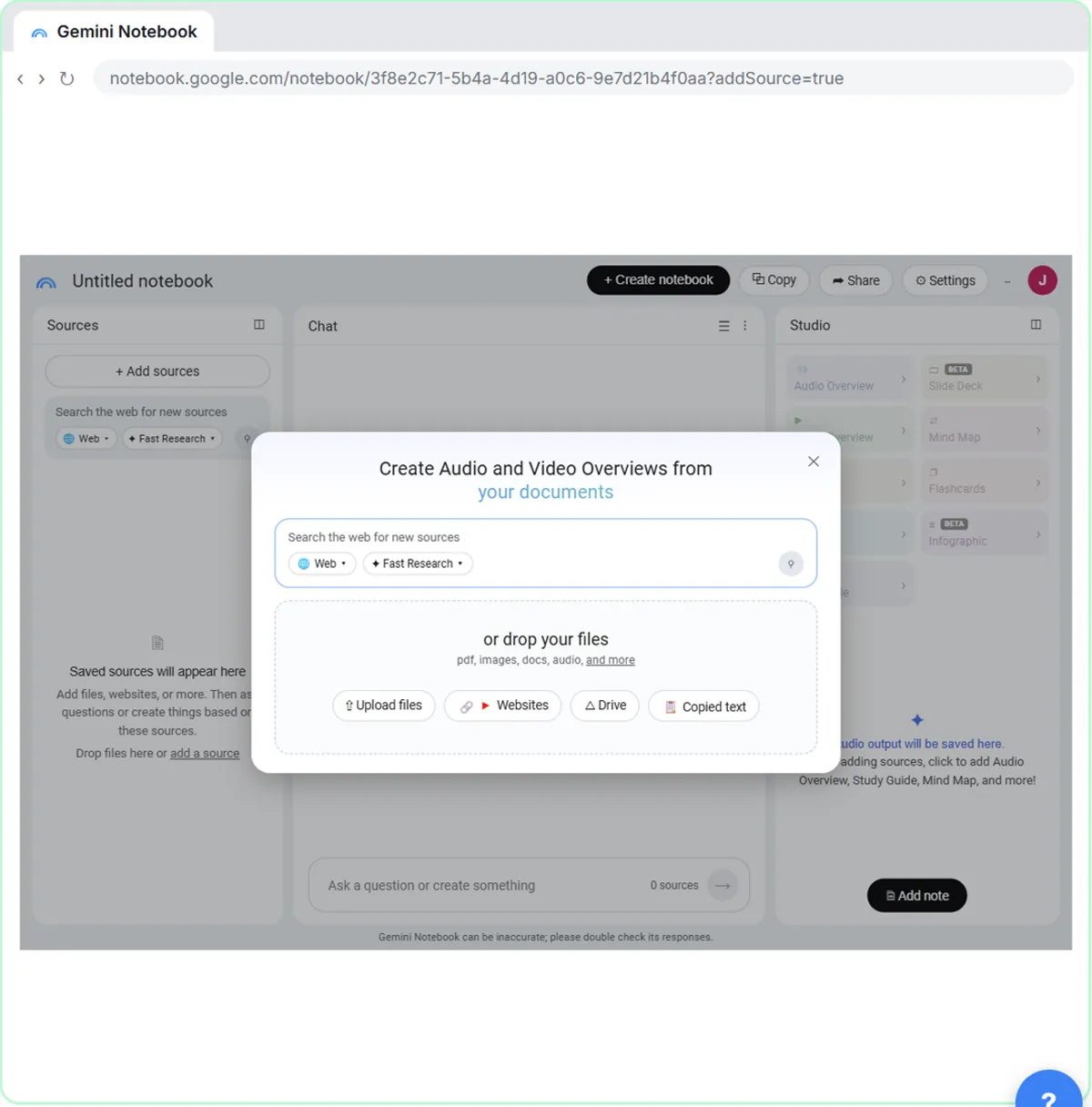
NotebookLM (Now Gemini Notebook): Cited Answers and a Briefing from Your Docs. Create a notebook, add a PDF, a Google Doc from Drive and a web page as sources, ask a question and check its citations, save the answer to a note, and turn it all into a Briefing Doc. You do every step yourself in a practice copy of Gemini Notebook, it checks your work as you go, and “Do it for me” finishes any step you get stuck on. Free, and nothing touches your real accounts.
Start the free lessonWhat are the limits paralegals should know?
- It only knows the sources you added. If an amendment isn't in the notebook, the answer can't reflect it.
- A citation can be right and the answer still incomplete. Read around the highlighted passage.
- Drive files stay in sync after import, per the lesson, so an edited Google Doc changes the notebook. Uploaded PDFs don't change.
- Saved notes are view only, so keep your working analysis in your firm's own document system.
For a second way to review a contract, the free Claude contract red flags lesson shows a different routine. The grounding glossary page explains why answers tied to sources are easier to trust.
Where should a paralegal start?
Take the 7-minute lesson. It runs in a practice copy, so no Google account is needed and no files are uploaded, and you'll do every step above once: add sources, ask, click a citation, save a note and make a Briefing Doc. It's part of the free AI for Law Firms course. For more ready-made questions, see NotebookLM Prompts for Contracts, Policies and Briefs.
Key takeaways
- NotebookLM answers only from the documents you add, with a clickable citation for each fact.
- Good paralegal uses: duty lists, deadline lists, document conflicts, chronologies, quick answers and attorney briefings.
- Ask for citations per item and tell it to say when the documents don't answer.
- Verify deadlines and conflicts at the source, and leave legal judgments to the attorney.
- Only add documents your firm has approved for AI use.
Frequently asked questions
- Can NotebookLM replace reading the documents?
No. It finds and summarizes faster, but you still read the cited passages, and an attorney reviews anything legal.
- Is it safe to put client documents into NotebookLM?
Only if your firm has approved it for that use and account type. Check your firm's policy first.
- Does NotebookLM cite its answers?
Yes. Each fact has a small numbered citation that jumps to the highlighted passage in the source.
- Are the documents in the lesson real?
No. Harbor Light Cleaning, Northgate Dental and the agreement are made up.