This guide is for small and boutique firms, and for in-house teams of one or two, who review the same kinds of agreements again and again. It explains what goes in a playbook, how to turn it into AI instructions, and where the lawyer's judgment stays.
What is a legal playbook?
A contract playbook is a short document that says how your firm handles each common clause in a type of agreement. For every clause it records three positions:
- Standard: the language you want.
- Fallback: what you can accept, and when.
- Walk-away: what you won't accept without partner or client sign-off.
It also says who can approve a deviation. A playbook turns one senior lawyer's judgment into something a junior lawyer, a paralegal or an AI review can apply the same way every time.
How do I write the playbook?
Start with one contract type you see often, such as NDAs, vendor agreements or a master services agreement. Then:
- List the clauses that matter. For a services agreement that usually includes term and renewal, payment, limitation of liability, indemnification, confidentiality, termination and governing law.
- Write the three positions for each. Use your own past signed agreements as the source, not a generic template.
- Add the reason. One line on why the position matters helps the reviewer explain a markup to the client.
- Name the approver. Who can accept a fallback, and who can accept anything past it.
- Keep it to a few pages. A playbook nobody reads isn't a playbook.
How do I turn the playbook into an AI review?
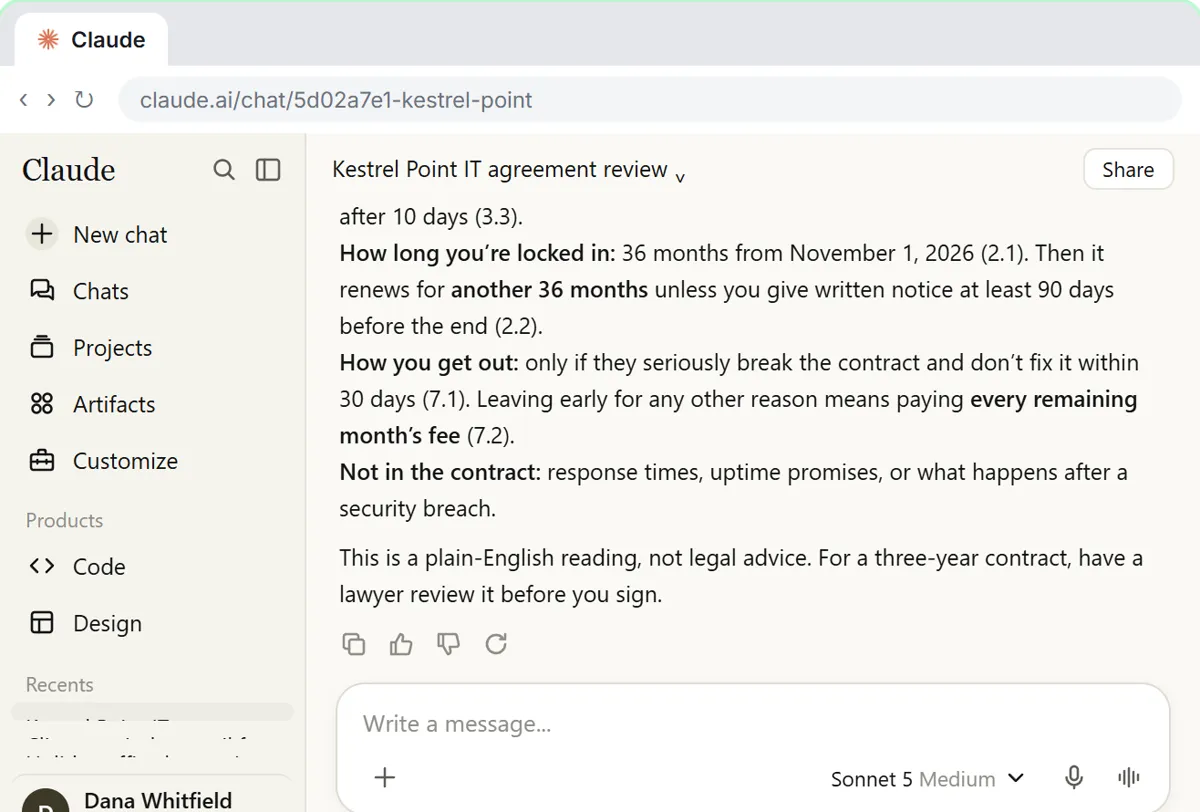
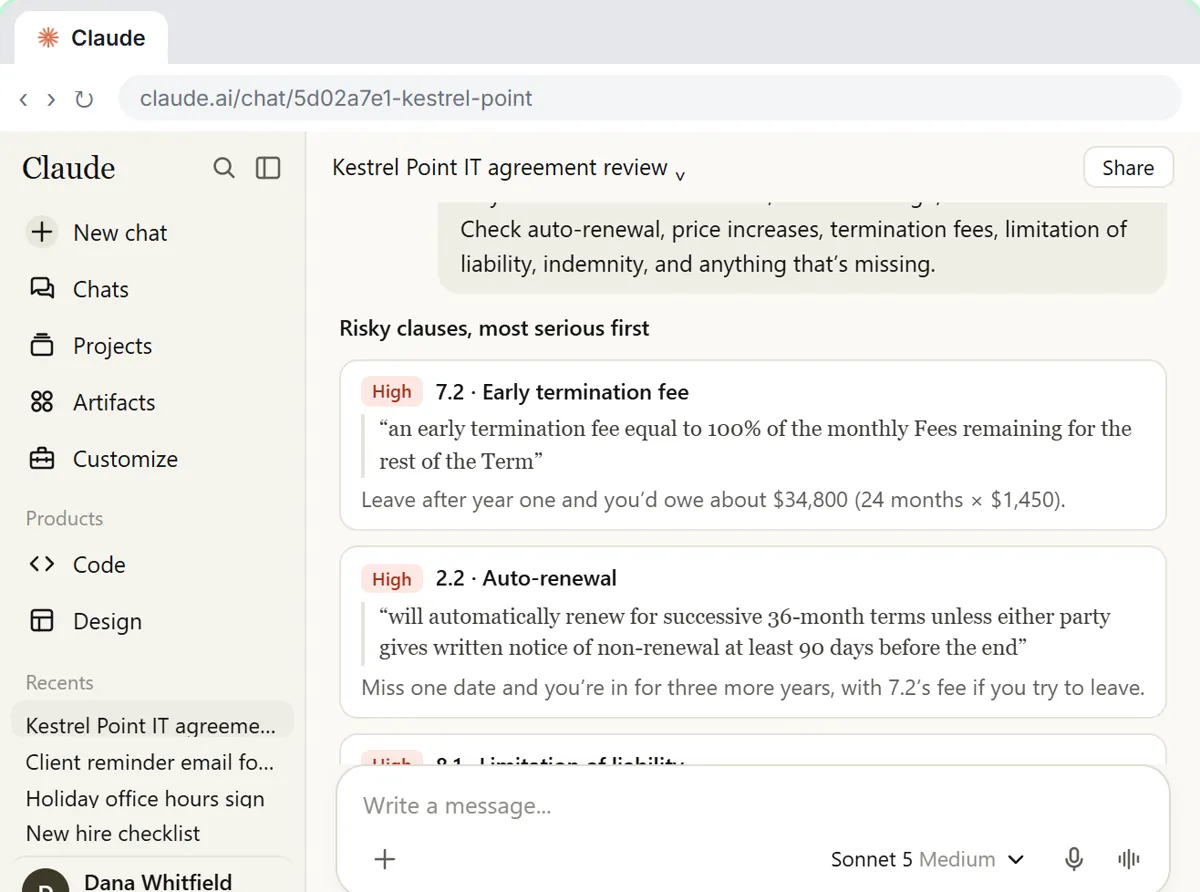
Put the playbook where the AI can read it every time, and give it a fixed output format. In Claude, a Project holds standing instructions and files, so a new contract only needs one line. The contract red flags lesson does exactly this for a three-year managed IT agreement: Claude gives a plain-English summary, lists the risky clauses with the exact words and clause numbers, turns them into questions for the vendor, and the review steps are saved in a Project for the next contract.
A playbook version of the instruction:
Review the attached contract against the playbook in this project.
Make a table: clause name, clause number, the exact contract wording (quoted), our standard position, whether it is Standard, Fallback or Past walk-away, and a suggested response.
Quote the contract; don't paraphrase it. If a playbook clause is missing from the contract, list it as Missing.
This is a first-pass review for a lawyer, not legal advice.
Try it free, step by step
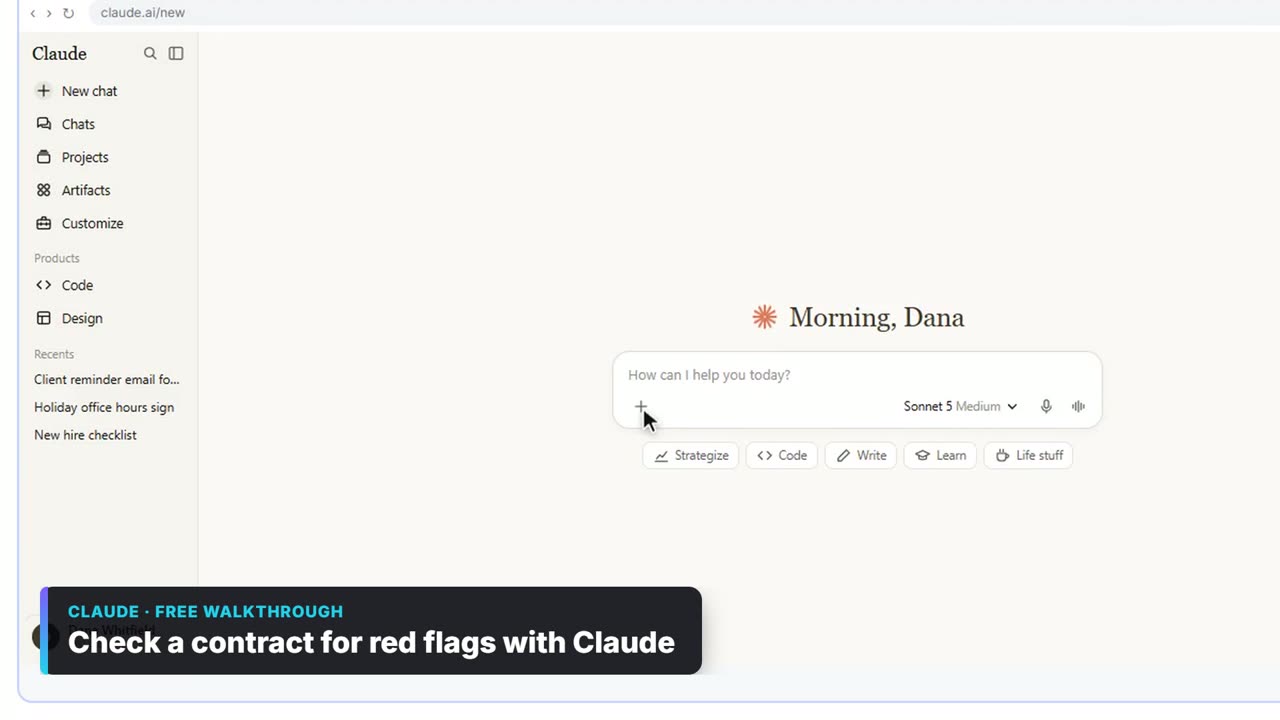
Check a Contract for Red Flags with Claude. Upload a vendor contract, get it in plain English, find the risky clauses with the exact words quoted, draft questions for the vendor, and save the review as a project for the next one. You do every step yourself in a practice copy of Claude, it checks your work as you go, and “Do it for me” finishes any step you get stuck on. Free, and nothing touches your real accounts.
Start the free lessonIf the review itself is new to you, start with what contract review covers, then write the playbook.
How do I check that the AI review is right?
Check the quotes. Every row should point to real words in the contract. Tools that cite the source make this fast: in the free Foxit contract review lesson, you click a citation to jump to the passage in the PDF and confirm the answer. Then spot-check the classification of the clauses that matter most, such as liability caps and auto-renewals.
Test the setup on two or three contracts you have already reviewed by hand. If the AI misses a clause you flagged, add a line to the playbook or the instructions, and run it again.
What ethical rules apply to lawyers using AI for this?
Lawyers keep the same duties when they use AI: competence, confidentiality, supervision of the work and honest billing. The ABA addressed generative AI in Formal Opinion 512 (July 2024), and many state bars have issued their own guidance. In practice that means using a tool whose data terms fit client confidentiality, checking the output, and never sending an AI markup to a client unreviewed. Check your own jurisdiction's rules.
Key takeaways
- A legal playbook records standard, fallback and walk-away positions for each clause, plus who can approve a deviation.
- Start with one contract type and build it from your own signed agreements.
- Load the playbook into a Claude Project with a fixed table format that quotes the contract.
- Check every quote and test the setup on contracts you already reviewed by hand.
- The AI gives a first pass; a lawyer makes every call and owns the advice.
Frequently asked questions
- Can AI replace a contract lawyer?
No. AI can read fast, quote clauses and compare them with a playbook. Judging risk for a specific client, negotiating and giving advice remain a lawyer's job.
- What is the difference between a playbook and a template?
A template is the contract you send. A playbook is the guide for responding to someone else's contract: what to accept, what to push back on and what to escalate.
- Is it safe to upload client contracts to Claude?
Use a business plan your firm has approved, check its data terms against your confidentiality duties, and follow any client instructions about AI. Remove details the review doesn't need.
- Which contract type should a small firm start with?
The one you review most often. For many firms that is NDAs or vendor service agreements, because the clauses repeat and the positions are easy to write down.
Where can I go next?
Read Legal Information vs Legal Advice and the redline entry for marking up a draft.