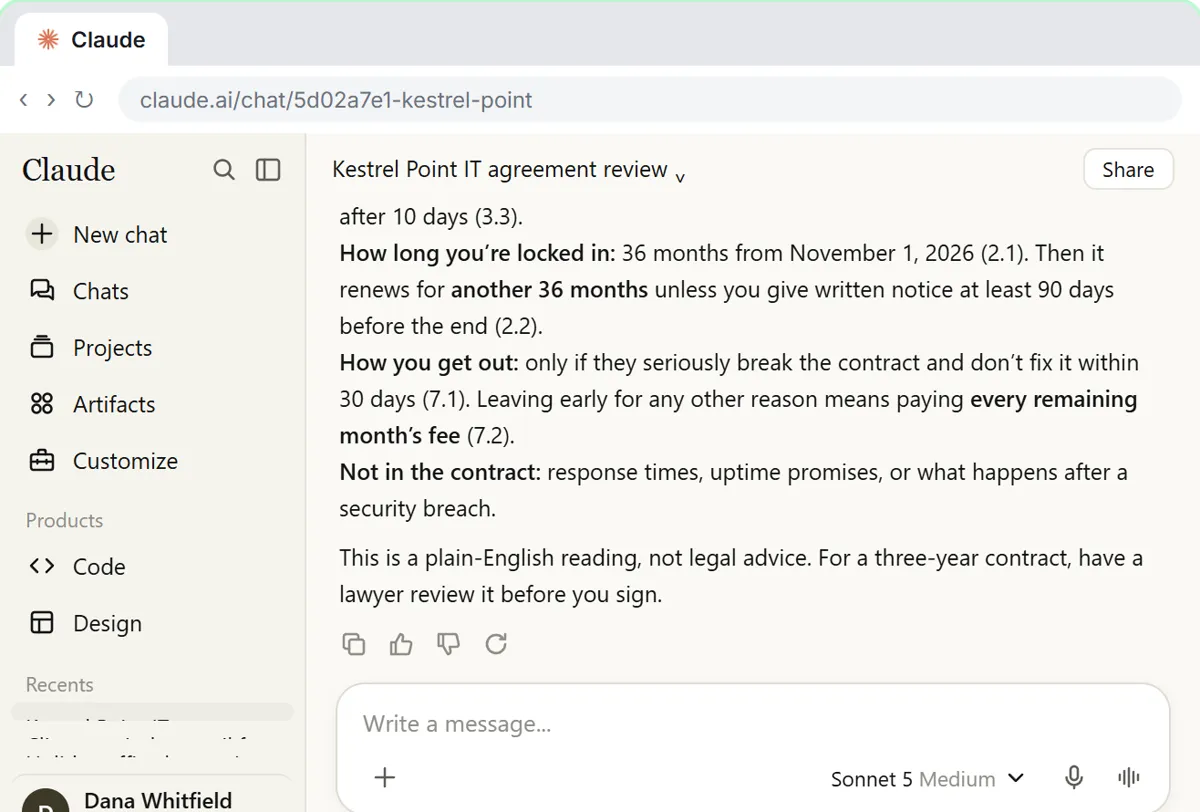
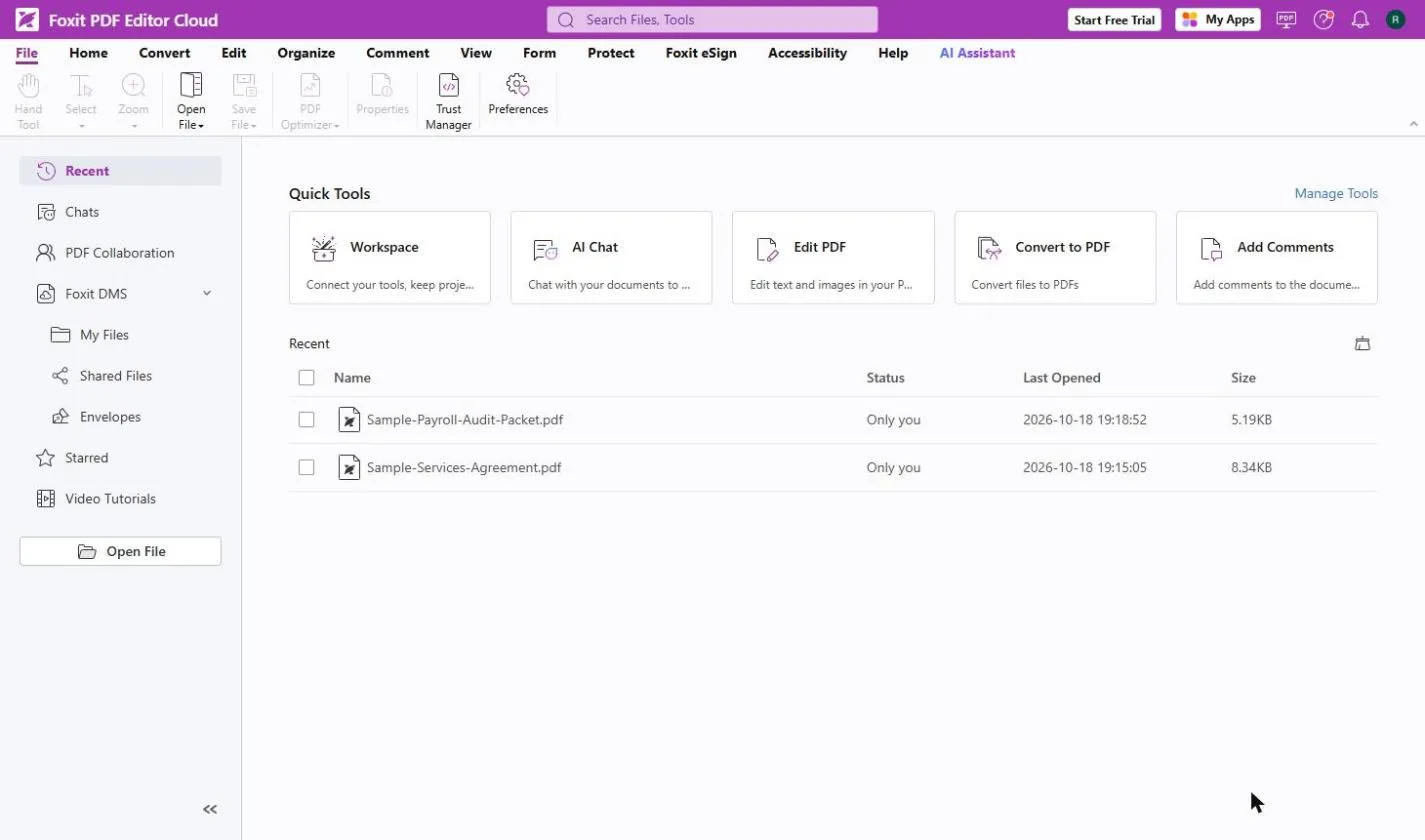
The examples are made up: Harbor Lane Accounting reviewing a three-year managed IT contract in Claude, and Dana Reyes at Bright Path Marketing checking "version 2" of a software subscription agreement in Foxit PDF Editor.
What does a first-read review look like?
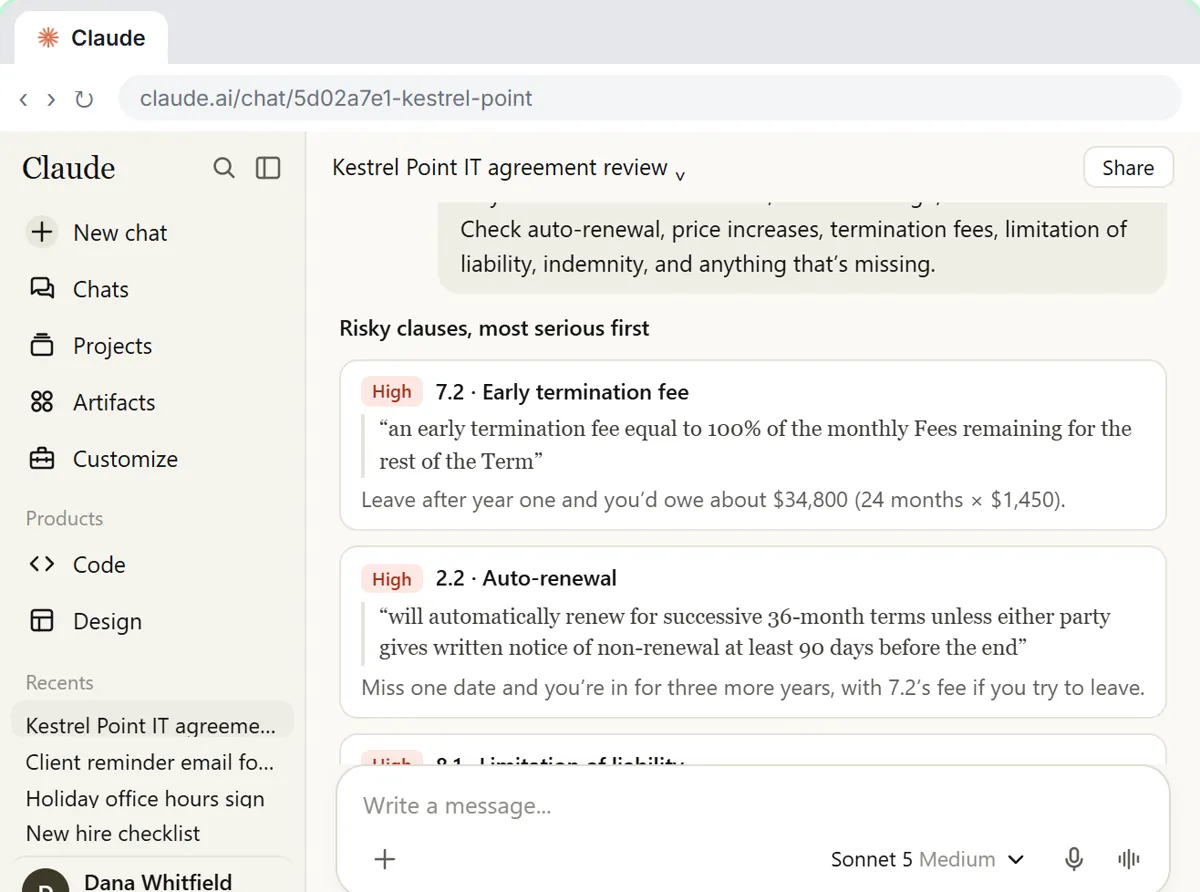
In the Claude lesson, the review of the IT contract came back with a plain-English summary and a list of red flags: a 36-month auto-renewal, a large early exit fee, a liability cap of three months' fees, an uncapped price increase and a one-way indemnity. Each one had its clause number and exact words. The review ended with a polite email of questions for the vendor, and was saved as a Contract review project, so the next contract (an office lease) got the same read from one line.
Try it free, step by step
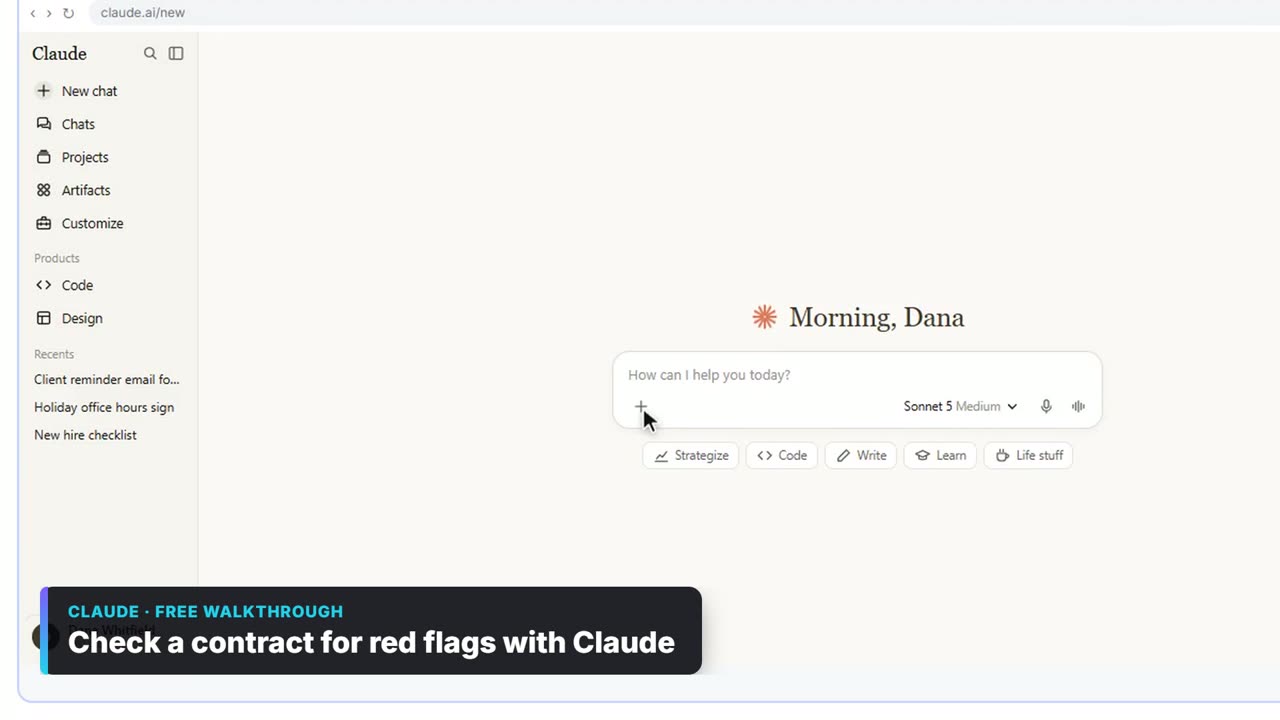
Check a Contract for Red Flags with Claude. Upload a vendor contract, get it in plain English, find the risky clauses with the exact words quoted, draft questions for the vendor, and save the review as a project for the next one. You do every step yourself in a practice copy of Claude, it checks your work as you go, and “Do it for me” finishes any step you get stuck on. Free, and nothing touches your real accounts.
Start the free lessonFrequently asked questions
- What should I ask for first?
A plain-English summary: who, what, how long, how much and how to leave. Read it before you ask for problems, so you know what normal looks like in this contract.
- Which clauses should I ask the AI to look for?
Name them. The lesson's list is auto-renewal, price increases, termination fees, limits on liability and indemnity. The glossary explains each: auto-renewal clause, indemnification clause and limitation of liability clause.
- Why ask for the clause number and the exact words?
So you can check. Open the contract, find the clause number and confirm the text matches. In the lesson you check at least two quotes against the real text. If a quote is not in the document, tell Claude: the AI got it wrong.
- Can the AI spot what is missing from a contract?
Ask it. The lesson's tip: a contract with no clause on data return or service levels can be as risky as a bad clause. Asking "what is missing?" is a separate step from asking for red flags.
- Claude found no problems. Can I sign?
Not on that alone. It is a first read, and Claude can miss things. Anything big or unusual goes to a lawyer before you sign. The legal information vs legal advice entry draws the line.
- How do I make the next review faster?
Put your review steps in a Claude project's instructions: the summary, the clauses to check, the format and the "first read, not legal advice" rule. The next contract then only needs one line, "review this one the same way". The Claude Projects mistakes guide covers setting instructions well.
- How do I catch changes in a revised contract?
Use a compare tool. In Foxit PDF Editor: Catch Every Change in a Revised Contract you open the version you agreed to, click Compare on the View tab, choose the new file under New File, and click OK. Foxit starts with a summary that counts the changes. In the lesson it found 10, including a fee, payment terms, the notice period, a renewal increase, a new clause and the liability cap.
- Which version should I compare against?
The one you agreed to, signed or not. Not the other side's last draft, which may already contain changes you never accepted.
- How do I read Foxit's marks?
Old is on the left and new is on the right. Replaced text has a yellow wavy underline, inserted text a blue underline and deleted text a red strike. Next Change on the Compare Results tab stops on every mark in order, so nothing gets skipped. The Comments panel lists every change with its old and new text. The document comparison entry explains compare tools versus AI summaries.
- Does a compare tool tell me if a change is fair?
No. Compare shows what changed, not whether it is fair. Copy the changes that matter into a short reply, ask the other side which they meant, and have a lawyer look at anything large.
- Can AI list a contract's renewal and exit dates?
Yes. In Review a Client Contract in 10 Minutes using Foxit AI you get a plain-English summary and every renewal and exit date, check them against the PDF, and hand your manager a one-page summary.
- Is it safe to upload contracts?
Check first. The Claude lesson says to use a plan your company allows for contracts, check Settings, Privacy, and ask before using a personal account for work. Remove anything you don't need to share before you upload.
Key takeaways
- Ask for a summary first, then named red flags with clause numbers and exact words.
- Check quotes against the contract. A quote that isn't there is an AI error.
- Ask what is missing, not just what is wrong.
- Compare every new version against the one you agreed to.
- AI flags. A person, or a lawyer, decides whether to sign.
For the full set of tools and tasks, go back to the contract review use-case guide, or start the Claude red flags lesson.