How do you build a handbook agent that doesn't guess?
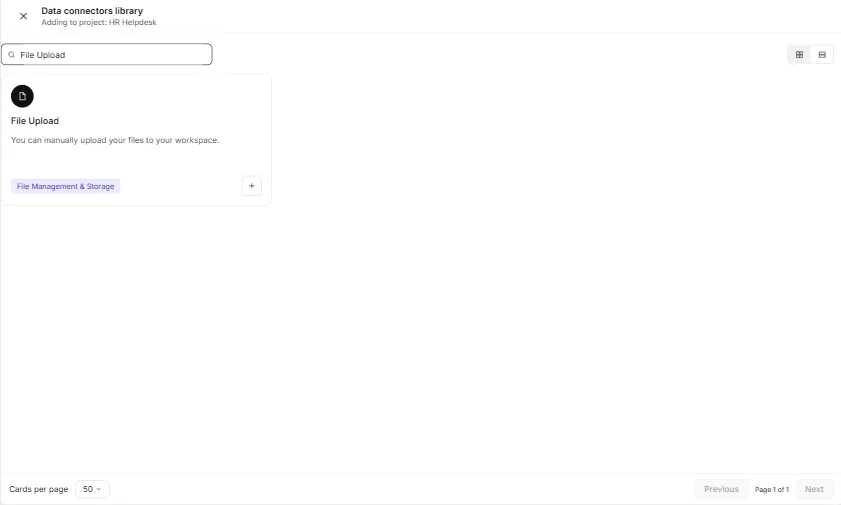
In the Airia lesson, you open Build, then the Data Sources tab, click Add Data Source and choose File Upload. You name the data source clearly, write a description of what's inside and when to use it, and upload the handbook. Once the file shows Ready, you create the agent and attach the data source. The instructions say: answer only from the handbook, name the section, say "I can't find that" and give the HR email when it isn't covered, never give legal advice, and never share personal details.
Try it free, step by step
Answer Employee Policy Questions Instantly Using Airia. HR answers the same time-off and benefits questions all day. Give Airia your handbook, build a no-code agent that answers from it, test it, then share it with your team. You do every step yourself in a practice copy of Airia, it checks your work as you go, and “Do it for me” finishes any step you get stuck on. Free, and nothing touches your real accounts.
Start the free lessonFrequently asked questions
- Why does the data source description matter?
The agent uses it to know what's inside the file and when to use it. Airia says the more precise the description, the better the answers.
- What is the most important test before launch?
The question the handbook doesn't answer. A good agent says so and sends the person to HR. An agent that guesses about pay or benefits creates a problem you have to clean up. In the lesson's Playground, you ask one question the handbook answers, one it doesn't, and one AI policy question.
- How do I keep the agent's answers current?
Replace the file the same day a policy changes. The agent is only as current as the file, so the lesson suggests a calendar reminder to replace it whenever the handbook changes.
- Should the agent give legal advice?
No. "Never give legal advice" is one of its written instructions, alongside never sharing one employee's personal details. Those are guardrails in plain words.
- How do I answer a leave question that is "it depends"?
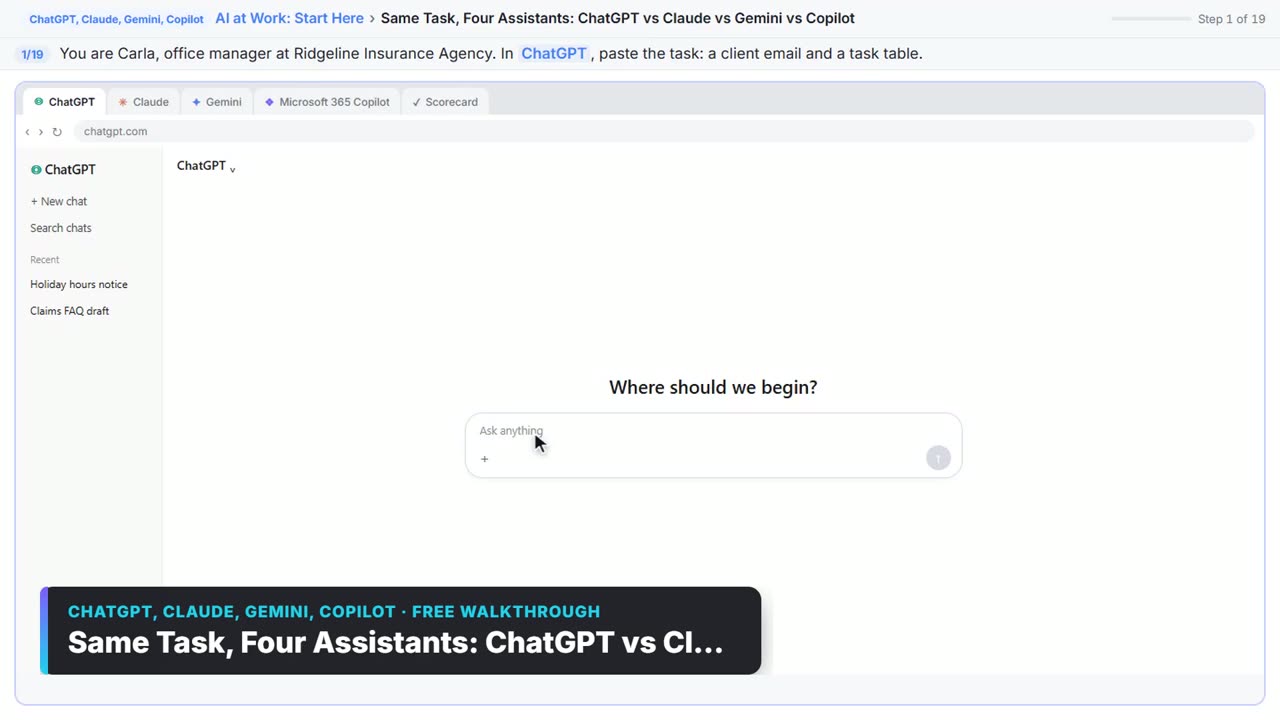
Write the policy as numbered facts and tell ChatGPT to promise only what is in the list. In Answer an Employee's Leave Questions Without Overpromising using ChatGPT, the list covers eligibility, what the policy pays, what needs approval and from whom, who decides the dates and when, forms and deadlines, and what you can't say.
- What words should I look for in the draft?
"Yes", "approved", "full pay" and any date. Then ask for a table of every promise next to the fact that supports it, and fix anything flagged.
- What if the honest answer is "not decided yet"?
Say who decides, by when, and what the employee should do in the meantime. The lesson's point: that is kinder than a yes you may have to withdraw.
- What should never go into the chat?
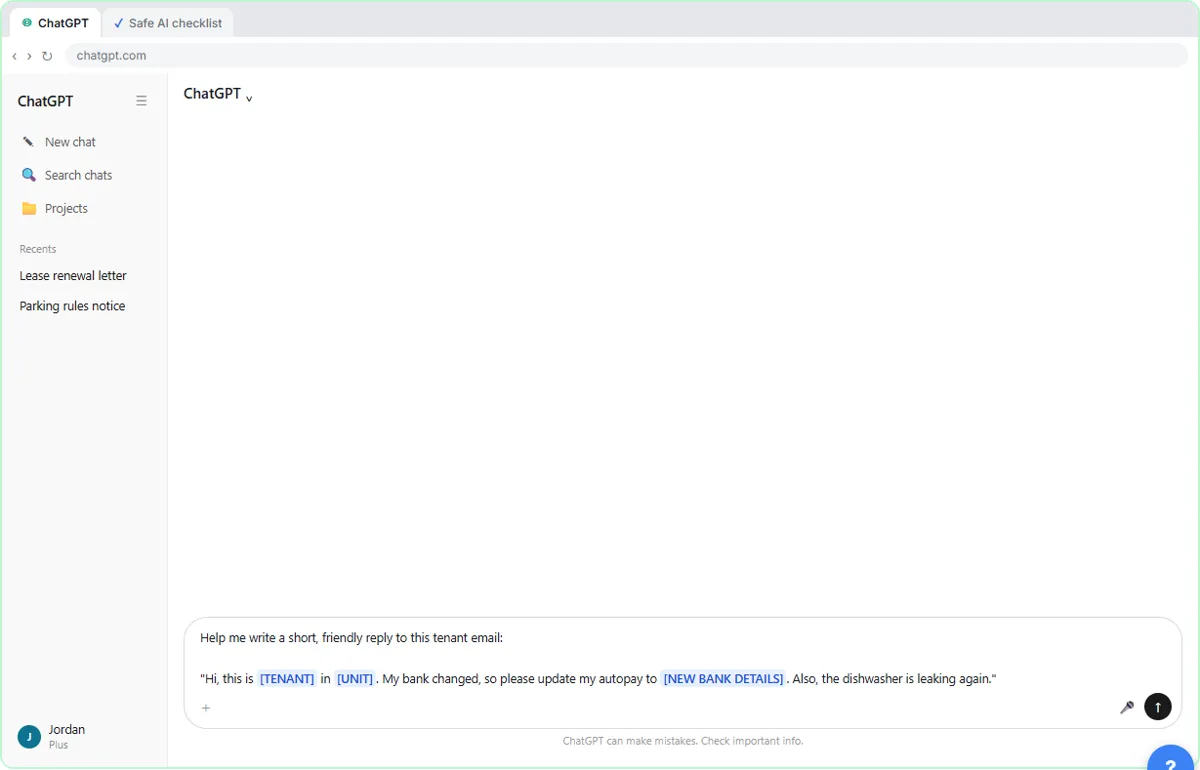
Medical details, other employees' leave, or anything your policy says stays out of AI tools. A business plan that doesn't train on your chats is safer for employee matters. If legal protection is part of the question, the reply should say it's confirmed separately and when.
- Can Claude write our team AI policy?
It can write the wording; you set the rules. In Roll Out a Team AI Policy in One Afternoon using Claude, you write down approved tools and accounts, the never-paste list, what's fine to use, who checks AI work, who owns the policy and what to do after a mistake. The request says "under 450 words" and "Do not name or quote any laws or regulations", because a made-up citation in a policy is worse than none. See AI acceptable use policy.
- Which parts of the policy need the closest read?
Three: the never-paste list, the rule that a person checks every output before it reaches a client, and the mistake rule. The mistake rule is the one firms forget. If people fear blame, a wrong paste stays hidden.
- How do we get people to read it?
Send a short announcement email with a read-by date and run a five-question quiz at a team meeting. Good quiz questions test the mistakes people really make, like whether a personal account is fine if you delete the chat afterwards (it isn't). Put a review date six months out in your calendar.
- Do we still need a lawyer?
For anything legal, yes. The leave lesson says to use your own policy and ask counsel when the law is unclear, and the policy lesson says to have a lawyer or compliance person review it if your field is regulated.
Key takeaways
- A handbook agent answers only from the file, names the section and says "I can't find that" when it should.
- Test the question the handbook doesn't answer before anyone else sees the agent.
- Leave replies need numbered facts and a promise table before they're sent.
- You set the AI policy rules. Claude only writes the wording.
- Keep medical and personal details out, and send legal questions to someone qualified.
For a related setup, see stop answering the same HR questions, or go back to the AI automation for HR teams guide.