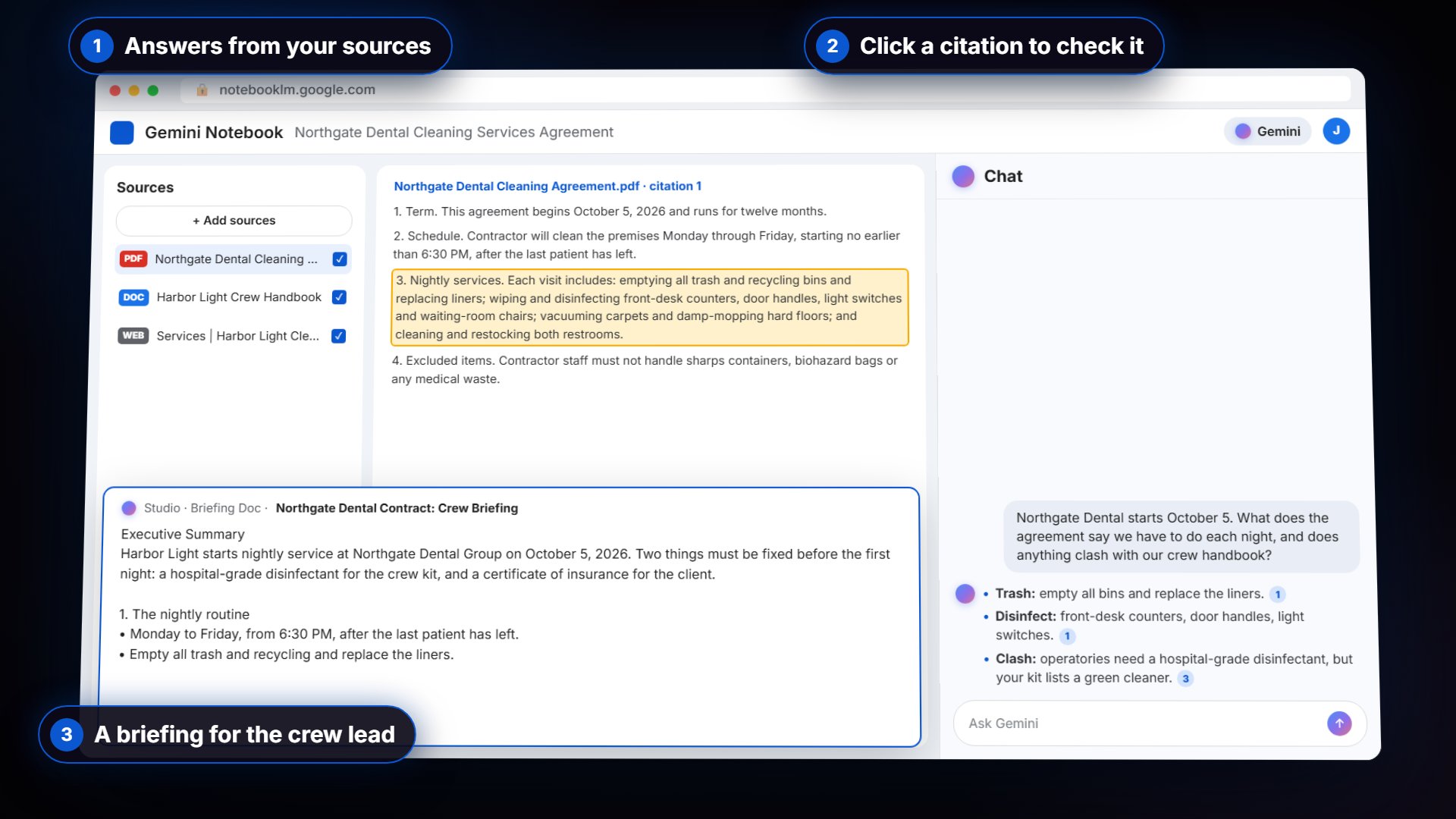
How to Use NotebookLM (Gemini Notebook) for Cited Answers and a Briefing Doc
Create a notebook, add a PDF, a Google Doc from Drive and a web page as sources, ask a question and check its citations, save the answer to a note, and turn it all into a Briefing Doc.
- Free
- No sign-up
- 23 steps
- ~7 min