How do you use these prompts?
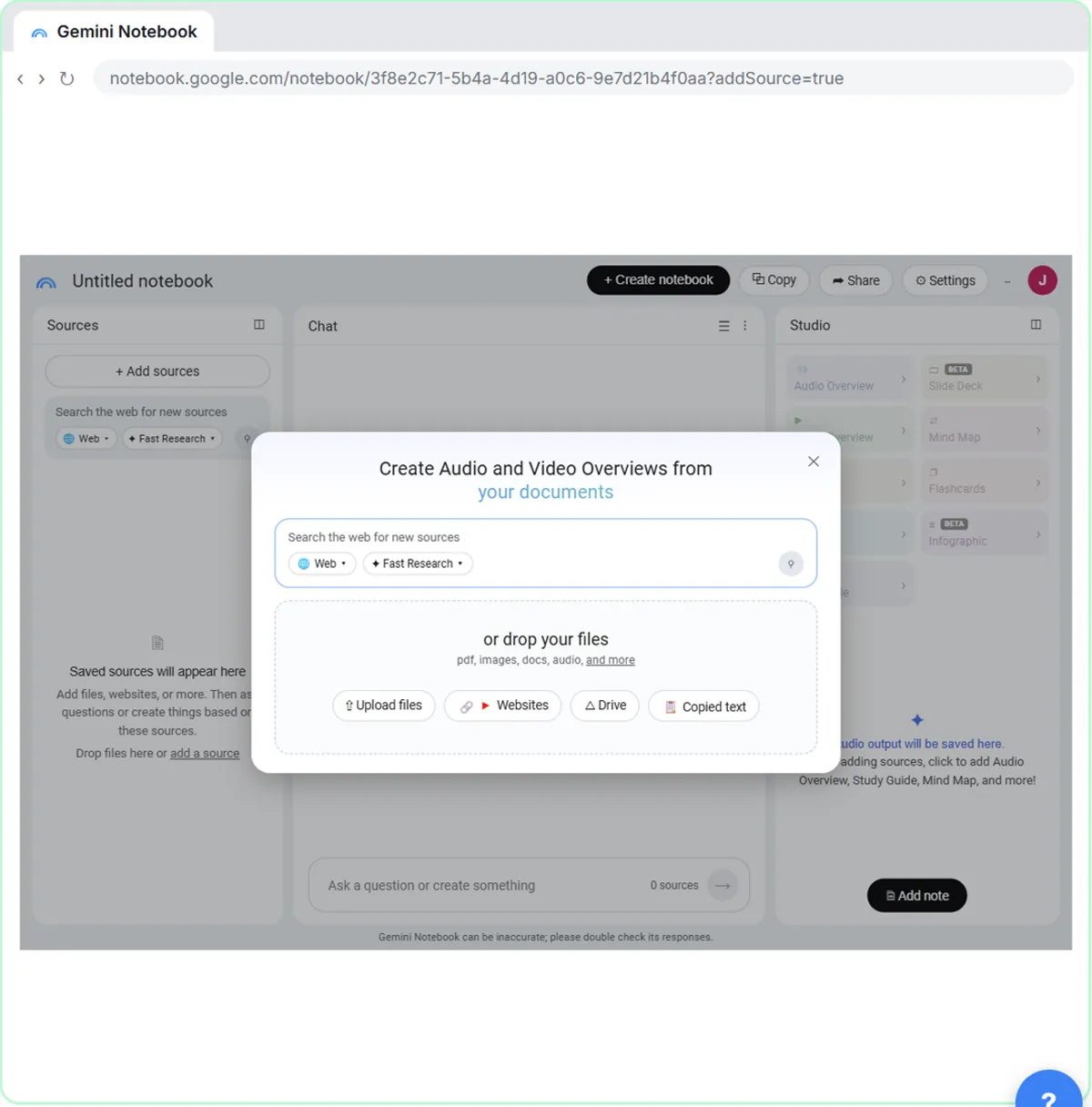
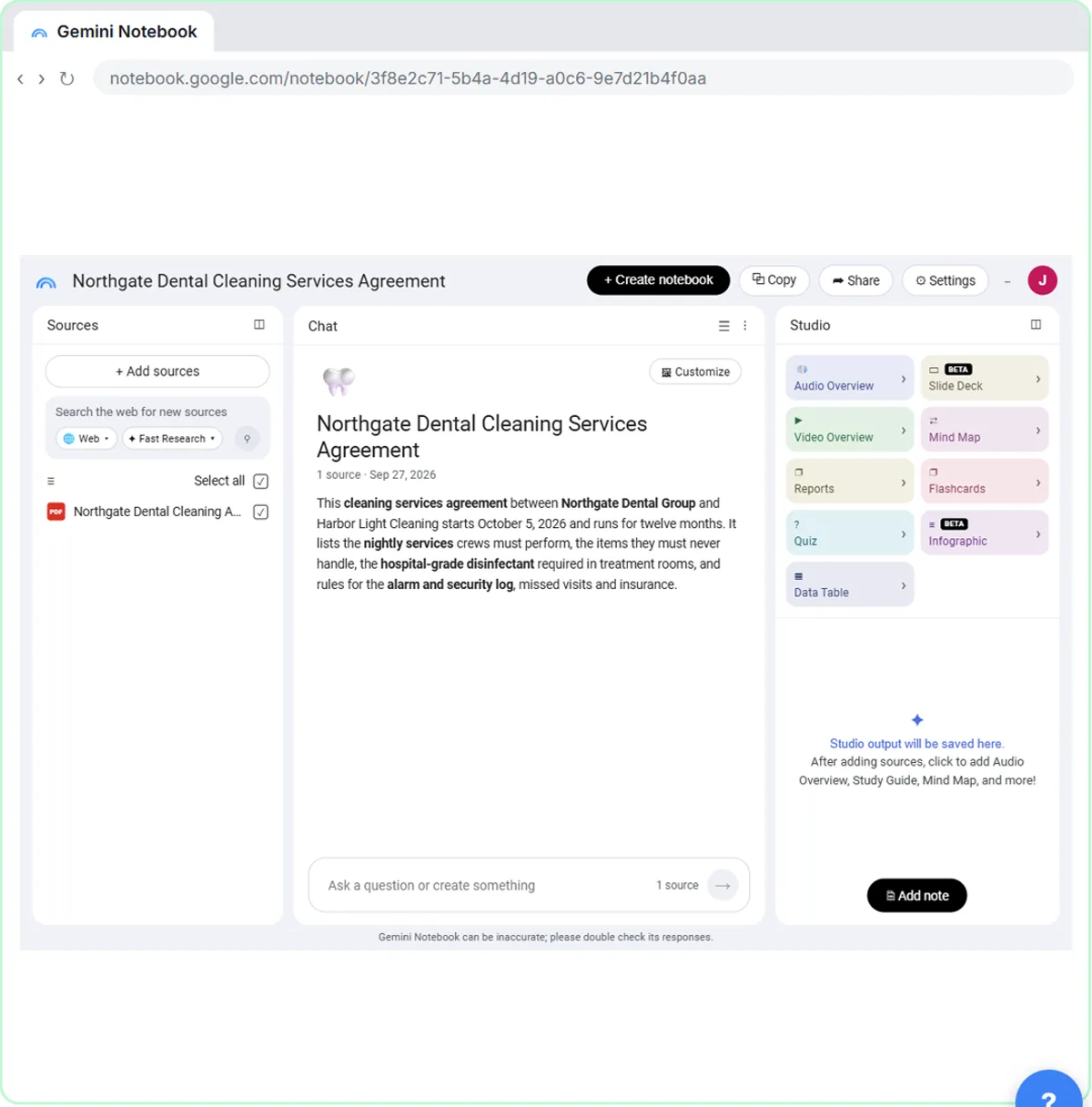
Create a notebook and add your sources first. In the lesson, the made-up Harbor Light Cleaning adds three: a client contract as a PDF (Upload files), a crew handbook from Google Drive (Drive), and its own services page (Paste link). Drive files stay in sync after you import them, so an updated handbook updates the notebook.
Then paste a prompt into the chat, fill the [BLANKS] and send it. Answers come from your sources only, with small numbered citations. Click one and the Sources panel jumps to the passage, highlighted. The NotebookLM and grounding glossary pages explain why that matters.
Add only documents you're allowed to use with an AI tool, and follow your company's rules for client files.
Questions about one document
1. What does this agreement require us to do?
[CLIENT] starts on [DATE]. What does the agreement say we have to do [EACH VISIT / EACH MONTH], and by when? List each duty with its citation.
This is the first half of the lesson's question. Asking for a citation per duty makes every line checkable.
2. Deadlines and dates
List every date, deadline and notice period in [DOCUMENT NAME], in date order, with what has to happen and a citation for each.
3. What happens if something goes wrong
According to [DOCUMENT NAME], what happens if [PROBLEM, e.g. a visit is missed or a payment is late]? Quote the exact wording and cite it. If the document doesn't say, tell me that.
"If the document doesn't say, tell me that" keeps the answer from filling a gap.
4. Plain-English summary for a colleague
Explain [SECTION OR TOPIC] in [DOCUMENT NAME] in plain English for someone who hasn't read it, in under 120 words, with citations.
Comparing documents
5. Does anything clash?
Does anything in [DOCUMENT A] clash with [DOCUMENT B]? List each clash with both passages cited, and say which one is stricter.
The lesson asks exactly this: does the dental office's agreement clash with the crew handbook?
6. What we promise versus what we signed
Compare what our services page promises customers with what [CONTRACT] requires. List anything we promise that the contract doesn't cover, and anything the contract requires that we don't mention.
7. Old version versus new version
I've added two versions of [DOCUMENT]. List what changed between them, section by section, with citations to both.
8. Which policy applies
A [ROLE] asks: "[QUESTION]". Which of these sources answers it, and what does it say? Cite the passage. If two sources disagree, show both.
Turning answers into work
9. A checklist from a contract
Turn the duties in [CONTRACT] into a checklist for [ROLE], grouped by [WHEN, e.g. nightly, weekly, before the first visit]. Cite each item.
10. Questions to ask the client
List 5 things in [CONTRACT] that are unclear or could be read two ways, with citations, and a polite question to ask [CLIENT] about each.
11. What to fix before day one
Based on these sources, what do we need to change, buy or tell staff before [START DATE]? Cite the source for each item.
After each useful answer, click Save to note under it. Saved notes appear in the Studio panel. The lesson notes they're view only, but Convert to source turns a note into a source.
Briefings and Studio
12. A briefing doc for a team lead
In Studio, click Reports, choose Document, then Briefing Doc, and replace the description with:
Create a briefing doc for [NAME, ROLE]. Start with a short executive summary, then cover [TOPIC 1], [TOPIC 2], and anything we need to fix before [DATE]. Keep it plain and short.
That's the lesson's briefing prompt for Luis, the crew lead, with the blanks opened up.
13. A study guide for a new hire
In Reports, start from Study Guide:
Create a study guide for a new [ROLE] covering [TOPICS] from these sources. Include 10 short questions with answers and the source for each.
14. An FAQ from a policy
Create your own report:
Write an FAQ for staff about [POLICY], with the 8 questions people are most likely to ask and answers taken only from the sources. Quote the policy where wording matters.
15. Check the briefing before you send it
Back in the chat:
Check the briefing doc against the sources. List every requirement, number and date it mentions and the passage each one comes from. Flag anything the sources don't support.
Read the briefing yourself too. The lesson ends that way: read it before you pass it on.
Try it free, step by step
NotebookLM (Now Gemini Notebook): Cited Answers and a Briefing from Your Docs. Create a notebook, add a PDF, a Google Doc from Drive and a web page as sources, ask a question and check its citations, save the answer to a note, and turn it all into a Briefing Doc. You do every step yourself in a practice copy of Gemini Notebook, it checks your work as you go, and “Do it for me” finishes any step you get stuck on. Free, and nothing touches your real accounts.
Start the free lessonWhat should you check in a NotebookLM answer?
The citations behind anything you'll act on. Click the number, read the highlighted passage, and make sure the answer says what the source says. A cited answer from your own documents is far easier to trust than a general chatbot answer, but it can still miss a clause or blend two passages. For contracts and policies, have the person responsible (your attorney, HR or the client) confirm anything that matters. For ideas built around one role, see NotebookLM for Paralegals.
The lesson is part of the free Company Knowledge and AI for Law Firms courses.
Key takeaways
- NotebookLM (Gemini Notebook) answers from the sources you add and cites every fact.
- Ask specific questions and ask for a citation per item, plus "if the document doesn't say, tell me."
- Comparing two sources, like a contract and a handbook, is where it saves the most time.
- Save useful answers to notes, and use Studio Reports for briefings and study guides.
- Click citations and read the briefing before you rely on it or pass it on.
Frequently asked questions
- Is NotebookLM the same as Gemini Notebook?
Yes. The lesson calls it Gemini Notebook, the tool Google used to call NotebookLM.
- What sources can I add to NotebookLM?
The lesson adds an uploaded PDF, a Google Doc from Drive and a web page by link. Drive files stay in sync after you import them.
- Is NotebookLM free?
The lesson says Gemini Notebook is free with a Google account, and paid plans raise the limits.
- Is Harbor Light Cleaning a real company?
No. Harbor Light Cleaning, Northgate Dental and their documents are made up for the lesson.