Most teams get the biggest win from the first two stages, which don't put AI in front of customers at all. This guide explains each stage, what to automate first, and the rules that keep a support bot from making promises your team can't keep.
What parts of customer support can AI automate?
Four jobs, from lowest risk to highest:
| Stage | What AI does | Who sends |
|---|---|---|
| 1. Sort | Labels each email or ticket by topic and urgency | Nobody; it just organizes |
| 2. Draft | Writes a reply in the thread | A person reads, edits and sends |
| 3. Answer | Replies to common questions from your documents | AI, within strict rules |
| 4. Hand off | Passes anything it can't answer to a person | AI routes, a person replies |
Start at stage 1 and move down the list only when the stage before it is reliable.
How do I start with sorting and drafting?
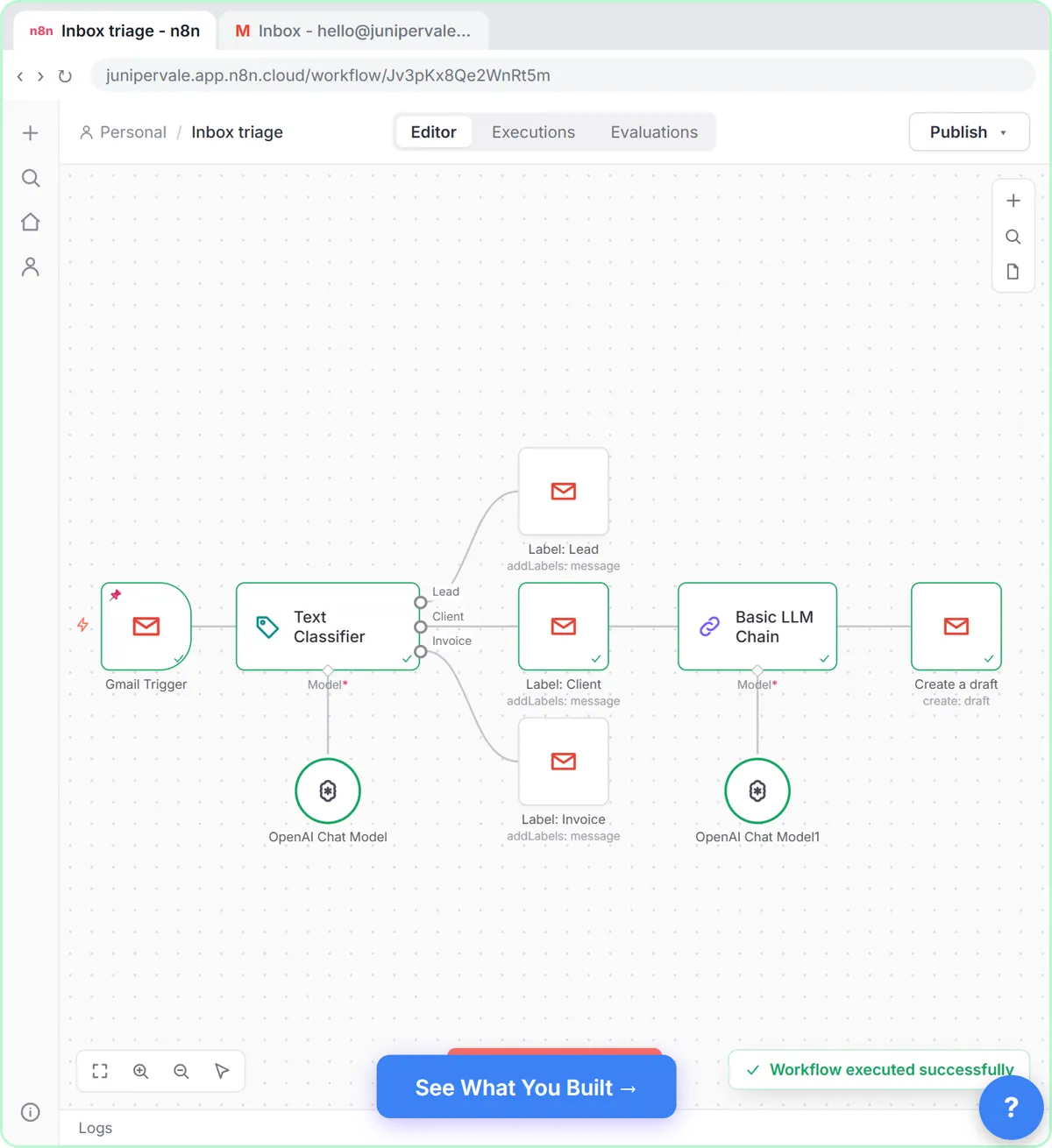
Sort first. The free Gmail AI Triage lesson builds an n8n workflow that reads new emails, applies Gmail labels and drafts replies that wait in the thread. Nothing goes out without a person, so a wrong label or a clumsy draft costs a minute, not a customer.
Sorting alone helps: urgent requests get seen first, and you learn what people actually ask about. That list of common questions is what you need for stage 3. The support ticket categorization prompt is a quick way to try the idea in ChatGPT before you automate it.
Try it free, step by step
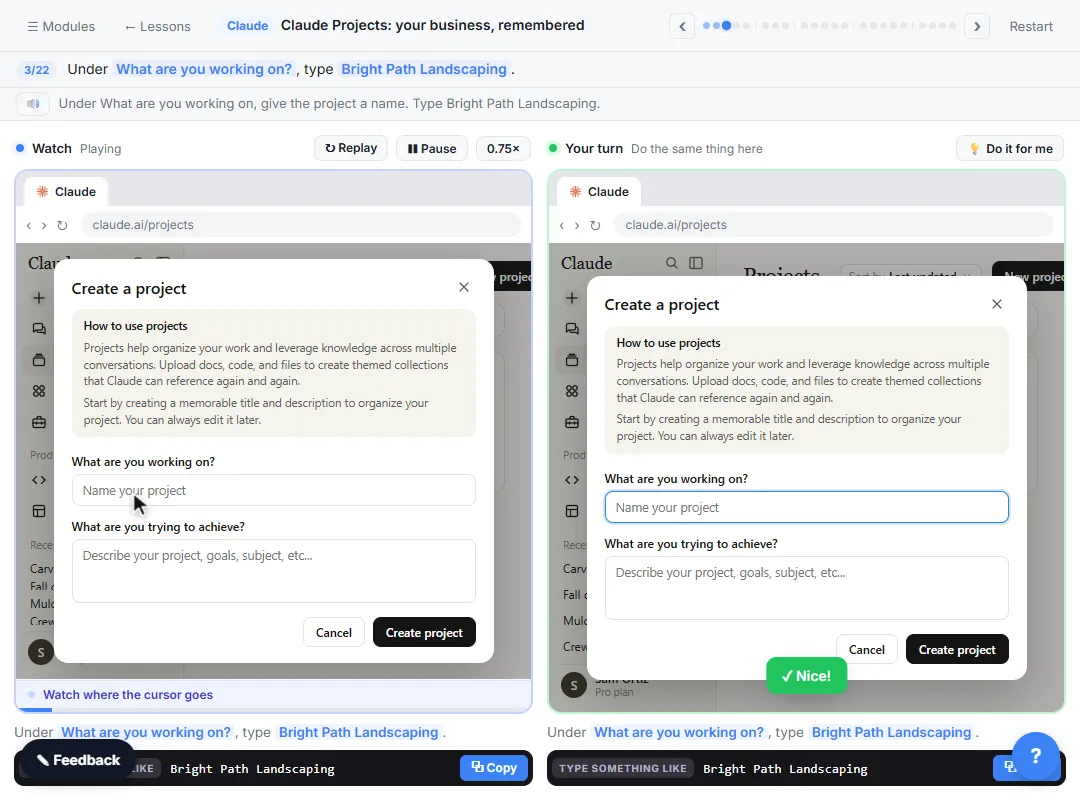
Gmail AI Triage: Auto-Label Every Email and Draft Replies. Build an n8n workflow that reads each new email, sorts it as a lead, a client or an invoice with a Text Classifier, adds the matching Gmail label, and drafts a reply to clients for you to check. You do every step yourself in a practice copy of n8n, it checks your work as you go, and “Do it for me” finishes any step you get stuck on. Free, and nothing touches your real accounts.
Start the free lessonHow do I let AI answer customers directly?
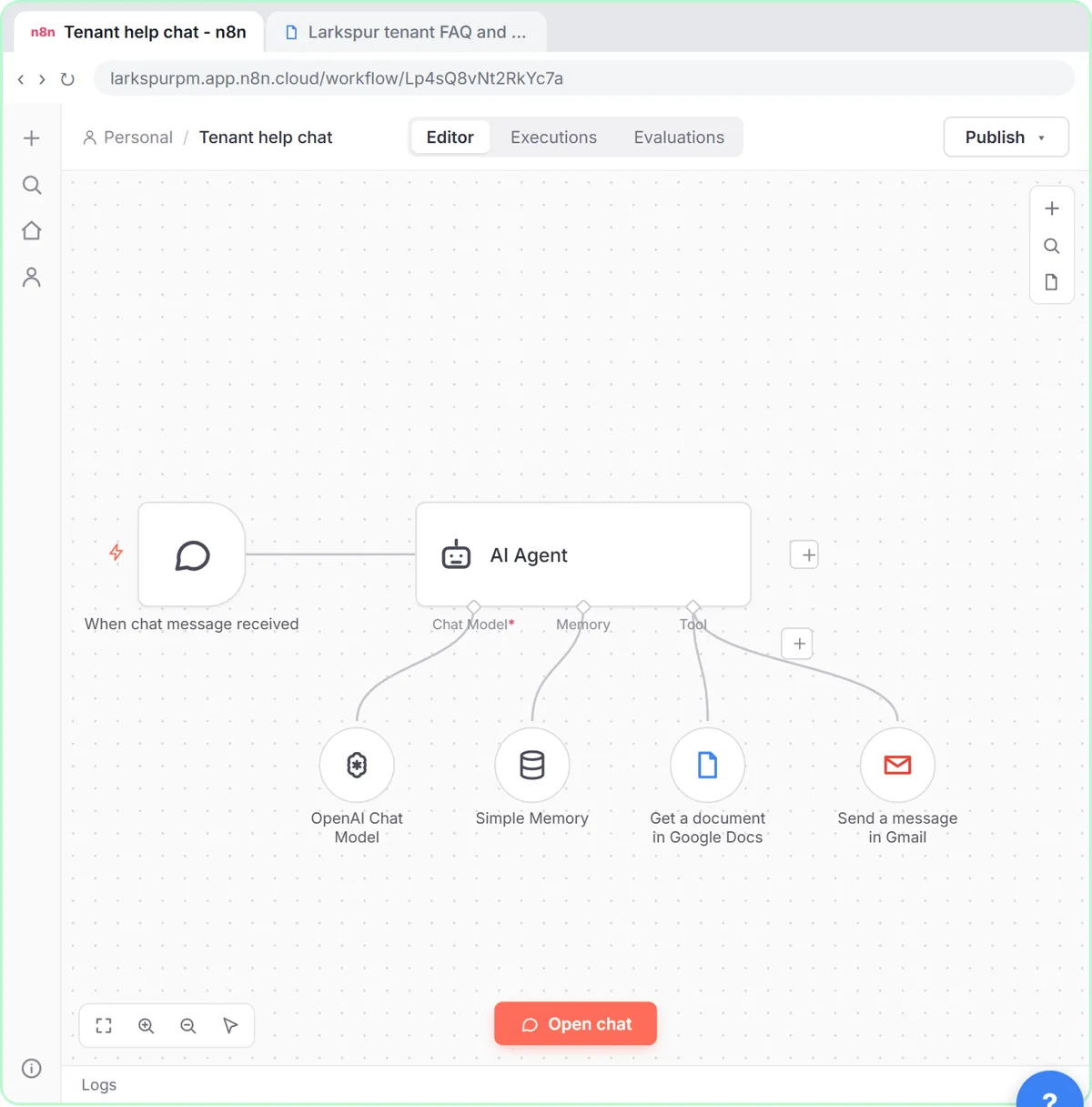
Only from your own documents, and only with rules for what it must refuse. In the support agent lesson, an n8n chat agent reads the business's policies from a Google Doc and follows four rules:
- Answer only from the policy document.
- Say so plainly when the answer isn't there, instead of guessing.
- Never give legal advice.
- Hand the conversation to a person by email when it should.
You test an answer, a refusal and a handoff before it goes live. That test matters more than the prompt: if the agent guesses on a question your policy doesn't cover, it isn't ready.
A shared knowledge base or FAQ document is the foundation. If your policies only live in people's heads, write them down first; the agent can't answer from a document that doesn't exist.
When should AI hand off to a person?
Whenever the answer would be a decision, a promise or a judgment call. Typical handoffs:
- Refunds, credits, exceptions and anything involving money.
- Complaints and upset customers.
- Legal, medical, financial or safety questions.
- Anything the documents don't cover.
- Any customer who asks for a human.
A clear human handoff is what makes customers trust the bot. Tell them who will reply and roughly when, and make sure someone actually does.
What should I measure?
Two numbers tell you whether it works: how fast customers get a first reply (first response time) and how many requests get resolved without a person (ticket deflection). Also read a sample of AI answers every week. A fast wrong answer is worse than a slow right one.
Key takeaways
- Automate support in stages: sort, draft, answer from your docs, hand off.
- Sorting and drafting keep a person on every reply and are the safest place to start.
- A customer-facing agent should answer only from your documents and say when it doesn't know.
- Hand off money, complaints, professional advice and anything not in the docs.
- Track first response time and deflection, and read real answers every week.
Frequently asked questions
- Can AI replace a support team?
Not for most small businesses. AI handles the repeat questions and the typing, and people handle decisions, exceptions and upset customers. The team gets faster, not smaller, in most setups.
- Should a support bot say it is AI?
Yes. Customers should know they are talking to AI and how to reach a person. It also sets fair expectations about what the bot can do.
- What is the difference between canned responses and AI replies?
A canned response is a fixed template a person picks. An AI reply is written fresh for each message. The canned response entry explains when each fits.
- Do I need ticketing software to automate support?
No. Many small teams start with a shared Gmail inbox, labels and drafts. Ticketing software helps once several people share the queue and you need assignments and reporting.
Where can I go next?
Read How to Sort Requests with AI: Writing Triage Rules for writing sorting rules, and AI Email Replies Without Auto-Sending: Gmail Drafts for the draft stage.