"Internal assistant" usually means a helper that knows your company's documents, tone and rules, used by staff. This guide compares the main ways to build one in late 2026 and gives a five-step plan to build and test it.
What are the options for an internal AI assistant?
| Option | What it is | Good fit |
|---|---|---|
| ChatGPT Project | A workspace with instructions and files that every chat inside it uses | Teams on ChatGPT; one client, topic or job per project |
| Claude Project | Project instructions and project knowledge for every chat inside it | Document-heavy work, such as quotes from a price sheet |
| Gemini Gem | A saved Gemini with custom instructions | Teams on Google Workspace |
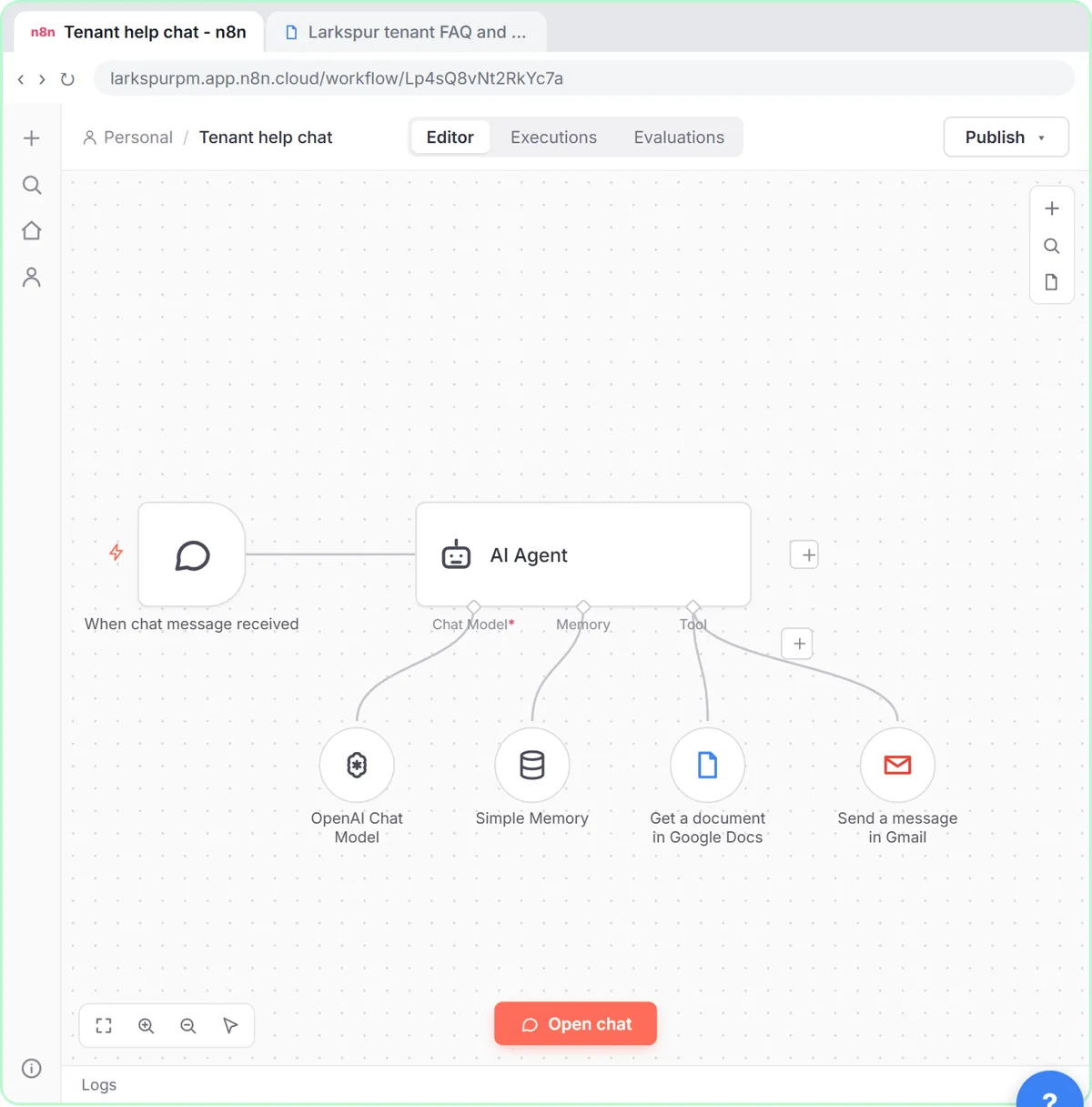
| n8n AI agent | An agent inside a workflow, with tools and data connections | Assistants that answer outside chat or act in other apps |
What about Custom GPTs? OpenAI has said it plans to retire them, with December 11, 2026 listed for affected Enterprise workspaces and other plans expected to follow. New work belongs in a Project. ChatGPT Projects vs Custom GPTs has the details, and the free GPT to Project lesson moves an existing GPT over.
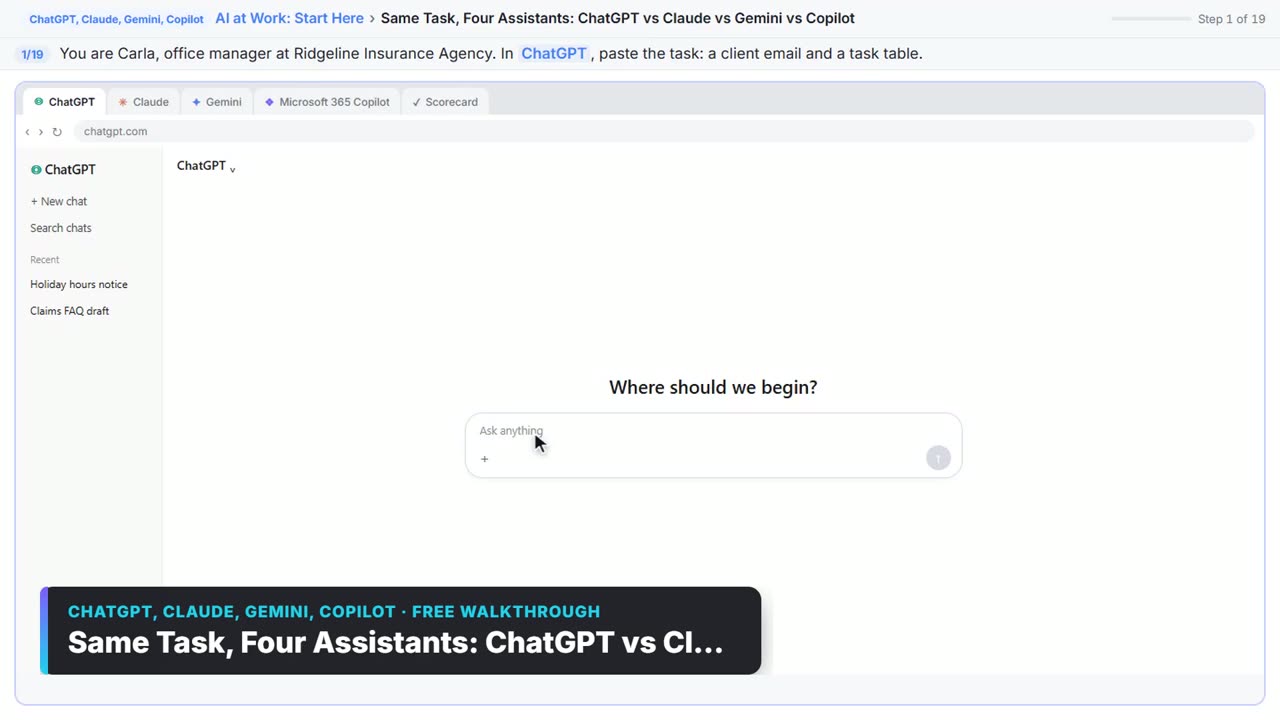
The finer differences between the chat tools are in Claude Projects vs ChatGPT Projects vs Gemini Gems.
How do I choose the right platform?
Ask three questions:
- Which AI tool does the team already use and trust? An assistant inside a familiar tool gets used; a new login often doesn't.
- Does it only need to answer, or also act? Answering from documents works in any chat tool. Updating a sheet, sending an email or reading an inbox needs an automation platform.
- Who will use it? Staff on a shared business plan can share a Project. Customers or the public need something you publish, such as the n8n chat in the free support agent lesson.
How do I build an internal assistant, step by step?
- Pick one job. "Answer questions about our expense policy" beats "help with everything."
- Write the instructions. Who it serves, what it answers, what it refuses, and the tone. Include "If the answer isn't in the documents, say so."
- Add the documents. Policies, price lists, templates. Remove anything private the job doesn't need.
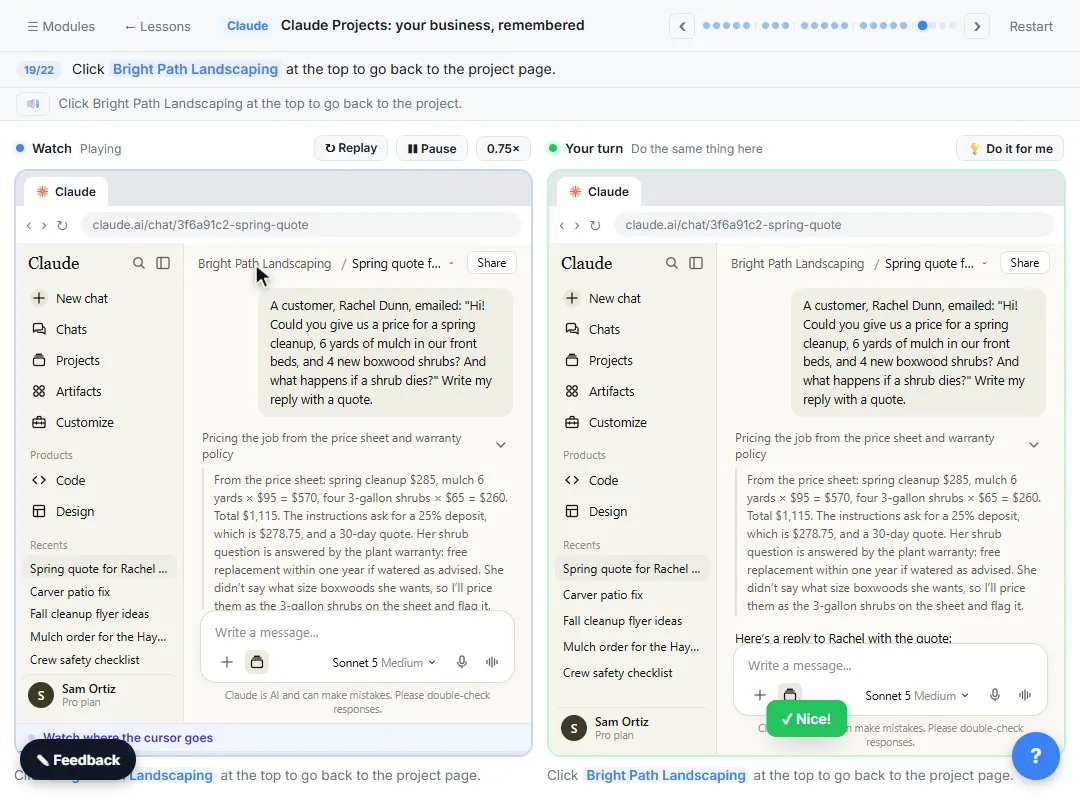
- Test it like a user. Ask a normal question, a question the documents don't answer, and one it should refuse. In the Claude Projects lesson you start a chat inside the project and check that it writes a correct customer quote without being told the prices again.
- Share and maintain it. Share it with the team, name an owner, and update the documents when policies change. Improve the instructions once and every future chat picks up the change.
Try it free, step by step
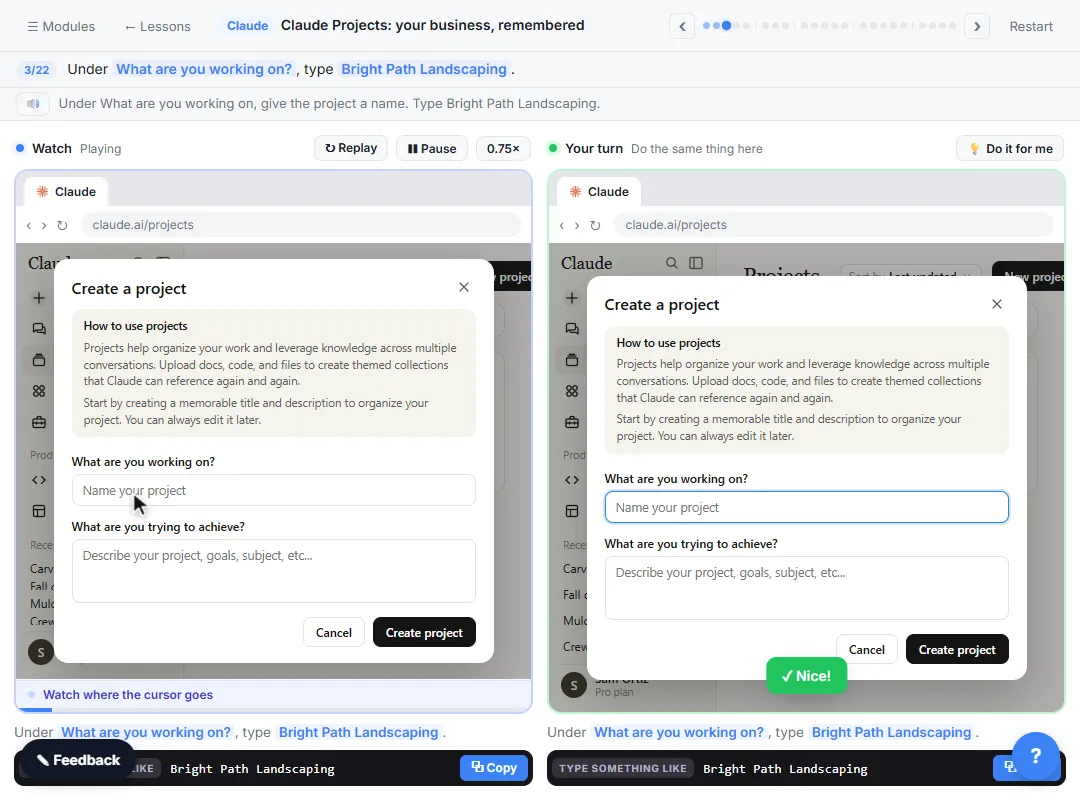
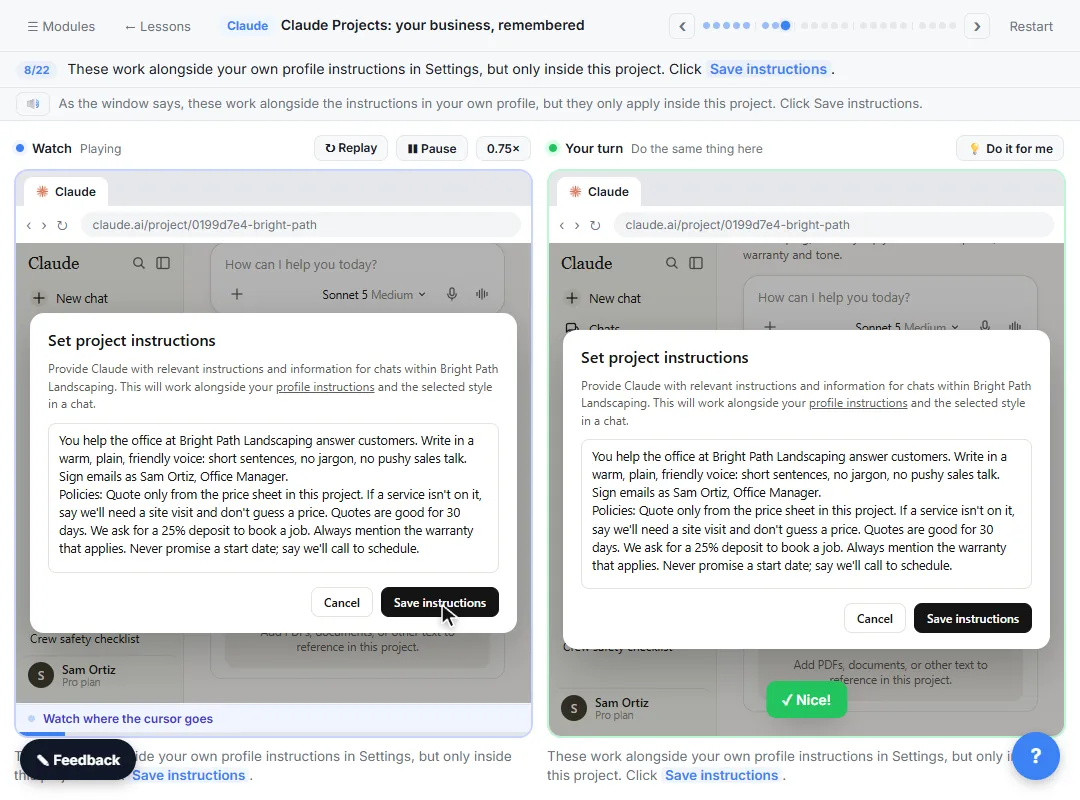
Claude Projects for Your Business: Instructions, Knowledge and Quotes. Create a project for your business, give it instructions for tone and policies, add your price sheet and warranty as project knowledge, and get a customer quote that uses all of it. You do every step yourself in a practice copy of Claude, it checks your work as you go, and “Do it for me” finishes any step you get stuck on. Free, and nothing touches your real accounts.
Start the free lessonWhen does an internal assistant need n8n or another automation tool?
When it has to work where people already are, or do something. Examples: a chat on a website or intranet that answers from a Google Doc, an agent that reads a shared inbox and drafts replies, or an assistant that looks things up in a spreadsheet. The support agent lesson builds an n8n chat agent that answers only from your policies in a Google Doc, refuses what it should and hands off to a person by email. The n8n talk to Google Sheets lesson lets people ask a spreadsheet questions in plain English.
What makes an internal assistant fail?
Usually one of four things: it tries to do too many jobs, its documents are out of date, nobody owns it, or nobody tested what it says when it doesn't know. Fix those, and the platform matters much less than people expect.
Key takeaways
- Start with the AI tool your team already uses: a ChatGPT Project, a Claude Project or a Gemini Gem.
- OpenAI plans to retire Custom GPTs, so build new ChatGPT assistants as Projects.
- Use an automation platform such as n8n when the assistant must act in other apps or answer outside chat.
- Build for one job, with clear instructions, the right documents and a "say you don't know" rule.
- Test normal, unanswerable and must-refuse questions, then name an owner and keep the documents current.
Frequently asked questions
- Is a Claude Project or a ChatGPT Project better for an internal assistant?
Both work well for answering from documents with standing instructions. Pick the one your team already uses and has approved.
- Can I share an internal assistant only with my company?
On business plans, Projects can be shared with people in your workspace rather than publicly. Check your plan's sharing options and your admin's settings.
- Do internal assistants need coding?
No for chat-based assistants. An n8n agent is built visually too, but connecting accounts and publishing take more setup.
- How do I keep an internal assistant from making things up?
Give it the documents, tell it to answer only from them and to say when it doesn't know, then test exactly that before sharing it.
Where can I go next?
Read How to Choose a Private AI Tool for Your Business before you load company documents.