"Private AI" means different things to different vendors. This guide sorts the options for small and mid-sized offices and lists the questions that separate a real answer from a marketing line.
What does "private AI" actually mean?
Usually one of three things:
- A business plan of a public assistant, such as ChatGPT Business or Enterprise, Claude for Work, Gemini in Google Workspace, or Microsoft Copilot Chat signed in with a work account. Your data is handled under business terms, typically not used to train models by default.
- An API with strict retention, where your own app sends data to a model provider under API terms, sometimes with zero data retention by agreement.
- A self-hosted model, an open-weight model running on your own servers or private cloud, so data never goes to an outside AI company.
Most offices need the first option. The second and third make sense for developers building their own tools, or for data that contract or law says can't leave your systems.
How do I decide which option I need?
Start with your data, not the tool. Sort what the AI will see into levels such as Public, Internal, Confidential and Restricted, the four-level sheet built in the free data classification lesson. Then:
| Most sensitive data the AI will see | Usual fit |
|---|---|
| Public and internal: drafts, summaries, general questions | A business plan of a mainstream assistant |
| Confidential client data, under your policy's rules | A business plan with admin controls, plus clear rules on what may be pasted |
| Restricted data, or a contract that forbids outside processing | Self-hosted or a specially agreed setup, reviewed by your IT and legal advisers |
Try it free, step by step
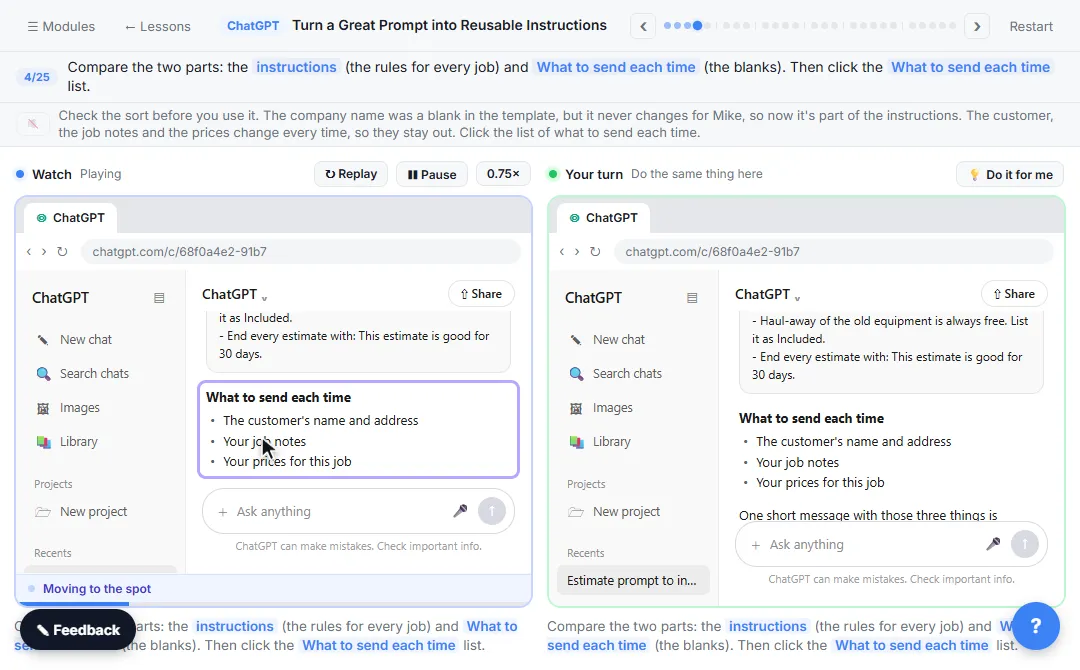
Know What Never Goes into AI: a Four-Level Data Cheat Sheet using ChatGPT. Sort office data into Public, Internal, Confidential and Restricted, take the Restricted part out by hand, then have ChatGPT redact a client email and catch the mix-up it makes. You do every step yourself in a practice copy of ChatGPT, it checks your work as you go, and “Do it for me” finishes any step you get stuck on. Free, and nothing touches your real accounts.
Start the free lessonWhat do the major business plans say about training?
Each vendor's own documentation says, as of October 2026:
- ChatGPT Business and Enterprise: OpenAI's help center says Business workspace data is excluded from model training by default.
- Claude for Work: Anthropic's privacy center says inputs and outputs from its commercial products, including Claude for Work and the API, are not used to train its models by default.
- Gemini in Google Workspace: Google's Workspace privacy hub says your content is not human reviewed or used for generative AI model training outside your domain without permission.
- Microsoft Copilot Chat with a work account: Microsoft's documentation says enterprise data protection applies and prompts and responses aren't used to train the underlying foundation models.
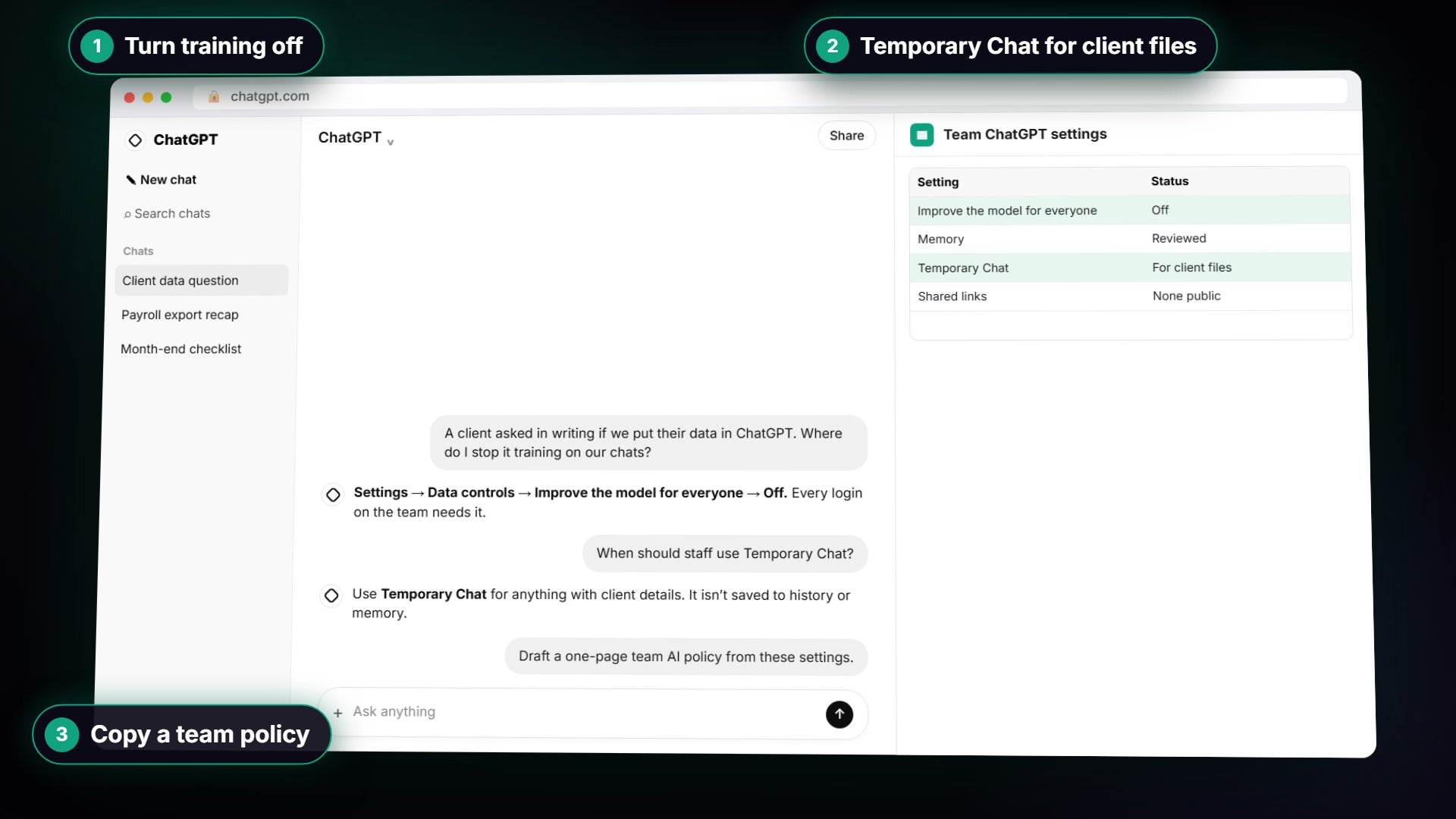
On personal plans the defaults are different. In personal ChatGPT, for example, the setting Improve the model for everyone decides whether your chats can be used for training. Vendors change terms, so read the current page before you decide.
What five questions should I ask any AI vendor?
- Training: Is our data used to train your models, by default or ever?
- Retention: How long are prompts, files and chats kept, and can we delete them?
- Access: Who at your company can see our data, and when?
- Admin controls: Can we manage users, require single sign-on, turn features off and see usage?
- Agreement: Will you sign a data processing agreement, and do you have an independent security report such as SOC 2?
If the answers are vague, or only in a sales deck, ask for the documentation. How to Check If a Company Is SOC 2 Compliant covers reading the security report.
Is a private AI tool enough to keep data safe?
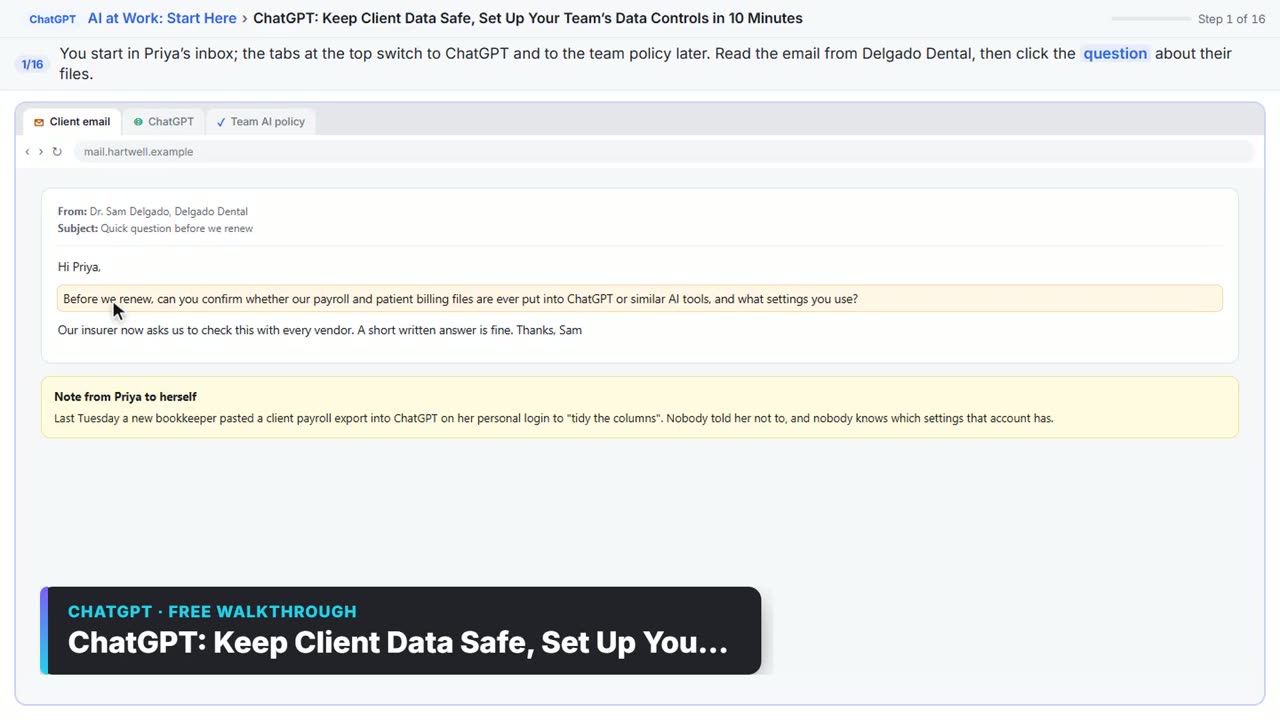
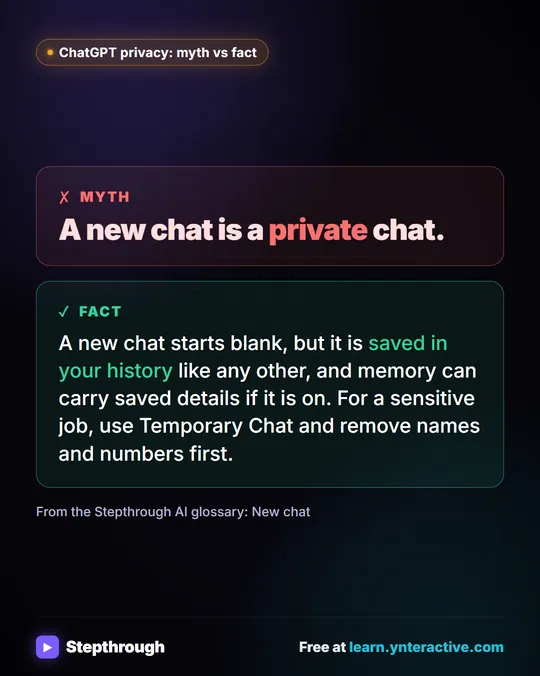
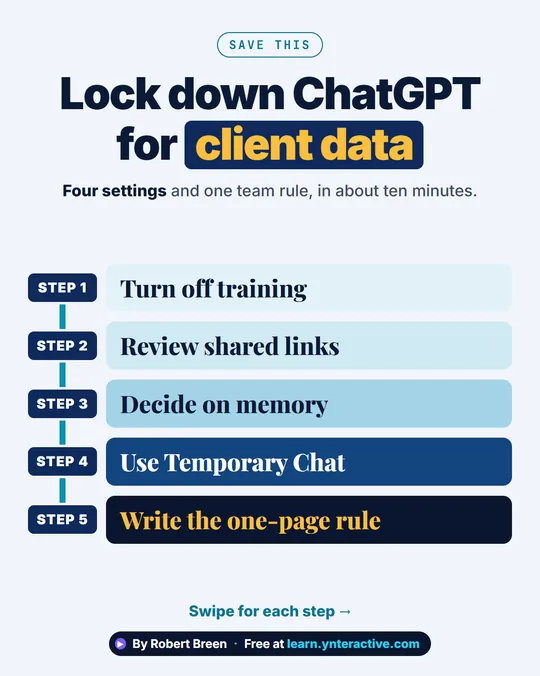
No. The plan protects data after it is pasted. Your team's habits decide what gets pasted. Put both in place: an approved tool on a work account with the right settings, and a short policy on what may go in and who checks what comes out. The data controls lesson ends with a one-page team AI policy you can copy.
Key takeaways
- "Private AI" can mean a business plan, an API with strict retention, or a self-hosted model.
- Decide based on the most sensitive data the tool will see.
- Most offices are well served by a business plan of a mainstream assistant with admin controls.
- Ask every vendor about training, retention, access, admin controls and a signed agreement.
- Pair the tool with a policy on what staff may paste and who checks the output.
Frequently asked questions
- Is ChatGPT private enough for client work?
On a business plan with your company's approval and settings, many firms use it for client work with private details left out. A personal account with default settings is a weaker choice. Follow your own policy and any client contract terms.
- What is a self-hosted AI model?
An AI model that runs on servers you control instead of a vendor's service. It keeps data in-house, but you take on setup, security, updates and cost, so it suits teams with IT support.
- Does private AI mean the vendor never sees my data?
Not necessarily. Business plans usually limit training and access, but the vendor still processes your data to answer you. Read the retention and access terms to know exactly what happens.
- Do I need a data processing agreement?
If you handle personal data for clients or work under privacy laws, a data processing agreement with the vendor is usually expected. Ask your legal adviser what your contracts require.
Where can I go next?
Read Is It Safe to Paste Client Data into ChatGPT? and How to Stop ChatGPT Training on Your Chats.