Myth: A New ChatGPT Chat Is a Private Chat
Myth vs fact: a new ChatGPT chat is saved like any other and memory can carry details. For a sensitive job, use Temporary Chat and remove names first.
The guide in text
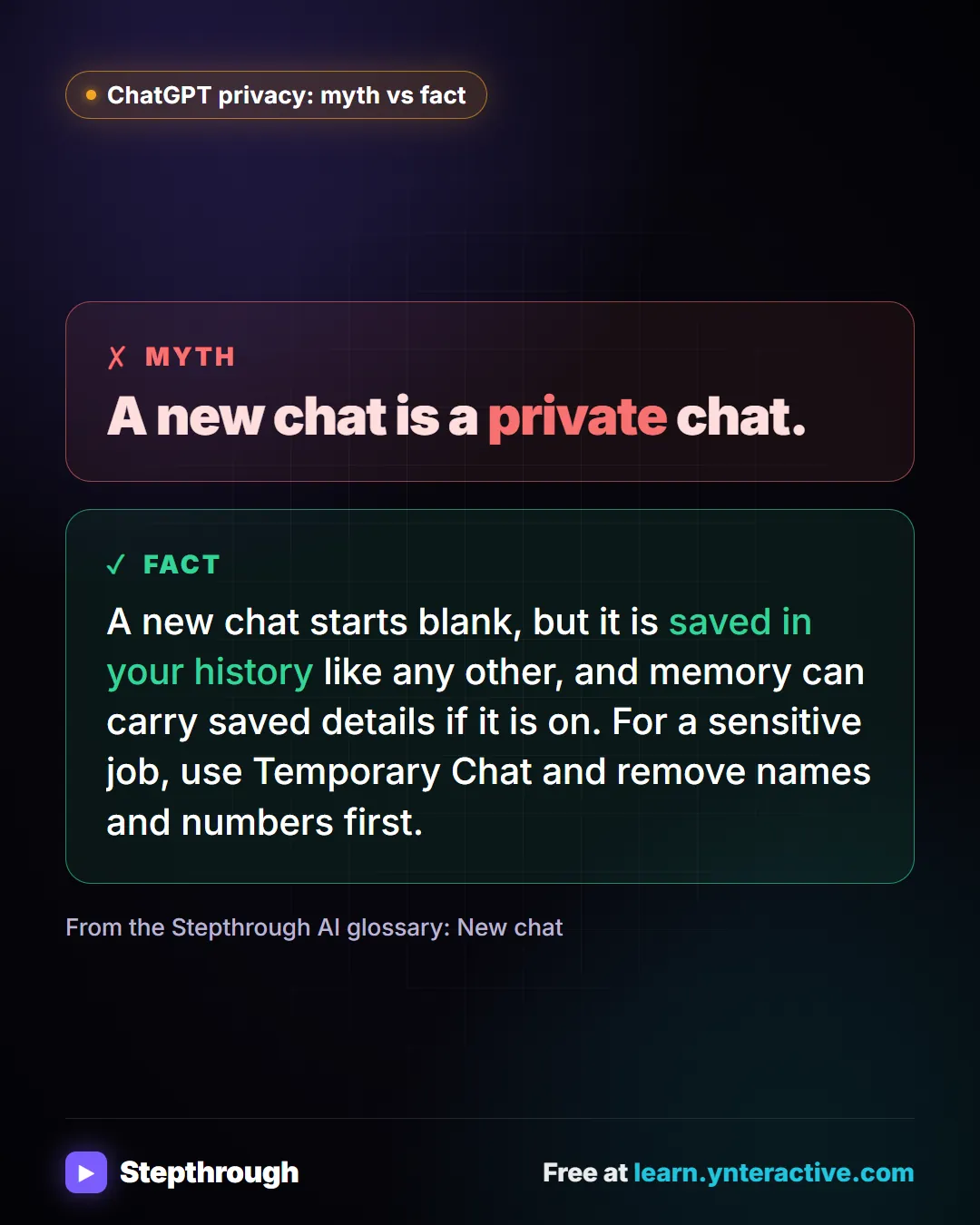
The myth
A new chat is a private chat.
The fact
A new chat starts blank, but it is saved in your history like any other, and memory can carry saved details if it is on. For a sensitive job, use Temporary Chat and remove names and numbers first.
From the Stepthrough AI glossary: New chat
The full definition: What does starting a new chat mean in ChatGPT? in the AI glossary, with an example from a free lesson, common confusions and tips.
Businesses and people in the examples are made up. The steps, screens and wording come from the free lesson and the Stepthrough glossary and prompt library.
Do it yourself, free
ChatGPT: Keep Client Data Safe, Set Up Your Team's Data Controls in 10 Minutes. A client asks if their files go into ChatGPT. Answer with confidence: set the data controls, memory, Temporary Chat and shared links, then hand your team a one-page AI policy. You do every step yourself in a practice copy of ChatGPT, it checks your work as you go, and “Do it for me” finishes any step you get stuck on. Free, and nothing touches your real accounts.
Start the free lessonRelated terms
Plain-English definitions, each with an example from a free lesson.
From the blog
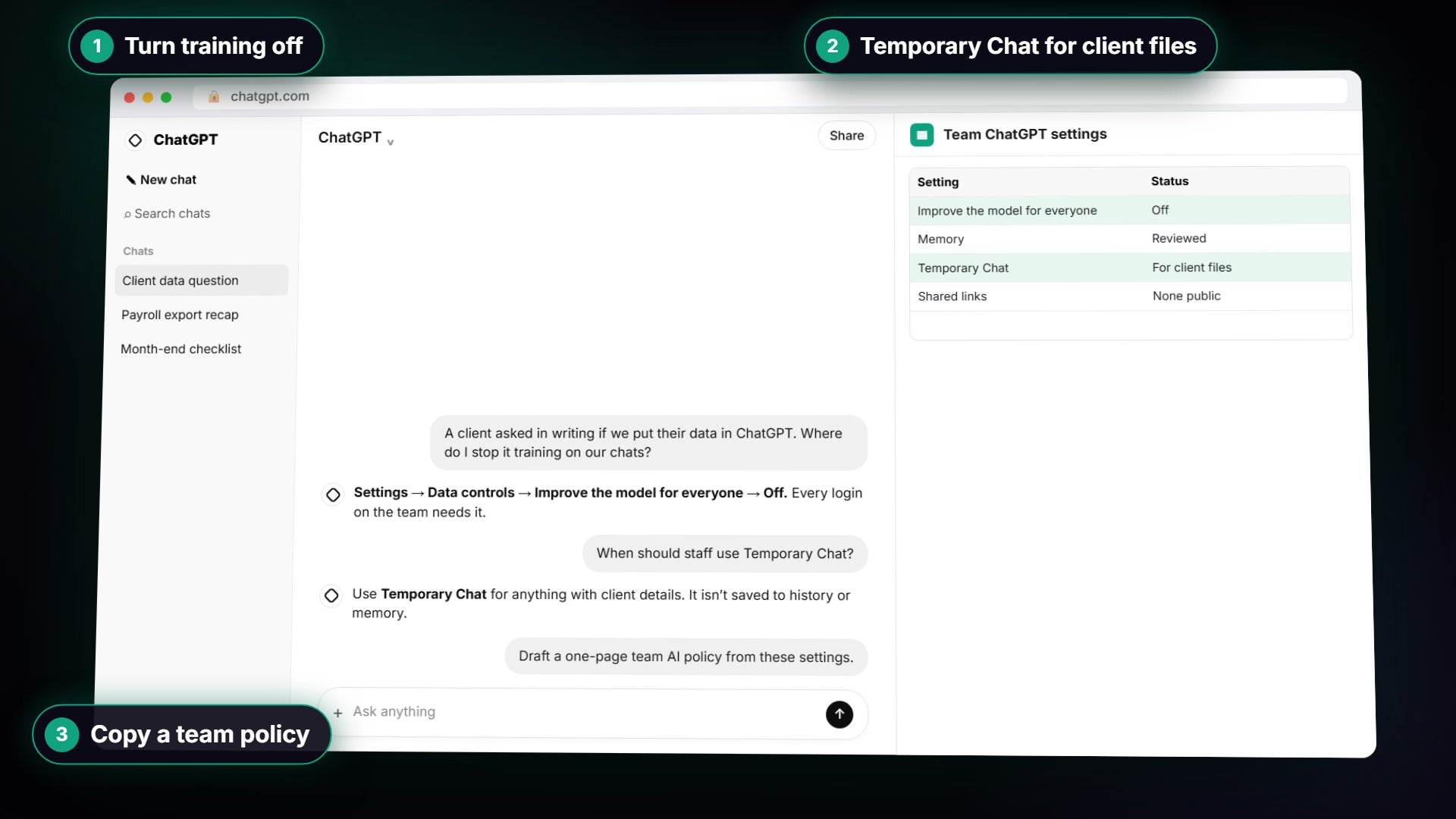 ChatGPT Data Controls: Which Settings to Change for Work
ChatGPT data controls for an office: training, memory, shared links, export and Temporary Chat. What each does, which to change, and what to write down.
Oct 16, 2026 5 min read
 ChatGPT Shared Project vs Shared Chat Link: Which to Use
A shared chat link shows one conversation; a shared project gives people your chats, files and instructions. See what each reveals before you send it.
Oct 16, 2026 4 min read
Team AI Policy: What Staff Can Paste Into ChatGPTA one-page team AI policy for a small firm: which account to use, which settings to switch off, and what staff must never paste into ChatGPT.
Oct 12, 2026 5 min read
More visual guides
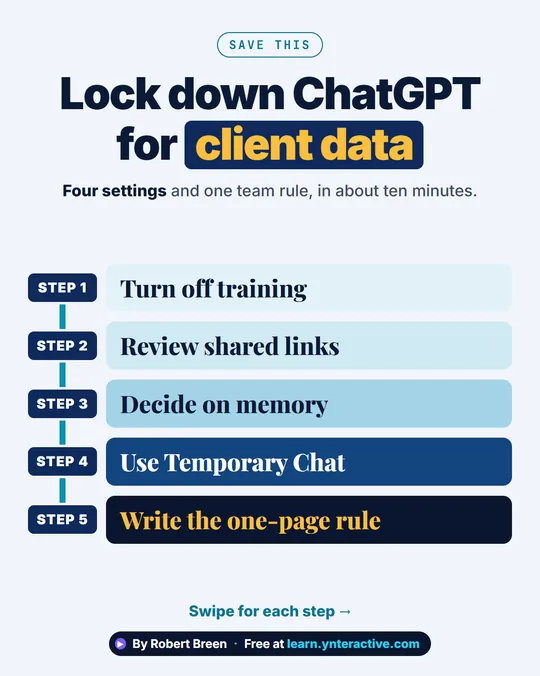 ChatGPT Data Controls for Client Data in 5 Steps
A step-ladder guide: turn off training, review shared links, decide on memory, use Temporary Chat and write the one-page rule, in 5 steps.
Step-by-step guide 7 slides
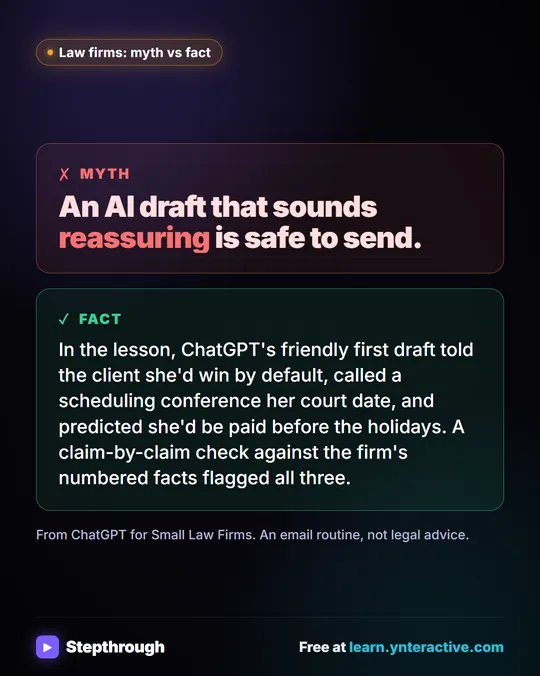 Reply to case update emails with ChatGPT, safely
"Did they respond? When is our court date? Are we going to win?"
Myth vs fact One graphic
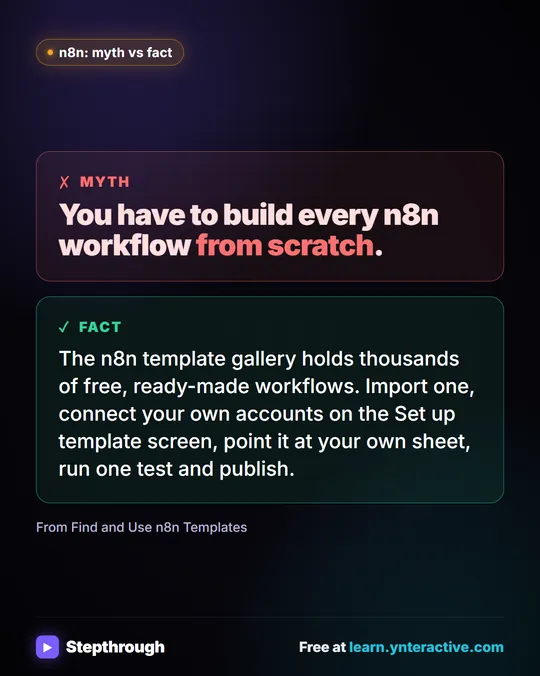 How to use n8n templates without the red warnings
Most people copy an n8n template, see a canvas full of red warnings and give up. The warnings just mean the template can't know your accounts or your data.
Myth vs fact One graphic