What is a chat export in ChatGPT?
Quick answer
A chat export is a file of your chat history that ChatGPT sends you on request. In Data controls, Export data emails you the file. Teams use it to keep a record before they delete chats, so cleaning up client data does not also erase the evidence of what happened.
Last updated
Take the free module →Module 3 of the free AI at Work: Start Here course, about 10 minutes. No account needed.
Updated · By Robert Breen
Why it matters for a small business
Deleting is permanent, and records matter. If someone pasted a client file into a chat, you may need to show what was shared, when and by whom, to a client or an insurer. An export is the safe way to keep that record, and it should come before any bulk delete.
The export is itself a file full of conversations, so treat it like the data it contains. Store it where only the policy owner can open it, and delete it when the review is finished. Pair it with data retention rules and the steps in AI incident response.
Export, delete or archive?
| If you want to | Use | Note |
|---|---|---|
| Keep a record before cleanup | Export data | ChatGPT emails you a file |
| Remove a chat that held client details | Delete the chat | Clear the saved memory too |
| Tidy a chat you will keep | Archive | Deletes nothing |
| Wipe an account | Delete all chats | Only with a reason, and export first |
Based on the free data controls lesson. Menu names change, so confirm in your own account.
In a real lesson: ChatGPT: Keep Client Data Safe, Set Up Your Team's Data Controls in 10 Minutes
In the free ChatGPT data controls lesson, Priya, the office manager at Hartwell Bookkeeping (a made-up firm), finds two buttons near the bottom of Data controls: Export data and Delete all chats. The firm's rule is to export first if a record might be needed, and never to use delete all without a reason.
The lesson's practice copy only shows a hint when Priya clicks Export. In a real account, ChatGPT emails the file. The lesson ends with a one-page team policy that includes the line export before you delete.
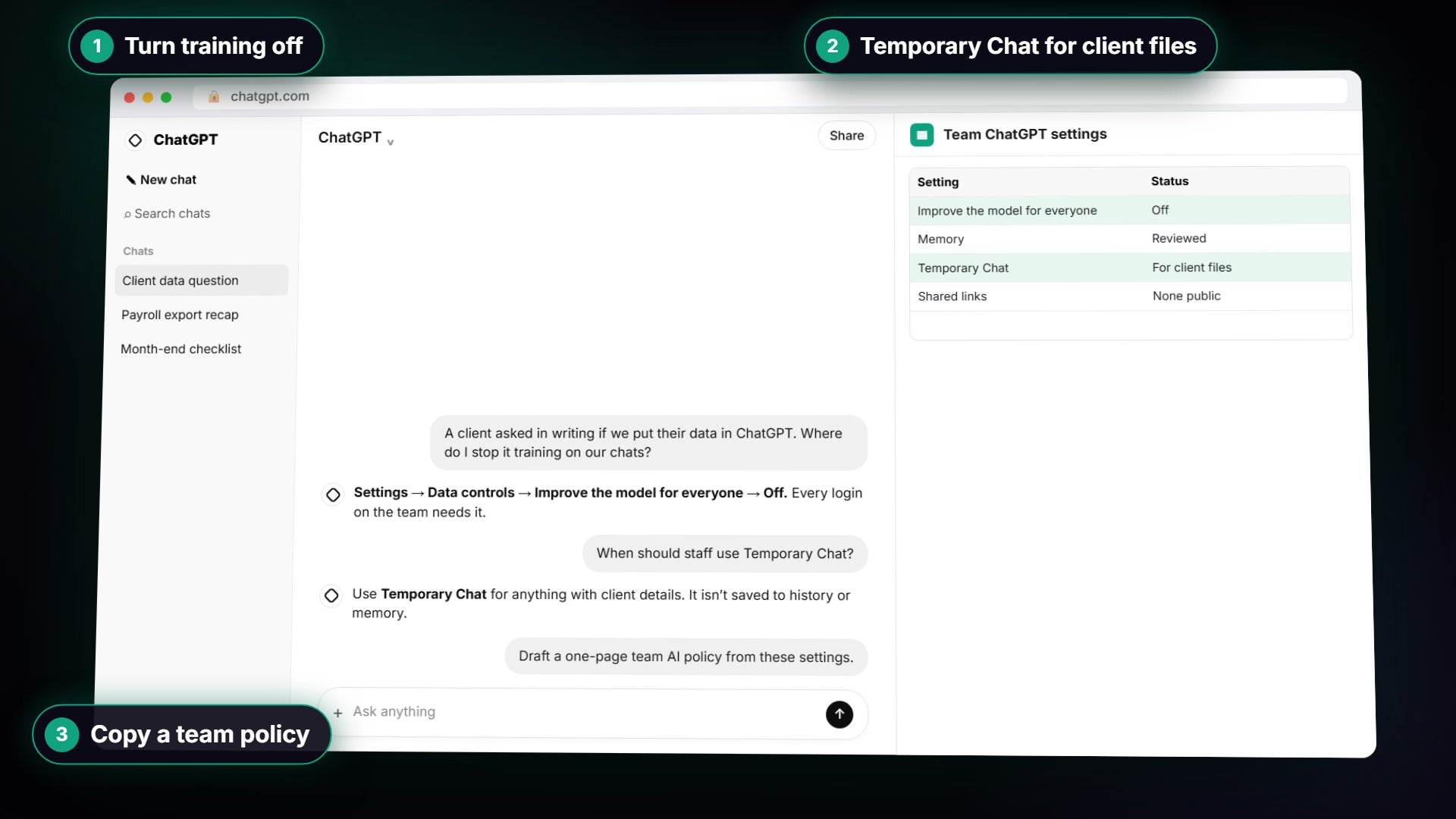
Try this lesson free or read the step-by-step guide.
Common confusions
Chat export vs a shared link
An export is a file for you. A shared link lets anyone with the address read one chat. Delete links you no longer need.
Chat export vs backup
An export gives you a copy of your history at one moment. It is not a live backup, and it holds sensitive text, so protect it.
Tips
- Export before you delete, not after.
- Store the file with restricted access and set a date to remove it.
- Write the export step into your team's AI policy.
Related terms
More AI assistants terms
Where you use it: free lessons
- ChatGPT: Keep Client Data Safe, Set Up Your Team's Data Controls in 10 Minutes (ChatGPT, 10 min)
- Someone Pasted Client Data into AI: Contain It in One Hour using ChatGPT (ChatGPT, 9 min)
Frequently asked questions
- Where is Export data in ChatGPT?
- In Settings, under Data controls, as the lesson shows. Names can change, so look for Export data.
- Does exporting delete my chats?
- No. It only creates a copy. Deleting is a separate action.
- Who should handle exports?
- The person who manages your approved account, usually the policy owner. Keep the file private.