This guide is for analysts, operations staff and developers who use ChatGPT for SQL, spreadsheet formulas, scripts and small automations. The idea came from Ted at Nook, who pointed out that people who write code repeat the same rules more than anyone, and wrote a free guide to ChatGPT custom instructions for coding. Settings details below were checked against OpenAI's Help Center in October 2026. Menus change by plan, so check your own Settings.
Why do people who write code need custom instructions most?
Because coding requests come with the same rules every time. Which language, which style, whether to rewrite the whole file or show one function, whether to explain basics you already know. Without standing rules, you type them again in every chat, or you get a 200-line answer when you wanted three changed lines.
Custom instructions are guidance you write once. OpenAI says they apply to all chats and are available on all plans, on the web, desktop, iOS and Android.
Where do I put ChatGPT custom instructions?
On the web or desktop app, open Settings, choose Personalization, make sure Enable customization is on, and type in the Custom Instructions field. On iOS and Android the menu is called Customize ChatGPT.
The size limit depends on your plan: up to 1,500 characters on Free and Go, and up to 5,000 on Plus, Pro, Business, Enterprise and Education. Eight one-line rules fit easily in either.
What are good custom instructions for coding?
Here are eight rules, one line each. Change the details to match your work, and delete any you don't need.
- Language. "Unless I say otherwise, I write SQL for PostgreSQL and Python 3."
- Code first. "Show the code first, then explain it in three sentences or fewer."
- Only what changed. "When I paste code and ask for a fix, show only the lines you changed, with a comment above each one. Give the whole file only if I ask."
- Errors. "When I paste an error, tell me the most likely cause in one sentence before the fix."
- Style. "Follow the style already in my code: names, indentation and quotes."
- Level. "I know the basics. Skip explaining loops and joins, and explain anything unusual."
- Ask first. "If my request could mean two things, ask one short question before writing code."
- No invented APIs. "If you aren't sure a function or setting exists, say so instead of guessing."
The last one matters most at work. A made-up function name wastes more time than a slow answer.
What does a combined example look like?
Here is one block for an operations analyst who writes Google Sheets formulas and small Apps Script automations. It is about 600 characters, well inside the Free limit:
I'm an operations analyst. I write Google Sheets formulas and small Google Apps Script automations.
Show the formula or code first, then explain it in three sentences or fewer.
When I paste code and ask for a fix, show only the changed lines, with a comment above each.
When I paste an error, give the likely cause in one sentence before the fix.
Assume I know basic formulas; explain anything unusual.
If my request could mean two things, ask one short question first.
If you aren't sure a function exists, say so instead of guessing.
Never put real customer data in examples; use made-up names.
Should coding rules go in custom instructions or a Project?
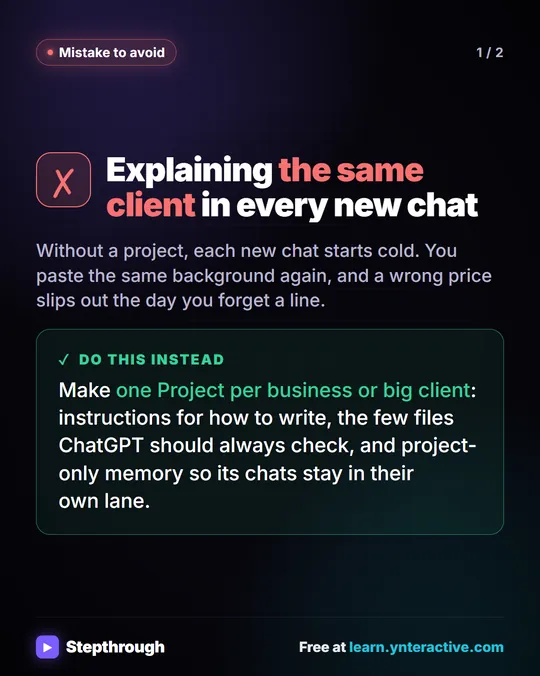
Put rules about you in custom instructions and rules about one codebase or one job in a Project. OpenAI says project instructions apply only within that project and override your global custom instructions. So "I write Python 3" goes in custom instructions, and "this report script uses the finance team's column names" goes in the Project.
The custom instructions vs project instructions guide covers where each rule goes, and the free ChatGPT Projects lesson sets one up in a practice copy.
Isn't ChatGPT memory enough?
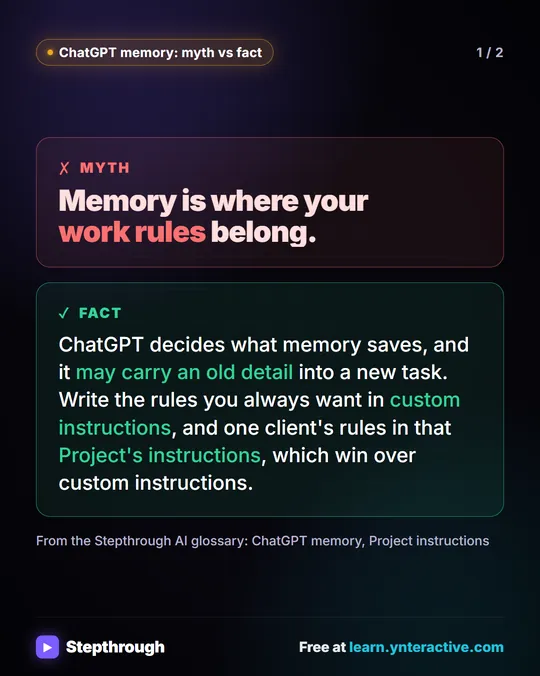
No. Memory is what ChatGPT decides to keep from your chats, and what it holds can change. Custom instructions are the exact text you wrote, every time. For rules you always want, such as "only show what changed," write them down. The memory vs custom instructions guide explains the difference in detail.
How do I keep custom instructions short and working?
- One rule per line, written as an instruction, not a wish.
- Start with three or four rules, use them for a week, then add the ones you still catch yourself typing.
- Test a rule by asking the same question in a new chat before and after.
- Remove rules that fight each other, such as "be brief" and "explain everything."
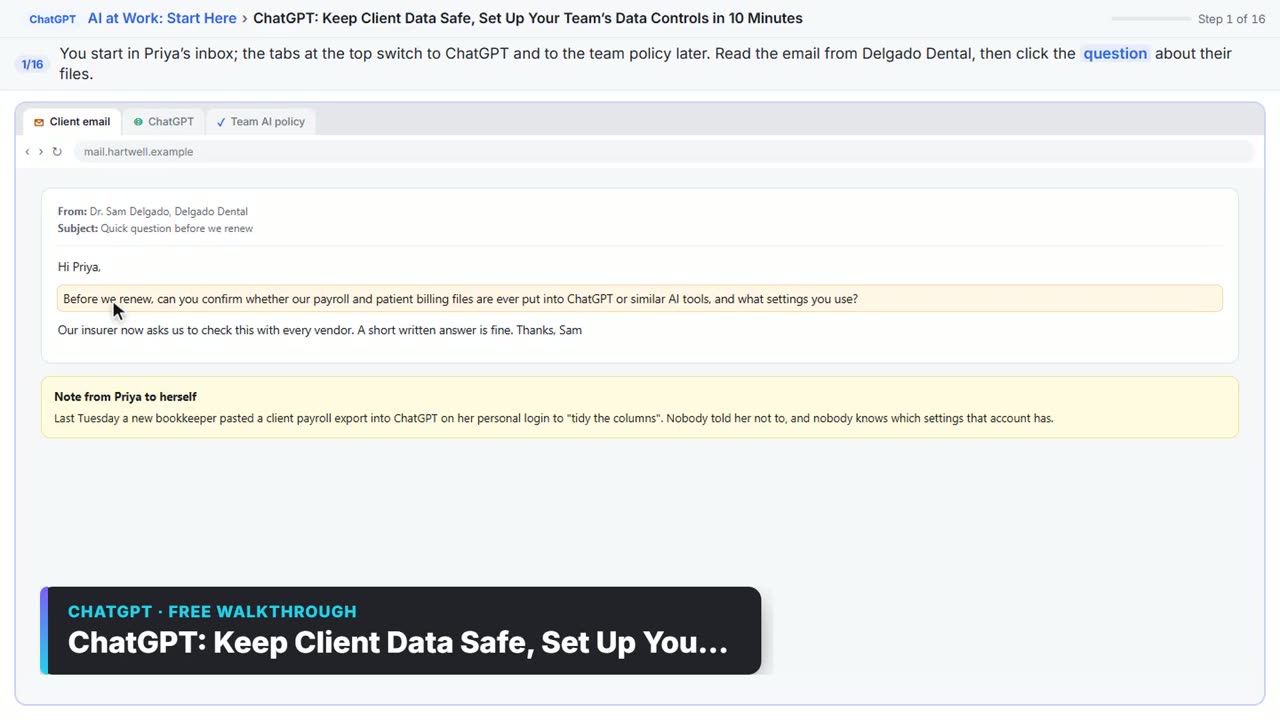
- Keep secrets out. Never put passwords, API keys or client data in custom instructions. The free ChatGPT data controls lesson shows the settings that decide what OpenAI can use.
Try it free, step by step
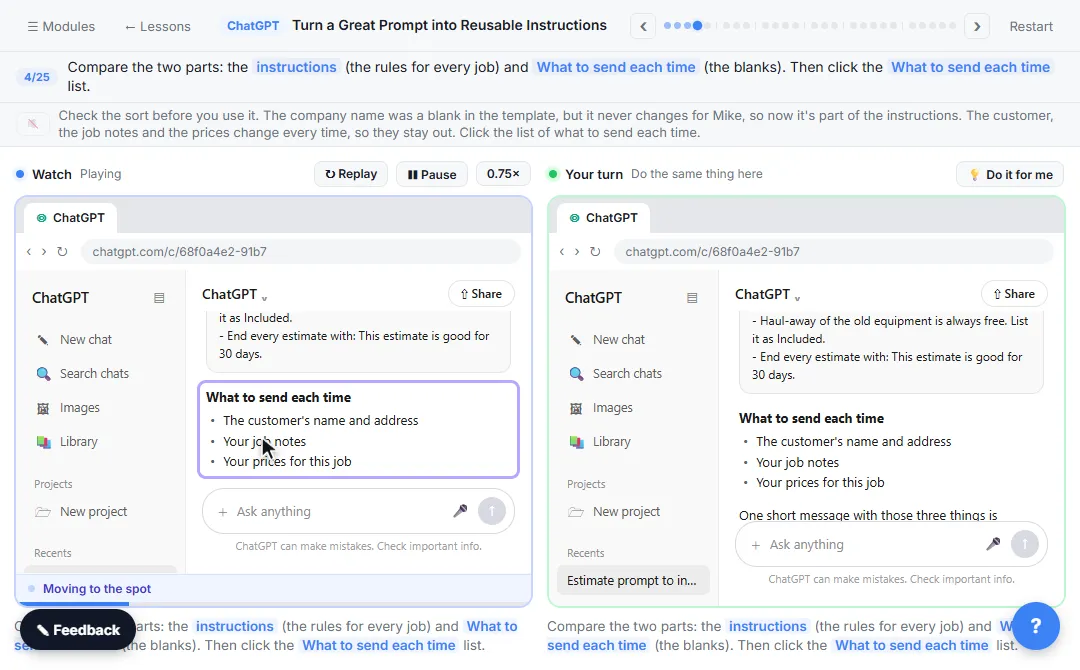
Turn a Great Prompt into Reusable Instructions. Take a prompt you paste every week, sort it into permanent rules and fill-in blanks, put the rules in a ChatGPT Project, and test it with a one-line request. You do every step yourself in a practice copy of ChatGPT, it checks your work as you go, and “Do it for me” finishes any step you get stuck on. Free, and nothing touches your real accounts.
Start the free lessonKey takeaways
- People who write code repeat the same rules most, so custom instructions pay off fastest for them.
- They live under Settings, then Personalization, then Custom Instructions on the web and desktop app.
- The limit is 1,500 characters on Free and Go and 5,000 on paid plans.
- "Show only what changed" and "say what you're not sure exists" save the most time.
- Rules for one codebase or client go in a Project, which overrides custom instructions inside it.
Frequently asked questions
- Do custom instructions apply to every ChatGPT chat?
OpenAI says custom instructions are applied to all chats. Inside a Project, the project's own instructions apply only within that project and take priority.
- How many characters can ChatGPT custom instructions be?
Up to 1,500 characters on Free and Go plans, and up to 5,000 on Plus, Pro, Business, Enterprise and Education, as listed in OpenAI's Help Center in October 2026.
- Can I have different coding rules for different projects?
Yes. Keep your general rules in custom instructions and put project-specific rules, such as a table's column names or a script's purpose, in that Project's instructions.
- Should I put my API key in custom instructions so ChatGPT can use it?
No. Never put passwords, API keys or client data in custom instructions or chats. Use placeholders like YOUR_API_KEY and add the real value in your own code.
- Where can I find more coding examples?
Nook's free guide, Best ChatGPT custom instructions for coding, has more copy-and-paste rules and a combined example.