What is a human handoff in AI chat?
Quick answer
A human handoff is the moment an AI chat assistant stops answering and passes the conversation to a person on your team. A good handoff carries the customer's name, contact details and question with it, so the person picks up where the AI left off instead of starting over.
Last updated
Take the free module →Module 33 of the free AI Apps Worth Knowing course, about 14 minutes. No account needed.
Updated · By Robert Breen
Why it matters for a small business
An AI assistant that cannot let go is worse than no assistant. A client with a billing dispute or an unusual question who gets stuck in a loop of polite non-answers leaves angrier than if they had simply emailed. For a firm that lives on referrals, one bad loop can cost more than the hours the AI saved all month.
The handoff is also where most of the value is kept. If the AI collects the name, email and the issue before passing it on, the person who picks it up saves a round of back-and-forth and can reply once, properly. The cheapest version is a line with your email and phone number. Stronger versions open a ticket in your helpdesk or let a person join the live chat.
Three levels of handoff
| Level | What the customer gets | What your team gets |
|---|---|---|
| Contact line | An email address and phone number | A fresh message, with no chat history |
| Ticket | A promise someone will follow up | A ticket with name, email and the issue |
| Live takeover | A person joins the same chat | The full conversation on screen |
In a real lesson: Chatbase: Answer Customer FAQs with an AI Agent
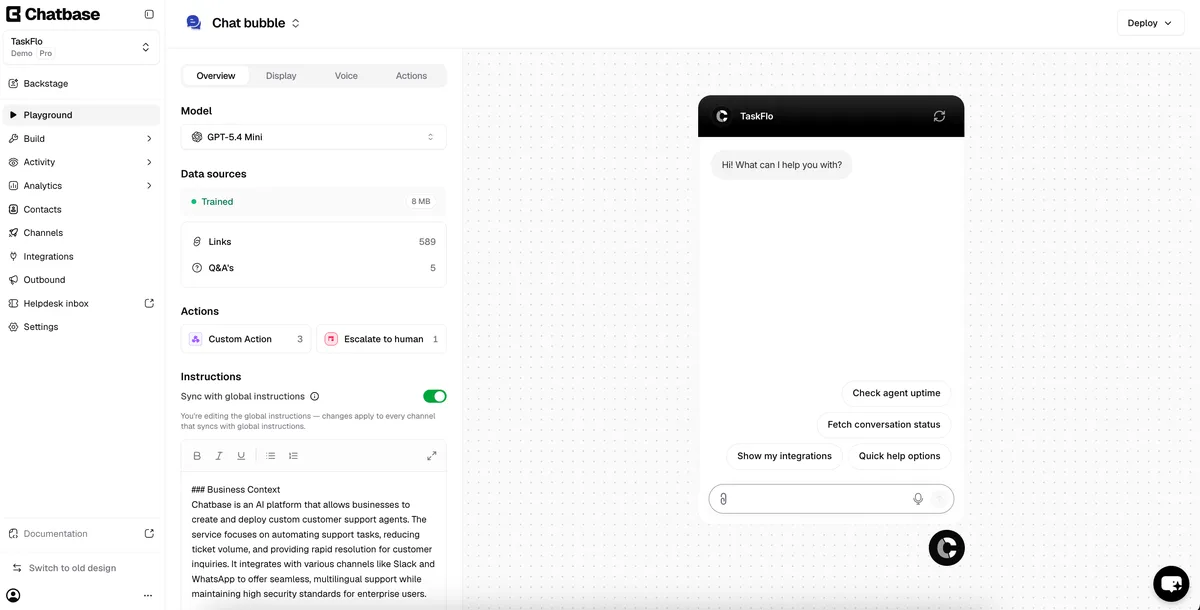
In the Chatbase FAQ agent lesson, Juniper Lane Bookkeeping (made up) starts with the simplest handoff: a fallback answer in Guardrails that gives the firm's email and phone number. In the Playground, the demo agent's Actions list shows Escalate to human.
You then go to Build, Actions, Create action and find Create ticket under Escalations. Its default When to use says to create a ticket when the user asks for a human, or asks something the agent does not know, after confirming. It only works with a helpdesk you have already set up, such as the Chatbase Helpdesk or Zendesk. In the chat logs, a customer asks for a person and the agent asks for their name, email and issue before creating the ticket. In the tawk.to lesson, the live version is Join Chat: the AI leaves when you take over.
Try this lesson free or read the step-by-step guide.
Common confusions
Human handoff vs escalation
Escalation rules decide which conversations must go to a person. The handoff is the transfer itself: how the conversation and its details actually reach someone.
Human handoff vs human in the loop
Human in the loop means a person checks AI work as routine. A handoff happens only when a conversation needs a person.
Tips
- Have the AI collect a name, email and one-line summary before it hands off.
- Test the handoff by asking for a person in the preview chat, then check where the request landed.
- Tell the customer when to expect a reply, and keep that promise.
Related terms
More AI agents terms
Where you use it: free lessons
- Chatbase: Answer Customer FAQs with an AI Agent (Chatbase, 14 min)
- tawk.to: Answer Website Questions After Hours (tawk.to, 14 min)
- A Support Agent That Answers from Your Own Docs (n8n, 13 min)
AI tools that use it
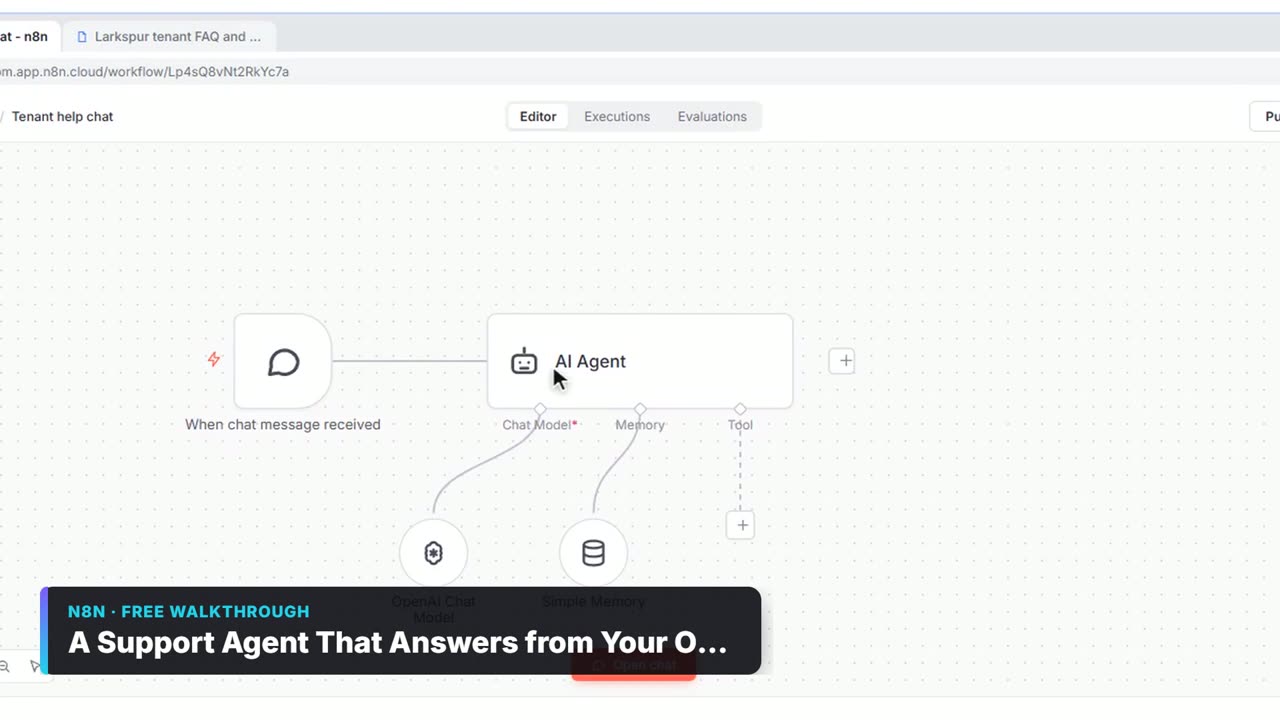
Watch it in a free lesson: A Support Agent That Answers from Your Own Docs
 2:23
2:23A Support Agent That Answers from Your Own Docs: video walkthrough
Turn an n8n chat agent into a support agent that answers only from your policies in a Google Doc, refuses what it should, and hands off to a person by email. The whole lesson narrated step by step, recorded in Stepthrough’s simulated practice environment.
Frequently asked questions
- Can an AI chatbot transfer a chat to a person?
- Many can. Chatbase has an Escalations action that creates a ticket in a helpdesk you have set up, and tawk.to lets a person click Join Chat to take over from AI Assist.
- Is a human handoff included on free plans?
- It depends on the tool. tawk.to's AI Assist plan list put escalations to human agents in its paid Growth plan when we checked in October 2026.
- What should happen after hours?
- Collect the details and promise a reply time, such as the next business morning. A handoff to a person who is not there should never look instant.