What is a support ticket?
Quick answer
A support ticket is a single customer request or problem that is logged and tracked until it is solved. Each ticket has the customer's message, a status such as open or closed, an owner and a history of every reply, so nothing gets lost between people or shifts.
Last updated
Updated · By Robert Breen
Why it matters for a small business
When questions arrive by email, phone and web form, it is easy for one to slip through. Turning each request into a ticket gives it a place in a queue, a person responsible and a record. A manager can see how many are waiting, which ones are old and which customers keep coming back with the same issue.
Tickets also teach you what to fix. If the same question shows up every week, that is a sign to update your website, write a help article or change a process. Many small teams start with a shared inbox and labels. Dedicated help desk software adds features like assignment rules and response targets, so check the vendor's page for what each tool includes.
In a real lesson: AI Email Responder: Draft Gmail Replies Automatically with n8n
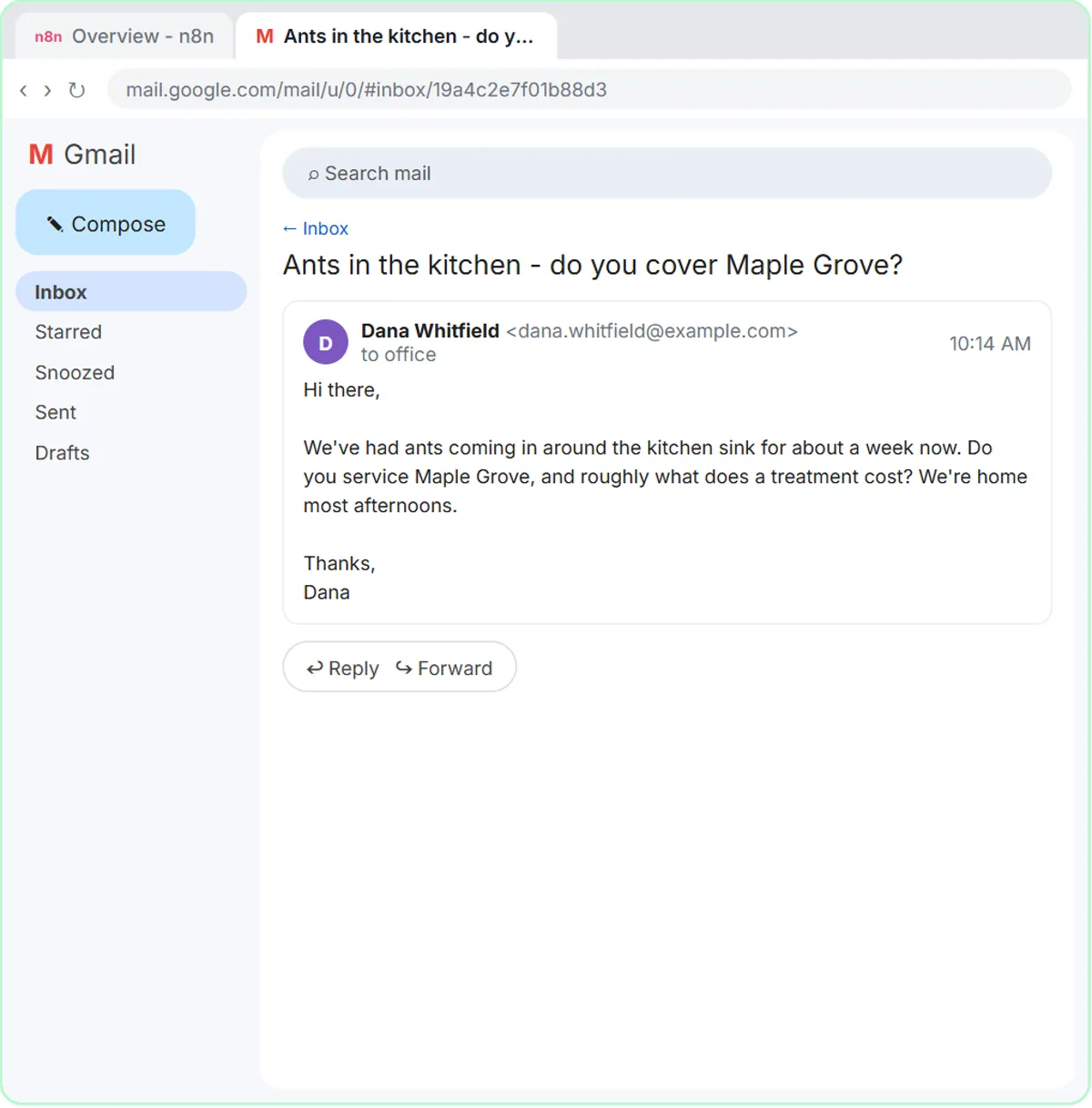
The AI Email Responder lesson works with what is really a ticket in all but name. A customer named Dana writes to Greenline Pest Control, a made-up company, with the subject "Ants in the kitchen - do you cover Maple Grove?" In n8n her email arrives as fields: From, Subject, a snippet and a threadId that keeps every reply in one conversation.
The agent writes a draft reply, never sends it, and follows a rule in its instructions: "If you don't know something, say someone from the team will follow up." That rule is how a good support process handles questions the AI should not answer alone.
The Reply Faster: Customer Emails lesson shows an older ticket gone wrong. A Cedar Lane Bakery customer, also made up, finds the wrong pickup day and an allergy question nobody answered. Neither lesson uses help desk software, but both show why every request needs an owner. The knowledge base article prompt turns solved questions into reusable answers.
Try this lesson free or read the step-by-step guide.
Common confusions
Support ticket vs email thread
An email thread is just the messages. A ticket adds a status, an owner and often a category and priority. Some teams treat a labeled thread in a shared inbox as a simple ticket.
Ticket vs escalation
A ticket is the request itself. An escalation is moving that ticket to someone with more authority or skill when the first person cannot resolve it.
Tips
- Give every ticket one owner, even if several people help.
- Tag tickets by topic so you can spot repeat questions. The ticket categorization prompt can suggest a starting set of tags.
- Let AI draft replies, and have a person review anything about money, safety or health.
Related terms
More Business terms
Where you use it: free lessons
- AI Email Responder: Draft Gmail Replies Automatically with n8n (n8n, 12 min)
- Reply Faster: Turn a Messy Customer Email Thread into a Clear, Friendly Reply (ChatGPT, 9 min)
Prompt templates that use it
Frequently asked questions
- Does a small team need ticketing software?
- Not always. A shared inbox with labels for open, waiting and done works for low volume. Software helps once several people answer requests or you need response targets.
- Can AI close support tickets on its own?
- It can draft answers and sort tickets by topic. Letting it send replies or close tickets without review is risky, because a wrong answer reaches the customer directly.